 COMEDY NIGHT UPDATE
This is one of our biggest Comedy Night updates yet, with new social features, throwable items, improved character animations, expanded room customization, better chat, mobile improvements, and plenty more.
MAJOR NEW FEATURES
Throw Items
Players can now throw items during shows, adding a whole new level of interaction between the crowd and performers.
Social: Followers & Following
You can now view who you follow, who follows you, and when they were last online. You can also follow them back or unfollow them directly from this screen.
Individual Player Volume Controls
Adjust the volume of individual players independently, giving you much more control over who you hear and how loudly.
Monthly Tournament Winners
You can now view all previous monthly tournament winners.
Tournament Floating Trophies
Last month's tournament trophies are now displayed on the winners' tables, giving winners a more visible way to show off their achievements.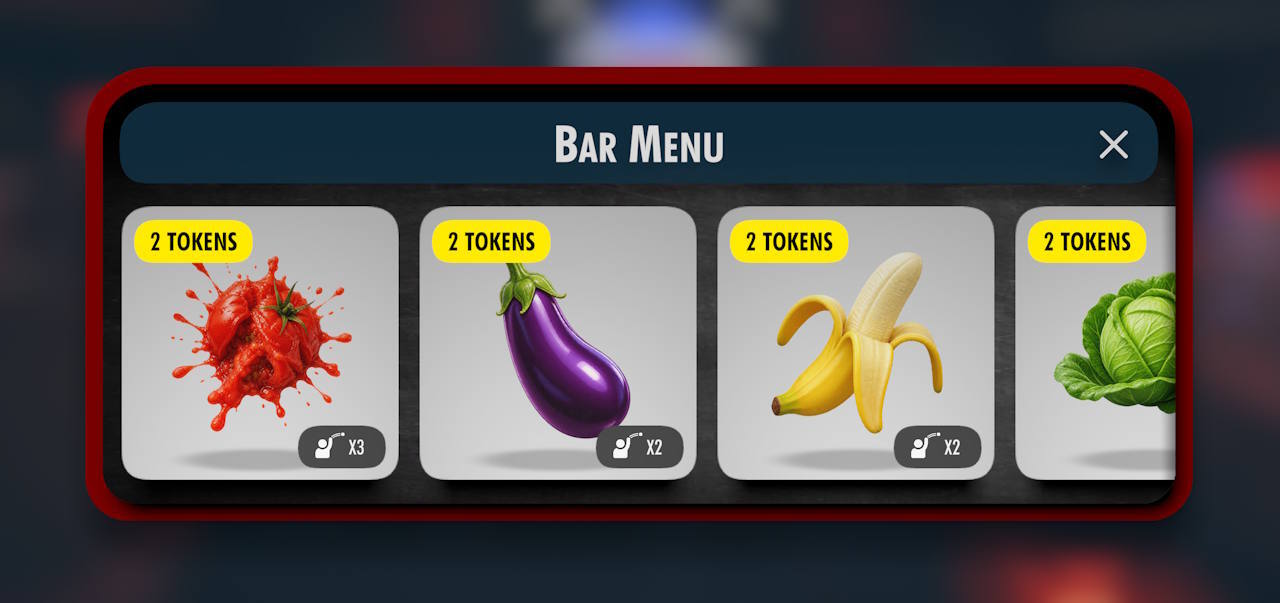
ROOM & STAGE CUSTOMIZATION
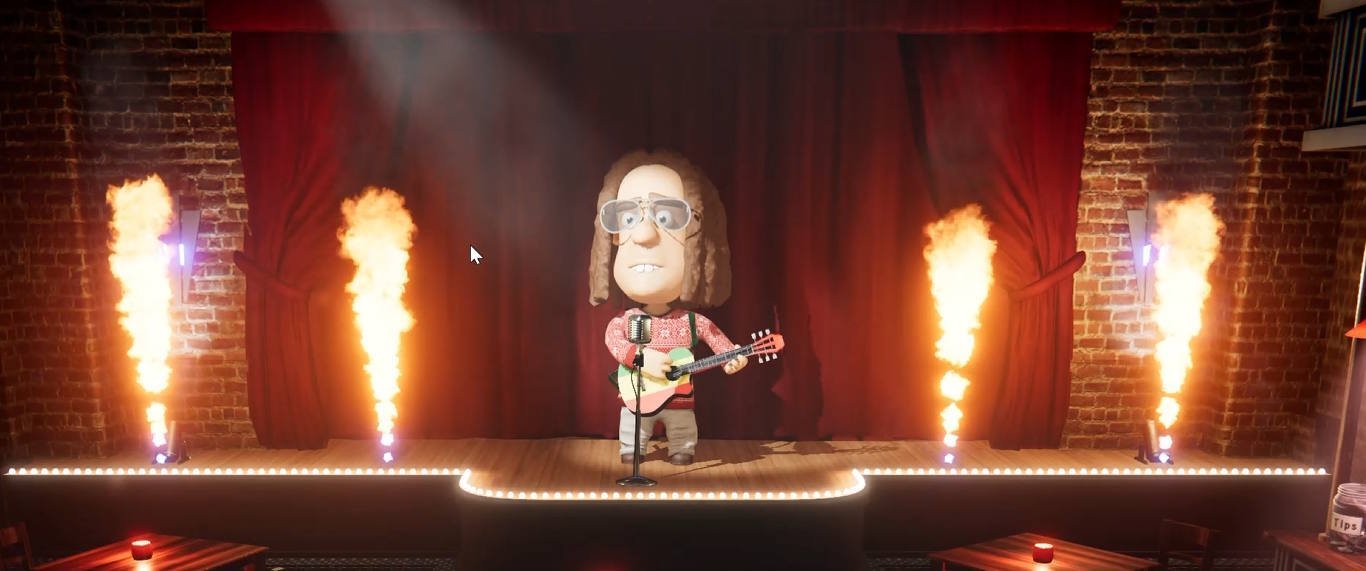
New Disco Options
Room admins now have more ways to customize the atmosphere with new effects:
Fire Jets
Smoke Blast
Stage Fog
Disco Lights
Lasers
Room Admin Stage Backdrops
Room admins can now choose to always display their custom stage backdrop, even when they are not currently on stage.
New Room Ban Features
Room owners can now permanently ban a player from the current room and all future rooms they create or inherit.
You can also manage and edit your permanent ban list in case you change your mind or make a mistake.
Disable Crowd Reactions
Room admins can now disable crowd reactions when they want a quieter or more controlled show.
IMPROVED CHARACTER ANIMATION
Smarter Stage Auto Animations
Performers will now naturally look towards players in the crowd who are talking, with improved head and eye movement.
The upper body now also naturally rotates towards the direction you are looking.
Improved Crowd Animations
Crowd members now react more naturally instead of everybody looking towards the person speaking at exactly the same time.
New Manual Character Controls
Shift + A / D
Sway your character left and right.
Shift + Q / E
Tilt your head while in the crowd or on stage.
Hold Shift + W / S
Nod your head yes or shake your head no.
Z
Jump while on stage.
C
Bounce while on stage.
TEXT CHAT IMPROVEMENTS
Full-Color Emoji & Language Support
Text chat now supports full-color emojis and correctly displays characters from languages including Hindi, Arabic, Hebrew, and many more.
Text Chat While Performing
You can now use text chat while on stage, making it easier to share links or communicate with the audience during a performance.
Improved Player Name Tags
Player name tags while talking and messaging now move naturally with head movement, making it much easier to see which avatar they belong to.
Faster Mobile Chat Access
The text chat button has been moved to the left side of the screen and can be accessed whilst on stage.
Improved Link Cards
Shared links now have clearer platform icons and use website meta descriptions where available.
Support has also been added for more clickable website URLs.
LOBBY & PROFILE IMPROVEMENTS
Room Activity Time
The lobby now shows how long each room has been active, making it easier to distinguish between newly created and established rooms.
Updated Profile Menu UI
The Profile popup has been redesigned with an updated visual style.
UPDATED SETTINGS
Disable Flashing / Strobe Effects
Added a new accessibility option to disable flashing light and strobe effects.
BUG FIXES
Muting someone and then unmuting them will no longer cause previously buffered audio to suddenly play.
Fixed an issue where players could become unexpectedly unmuted while on stage.
Thanks to Earl Cheeson for reporting the stage unmute issue.