We found a small bug in Beat Saber which causes black screen on start or the whole menu is in the distance.
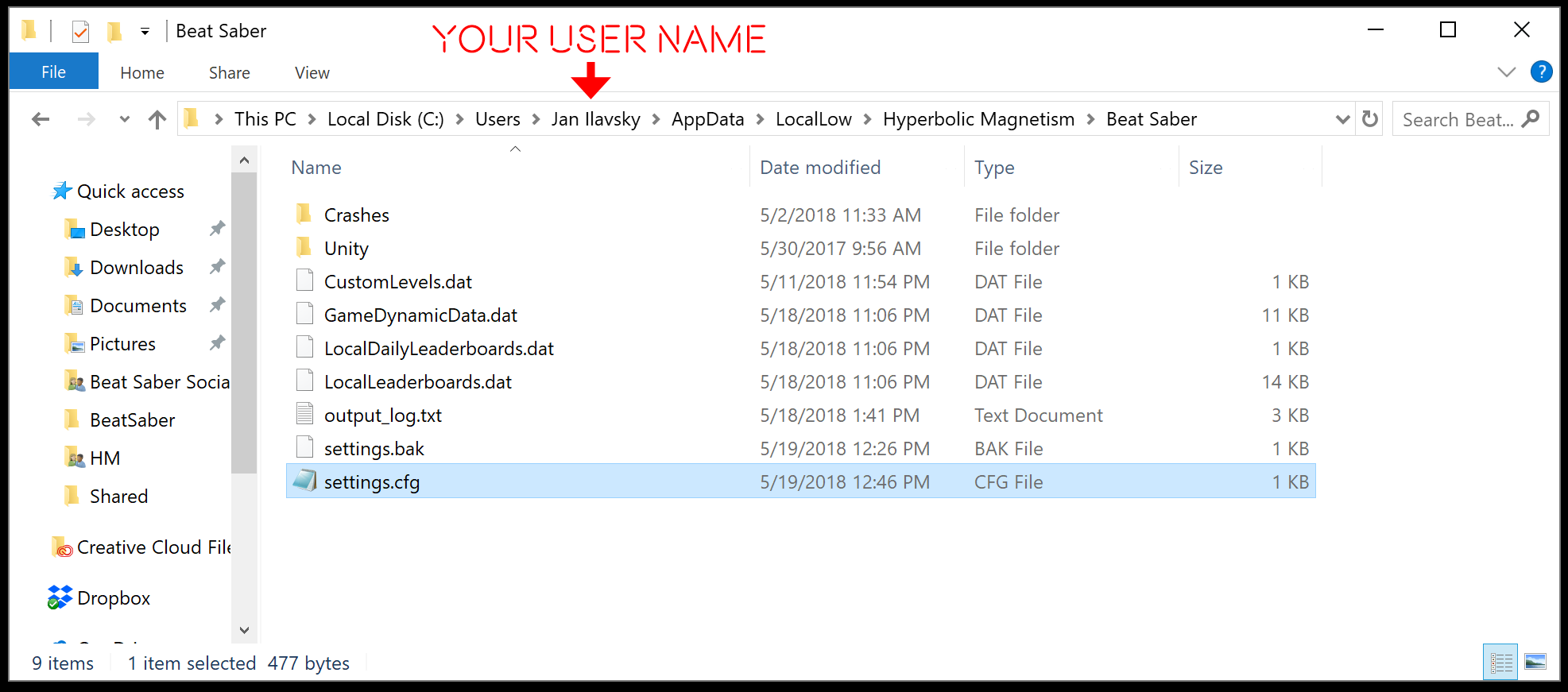
An updated version of Beat Saber is on its way but in the meantime you can fix the problem by deleting settings.cfg file which is located in C:\Users\YourUserName\AppData\Local Low\Hyperbolic Magnetism\Beat Saber\
The AppData folder is hidden so be sure that you unhide hidden files if you can’t find it.