
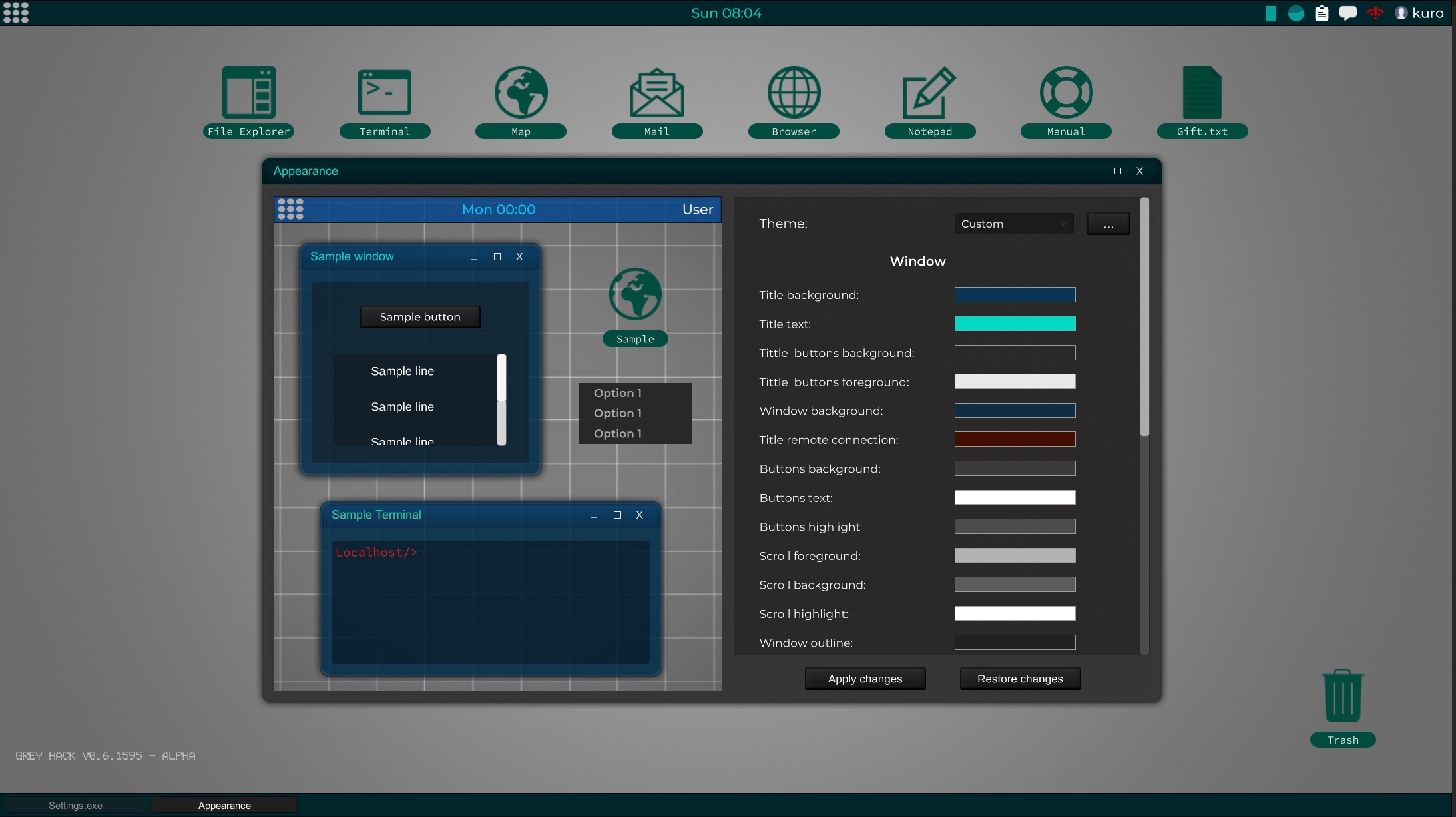
This was planned for version 0.9. But after reviewing it I have seen that the implementation was going to be much faster than expected.
In future updates you can customize the font size although in this build some sources that were too small have been adjusted.
So here you have a new option available in the Menu > Preferences > Appearance.
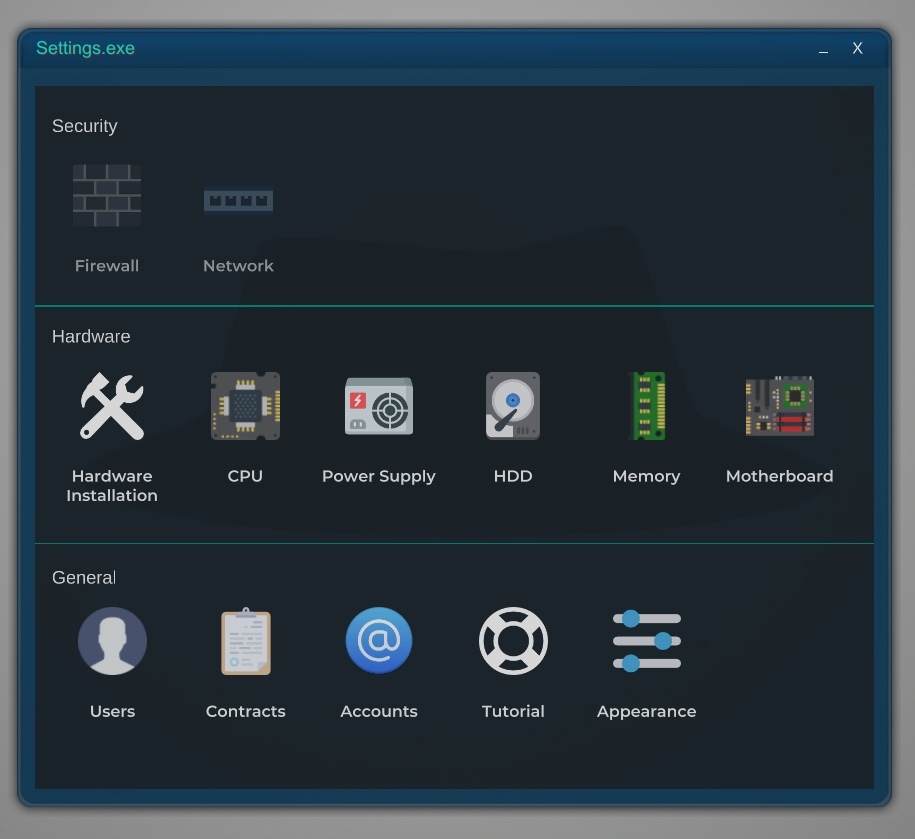
It is quite customizable, from the bars, desktop icons, menus, etc. Including transparency in addition to two new dark desktop wallpapers to choose.
This can still improve in successive updates to include more items in the theme like the widgets.
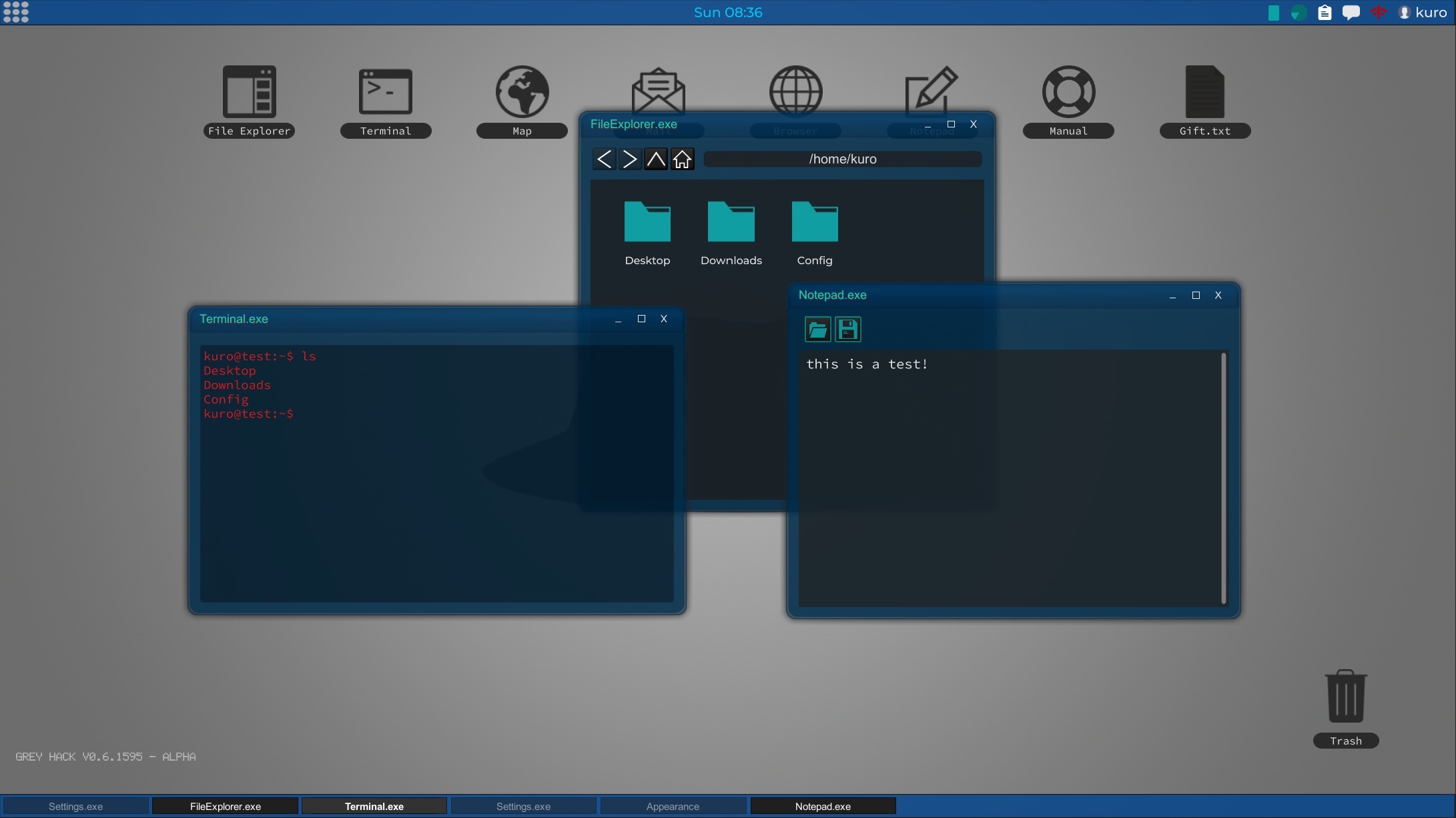
Surely very soon the default theme of the game will change. Keeping the current one in the predefinied themes as "classic".
Thank you all for your suggestions and feedback!
Update v0.6.1603a
- Fixed bug that prevented copy/paste from working in the HEX box of the picker color.
- Fixed bug that prevented to modify the color of the scrollbars.
- Fixed selection color in the terminal when not respecting the custom theme.
- The calendar obtains the color of "window background"
- Fixed bug in the custom theme application in the programs AdminMonitor, Accounts, Contracts, Map, LogViewer, Mail, Browser, PoliceRecord, EmployeesViewer, StudentsViewer, Manual and windows of restart and shutdown of the computer.
- Fixed other inconsistencies in the custom themes.
Update v0.6.1612a
- Fixed several parts of the UI where the color theme was not applied correctly. NOTE: dropdowns are not yet included in the color theme. It is pending for next updates.
- Added two desktop wallpapers. To configure it open the context menu on the desktop (right mouse button) and select "Desktop wallpaper"
- Added new color option to configure the main menu button.
- Fixed minor issues in the UI.
Update v0.6.1620a
- The desktop wallpaper has been included in Appearance, and its independent application has been removed.
- Fixed bug when saving the color of the main menu button in the color scheme. NOTE: It is possible that some of the themes created by the users in the previous version show the two colors of the menu button totally transparent. You will need to re-color them and save the theme.
- Fixed a bug that would produce flashes in the context menus if the background and highlight colors were the same or similar.
- Fixed bug in the picker color, which caused that the first time the user clicked on any of the bars the input was ignored, until clicked a second time.
- The HEX field of the picker color now accepts transparency.
- The folders that are displayed on the desktop now respect the color theme.
- Fixed a bug that could cause the minimize window buttons to not show in certain screen configurations.
- Fixed bug after applying the theme without closing the color picker, causing the button to apply theme was not activated until re-open the color picker.
- Applied color theme in the LogViewer entries.
- Applied color theme in Mail scroll bars, ip entry in Map and bookmarks window in Browser.
- Copy / paste support in the fields of mail registration, bank and for the portforwarding configuration entries of the router.
- Fixed visual bug in the field of the "Subject" of the mail program.