
Hello everyone,
Here I am again with another update! The welcome you gave to the first anniversary update gave me great pleasure. I got several articles in the press (which you can find on twitter or facebook). A website like Rock, Paper, Shotgun did a great article on Pictopix which you can read here.
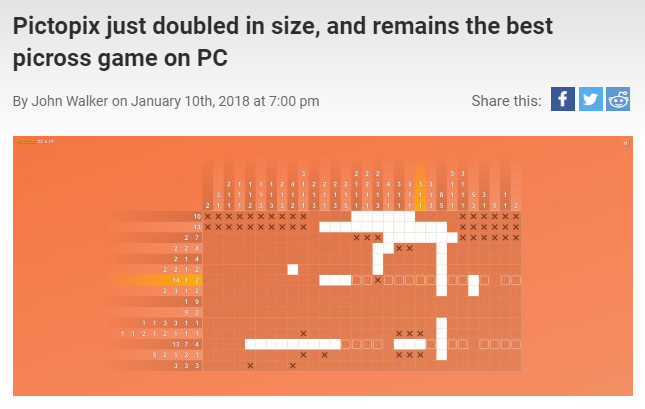
I would like to thank the players once again for all the positive feedback and remarks which help me to improve the game.
With this new update I will be replying to your expectations. Here are the new features and improvements:
Skins
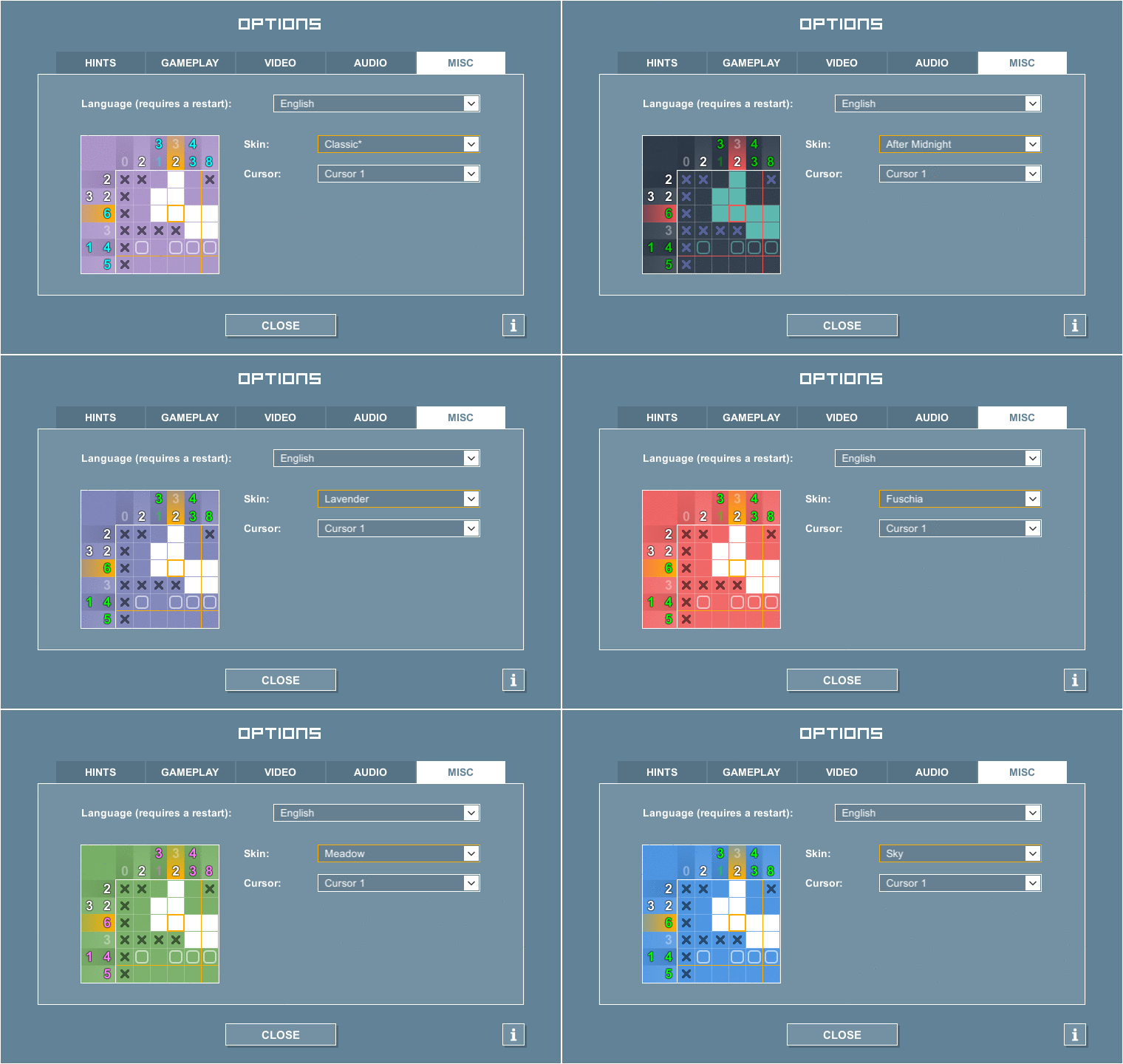
The other novelty is that you are now able to select the skin of your choice in the options. This will change the color of some parts of the interface as well as the grid. So, if you would like the background color to be darker while you are playing the game, it's now possible.
For those of you who like tinkering with this sort of thing it is possible to add your own skins in the application's Skins directory. (Default path: \Steam\steamapps\common\Pictopix\Pictopix_Data)
Cursor
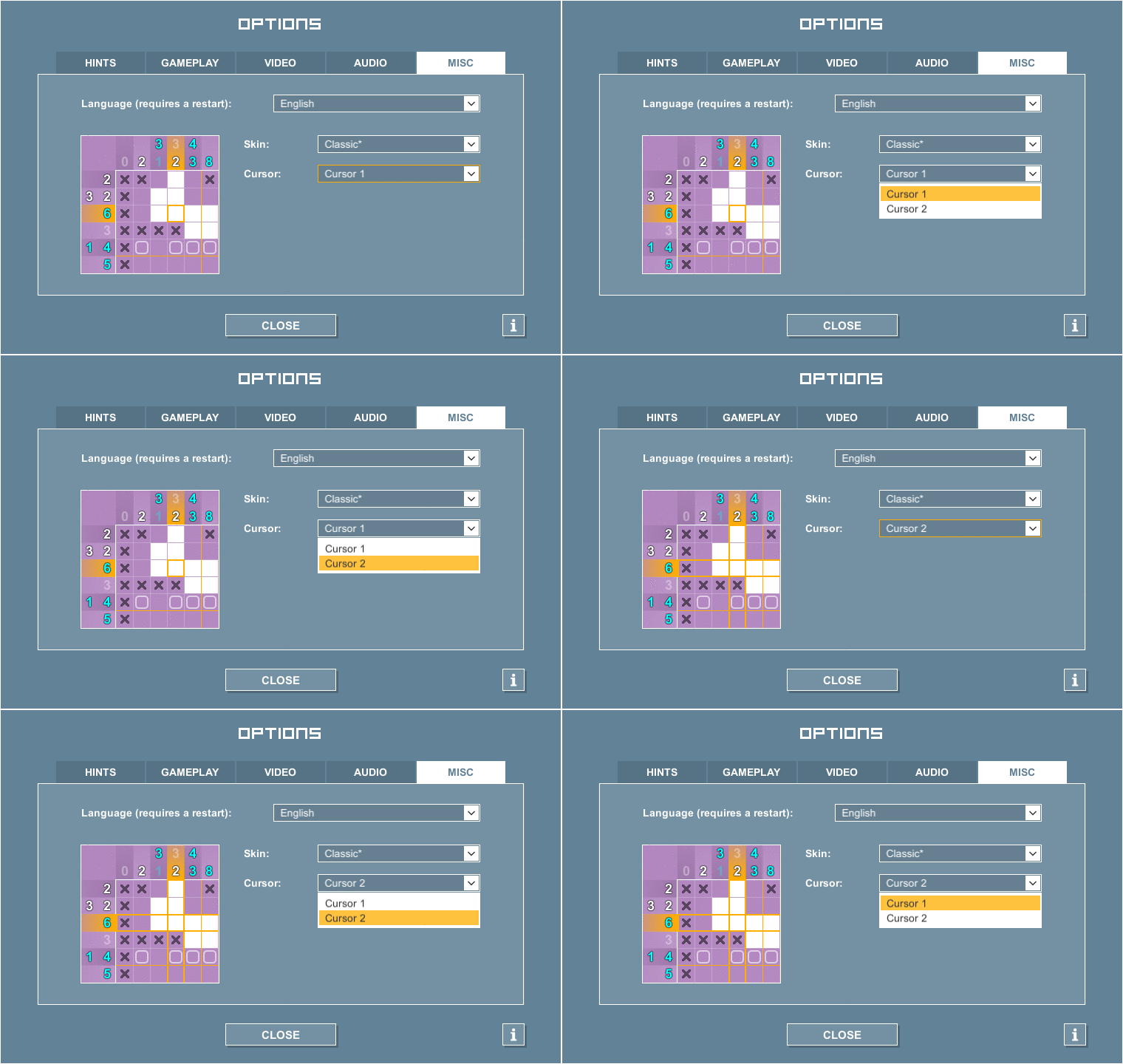
As from now you can choose between two types of cursor: the original square one and another which lights up the column and the row you are hovering on. On the bigger grids this can be helpful by making it easier to identify the squares or boxes in the row/column concerned.
Selection of numbers
When the hints are disabled it is possible to click on the numbers to gray them out manually. Well this is now possible from the game controller or from the keyboard! It's quite simple – you just have to hold down the LT button or the Alt key. Arrows will come up on the row and column concerned. Select the row or the column with the stick (or the directional arrows) then move along the numbers to gray them out with the A button (or the space bar). When finished release the LT button (or the Alt key) to get the cursor back on the grid.
To see the other modifications and corrections you can consult changelog (version 1.2.1).
If you'd like to see Pictopix on gog.com one day don’t hesitate to vote on the thread created by a player. One never knows!
In closing, I would like to thank Red Orc who has kindly translated the puzzles (Anniversary update) in Japanese.
Have fun and see you soon! :ishappy:
Tom
twitter: https://twitter.com/pictopix
facebook: https://www.facebook.com/pictopix/
tumblr: https://pictopix.tumblr.com/
instagram: https://www.instagram.com/pictopix_game/