We listened to your request and carefully designed a performant Windows 7 desktop capture. With this we are enabling Windows 7 support. Previously VR Toolbox required Windows 8.1 or 10.
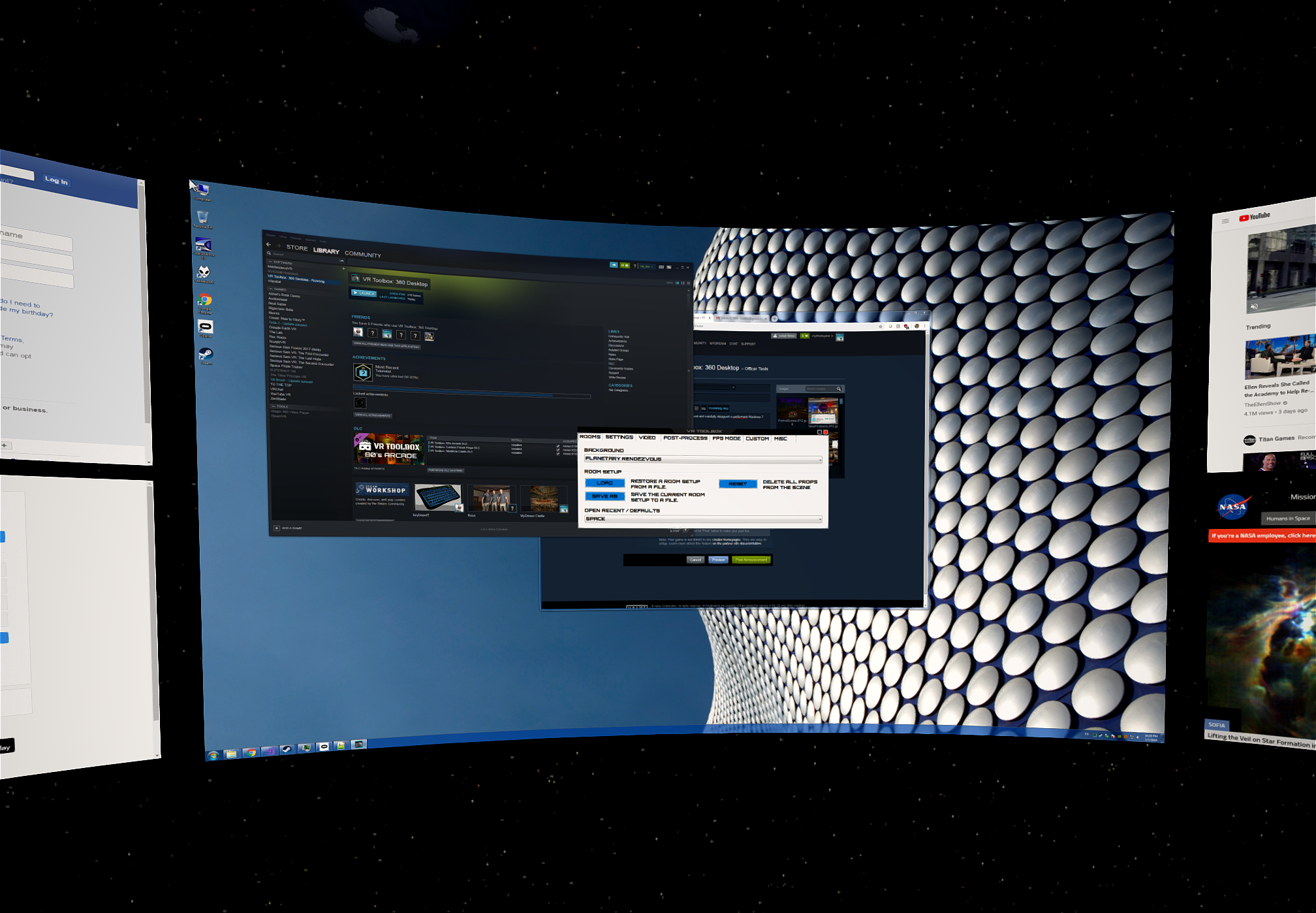
There are a couple limitations to keep in mind:
- Non-DX 10/11 full screen exclusive apps will freeze the desktop capture. If you play OpenGL or DX9 games, please choose full screen borderless or windowed mode in the game settings.
- Only DX 10/11 apps can be detached in their own window, and will do so automatically.
Enjoy!
* Note that in a rare condition, exiting VR Toolbox can cause your monitor to go blank / black. If this happens to you, please email us at [email protected]. To bring back your desktop, press Win+R (to open the Run dialog) and type "taskkill /im dwm.exe", followed by hitting Enter.