
Yo, pilots! Devs Diary #3 is here ✌️
Short version: the beer pile in the clip isn't staged, your joystick finally works, and you can hand over the yoke mid-flight without landing first.
Let's get right into it 👇
📦 Cargo Physics: Nothing Is Bolted Down
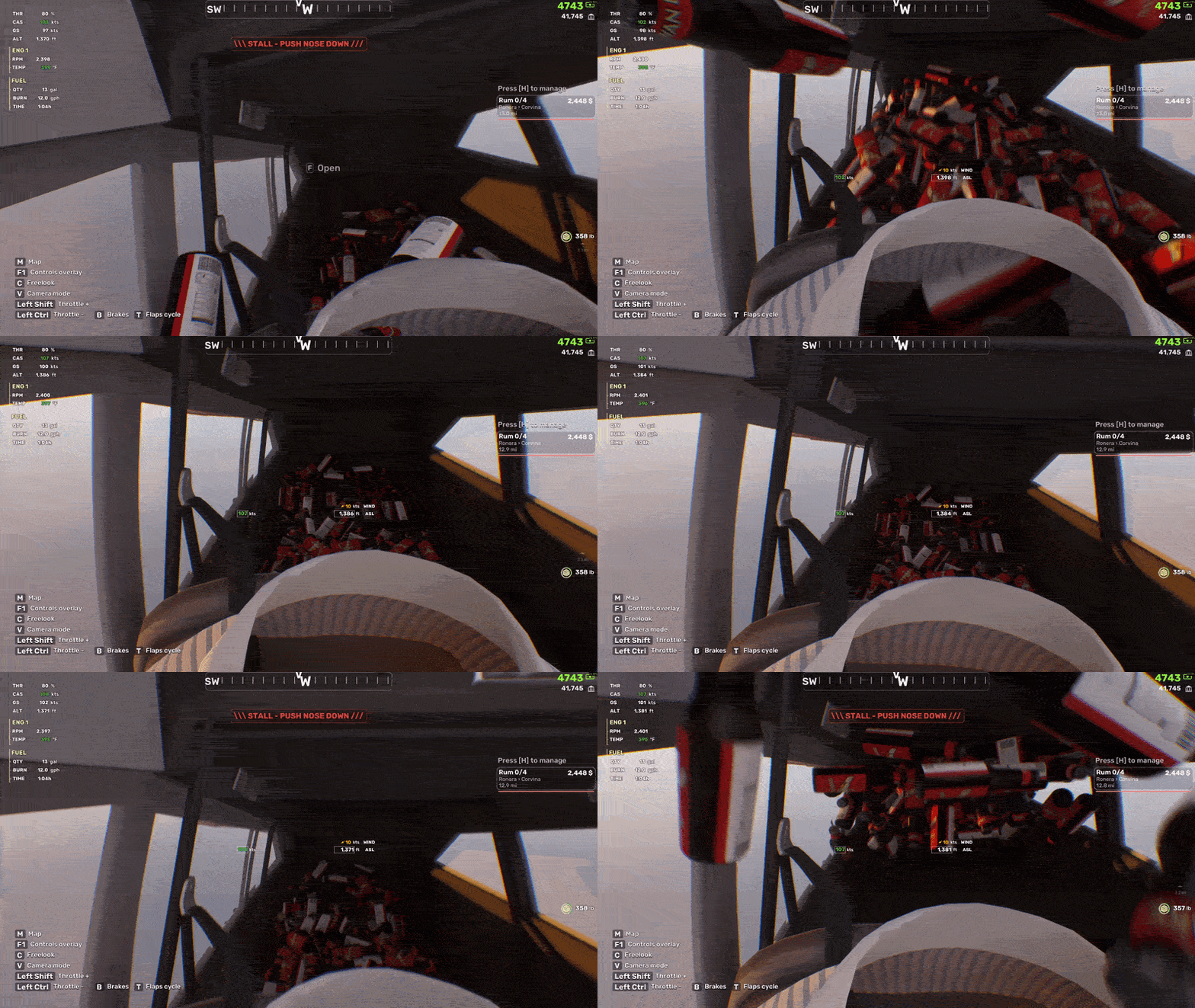
Every item you carry into the plane is a real physics object, and it stays one after you let go of it. Crates stack, roll, wedge under the seats and knock against each other, and the whole load leans, slides and lifts with the aircraft.
Here's the problem: stock engine physics can't hold a pile like that together inside a cabin that's moving and rotating at a couple of hundred kilometres an hour. It jitters, then it explodes out through the walls. The easy solution is to bolt the cargo to the floor. We weren't satisfied with that.
So cabin physics don't run in the world at all. Every aircraft carries its own small Jolt physics world that moves with it – from the cargo's point of view the cabin stands still, and only gravity swings around as you manoeuvre. The walls, floor, seats and doors are the plane's real collision shapes, and the flight model feeds in the g-forces the airframe is actually pulling.
The right behaviour falls out on its own, with nothing scripted per manoeuvre:
a coordinated turn leaves the pile alone
a skid slides it into the side wall
a hard landing bounces it
negative g lifts it off the floor
a roll puts it on the ceiling
Doors are live, too. Swing the cargo door open and it shoves the pile, and anything that makes it out of the cabin drops into the world as an ordinary object and carries on from there.
It all stays usable, by the way. A passenger can fish a beer out of the pile and drink it in flight, light a cigarette, or dig out the repair kit. Fragile cargo takes damage from being thrown around, and the crate itself tells you how much. Loading is a small game of its own: a throw or a drop toward the open cargo door of a parked plane gets a little help with the arc, so most of the time it goes in.
And everything you loaded weighs something, so the plane feels it on takeoff and in the climb. All of it is synced in co-op.
🕹️ Controls: Bindings Menu and HOTAS Support
The whole control layer got a refactor, a proper bindings menu and joystick/HOTAS support.
You pick one control style – Assisted or Direct – for mouse and keyboard or a gamepad, and you can flip it in flight with one key. A joystick or HOTAS always flies Direct: if you own a stick, you don't want the aircraft second-guessing you. A setup wizard picks sensible defaults and can be re-run from the settings any time.
Every flight control has its own card: pitch, roll, yaw, throttle, propeller, mixture, brakes, flaps, left and right brakes, three trims, camera look. Bind an axis by moving it, run a calibration sweep for a joystick, set invert, dead zone, curve and sensitivity, choose whether a lever is a slider or centred. Keys can do the same jobs with an adjustable speed and progressive braking. Any key on any device, combinations included.
The joystick side reads raw USB input instead of a list of known devices, so sticks, yokes, throttle quadrants, pedals and home-built button boxes should all show up – even if you plug them in after launch – and every axis and every button on them can be bound.
Fair warning: we've only tested it on a Logitech joystick and a Thrustmaster T16000. If you have something more exotic in your cockpit, tell us what breaks 🔧
The aircraft also gained trim on all three axes with a readout on the HUD, a flaps axis, differential brakes, a parking brake and a gear handle. Flight assists – auto mixture, auto prop, auto rudder and the rest – now live in the Gameplay tab, where you can switch them off.
👥 Co-op: Pass the Yoke, Not the Blame
Handing over the plane no longer means landing first. Hold the interact key on the yoke to take the controls or give them up, and whoever is flying gets the pilot's HUD. A tap on the yoke just shoves it – which is its own kind of fun.
The passenger isn't just along for the ride any more, either. The cockpit is becoming something they can reach into and operate from their seat: the flaps first, with more of the panel to follow. Choose your co-pilot carefully.
You can also join a friend's game in progress now. You appear next to the host or in a free seat in their plane, and the contracts, weather, damage and bird flocks are all where they should be. The session also makes sure a group of up to four always has seats – if the island is short of aircraft, spare planes are brought over, and failing that you get a loaner.
🛠️ Hangars, Mechanics and New Ground
Every hangar has a mechanic now. Talk to him and he'll list your crashed aircraft and tow one back to the hangar, cargo and all, cold and dark on the apron. He also got a proper face and oil-stained work clothes, which he has definitely earned.
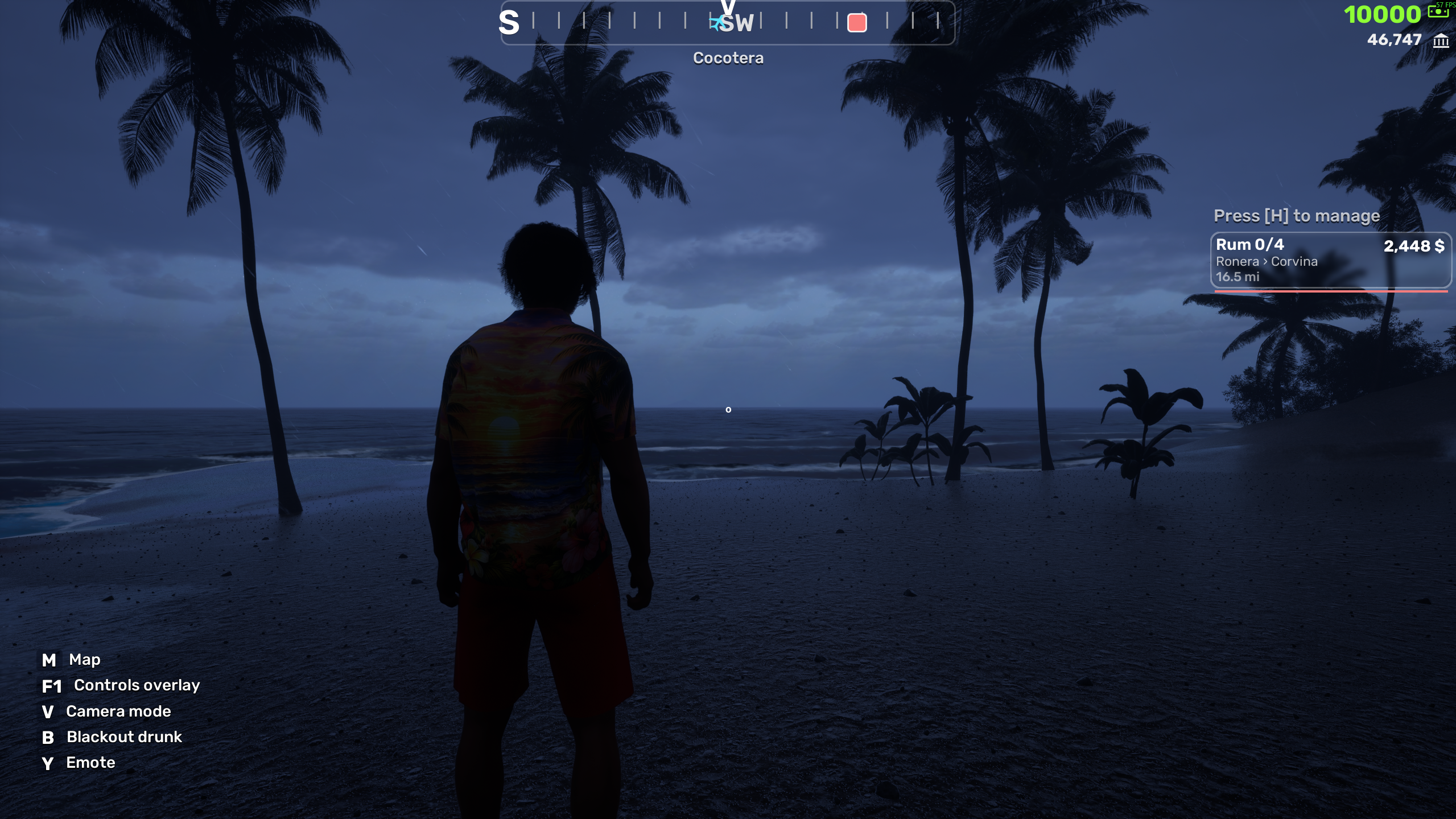
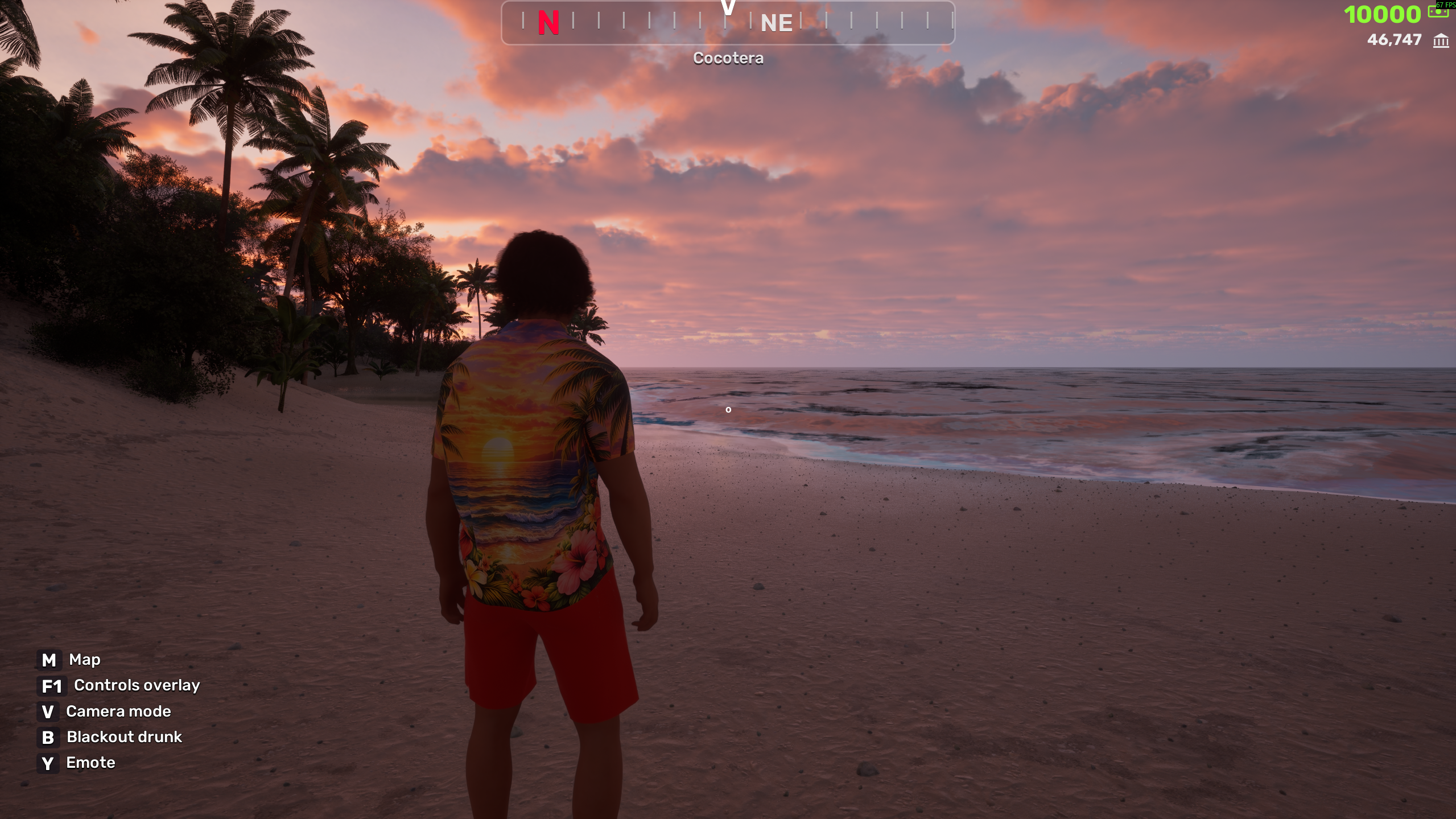
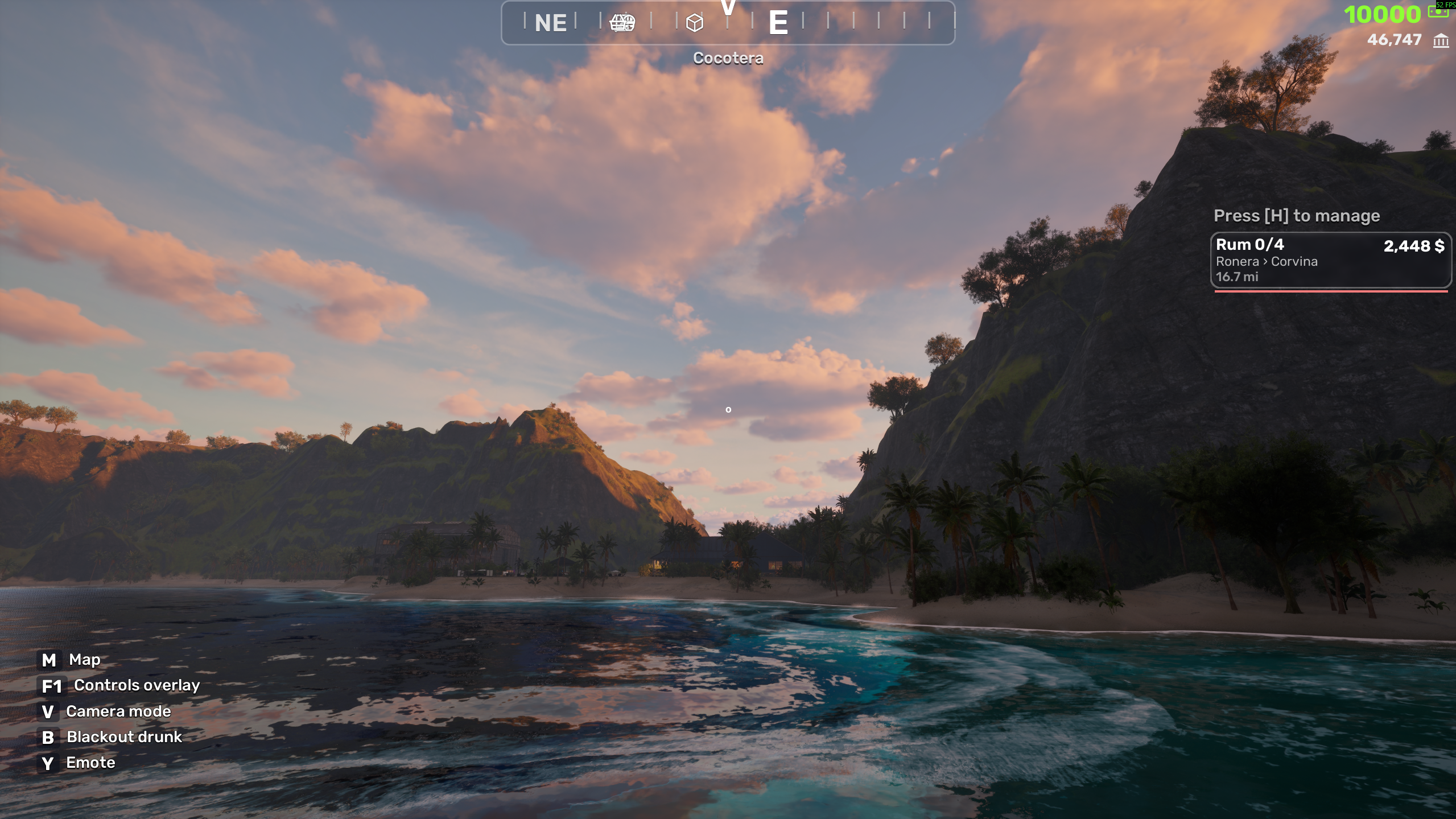
The compass sits a touch lower and now shows the name of the island you're flying over.
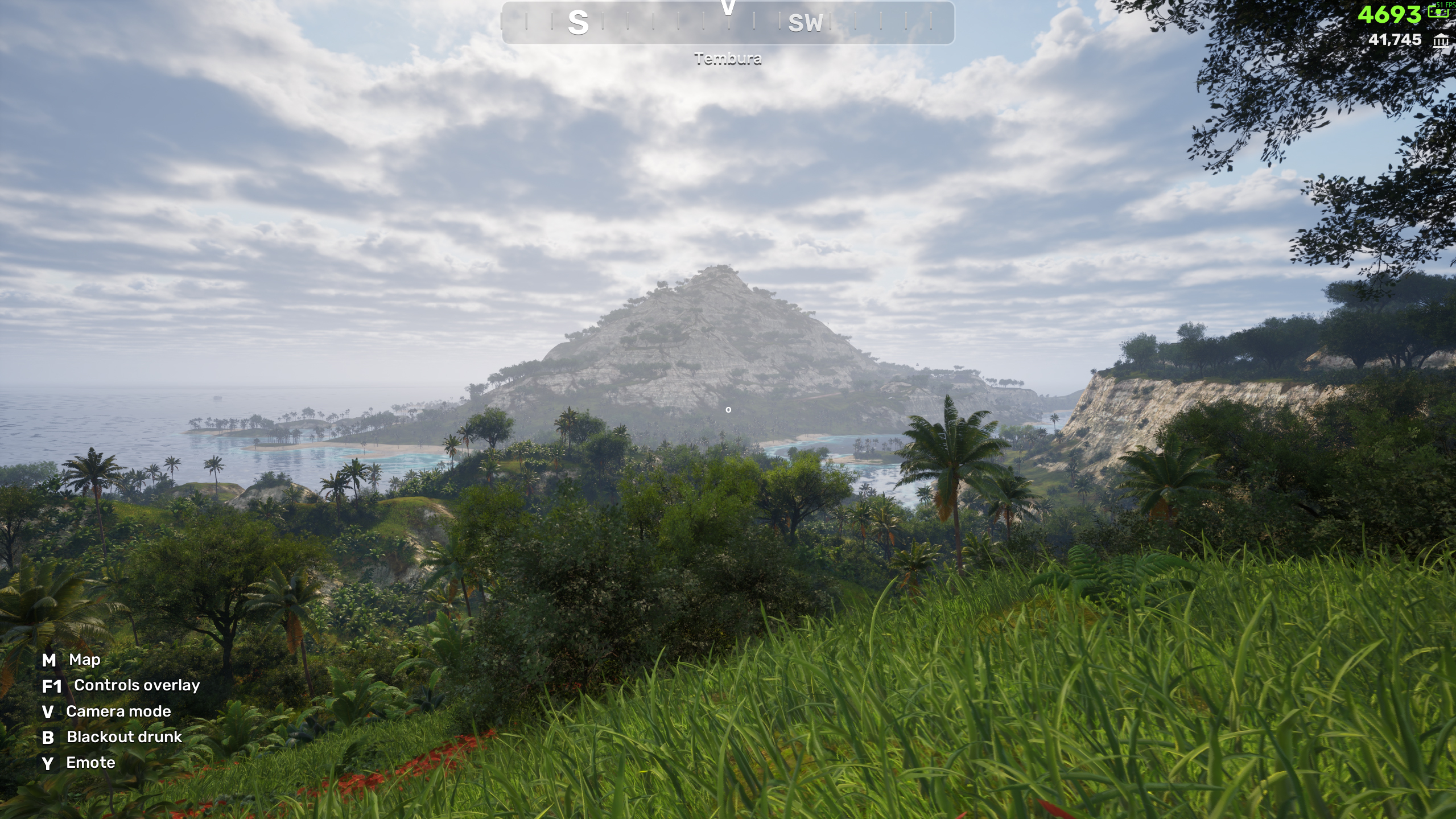
A farmstead island is taking shape – barns, sheds, hangar-barns, fenced yards, planted fields and a road – and another island got its trader's hut plus a pass of small stuff: tins, spice racks, bottles, lamps, fruit and vegetables.
That's Devs Diary #3. If you fly with a stick, a yoke or a terrifying home-built box of switches, drop a comment and tell us exactly what you're using – we'd like it all working before you get your hands on the game.
See you next time 🛩️💨