Today, we’re excited to launch a brand new Green Screen environment! This enables tons of creative uses of Bigscreen and we can’t wait to see what you’ll do with it.
Here’s how it works:
Find the “Green Screen” in the “My Room” tab, in the “Environments” section. It’s on the 6th page (we have TONS of environments).
In the “My Room” tab, find the Selfie Stick or Streamer Cam*.
Selfie Stick and Streamer Cam tools are only available on PC VR headsets like Rift S, Index, any WinMR headset, any SteamVR headset, and on the Quest 2 if you use Oculus Link with a compatible Windows PC. We plan to add a Selfie Stick tool for Quest users in the future.
The Selfie Stick and Streamer Cameras allow you to capture video footage of your Bigscreen experience. It displays a video feed on your desktop, which you can capture (and key out) using free 3rd-party tools like OBS.

Livestreams
Want to stream your awesome gameplays, but not comfortable being on camera that day? Use your Bigscreen avatar instead so your viewers can still see that you’re the one playing!
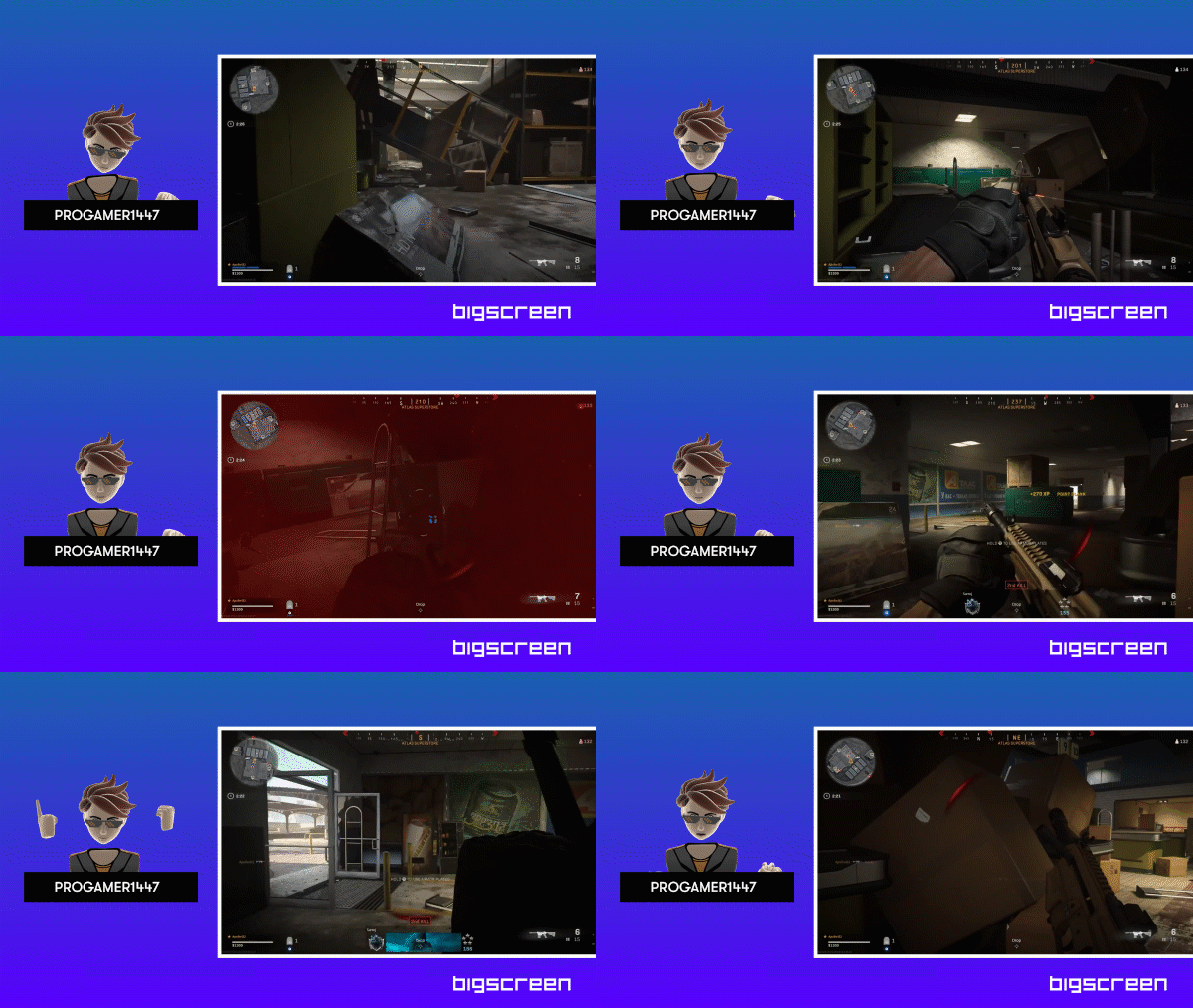
Podcasts
Take your podcasts to the next level by putting your Bigscreen avatar in a more preferable setting with no other distractions.

Presentations
Make your presentations more interesting like putting yourself behind a table so you can be the news anchor you’ve always wanted to be.

Zoom Meetings
Surprise your coworkers and anyone you’re regularly meeting over on Zoom with your Bigscreen avatar, but in your actual room!

Be Creative!
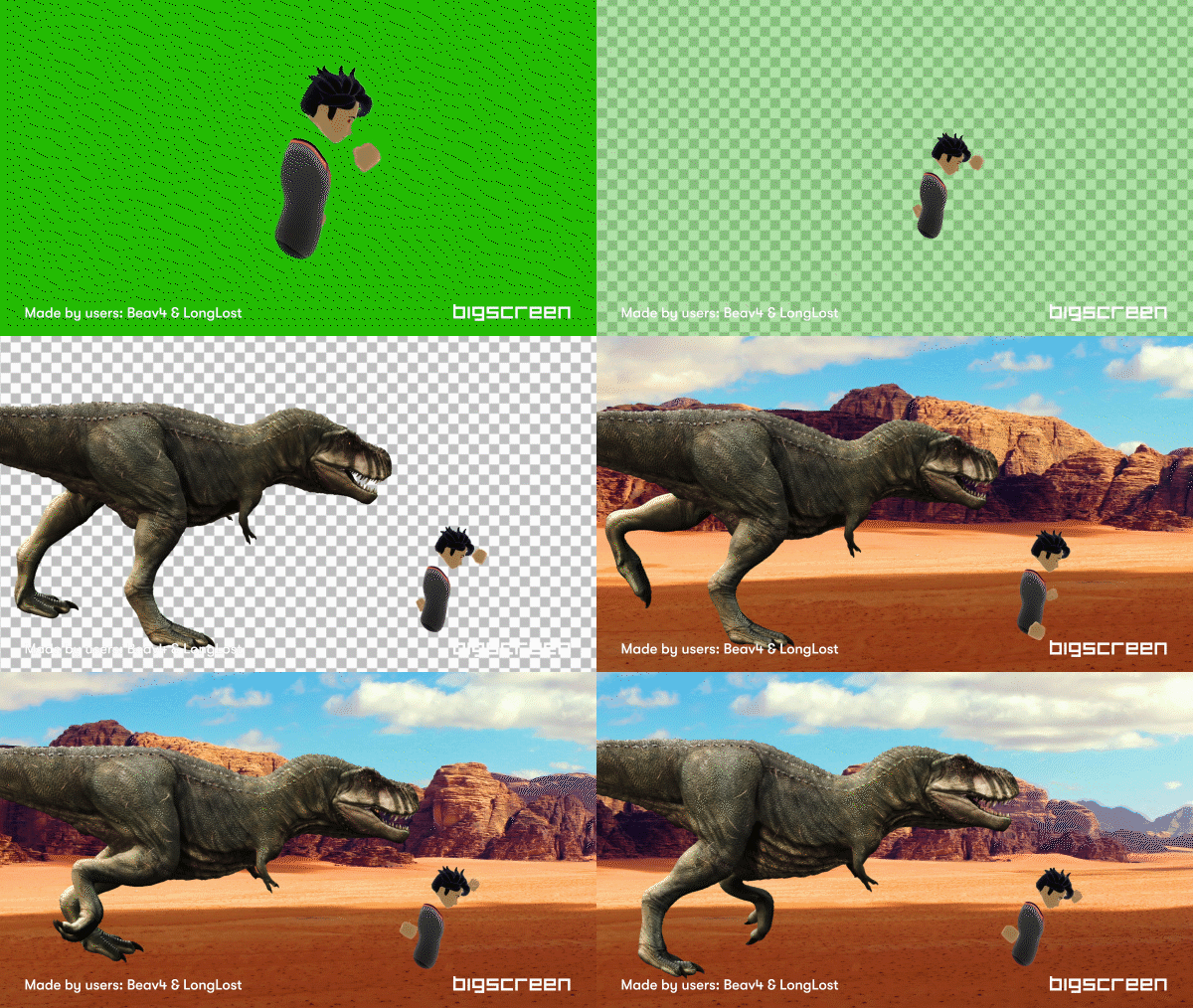
Want to imagine yourself in the Mesozoic Era? Community members, Beav4 & LongLost, put up that hilarious clip you see above! The possibilities are endless! Show off your creativity with our community in or tweet us [url=https://twitter.com/bigscreenvr]@BigscreenVR! We’d love to share your awesome work!
#️⃣ Version 0.104.0.2edf58-beta-onboarding