
Greetings, Station Managers.
Version 1.5.0 brings full controller support to Starbrew Station, making it fully playable on Steam Deck and with gamepads. This update also includes game balance improvements, minigame polish, and over 30 bug fixes.
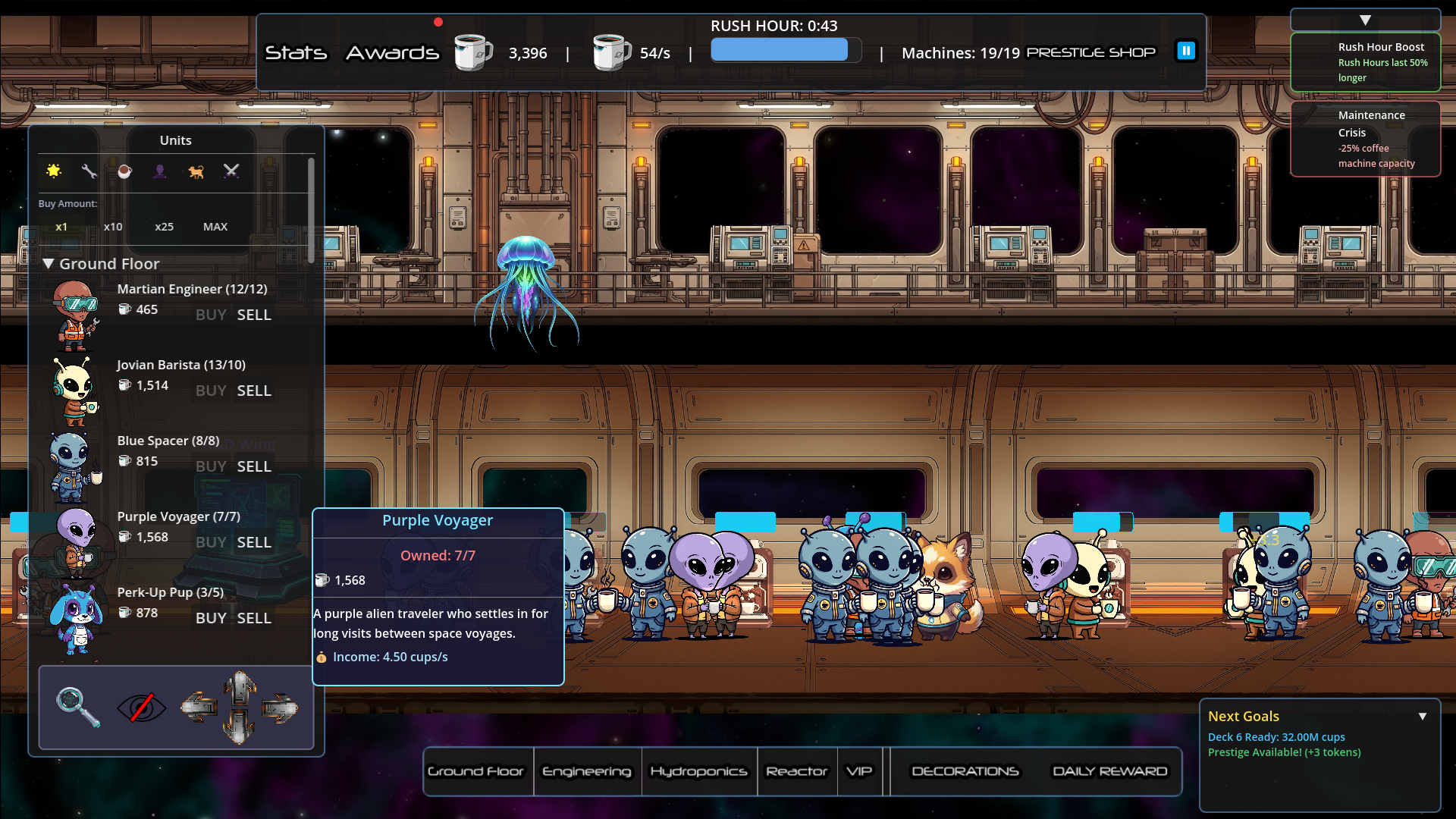
Full Controller Support
We've added comprehensive controller support with Steam Input integration for all major controller types.
Supported Controllers
Xbox Controllers (Xbox One, Xbox Series X|S)
PlayStation Controllers (DualShock 4, DualSense)
Nintendo Switch Pro Controller
Steam Deck (native support)
Generic gamepads via Steam Input
Controller Features
Automatic Button Prompts - Controller-specific icons display automatically based on your device
Virtual Cursor - Navigate the game world with smooth analog stick controls
Full Menu Navigation - All menus, settings, and dialogs fully navigable with gamepad
Zone Cycling - Use bumpers (LB/RB) to cycle between UI zones and minigames
Virtual Keyboard - On-screen keyboard for text input (Xbox Controller certification compliant)
Trigger Scrolling - Use triggers (LT/RT) for scrolling long lists and menus
Separate Camera/UI Controls - Left stick moves camera, right stick controls UI cursor
Auto-Pause on Disconnect - Game automatically pauses when controller disconnects
Pause Menu Settings - Access settings directly from the pause menu
Minigame Controller Support
All minigames now have full controller support:
Basketball - Aim and throw with buttons
Pachinko - Full navigation and controls
Gardening - Plot selection and watering with gamepad
Game Balance Improvements
Pacing Rebalance
We've rebalanced the game pacing to target a 2-3 hour first playthrough experience. Progression now feels more rewarding without dragging on too long.
New Features
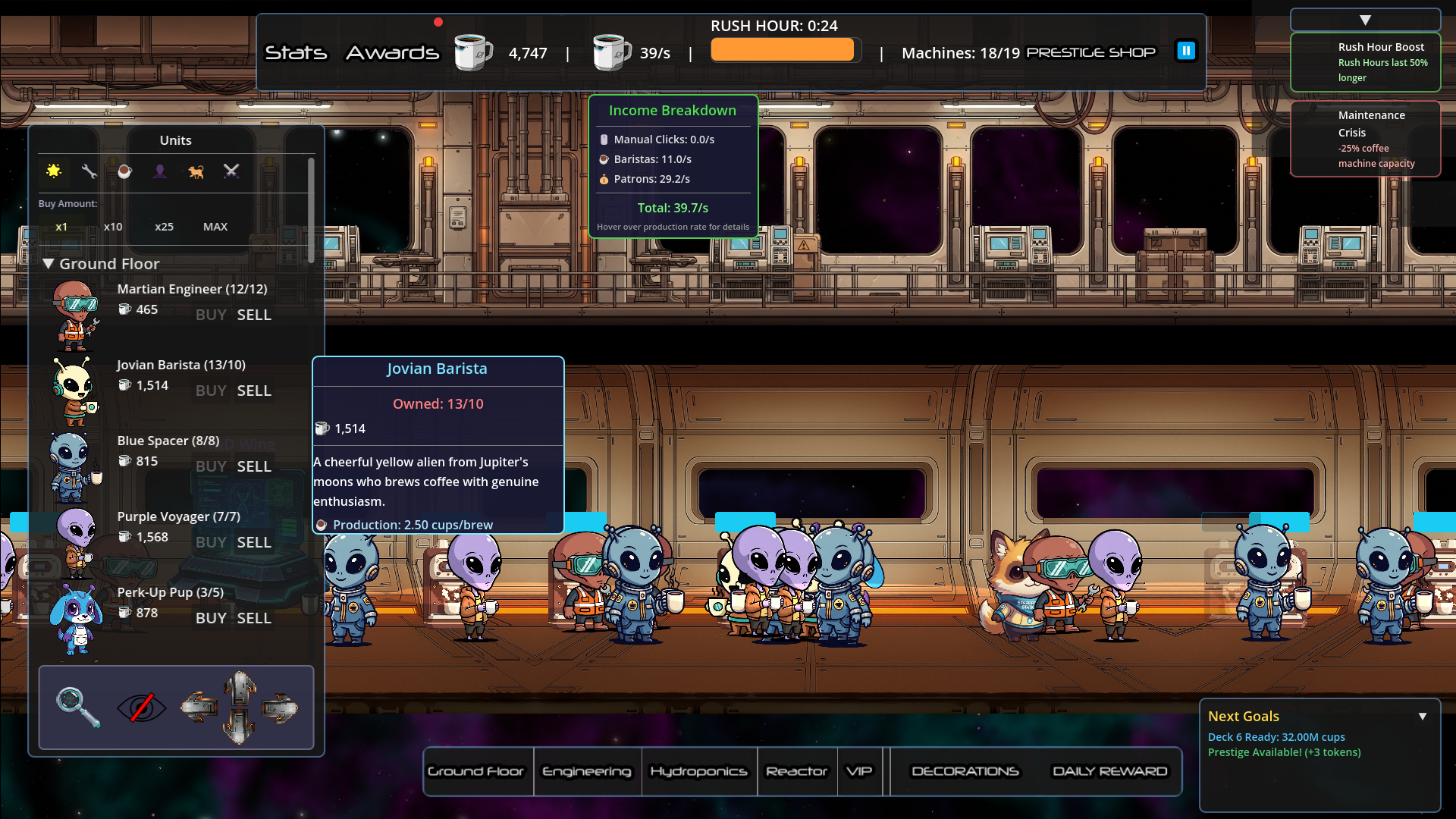
Income Breakdown Tooltip - See exactly where your credits are coming from by hovering over your income display
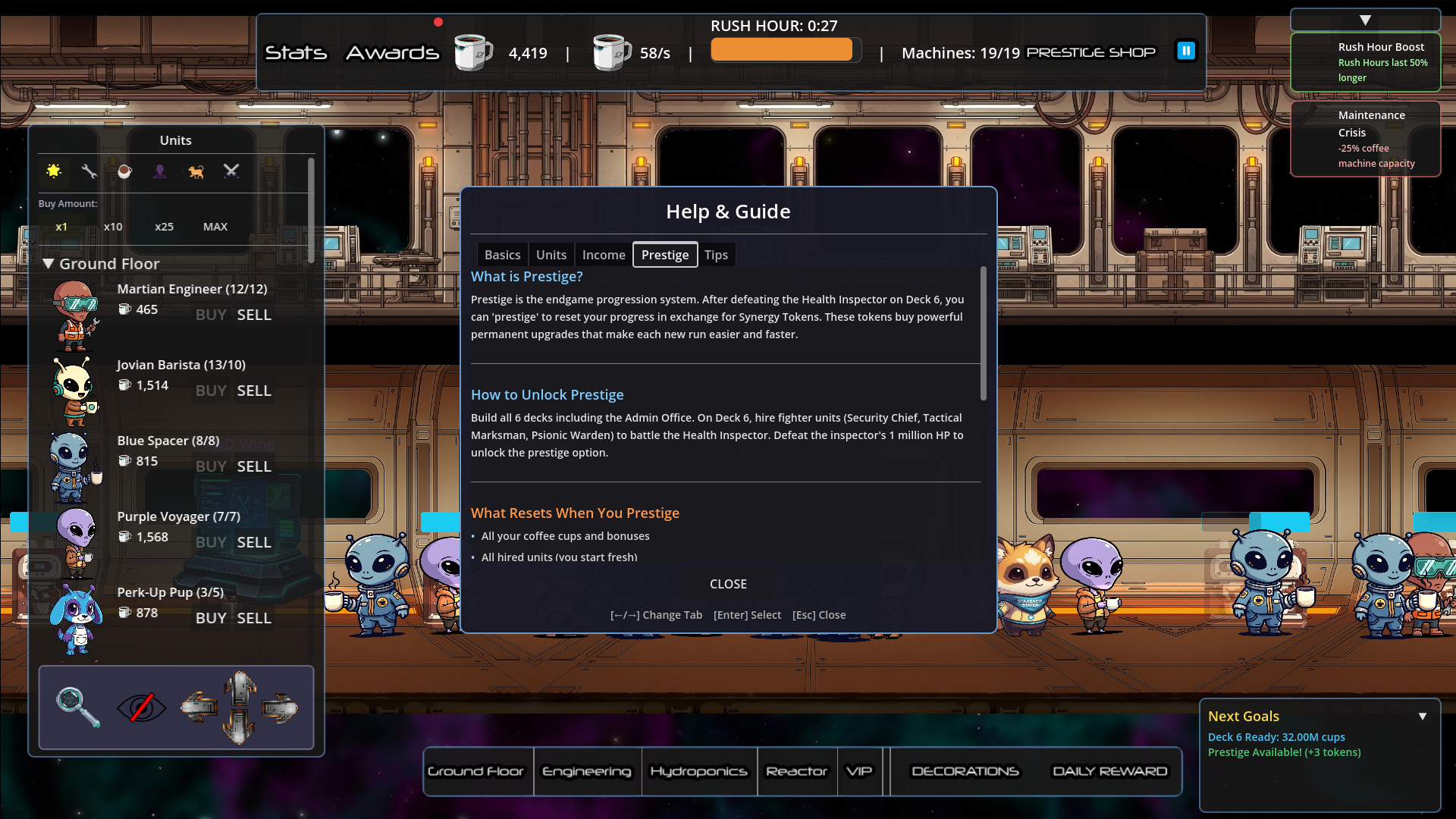
Help Menu System - Quick access to game information and controls
Bug Fixes
Boss Fight Fixes
Fixed fighter units not dealing damage correctly
Fixed fighter scale and animation issues after reload
Added coffee cup attack visual effects
Improved stun interrupt behavior
Fixed knockback bounds preventing units from flying off-screen
UI & Menu Fixes
Fixed reward popup showing wrong amount when claiming achievements
Fixed pause menu quit to main menu requiring two button presses
Fixed notification overlap and format string errors
Fixed tooltip max cap mismatch and support unit sizing issues
Fixed missing tooltips and corrected boss HP in translations
Adjusted notification position for better visibility
Fixed settings menu visibility and sidebar navigation
Fixed controller focus loss when navigating feedback and settings menus
Gameplay Fixes
Fixed community vote timing and display count issues
Fixed rush hour not affecting coffee machine servings and build times
Fixed prestige shop closing and unit cap accumulation bugs
Fixed shrine interaction issues with enhanced validation
Fixed R&D UI updates and offline progress notification
Fixed garden plot interaction issues
Fixed unit sprite scale not being applied during spawn
Minigame Fixes
Fixed gardening minigame for smooth multi-session play
Fixed basketball minigame controller input handling
Fixed pachinko minigame controller input handling
Fixed GameScene path in pachinko game overlay
Technical Fixes
Fixed critical initialization and signal connection errors
Fixed errors when returning to main menu during deck construction
Fixed Godot 4.5 warnings and parse errors
Fixed sprite type errors
Fixed invalid 'has' call on Node2D in stat bonuses
Achievement Improvements
Achievement popups now display as a single, smaller popup
Repositioned to upper-right corner to be less intrusive
Visual Polish
Hydroponics Water Droplets - Raised position and spread evenly across plants
Coffee Cup Attack Effects - New visual effects for fighter attacks
Translation Updates
Added new tutorial text translations
Added specialization dialog translations
Corrected boss HP values in translations
Updated translation imports for all supported languages
Coming Up
We're continuing development on new content and features. Your feedback drives our priorities, so keep those suggestions coming!
Thank you for playing Starbrew Station.
— HeartCoded and the Starbrew Station Team
Community Links
Discord: https://discord.gg/QCXwXGMFNG
Enjoying the game? A Steam review helps other players discover Starbrew Station. Thank you for your support!