Welcome to another experimental update. This time it brings a bunch of editor improvements, such as exterior mirror mode, click & drag placement of props, a search function, and more!
One of the most requested features for Interstellar Rift has always been mirror mode. Especially for building up the exterior of your ship, manually placing each block could become pretty repetitive fast.
It took us a while, but you can now enable mirror mode in the exterior editor. You can select on which plane you’d like to start mirroring your block placements, and where that plane is located.
Combined with the new click and drag feature, it will hopefully get you to the desired result much faster.
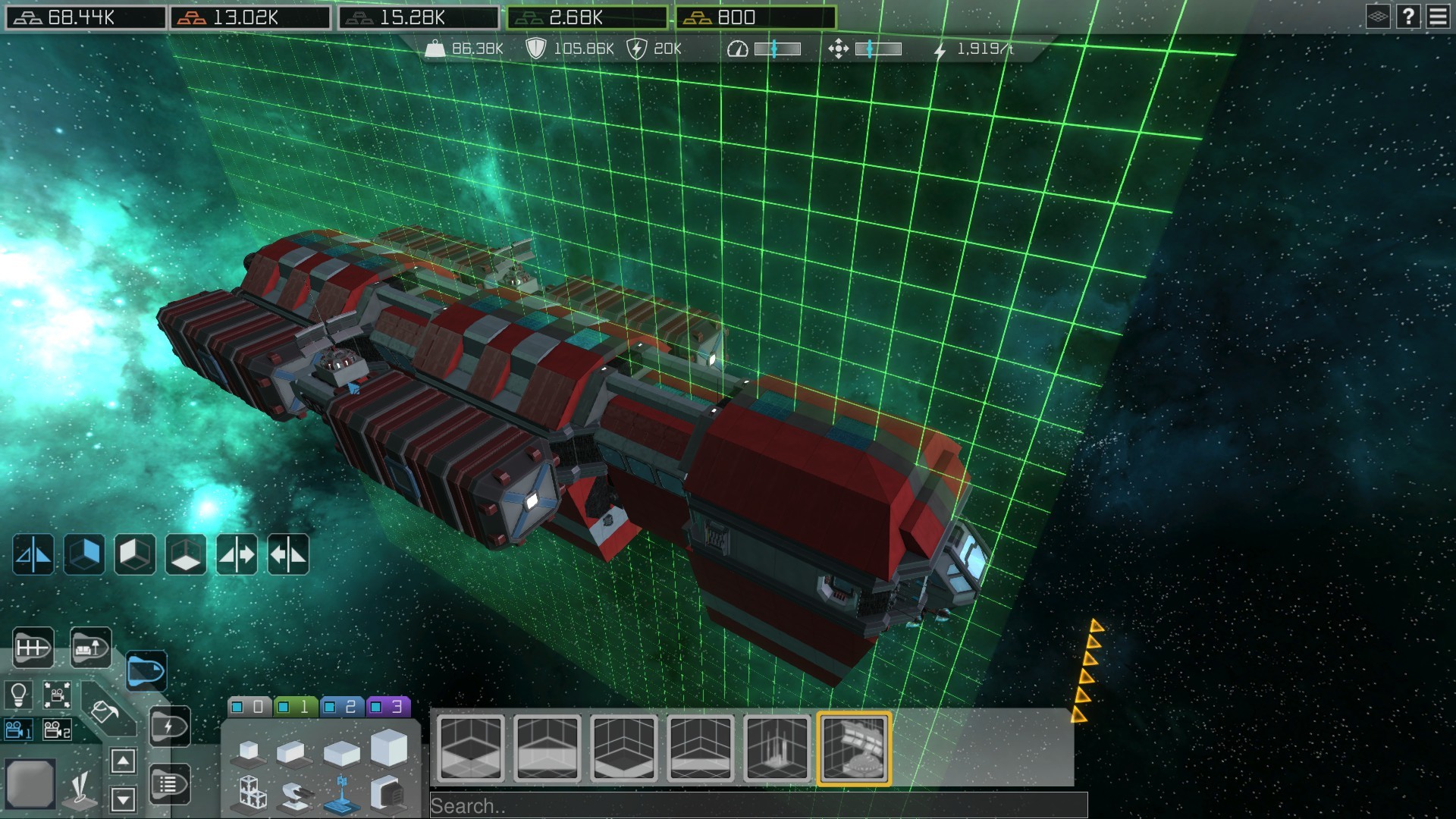
Click and drag is not only available in the exterior editor, but also in the interior editor, where it’s just one of the many changes that we’ve made. You might notice that something is missing when you start up the editor for the first time in the experimental version. That is because we removed prop selection from interior edit mode. All props and items are now combined, and don’t require you to switch modes anymore. The only thing that the interior edit mode will allow you to do is place rooms and edit them. You can no longer remove room tiles while placing props. And, if you so desire, you can also prevent prop placement from claiming any new room tiles, by locking the rooms with the new “lock room construction” button.
This will hopefully prevent unwanted room removals or unwanted structural changes to your ships.
Another new feature is the search bar, which will allow you to quickly sort through the selection of props. All previous prop categories have been combined, which allows us to finally place all cargo related props together, instead of having some of them in a different mode.
We’ve also improved the placement of wall tiles, which now no longer require you to click on the floor to place them, and rotating props in the exterior editor now have a small animation, which makes it more clear which way the props are turning.
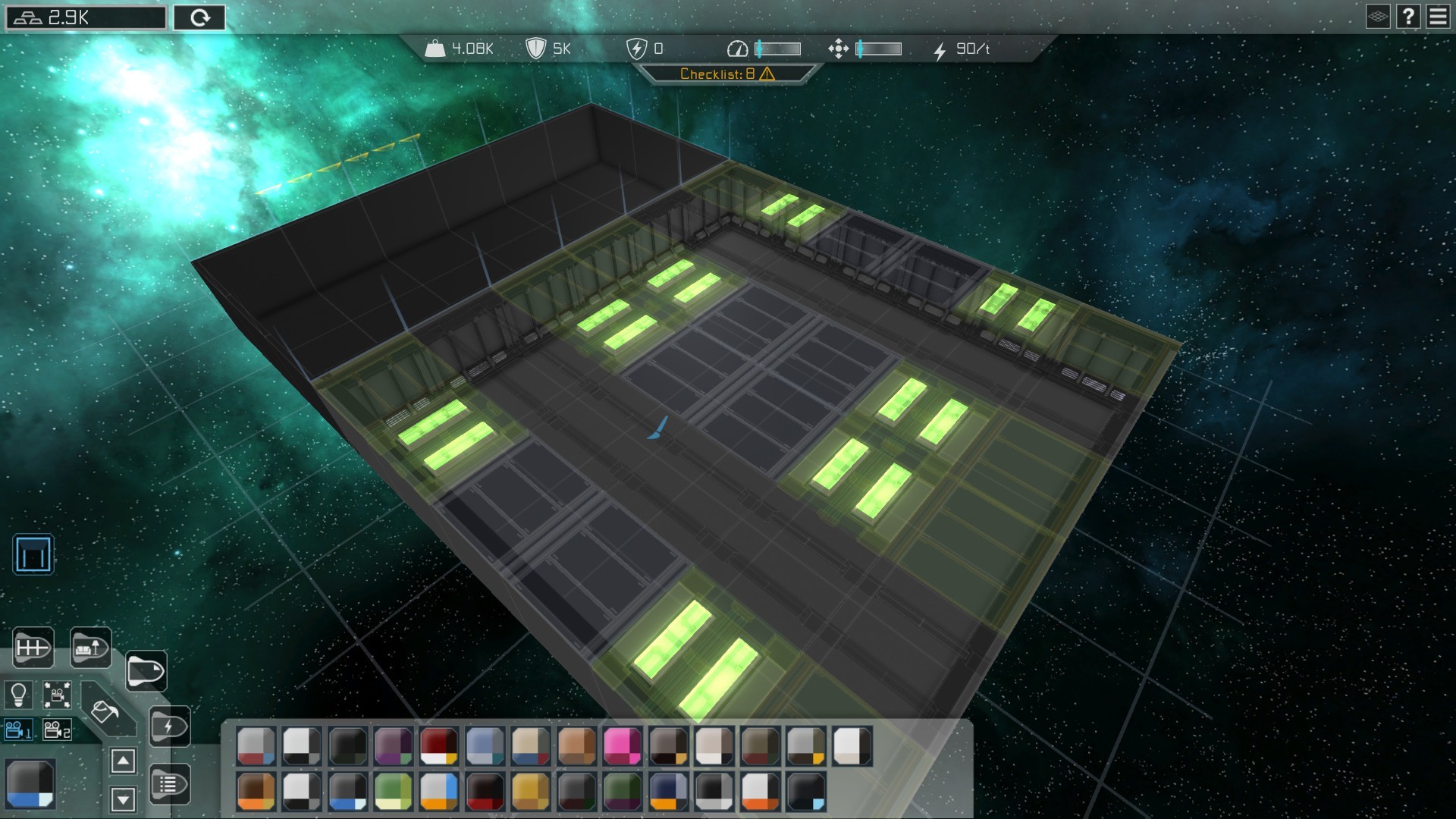
We’ve also finally added a ceiling mode to the game, which allows you to overlay a transparent layer on your ship, which shows the ceilings of the current floor you are on. This mode also works in paint mode, and allows you to have more visual feedback as you place the ceilings of your ship or station.
For a complete list of changes, please see the patch notes linked below.
Thank you all for playing, and see you star-side!
- The Split Polygon Team.
To enable the experimental branch, right click on Interstellar Rift in Steam, go to the beta tab, and select the "experimental IR beta patches" option
Please note that galaxy files opened in the experimental build, may turn out to be broken when going back to the regular build. It is recommended to start a new save file when trying the experimental build.
Ships build with mirror mode will not work in older versions of Interstellar Rift!