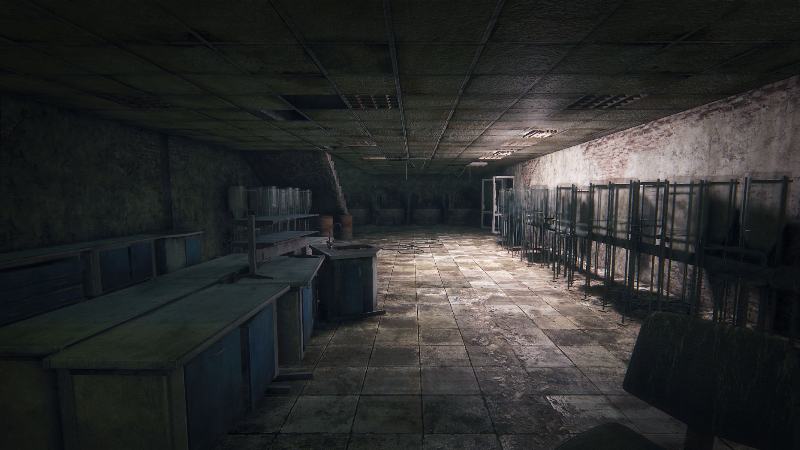
The Beta of 0.60e1 is available now EXCLUSIVE to Steam users.
List of changes:
- In the "Geometry Quality" section, the geometry rendering range (LOD) has been added
- Fixed shadow detail settings
You can enter the game both from version 0.60e0 and from version 0.60e1.
To update the game to beta version 0.60e1 do the following:
- Open the "properties folder" of Survarium in the Steam library
- In the "Beta" tab, select "public_test" from the drop-down menu (if the public_test branch is missing, restart Steam)
- Launch Survarium and after update click "play"
To return to version 0.60e0:
- Open the "properties" of Survarium in the Steam library
- In the "Beta" tab in the drop-down menu, select "REFUSE - Exit all beta programs"
- Launch Survarium and after the update click "play"
If you have any problems with the display, please send the following data to the support service. https://support.survarium.com/
1) Video of the issue
2) Your graphics settings
3) Video card model