How to Move the Window
1: Hover the mouse cursor over the window.
2: Left-click and hold.
3: The mouse cursor will change to a four-way arrow.
4: Drag to freely move the window.
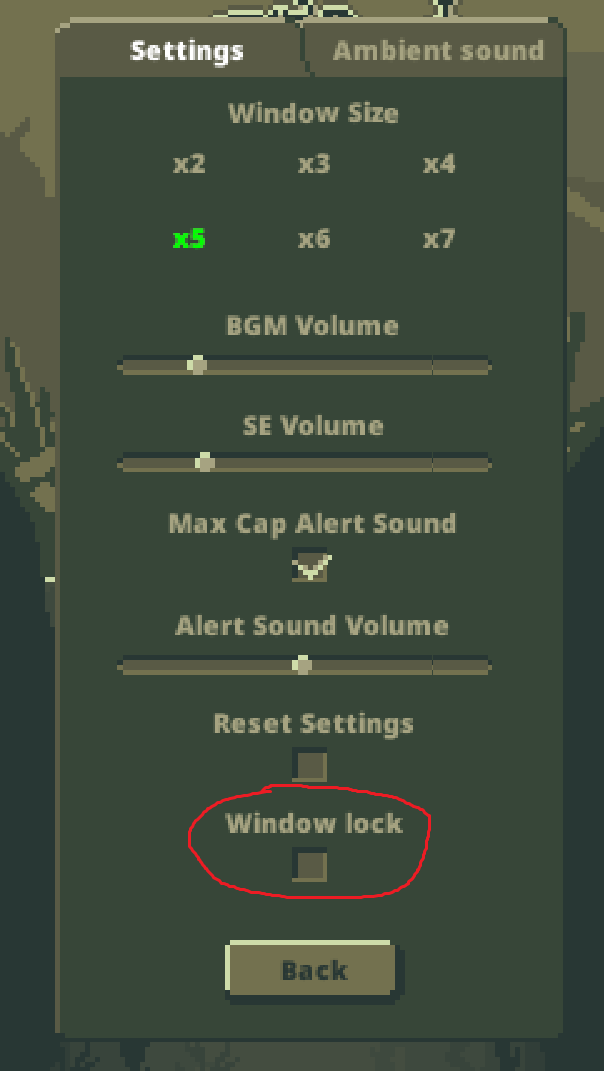
5: Once you've positioned the window, you can prevent accidental moves by checking the "Lock
Window" checkbox in the "Settings" screen. Make use of this feature to avoid unintended operations!
Window Movement Image
"Lock Window" Checkbox