ACTION GAME MAKER 1.3.1 Patch Notes
UI/UX Improvements
Added a new Animation Set Editor window.
Open it by clicking the "Edit Animation Sets" button at the top of the GameObject or Area2DBasedObject Inspector.
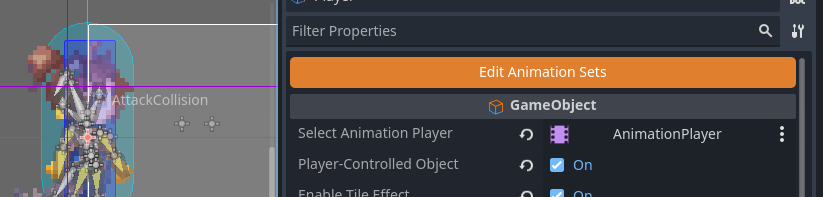
It provides the same functionality as the previous Animation Set editor, but now allows you to preview animations while editing.
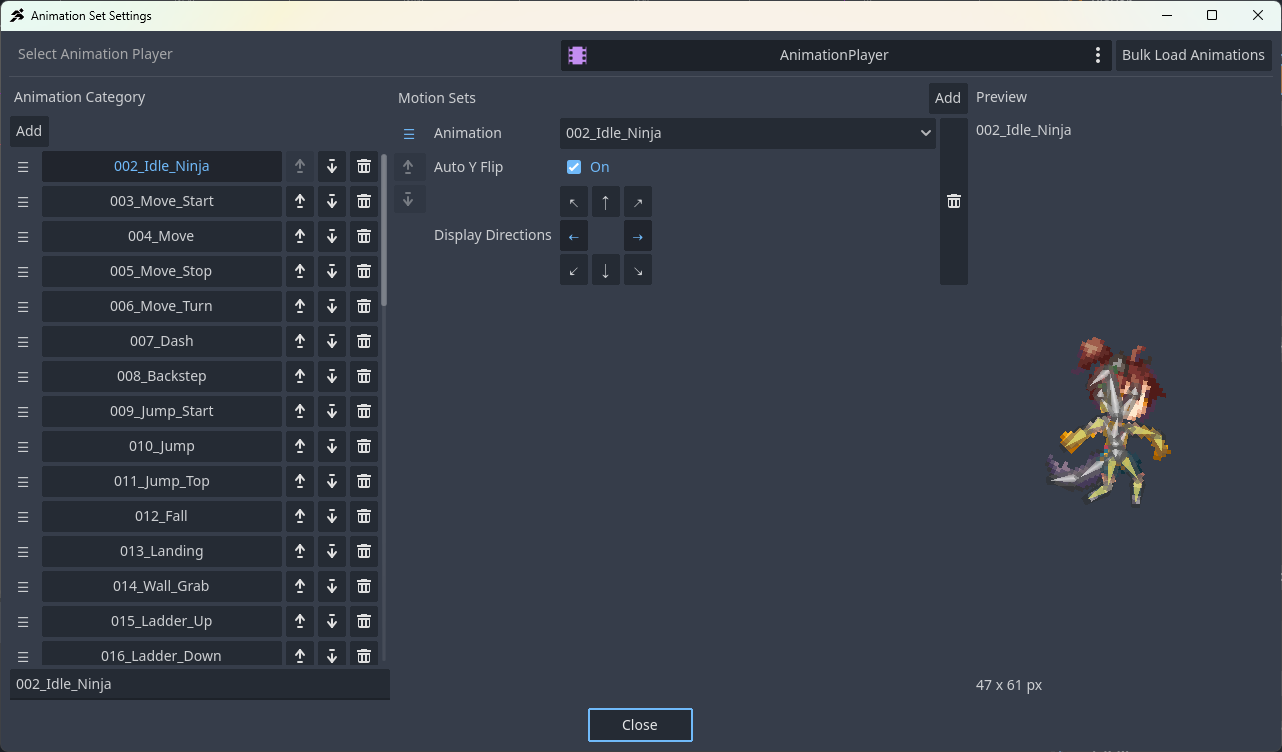
Added animation preview support for each state.
Animations can be previewed using the Preview button next to the state's animation settings.

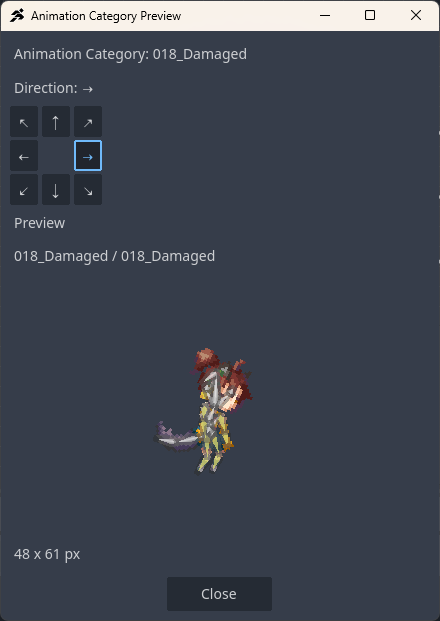
Note: Animation data is loaded for preview purposes. When previewing large graphics, such as the Dragon sample object, loading may take longer than usual.
Bug Fixes
Fixed an issue where the Distance to Attack Area condition did not work correctly when an object group was specified.
Fixed a crash that could occur when the Visual Script referenced a group node that did not exist under certain conditions.
Fixed an issue where the configured velocity was not reset when Release Movement Control was turned back off while Controlled by Input Device was disabled.