
Weekly AGMaker #003
■Greetings
We post promotional content on Japan's official X.
“zo-nomori& Neko” – game creators who can't write code
And “Shirokishi” – supporting advanced creators who are moving forward
We bring you this content with this team!

●AGMaker News●
Shirokishi's
RANDOM DUNGEON GENERATOR has been released.
https://gotchagotchagames.itch.io/agmaker-dungeon-generator
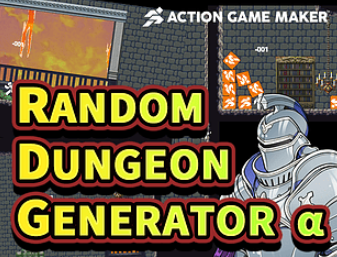
You can play using browser keyboard controls even without AGMaker!
It's included in the updated AGMaker sample game
and explained in GUILD (for those familiar with code).
●AGMaker Tips●
1. How to apply filters?
Original article: Here
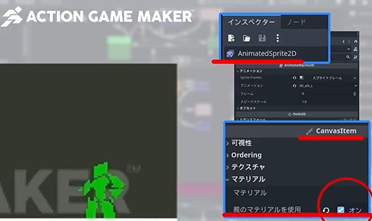
When performing the “Set Filter” action,
check the “Use Parent Material” option to enable it!
2. Not just CharacterBody2D!
Last time, I explained the different Body types, and I actually tested them out in lifts and such
(video is here).
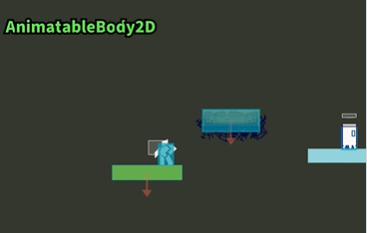
I want to be able to choose objects suited to their purpose!
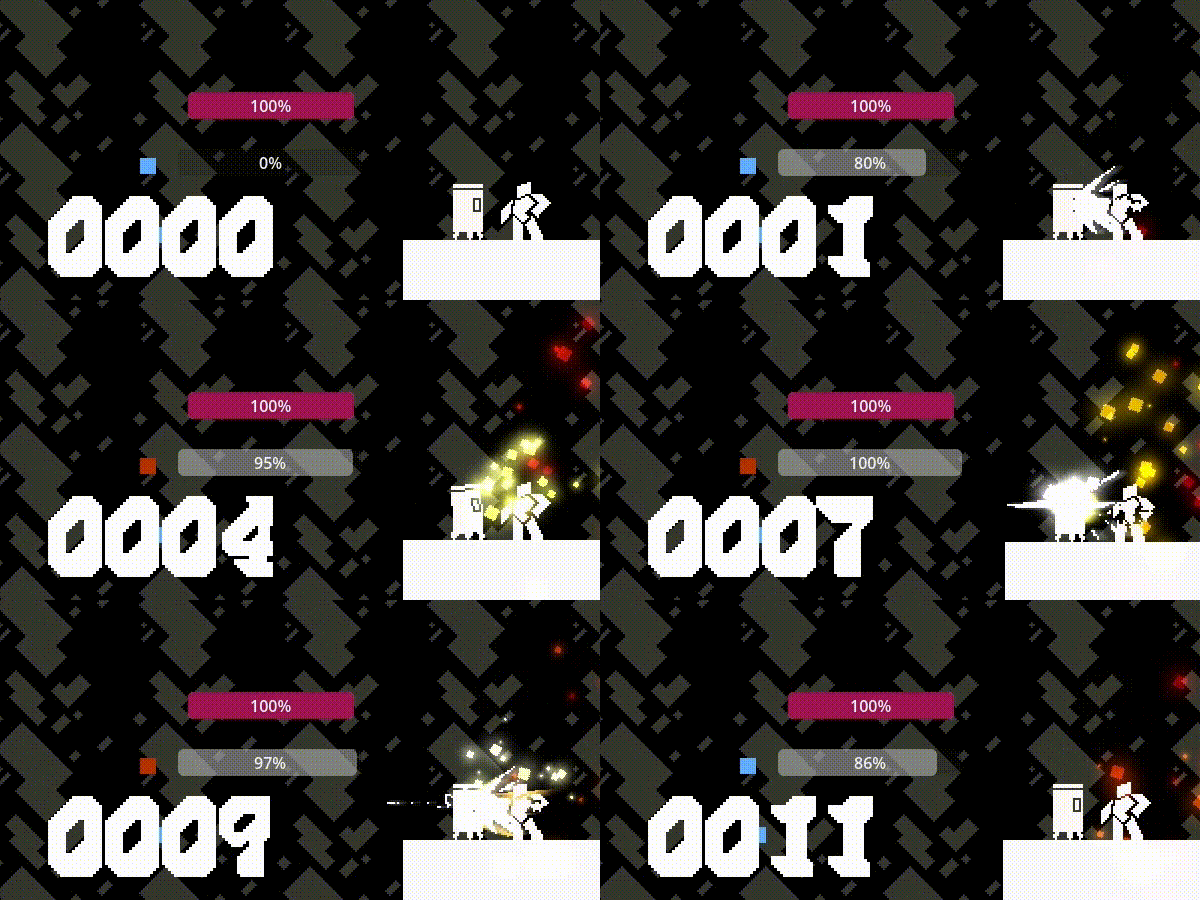
3. Aiming for a refreshing video, packed with effects
I want to show the hit stop, but... GIF animations are heavy, huh? Watch the video here!
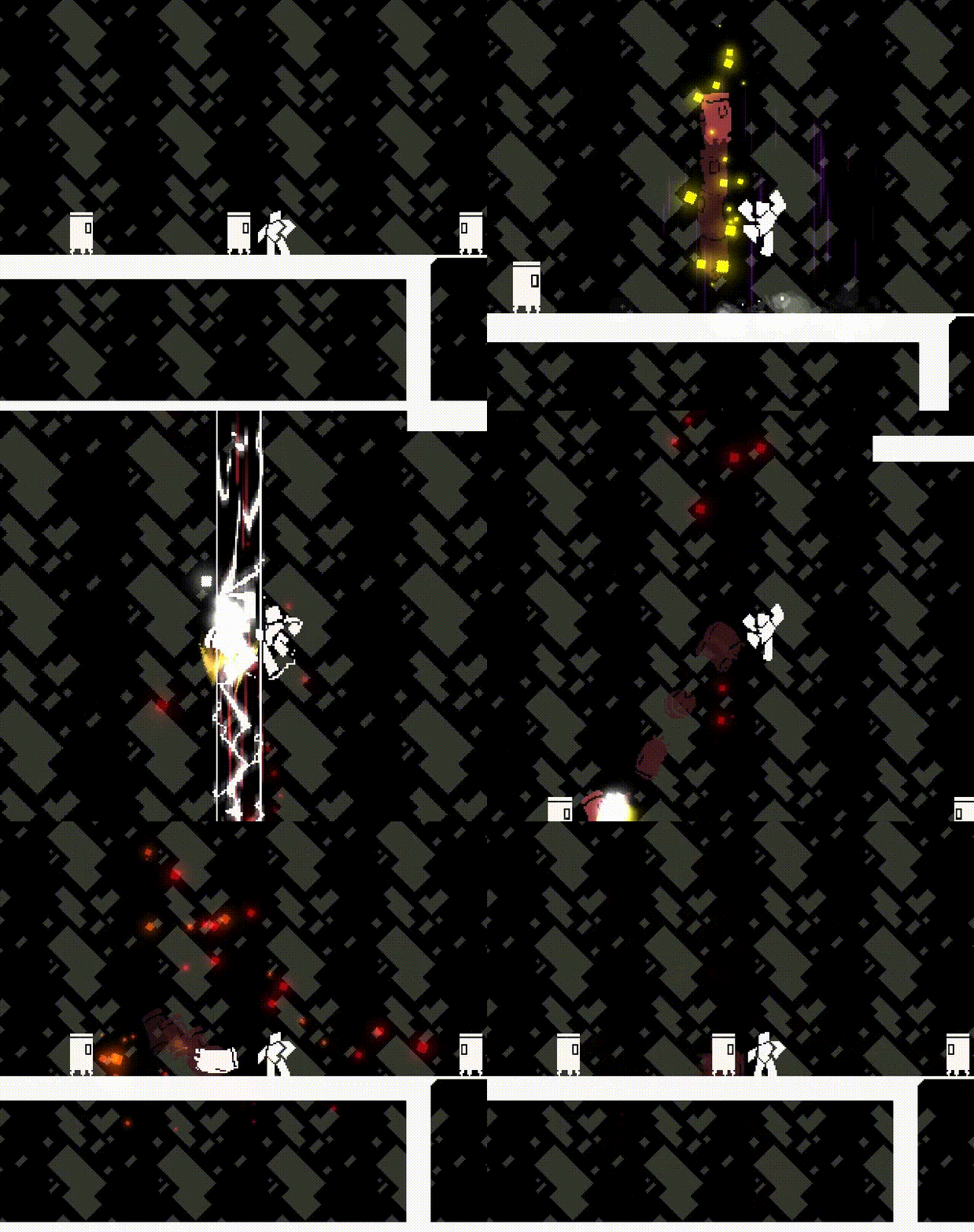
Experiments with timer-based combo gauges (Beautiful video article)
■Bonus Corner
Here's a helpful example
When I got stuck, I broke things down into elements and searched for specific terms.
Searching within GUILD for terms like ≪HP gauge≫ or ≪custom font≫ helped me find questions and information.
Of course, if you can't find it, go ahead and post it as the first question!
For someone like me who can't write code, this is a dream tool that lets me make games right here!
That's ACTION GAME MAKER!
See you next time!