
Hey there fellow ylanders,
As you might recall, in last week's Dev Diary Ales mentioned that there might come a day, when a Dev Diary will be written by someone other than him. That day has come. In case my name does not ring any bells - I'm the marketing person behind Ylands and it's my duty together with the amazing Ane (hi, Ane!) to make sure everyone hear about Ylands and love it!
The diaries from now on will differ a bit from previous ones - they will try to explore a specific topic (instead of many general ones) and go a bit more in-depth with it.
So with great pleasure, let me welcome you to the latest Dev Diary (written by me) in which we'll talk a little about the UI facelift (User Interface - essentially everything that stands between you, the player and the game, and your way to interact with the game's world) that will land with update 0.12 - arriving shortly, to an yland near you.
When we decided to give the UI a facelift we have set two distinct overall goals for ourselves:
- make everything more intuitive
- make everything visually more appealing
Let's start with the first point - making everything more intuitive.
As you know, Ylands is a pretty complex game with many mechanics, interactions and information constantly surrounding the players. A good UI should make sure that any interaction between the player and the game is as logical and straightforward as possible by making sure the relevant information is always at hand so players understand the mechanics thus can interact with them.
It's also equally important to make these elements visually appealing, so the players not only want to interact with the mechanics, but that interaction is pleasant and leaves a good aftertaste in your brain's mouth.
So with that in mind, let's break down what we did to achieve these goals:
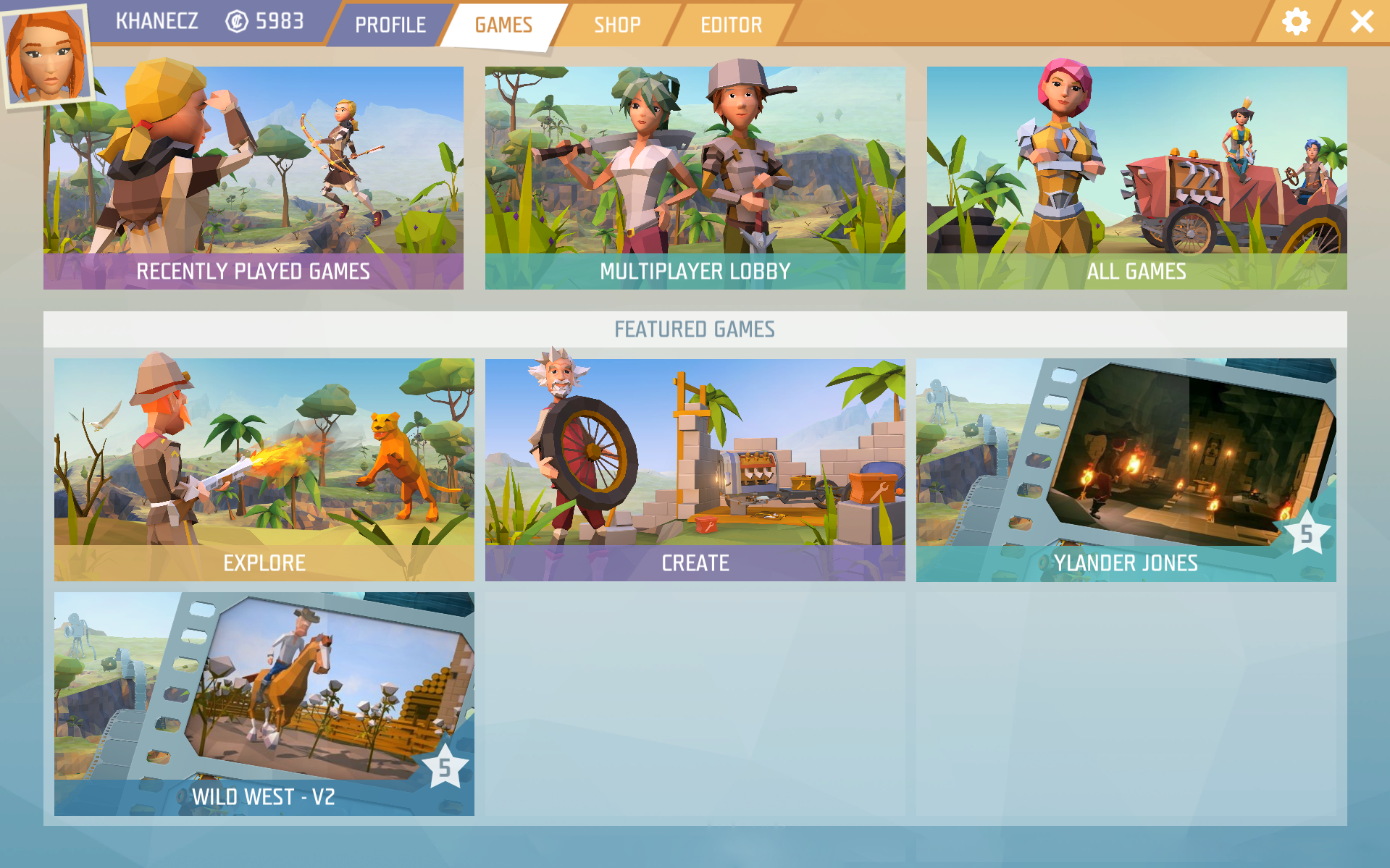
Main menu
- our goal here was to make sure custom games are more emphasized than before
- so players have an easier time finding the game modes they are looking for (without having to muck around the MP lobby for example)
- so now it is easier and more streamlined to join to multiplayer games, thanks to the new "autojoin" feature we are introducing
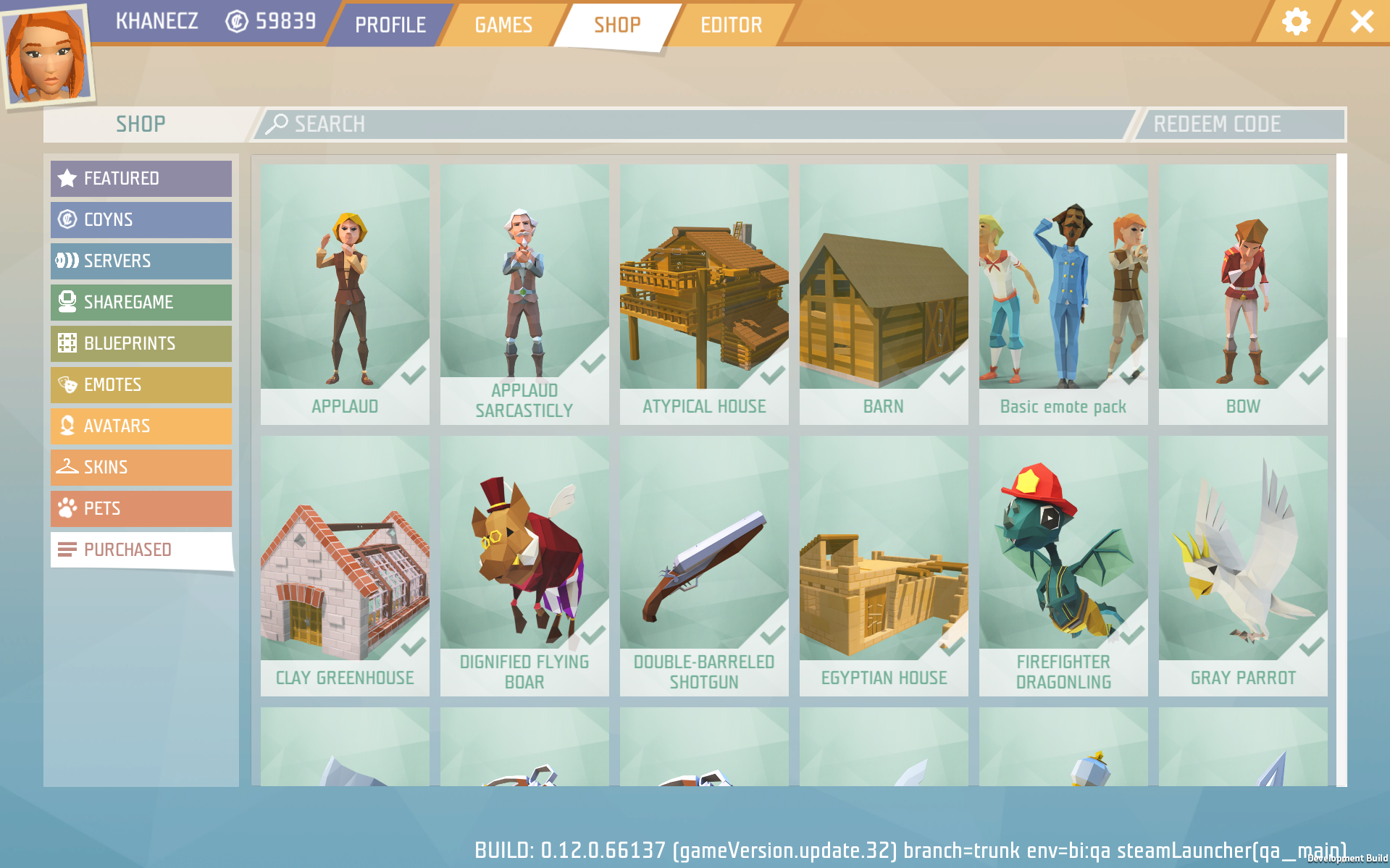
Shop
- we have updated the shop with some colorful new visuals to get you in that sweet "let me get myself a new pet" (new ones coming in update 0.12) mood
- we are also adding a new "purchased" tab, so you have a quick and easy overview of where all those coyns went
Character panel
- we have spent a lot of time improving this screen, as you'll spend quite a lot of time staring at it
- the big victory here is that now you have all the information you could possibly need (about selected items for example) on one screen, without having to open other ones

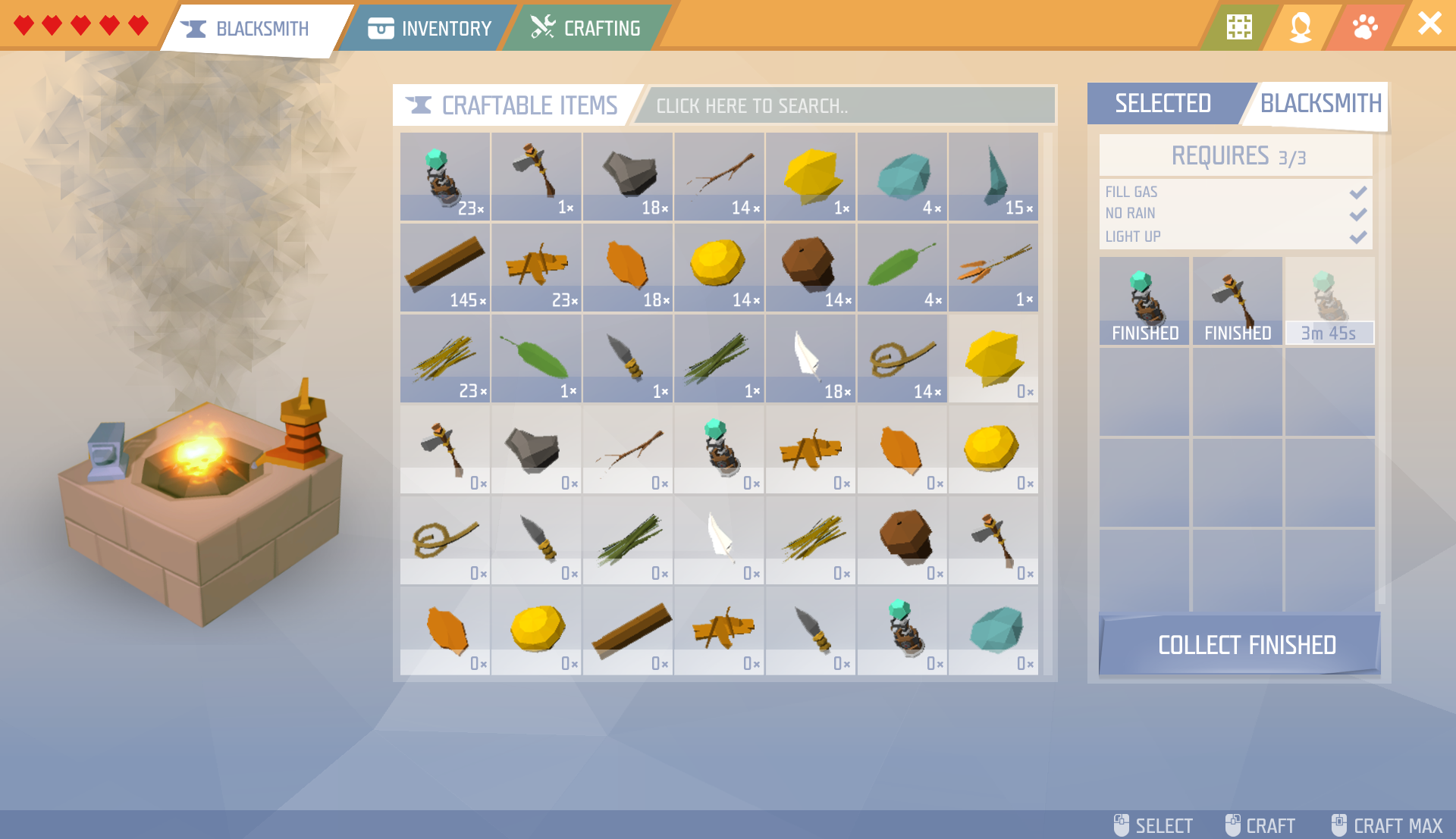
Crafting screen
- we have also updated the crafting screen, added important and relevant information like requirements to start crafting something or whether a workstation is lit or not
Dyeing system
- you can now set custom color presets up in both the editor and the dying stand
Blueprint menu
- you'll now see the ingredients required for a blueprint without having to place it first
Of course, these are just some of the changes, we have made numerous other improvements to every UI element out there.
We would like to keep some of them a secret for now, for a few different reasons: while some are still being worked on, we also want to make sure that when you get to play with the new UI, you won't actively be on the look out for the specific changes - this way, you can experience it more organically and as such your feedback will also be more natural. And of course, for some...we just want you to see for yourself Smile :)
A usual disclaimer: everything that you see here is "work in progress" and might change / look very different in a week / a month / a year / a decade. We'll also be taking your feedback into consideration and keep working hard to make sure your every interaction with Ylands is a pleasant and memorable one!
And now for some sweet interactivity: if you have ANY questions regarding this dev diary, the UI, the update, the game or just us, please let us know and we'll do our best to answer them in next week's diary (and going forward, this weekly "mini Q&A" will be a returning feature)!
And now...until next time: stay classy and have an amazing weekend ylanders!