Note: You must opt-in the the "vh-open-beta" branch to try the new features of this beta update!
# Changelog
## vh0.9.0-beta.1 - 2025-12-31
### Summary
This beta adds support for physical gamepads. Physical gamepad inputs now show on the handheld overlay input visualizer. The handheld overlay can now be toggled by pressing "Select" and "Start" or equivalent on your physical gamepad.
### Added
- Support for physical Xbox (XInput), DualShock and Switch Pro controllers
- Physical input mode, where the virtual input simulator and bindings are disabled and physical gamepad inputs are displayed on the input visualizer rather than VR/virtual controller inputs
- Automatic detection of physical gamepads. Pressing a physical gamepad button will automatically change the input mode to physical input mode. (This can be turned off in General > Input/Output)
- "Select" + "Start" button combo to toggle the handheld overlay. Pressing the equivalent buttons on your physical gamepad ("Back" + "Start" on Xbox 360, "Share" + "Options" on Dualshock 4, etc.) will hide or show the handheld overlay. (This can be turned off in General > Input/Output)
- Welcome screen message instructing the user to press "Select" + "Start" on their gamepad to toggle the handheld
- Automatic gamepad layout/glyphs switching. The glyphs and joystick/button positions shown on the overlay will change depending on the physical gamepad being used.
- Symbols for Nintendo Switch "Capture", "Home" and D-Pad buttons
- "Physical Input Settings" section to General > Input/Output tab
- Bindings menu screen to inform the user when physical input mode is enabled. The user can switch back to virtual input mode by pressing the button that says "Switch to Virtual Input Mode".
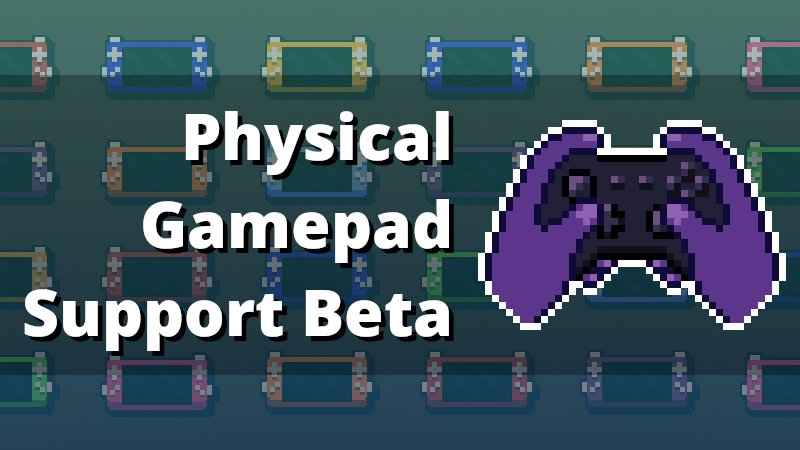
- Pixel art to represent physical input mode depicting a gamepad being held by a pair of hands
- "Auto-select tracking preset on input mode change" toggle. When the input mode is changed to physical, the "TV" Mode (Upright) preset is auto-selected. When the input mode is changed to virtual, the Handheld Mode preset is auto-selected. (This is on by default and can be toggled off in the Tracking menu)
### Changed
- Changelogs to using Keep a Changelog 1.1.0 (currently experimental, not sure if I will keep using it going forward)
- Face button colors for Xbox and DualShock layouts
- The Bindings Menu icon to better represent the conversion of VR controller inputs into virtual inputs
- Credits and Legal.txt to include XInputDotNet
### Deprecated
- Input Simulator setting "Don't reset button states when changing between Main and Alt set"
- Input Simulator setting "Reset all button states when changing between Main and Alt set"
### Fixed
- Overlay resolution console log spam
