The Audio Update
You have been asking for it and here it is.
Proximity Chat
Players now have the option to use the in game voice proximity chat. It is recommended that all players use this for a more immersive experience. Look at the in game settings for more details and how to set it up. Make sure to setup key binds for these actions.
Audio Overhaul
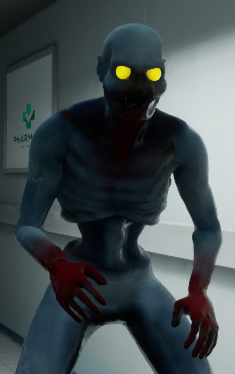
New sounds have been added. Here are a few examples:
-Soft groan from the experiment
-Heartbeat if you are very close to the experiment
-Ambient background audio
-Most sounds are now in 3D space and can be heard by nearby players
Revamped Lobby
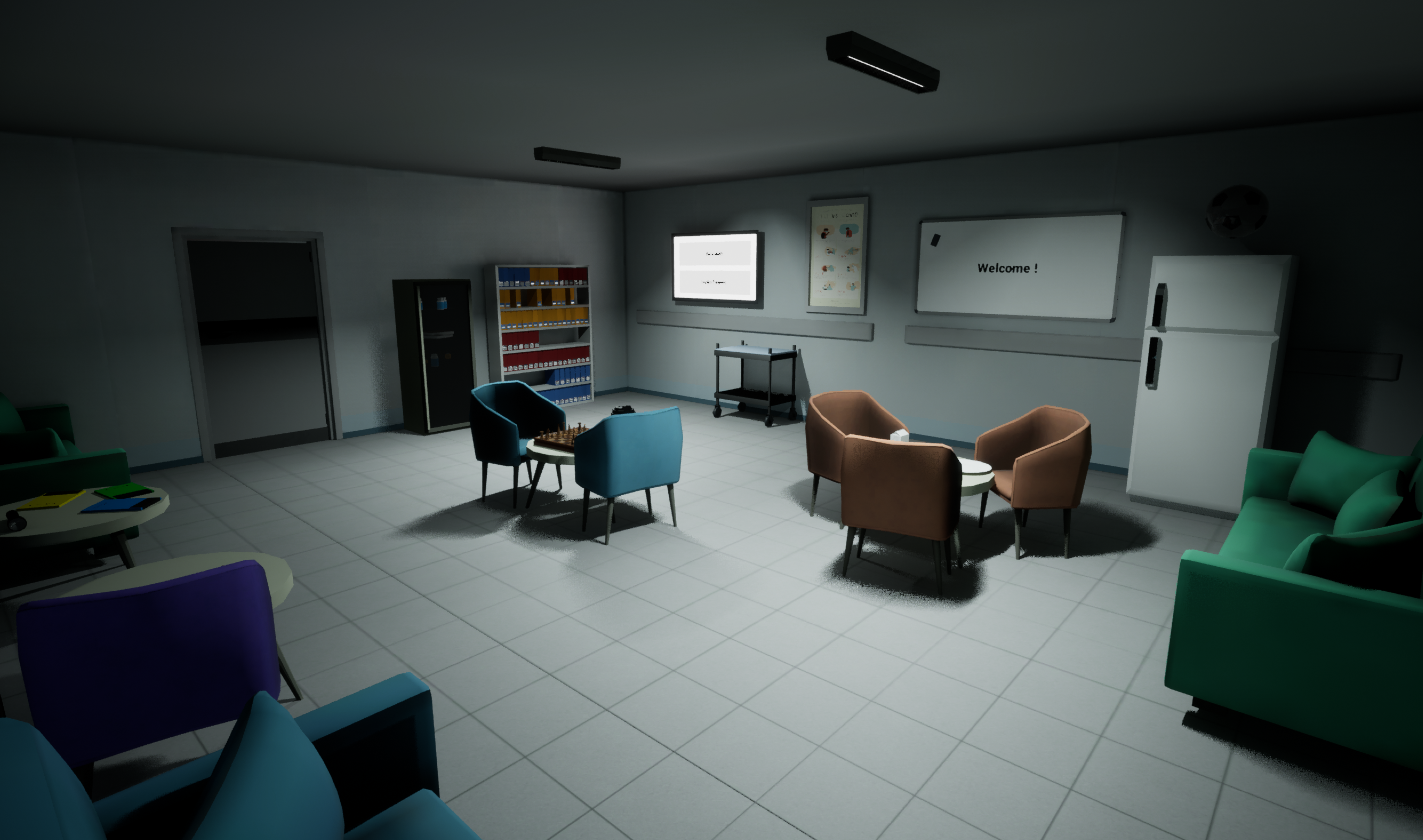
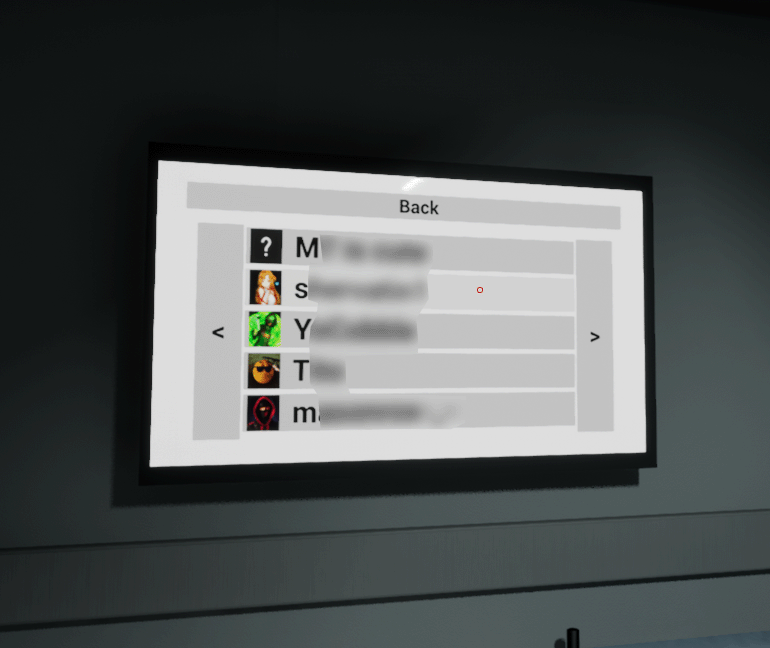
Some players found it difficult to start game and invite players. The keys have been removed and replaced by a monitor. This monitor can be used by the host to start game and invite players.
Smaller Things
Added
Added feedback when clicking a lobby from the list of public games
Added a clock in each level for ambience
Added a way to leave text chat box by clicking on screen
Added editable text to all whiteboards by using text chat next to them
Changed
Changed blend between standing and crouching to be smoother
Changed so all scroll boxes now lerp while scrolling
Changed font of "Quit To Desktop" to match the others
Changed player movement to be more snappy
Fixed
Fixed crosshair not appearing on clients
Fixed The Experiment not respawning after being trapped in a room for 6.02s
Fixed an issue where the players would get stuck under the stretcher beds in the lobby
Fixed flickering on some whiteboards
Removed
Removed the "Online Steam Friends" button from the main menu