Battle system, Shop and status UI updates!
1. combat system.
TRPG's combat system allows you to enjoy a combat experience.
It can be broken down into two main parts.
Battles can happen if you stay up late into the evening!
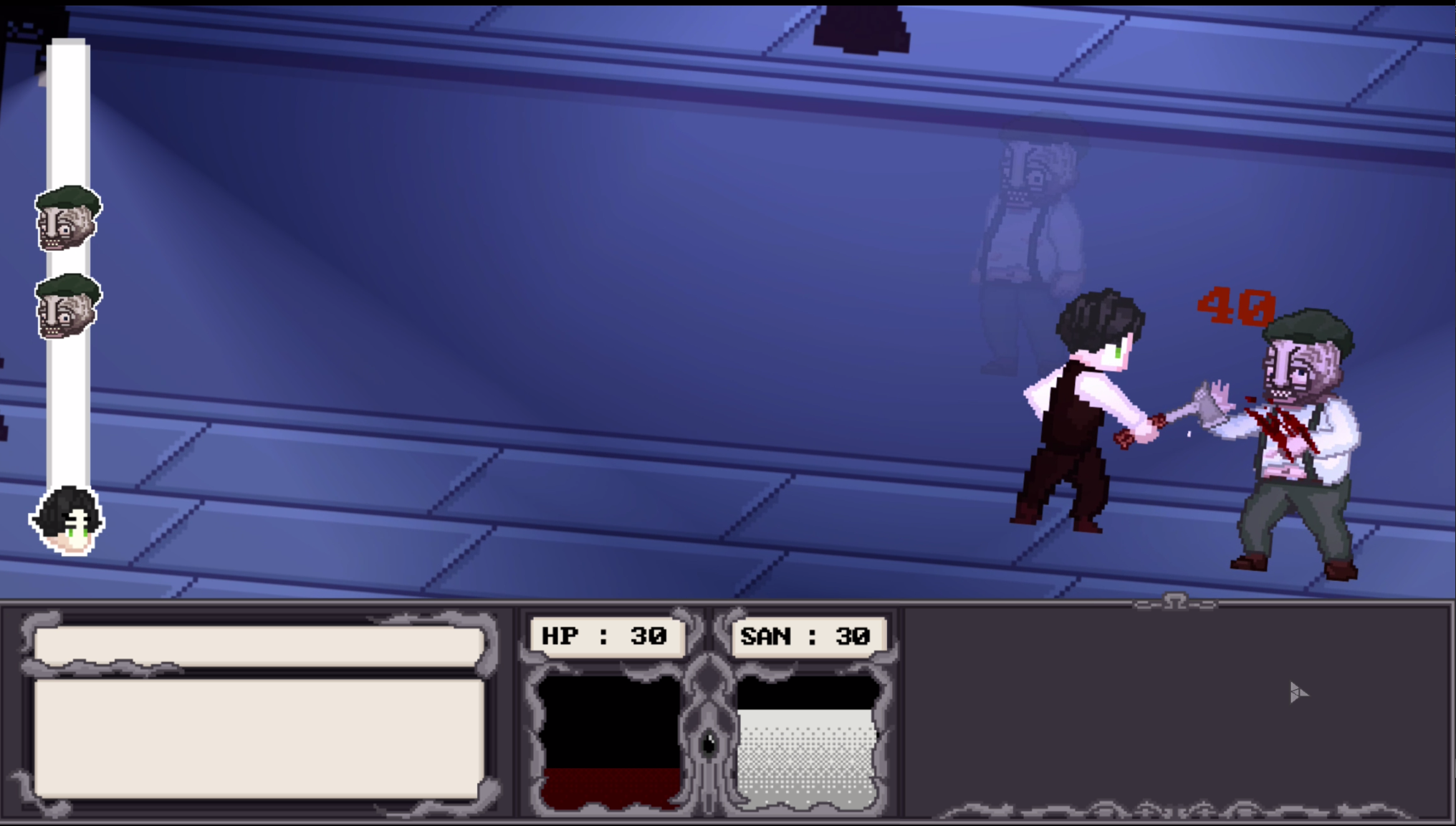
1) Your Action Turn
During your action turn, you choose what actions you want to take. In the current version, fleeing is not updated, but eventually there will be 3 options: attack / reload / flee.
If you choose Attack, you will specify who you want to attack and start making judgments. Shooting and Dexterity judgments are one-sided as before, while Martial Arts and Swordsmanship are compared against each other and the result of the action is chosen based on the results.

2) Enemy's Action Turn
There are two options for the enemy's action turn. "Dodge" and "Counterattack".
Dodging has the advantage if they are both successful, i.e. the same number of judgment points. Counterattack is the opposite, giving you a disadvantage if you both succeed.
2. Shop

A place called "GUNSHOP" has now been added to the map in Upper Arkham. You can go there to buy firearms, ammunition, swords, drugs, and throwing objects.

3. Staters UI
A total of three UIs have been added.

1) Stat UI
You can check your character's stats when you create your character and the debuffs you currently have.

2) Inventory UI
You can check the items you currently have. It is categorized into equipable, consumable, and key items.

3) Skill UI
You can check the skills you specified when creating your character.
This is the biggest update since the Early Access release.
After the next "Debuff System" update, we will no longer be updating the demo version.
Thanks to all of you for your continued support. Thank you!