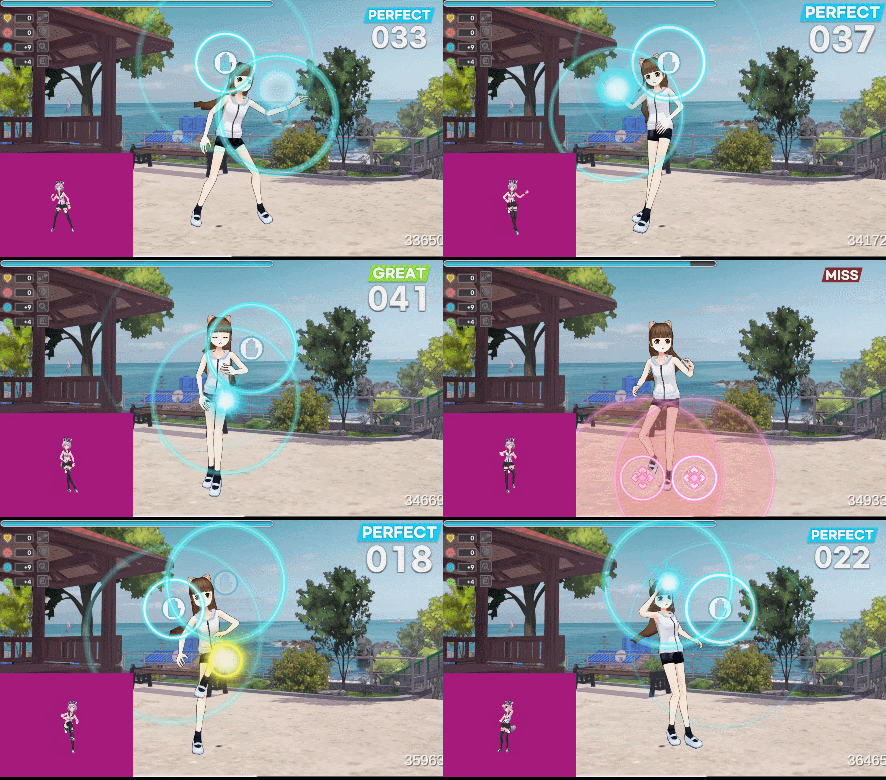
In the FullBody Tracking environment, the camera can be freely manipulated in virtual space, so there are fewer restrictions than webcams.
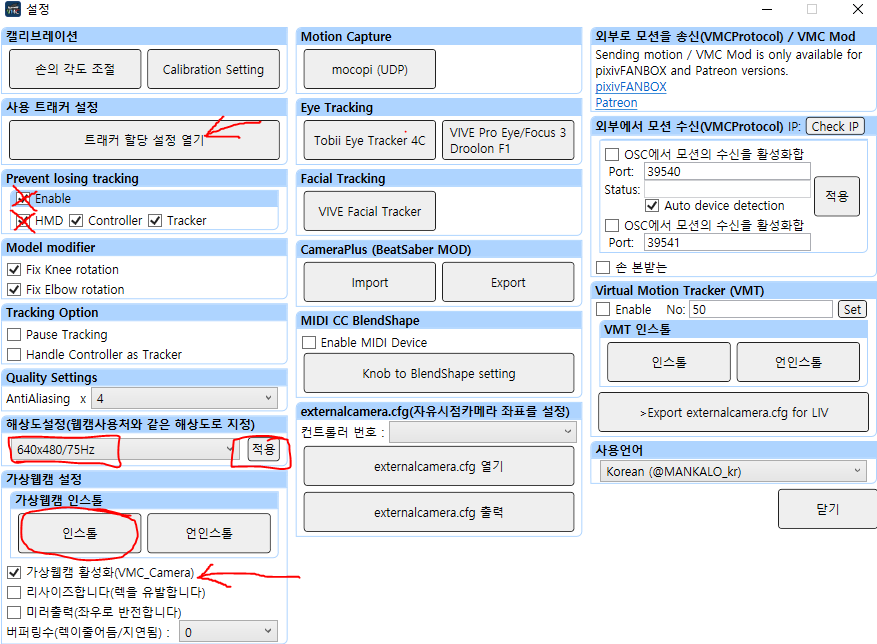
- The full tracking setting of the VMC (Virtual Motion Capture) program must be set by default.
- You need to install and activate the virtual webcam. After installing VMC_Camera in advanced settings, activate it.
- Set the resolution to 640x480 / 60hz or 70hz and apply.
- Please choose the most suitable calibration method for the environment you are using.
- If you have room for a tracker, do not use the HMD on the head, manually assign the desired tracker and calibrate it.
- In VMC, the background is not green or transparent (it is not recognized)
- Set the camera to Free and position it so that it can be seen from a slightly higher position than the head in front of you in the virtual space.
- Basically, it should be a humanoid VRM, and avoid excessive white or black (in-game tracking pops out)