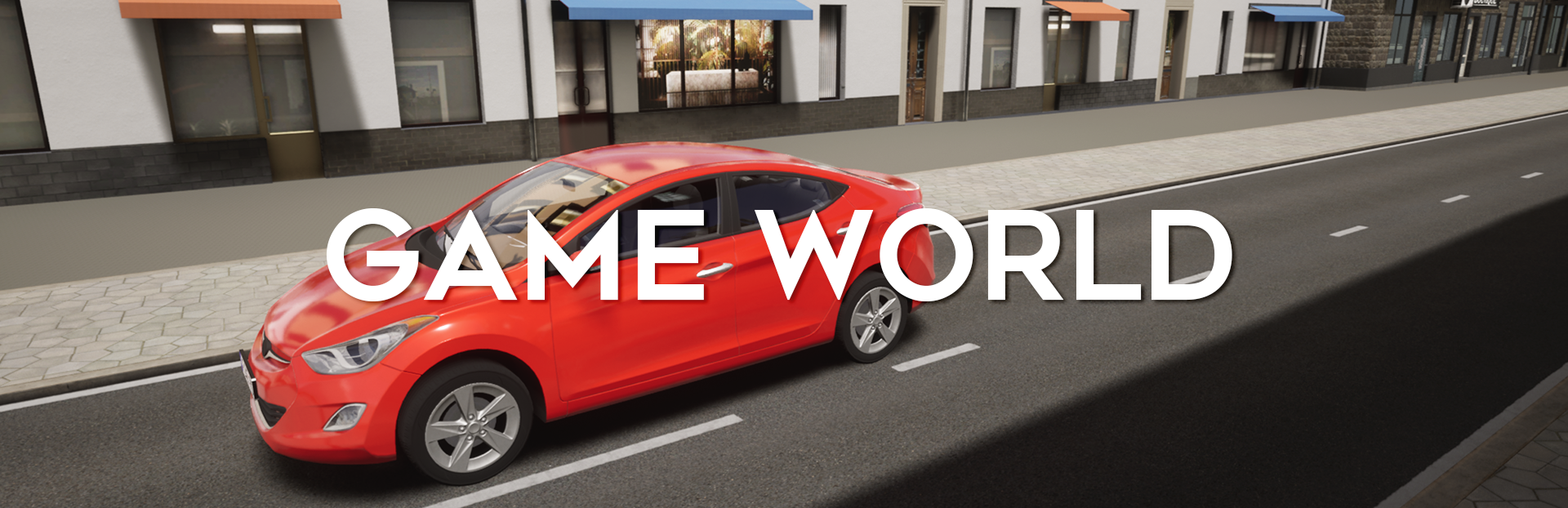
You will have to continuously assess the traffic situation and constantly make decisions on the road.
A characteristic feature of the City Car Driving series is the constant monitoring of traffic rules. In CCD 2.0., we make special emphasis on all the accompanying elements of this idea, for example, compliance with the speed limit, the distance between cars, signaling when maneuvering. We have made significant changes to the system for monitoring compliance with the rules, but we do not want to disclose all the details yet.
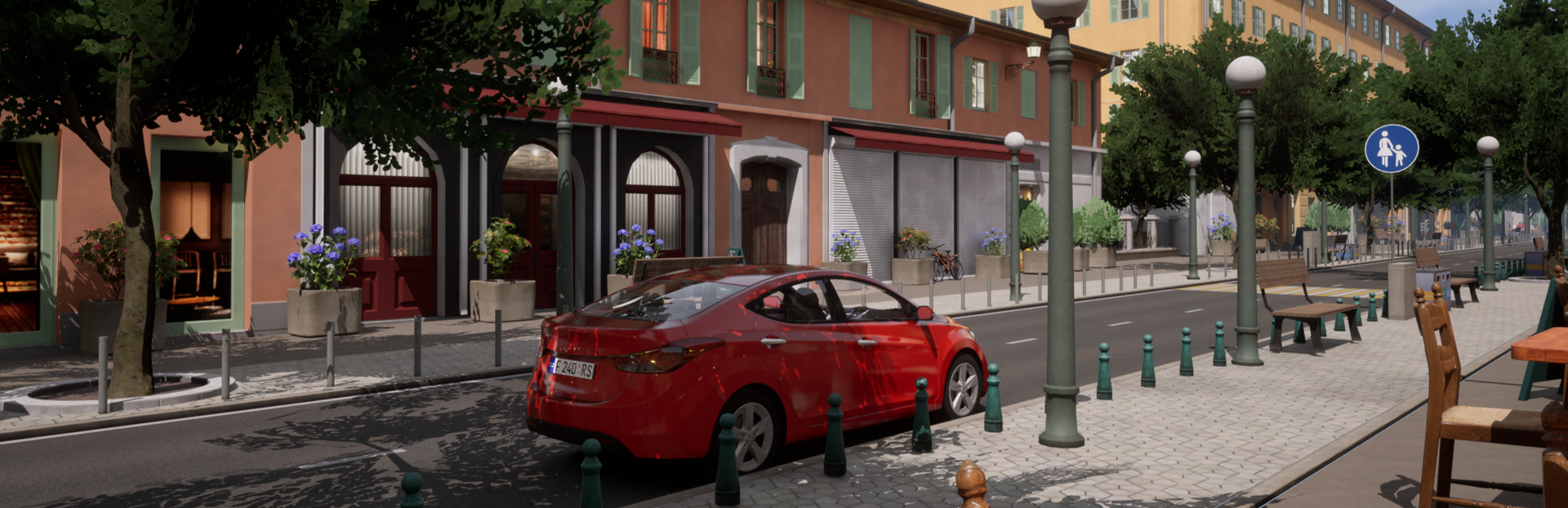
Realistic situations on the road where you interact with traffic will be recreated for you. In early access, we place great emphasis on interaction with all road users.
One of the main changes for City Car Driving is moving away from the fixed weather and time of day, selected before the start of driving, to their dynamic change during driving. Now you will have to take into account the change in road conditions – reduced visibility, changes in grip – adjusting your driving style “on the go,” which will improve your safe driving skills.
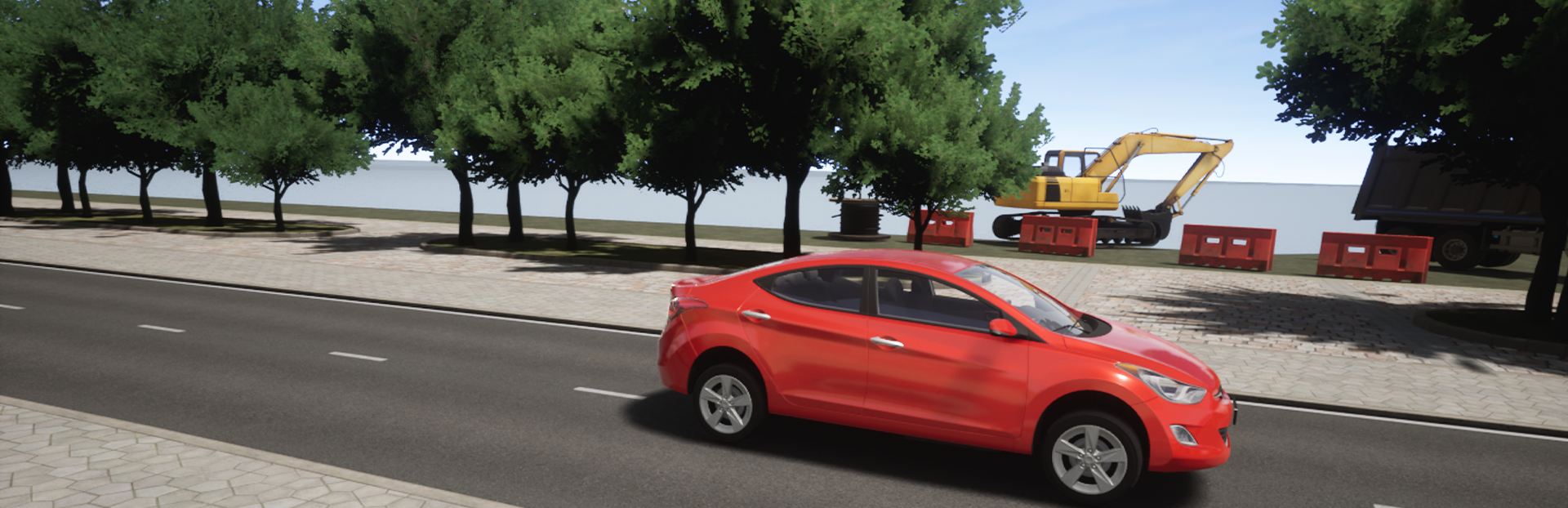
Since our game is a simulator, we pay the closest attention to the fact that the controls and the reaction to them correspond to the real ones as much as possible. For example, to start driving a car with a manual transmission, you will need to use the clutch and get used to the range of its “engaging.”
We try to test our game on all popular input devices and achieve good accuracy and responsiveness of control on each one, so that you can feel like driving a real car.
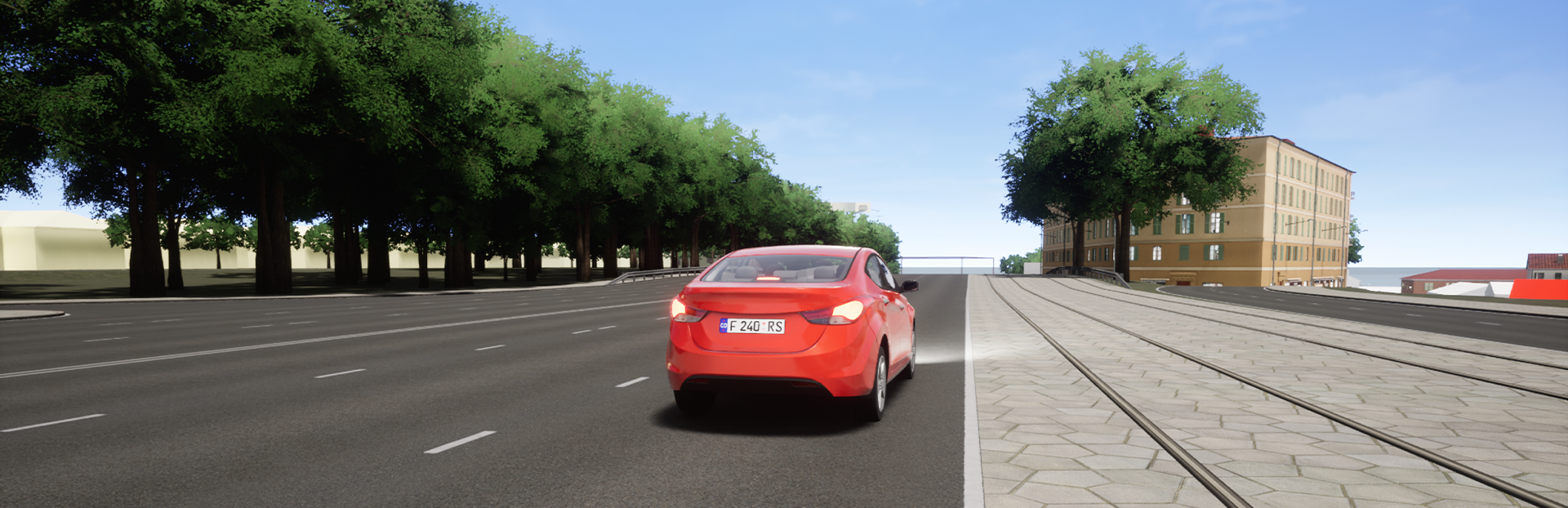
One of our main tasks, along with safe driving, is the elaboration of various types of roads: CCD 2.0 provides you with city streets with heavy traffic, highways, roads with turns and intersections suburban area, one-way roads.
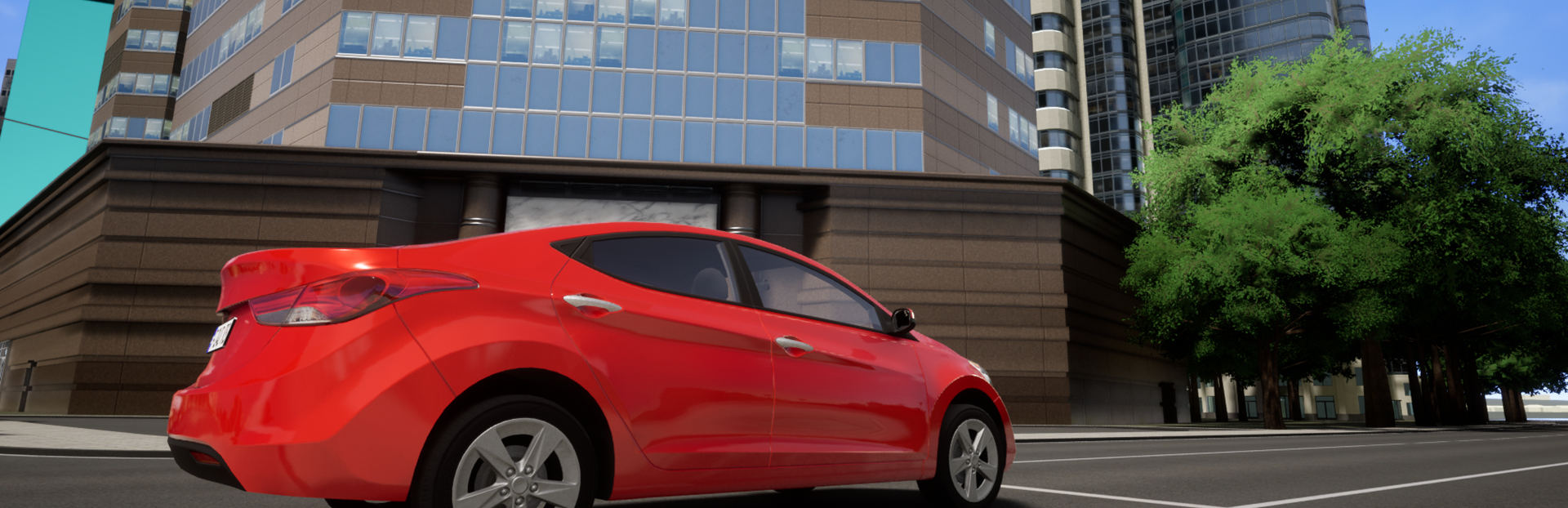
We have already shown an urban environment with busy streets and skyscrapers, and now we are creating a forest area: we are paying special attention to vegetation. We added water surfaces, mountains, rocks, bridges, and other objects characteristic of the terrain in which the game takes place. The variety of elements of the environment enriches the game world and makes each location unique.
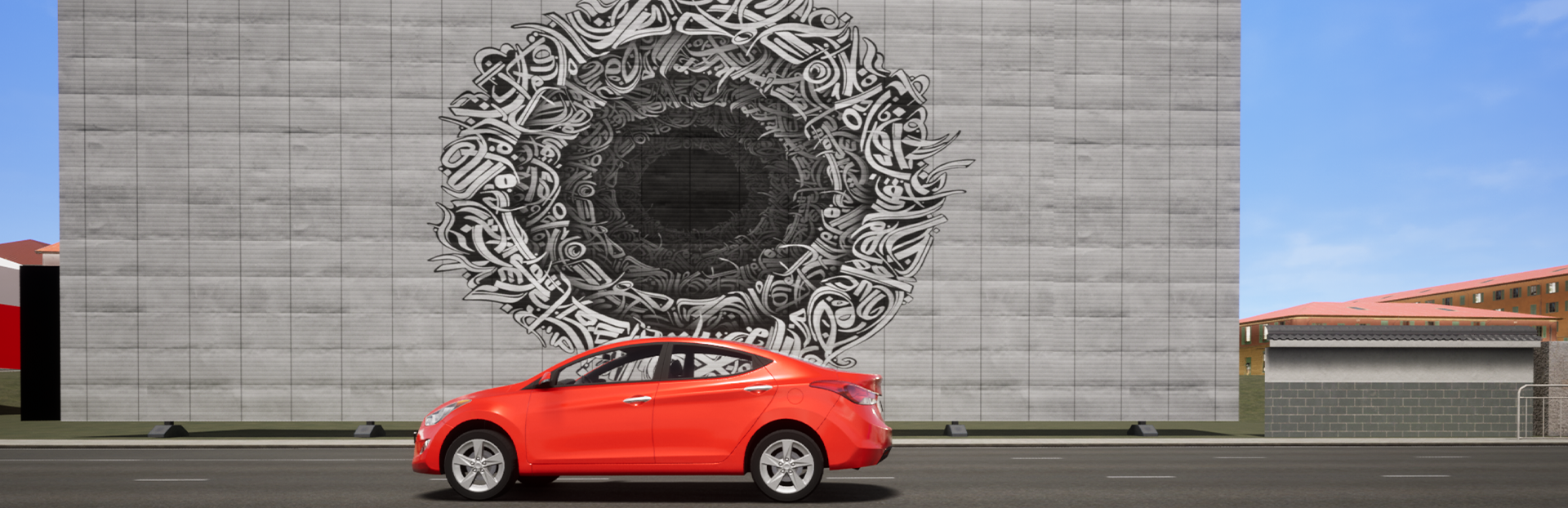
In addition, we have added various historical and cultural features to the game. Different districts of the city will have their own architectural styles and art objects. This will allow each location to feel in a new way.
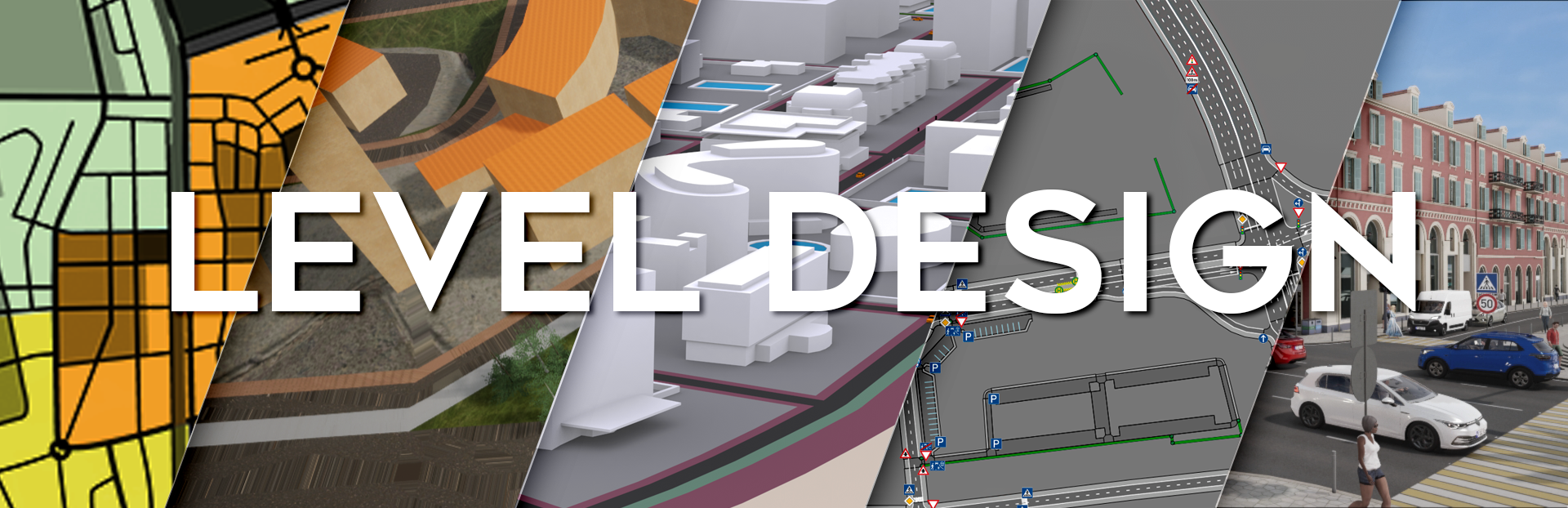
Let’s look at the example of one of the locations how the creation of a large city with its own history takes place.
It all starts with a concept, but instead of paper and napkins, we use graphic editors. We start by drawing small sections, which are like puzzle pieces, then we structure and put them together.
If the task is not to reconstruct some real canton of our planet, then at the initial stage, the imagination works mainly. The network of roads, squares, and districts are thrown “out of the head” so that the result corresponds to the meaning of the future location.
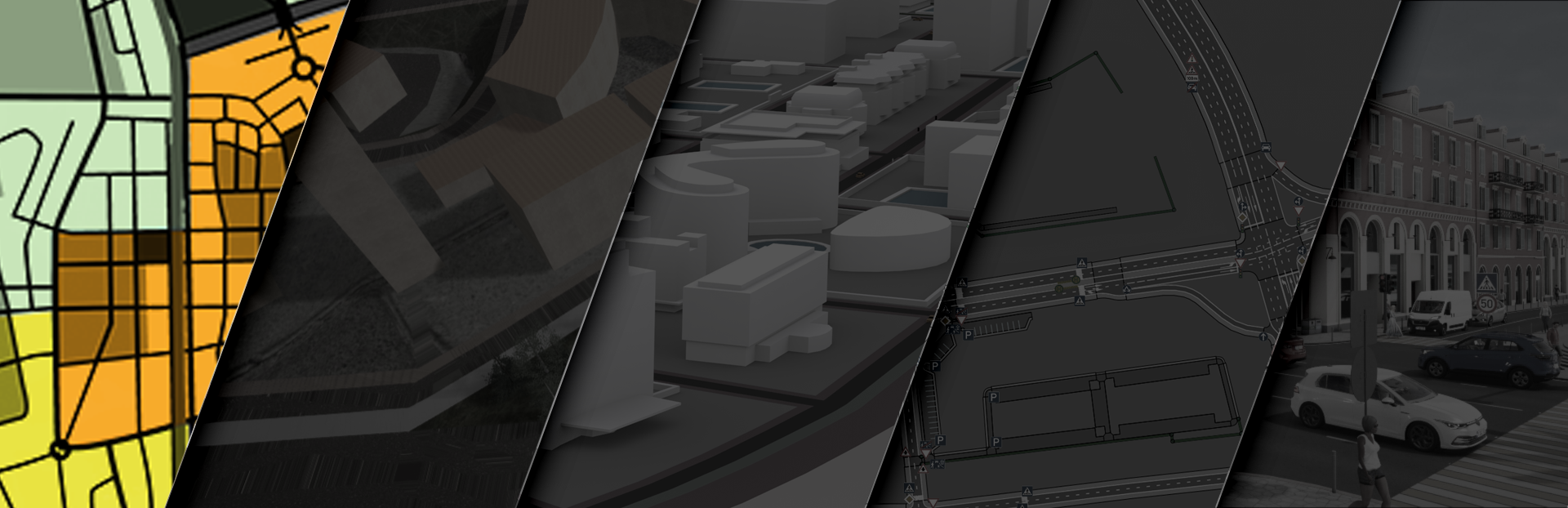
Then, according to the assembled puzzle, a prototype location is created, the so-called “black blokout.” It is black because of the color of the plug objects that symbolize houses and roads in it.
In this “blockout,” changes are made in broad strokes. We look at how the areas of the location are connected, what is the dimension and silhouette of the future city.
In Unreal Engine, we use BSP geometry to build a location blockout which allows you to easily and quickly set the approximate shape of future houses and the road network.
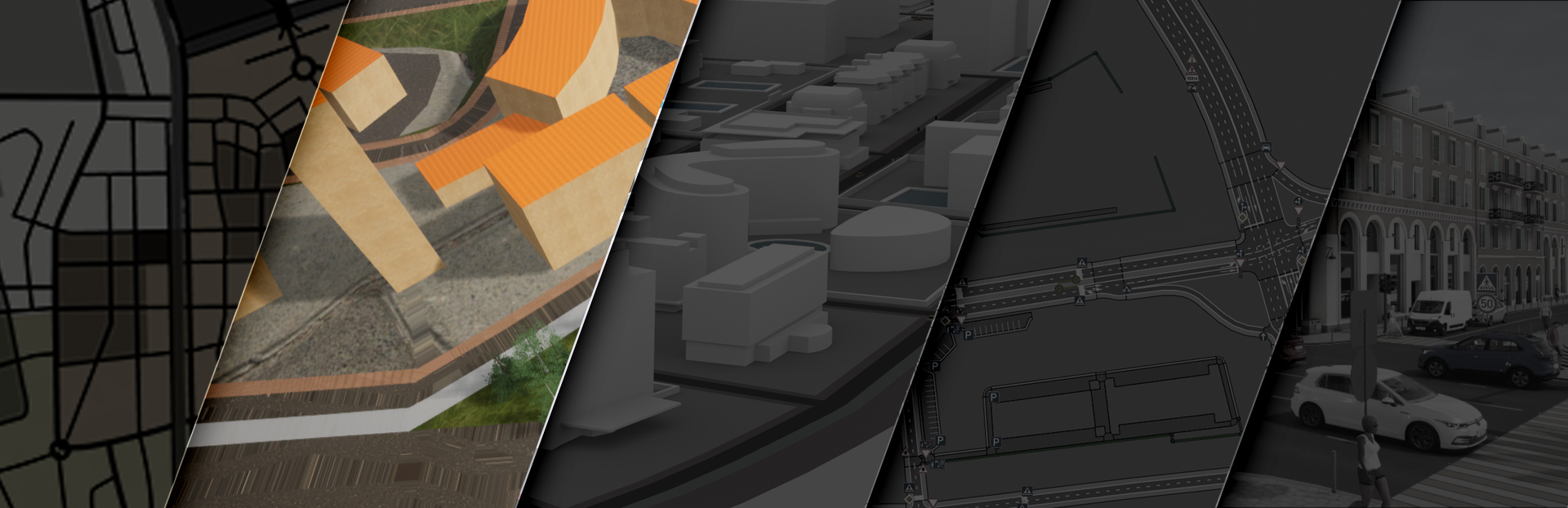
After that, you can think about how the city blocks look like and specify the shape of the road network. So the “black” blokout turns into a “white” one.
Interactive objects, sights are also installed on the blockout, and routes for the movement of the player, traffic, and pedestrians are laid.
The stage of the white blockout is considered completed when the level designers, environment artists, and the game designer have a complete understanding of what the location will be and what it will contain.
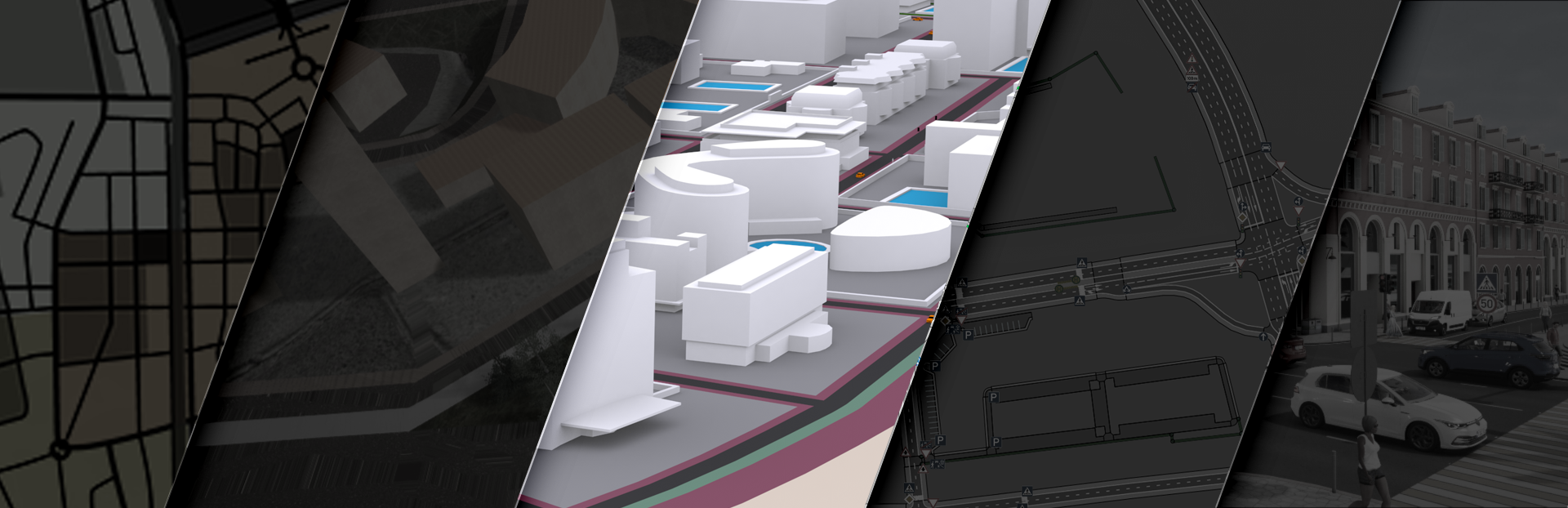
After that, the white blockout is transferred to a special editor of the road network and logic in which the final version is built. We had to create that editor ourselves, since no game engine can provide the capabilities we need to model the road network.
Also at this stage, we are considering traffic regulations in the city, defining regulated and unregulated intersections, one-way traffic, lane traffic, main and secondary roads, speed limits, setting road markings, adjusting the intensity and type of traffic, creating a pedestrian network and pedestrian crossings, bus stops and tram tracks.
We can list the amount of work in the road network editor almost indefinitely: from building a general grid of roads to adjusting the height of curbs.
After setting the logical network, it is necessary to generate its geometry in the editor, which will represent the landscape in the game.
We try to start doing intermediate rough landscape generations as early as possible, since after them, you can see with your own eyes the shape of the landscape, with all the height differences.
After the completion of the main works on the road network, when all the shortcomings have been identified and the landscape artifacts have been corrected, we perform a finishing generation.
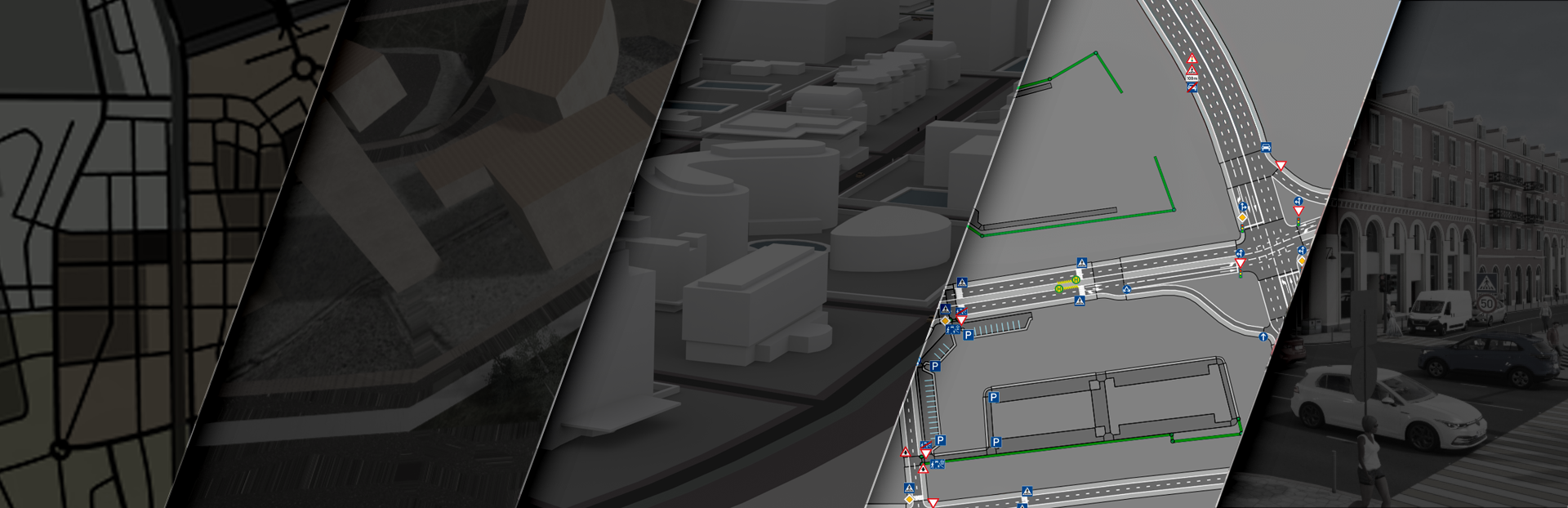
On the finished landscape, when the final version of the road network is already visible, we proceed to the location design. Level designers together with environmental artists perform architectural filling of the location with large objects.
At this stage, a visual image of the architecture of the new city is emerging. When all the large objects are placed, interactive objects are installed, when the architecture and style of the city are fully built, the design stage can be considered completed.
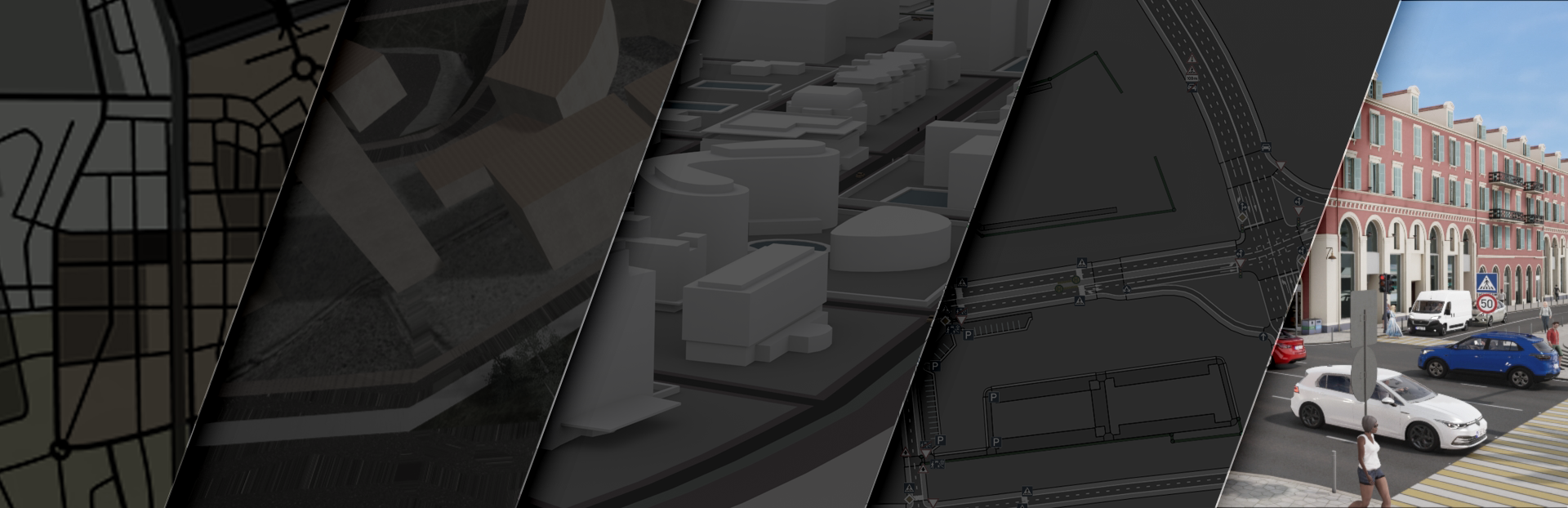
After that, the final stage begins: we fill the location with objects and traffic regulations, install traffic lights, signs, details of complex markings, and arrows on traffic lanes.
Then we install small objects, for example: fences, poles, benches, and other objects of the urban environment. And then we proceed to the last group of objects – vegetation on the location. After installing all the objects, the location can be “painted” with small details: apply cracks and hatches on roads, garbage, and paving slabs.
This completes the development of the location.
Will there be trailers in CCD2?
There will be no trailers in early access, but we plan to add them after the game is released.
Will there be trucks and buses available for the player to drive?
The player will not have large-sized vehicles in early access, but there will be vans; we will tell you more in the diary dedicated to traffic and transport.
And what about trucks and buses in traffic?
They will not be available in early access, but we have an alternative, which we will also talk about in the diary dedicated to transport vehicles in the game.
Will the game physics allow you to perform elements of extreme driving, for example, drift?
Our project is primarily educational, and we do not encourage extreme driving in urban traffic... But this does not mean that the player’s transport will not be physically capable to do it.
Are you planning to support telemetry, eye tracking, and so on?
It is not planned in early access.

In the next issue, we will talk about the technical side of the game mechanics, which we mentioned in previous diaries: gasoline station / service station / car wash / garage, and we’ll show you exactly how you can interact with them.
Developer Diaries are published every two weeks. Don’t miss them!