This update is somewhat full of volume!
Addition
- Added a large number of kanji characters that can be created!
- We added a whopping 37 new kanji!
- Added mainly the cursive and existing Kanji characters that should be able to be created but were overlooked.
- 丁, 可, 何, 奇, 恵, 旲, 唱, 卦, 簡, 腮, 叶, 辛, 辞, 什, 艹, 草, 芯, 苛, 昌, 苗, 茄, 苫, 荷, 萌, 菩,菖, 萠, 董, 蒔, 苦, 莫, 苻, 茴,茵, 苙, 莅, 薏
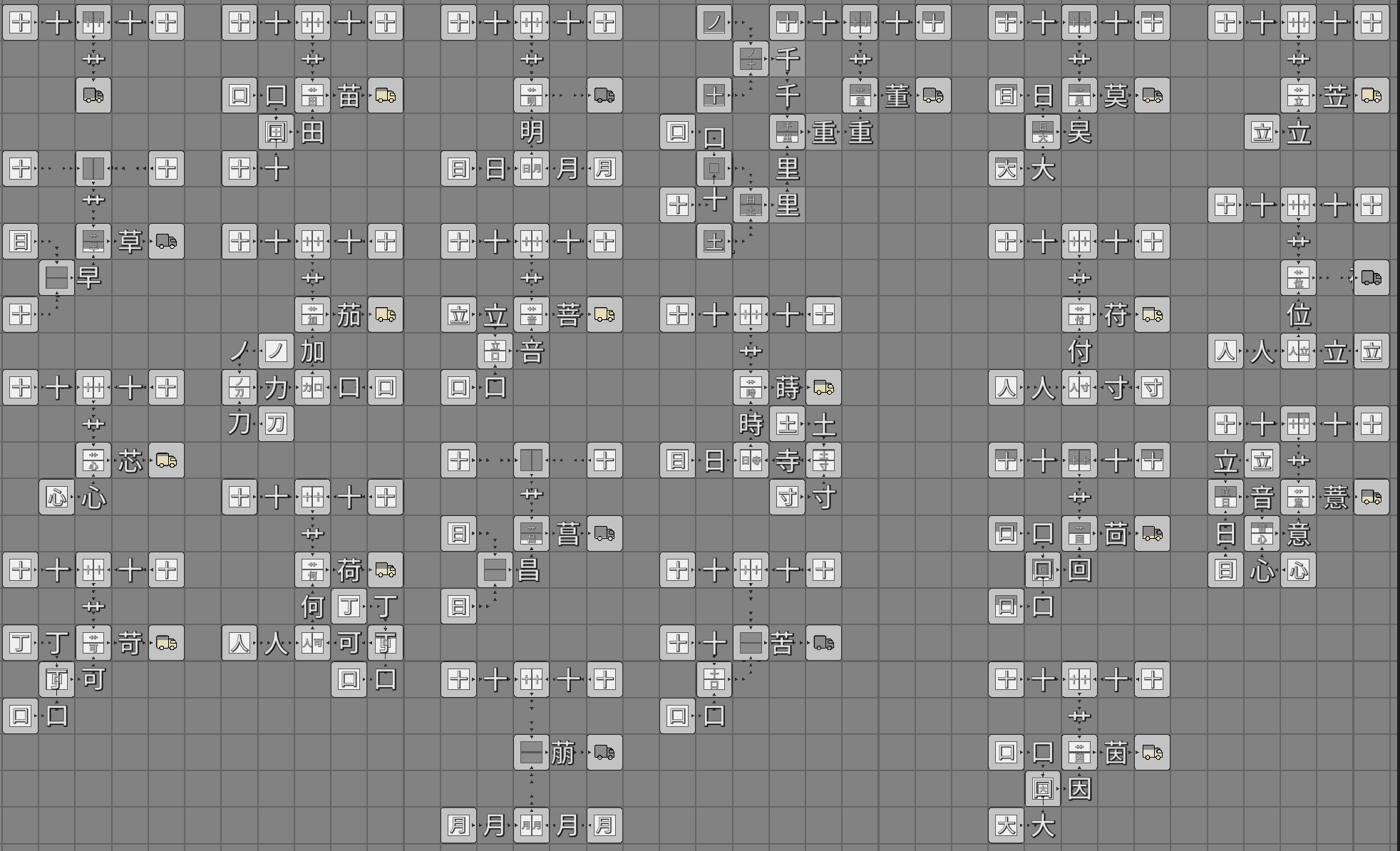
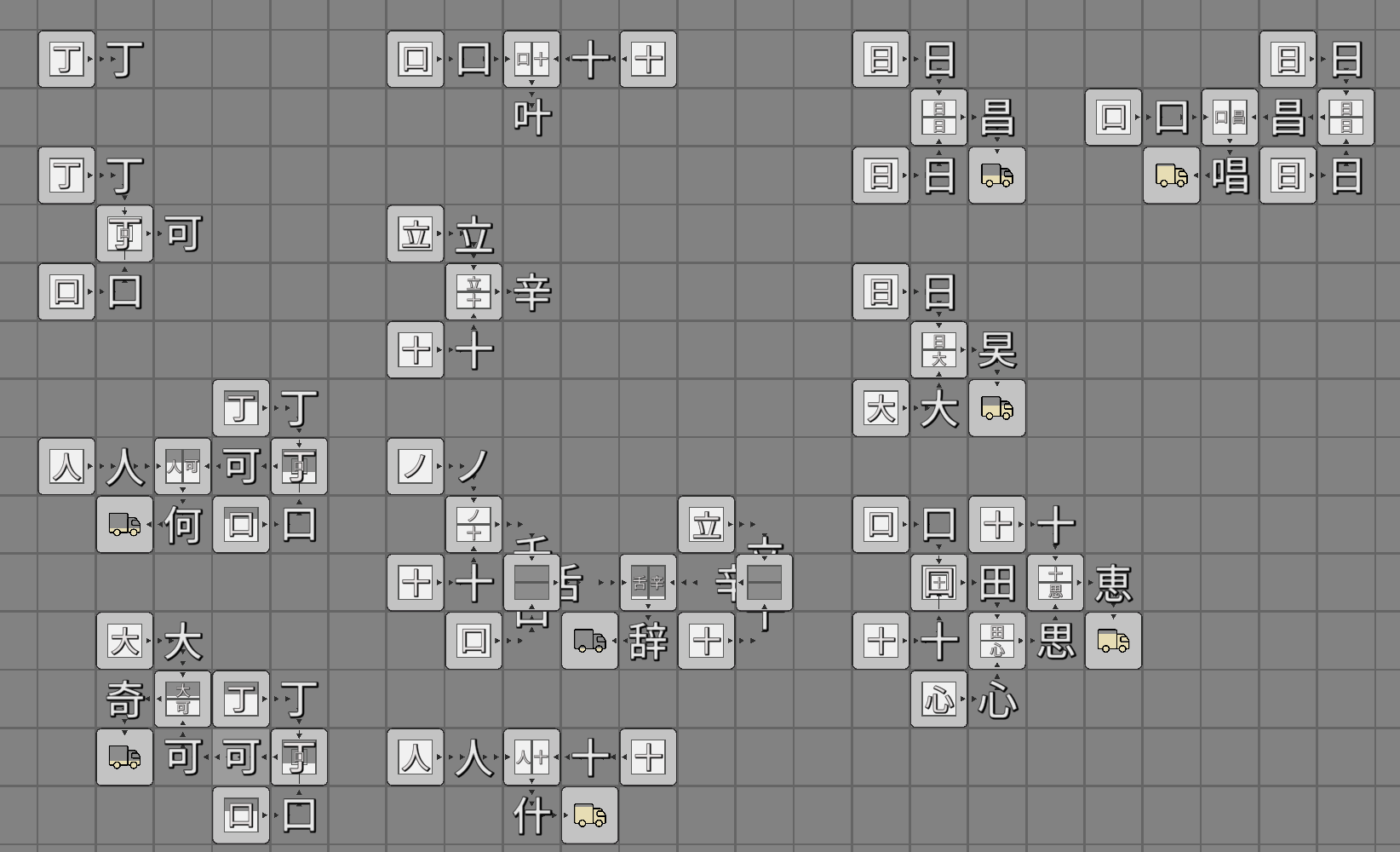
.
- More stages have been added.
- The number of variations for clearing each stage has been greatly increased from 25 to 101.
- Most of the Kanji characters that can be created now appear as stage clear goals.
- The number of stages that must be cleared before the final stage has been increased by two.
- The increase in Kanji characters means that the volume of the stage mode has increased.
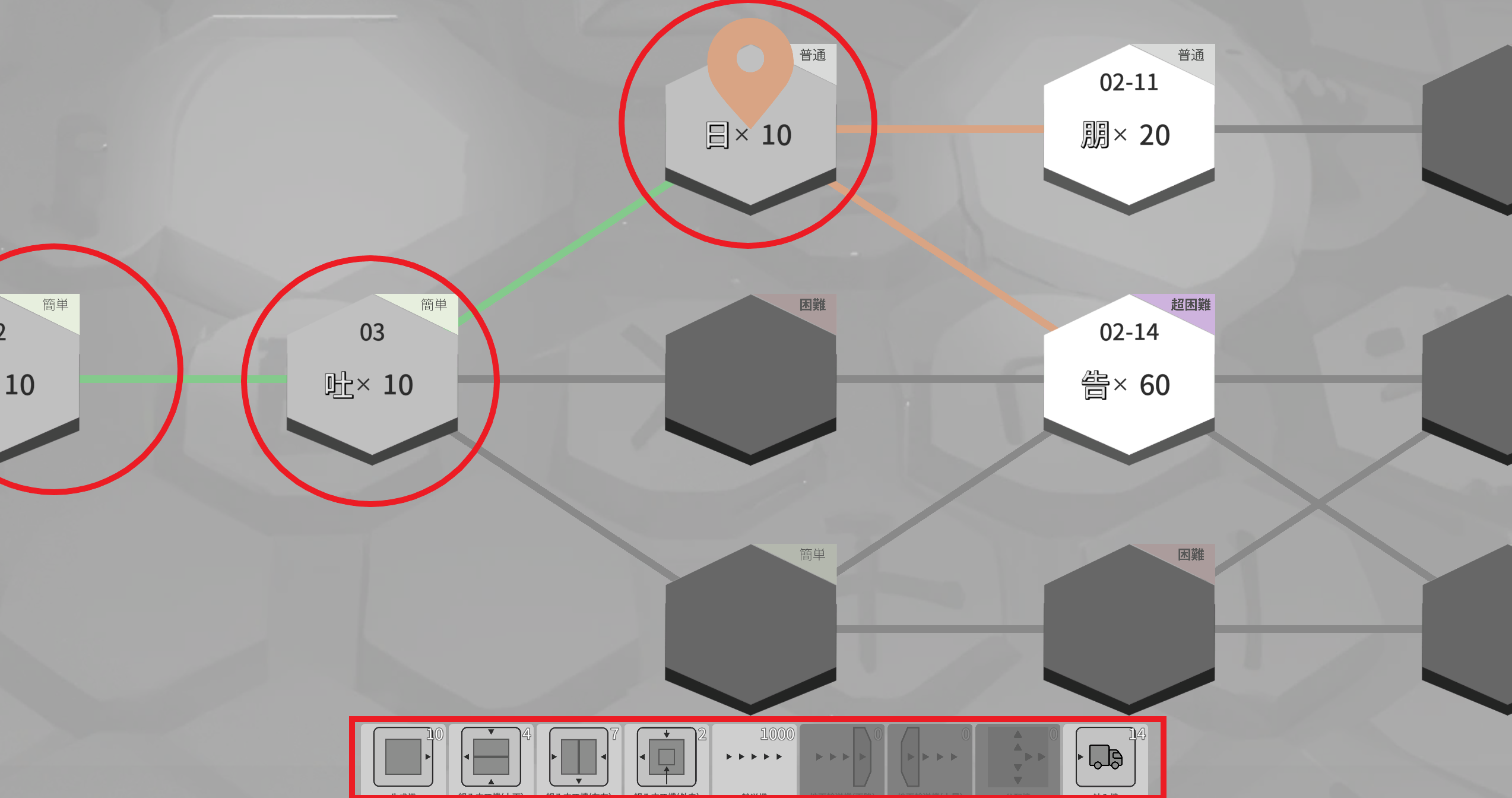
- Added a list of machines on hand on the stage selection screen.
- Please use it as a reference for which stage to proceed to next.
- Added the ability to view the contents of stages you have cleared on the stage selection screen.
- I want you to feel a sense of accomplishment.
.
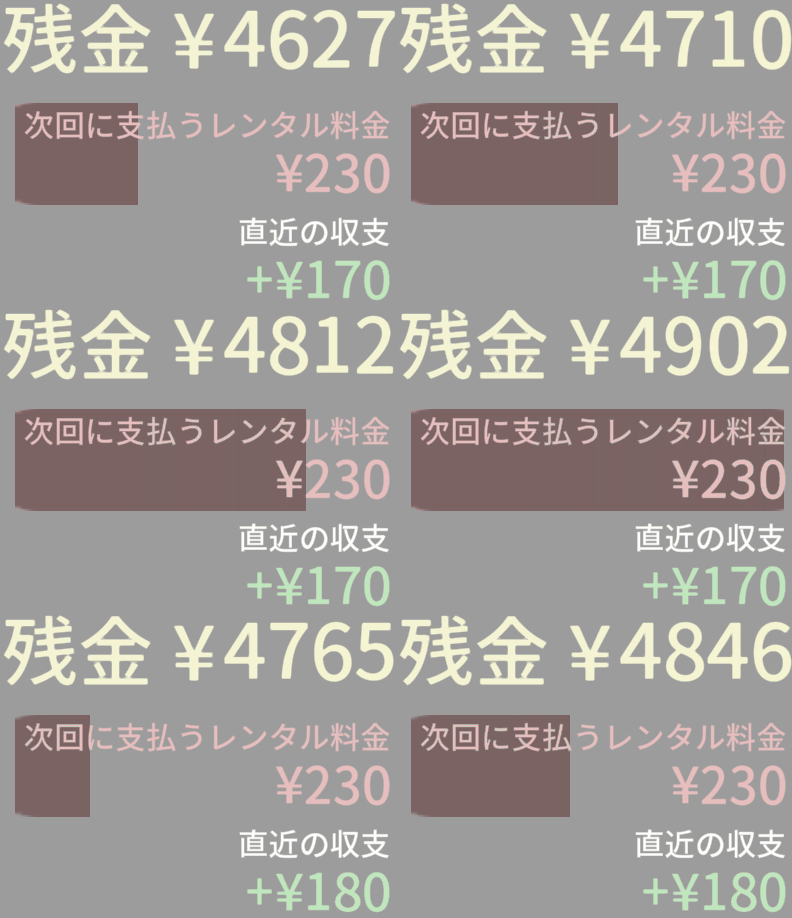
- Added display of the most recent income and expenditure in the upper right corner of the screen in world mode.
.
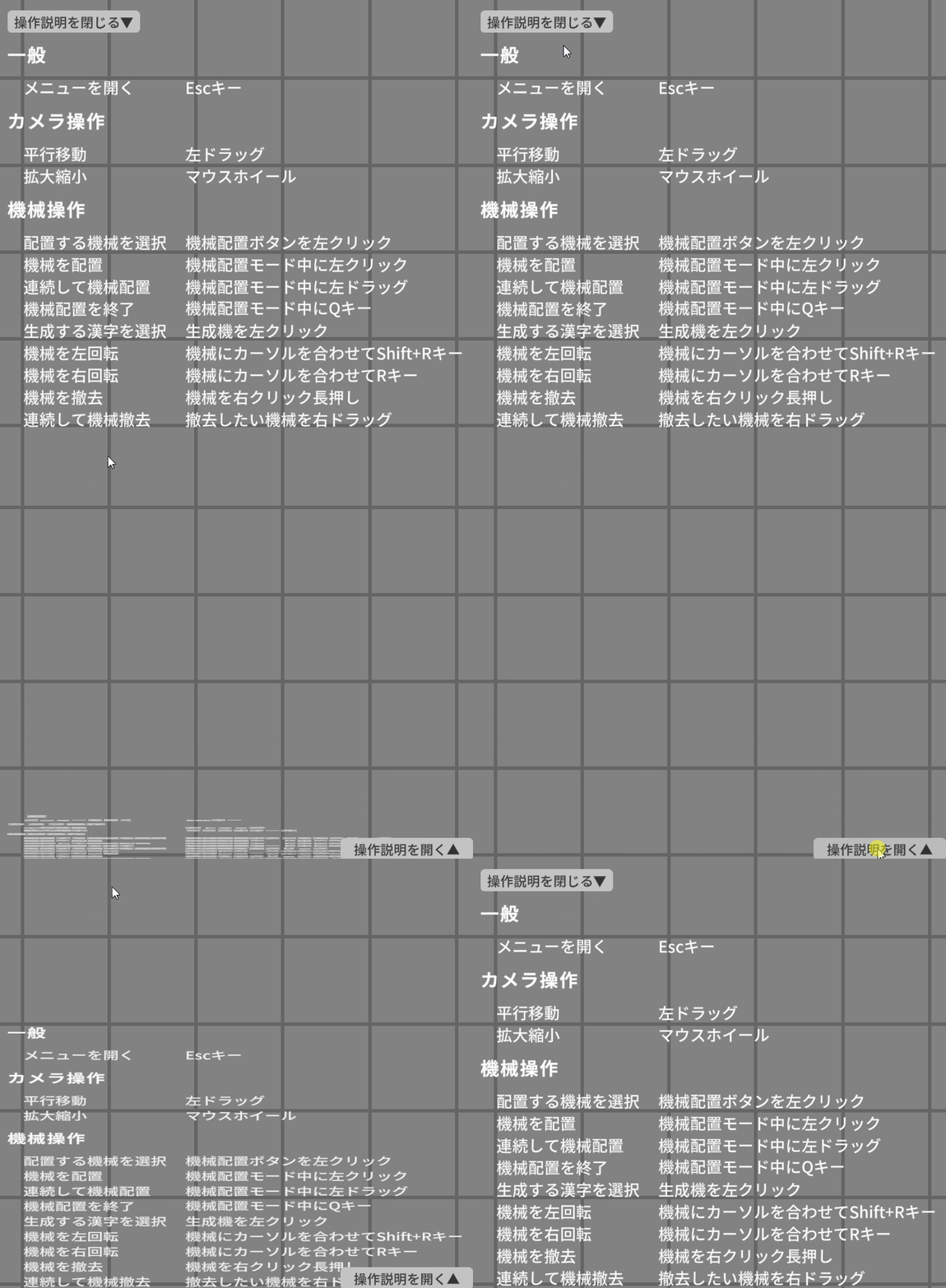
- The operating instructions in the lower right corner of the screen can now be hidden.
.
Change
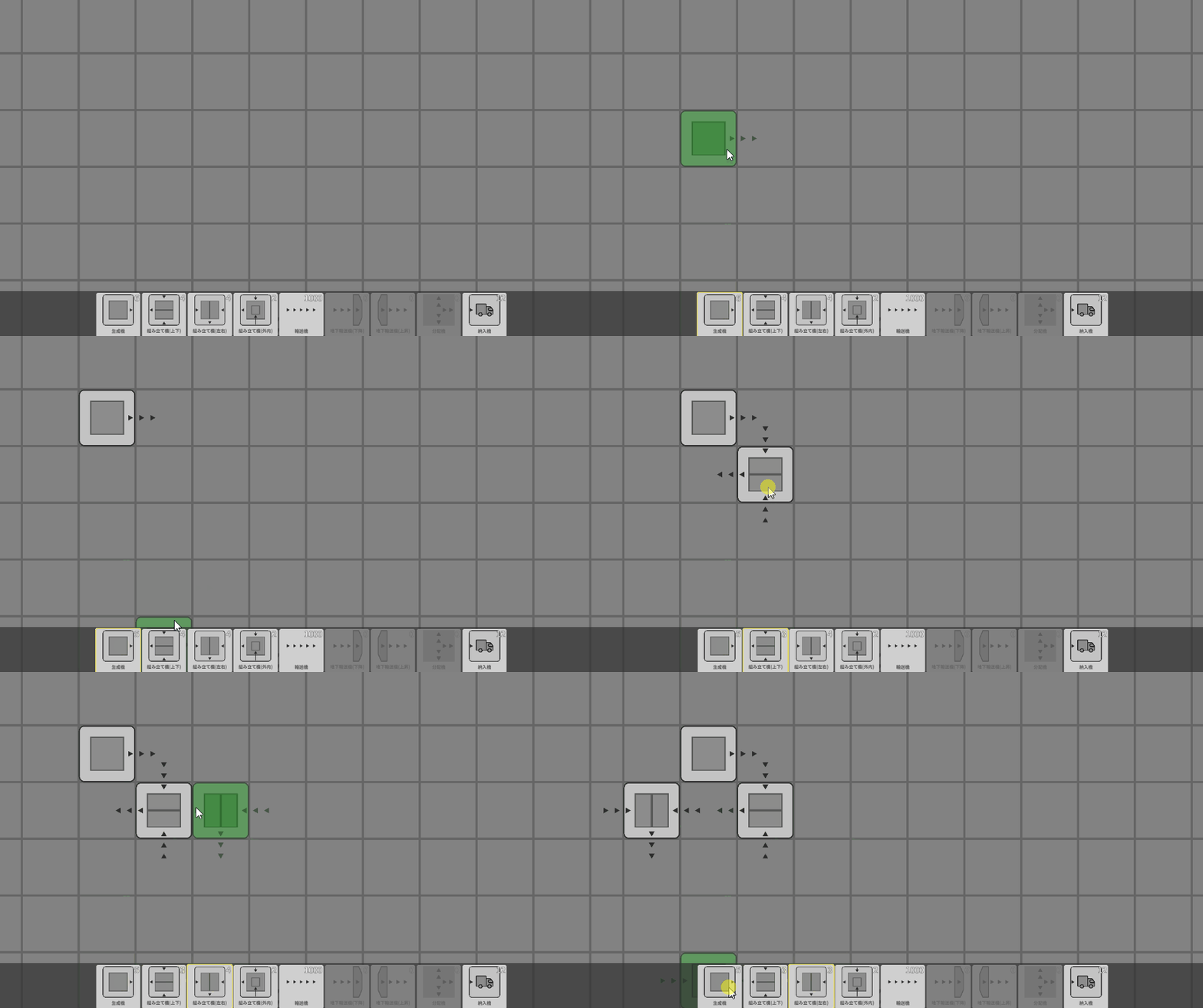
- When a machine placement button is pressed while in machine placement mode, the machine placement mode will switch to that machine's placement mode.
- Previously, pressing the Q key was required to place another machine, which was cumbersome.
.
- Replaced the logo image on the title screen with an official one.
- Added Twitter and Discord link buttons in the lower left corner of the title screen.
- Please feel free to send us feedback!
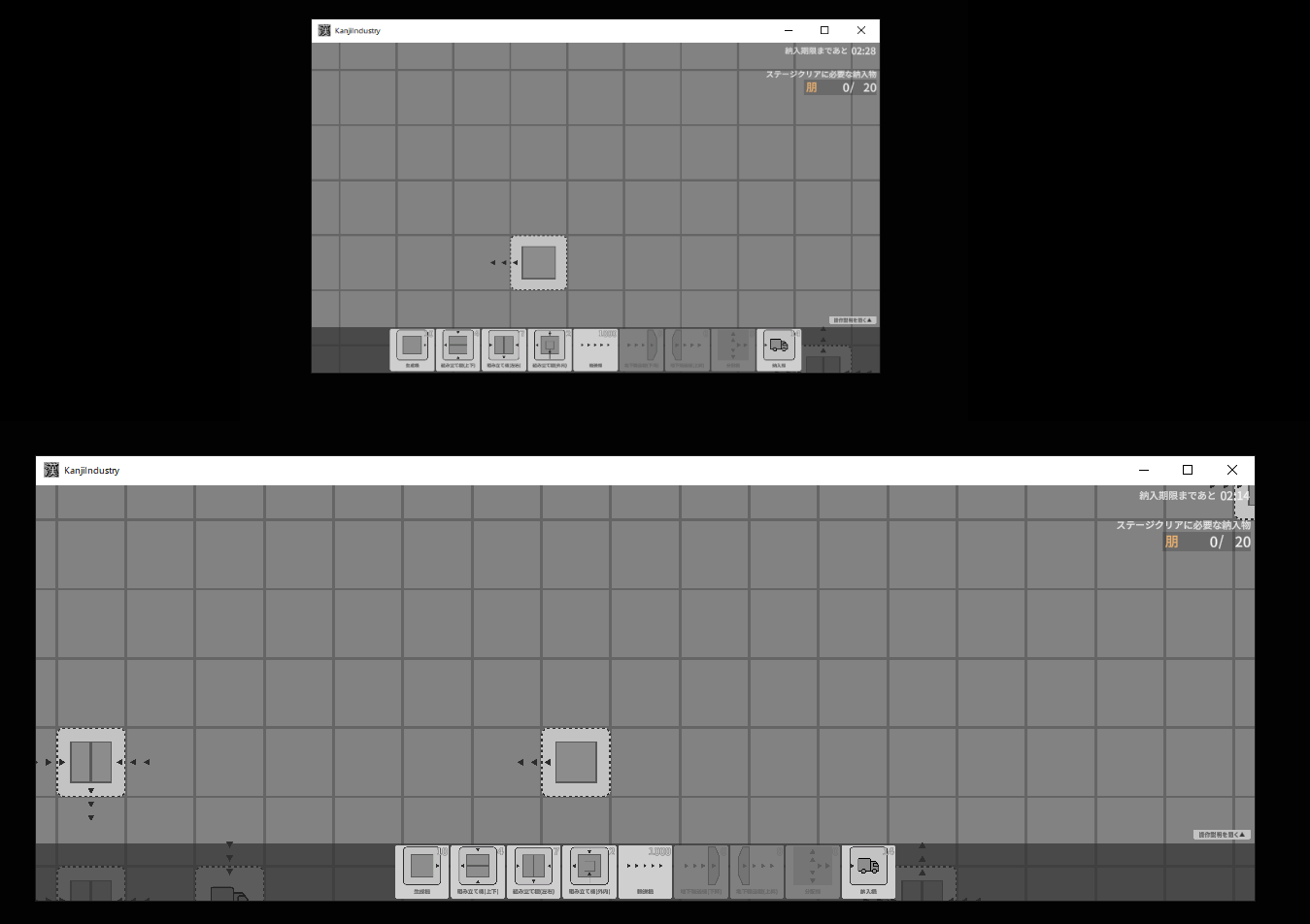
- Added support for various window resolutions.
- You can now enjoy it in both small and wide windows!
.
Fix
- Fixed a bug that prevented pressing a button when the early access warning in the lower left corner of the title screen was covered by another button.
- Changed the message when clearing the last stage to the early access one, since it was still the same as in the demo version.
- Fixed a bug that prevents you from placing your machine in a square with a wild machine (a machine that has been placed there since the beginning) in the stage mode.