During gameplay, you may encounter situations related to technical glitches or issues. We encourage you to utilize the console to document and report such incidents to us, the game developers. Your engagement plays a vital role in enhancing the quality of our product.
To activate the console, simply press the Tilde (~) key. Afterward, you'll have access to an error log, where you can find information about any issues that may have arisen. Otherwise, the console will inform you that no errors have been detected.
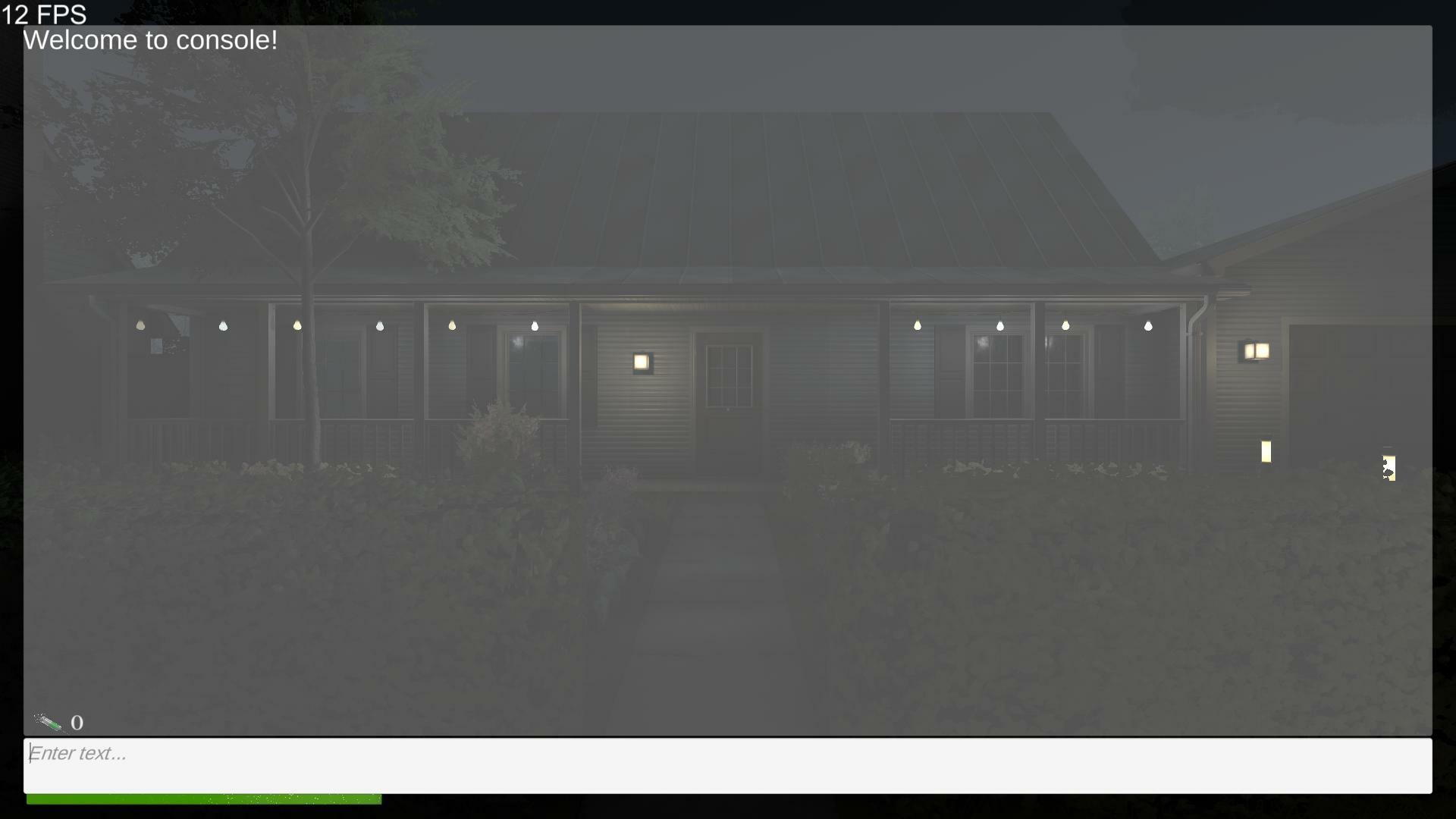
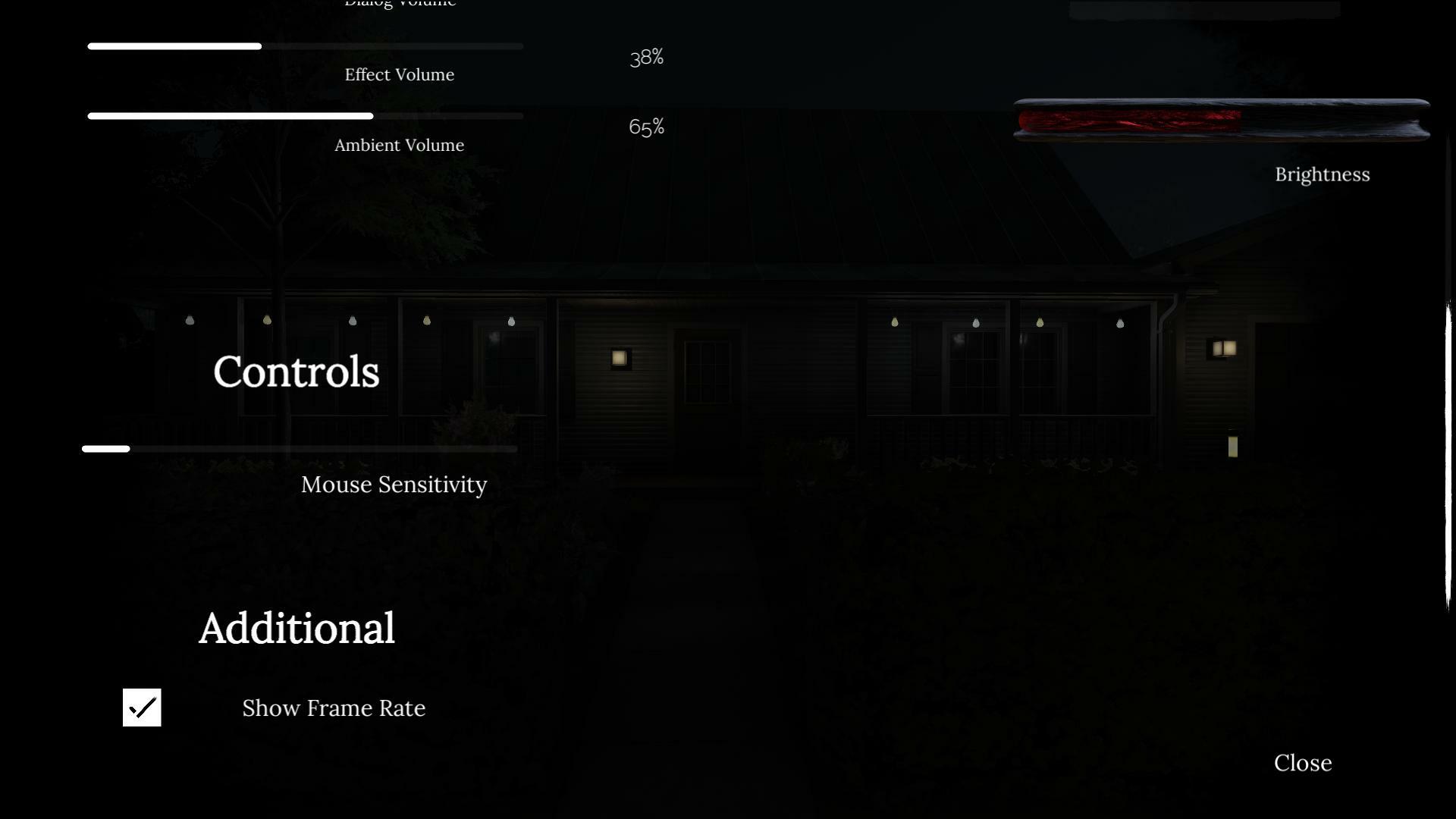
Additionally, we are pleased to introduce a new feature in the game settings that allows you to monitor the current Frames Per Second (FPS) for more detailed control over the gaming experience.