Changelist:
Added Steam Workshop mod support
Added a button to enable/disable mods in the main menu
Updated the main menu logo
Fixed various bugs
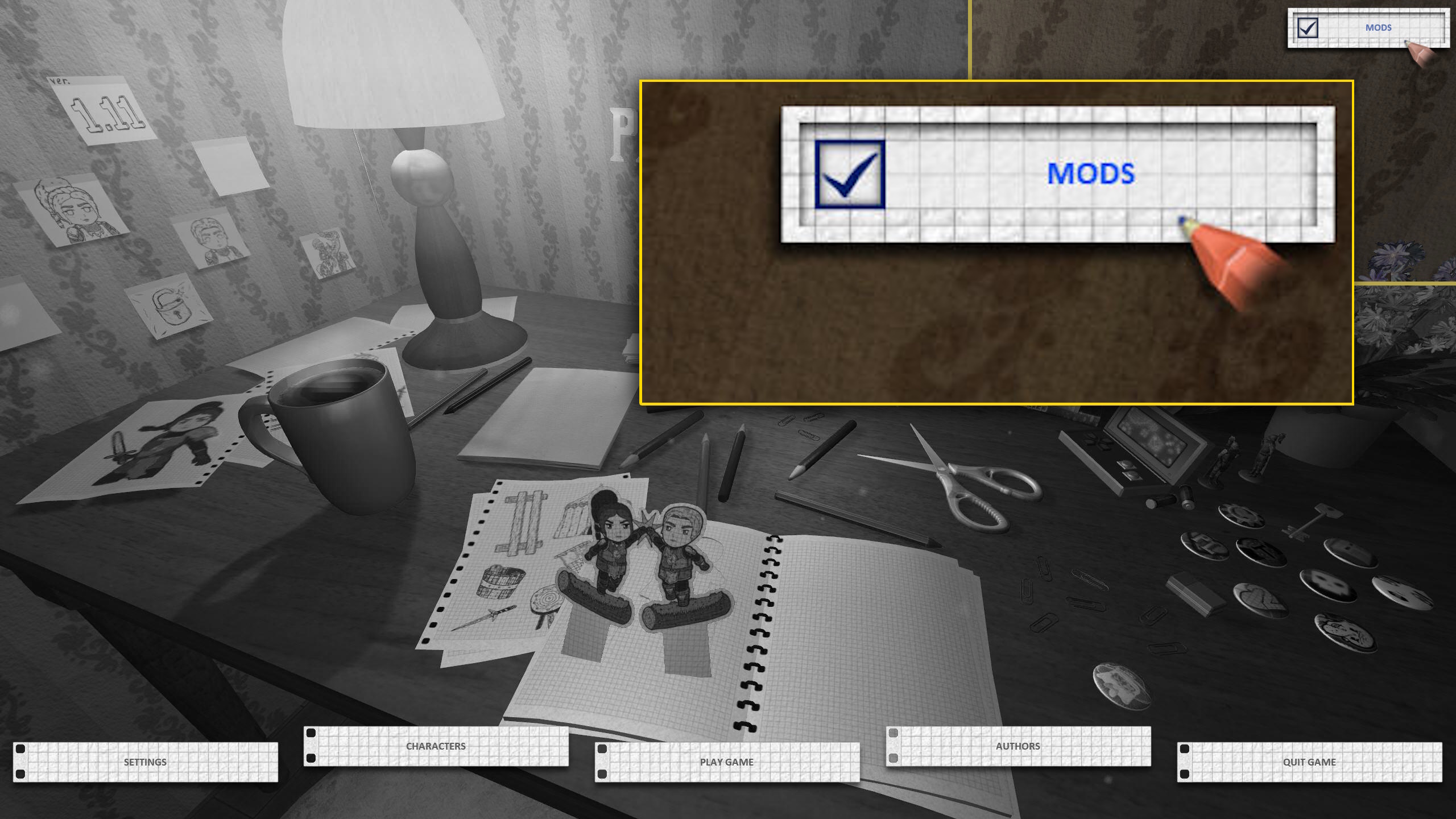
To activate mods in the game, subscribe to them through the Steam Workshop, then enable the new “Mods” checkbox in the top-right corner of the main menu. Uncheck it at any time to disable all installed mods.
Make sure your selected mods are fully downloaded before launching the game! Otherwise, the “Mods” button will not appear.
A full modding guide and creation instructions will be available in the “Guides” section.