
Hey friends,
I finally decided to post development updates of the game on Steam too!:D
The development is progressing well, and I think it would be super cool if you guys could see what's going on behind the scenes and what content I'm working on:)
I'll try posting the updates on the last Friday of every month!
The name change🐣
First of all, I have to announce something quite important!
As some of you might have already noticed, the name of the project was changed on the Discord and on the Steam page to Paper Animal Adventure. I have thought about it already for some months if it would make sense to change the name and came to the conclusion that it does. The game only has some loose RPG elements, even though it had the big RPG in its title and I don’t want to mislead players into buying the game when they think it’s heavily focused on RPG elements when it’s more a roguelike with only a few RPG things sprinkled here and there:)
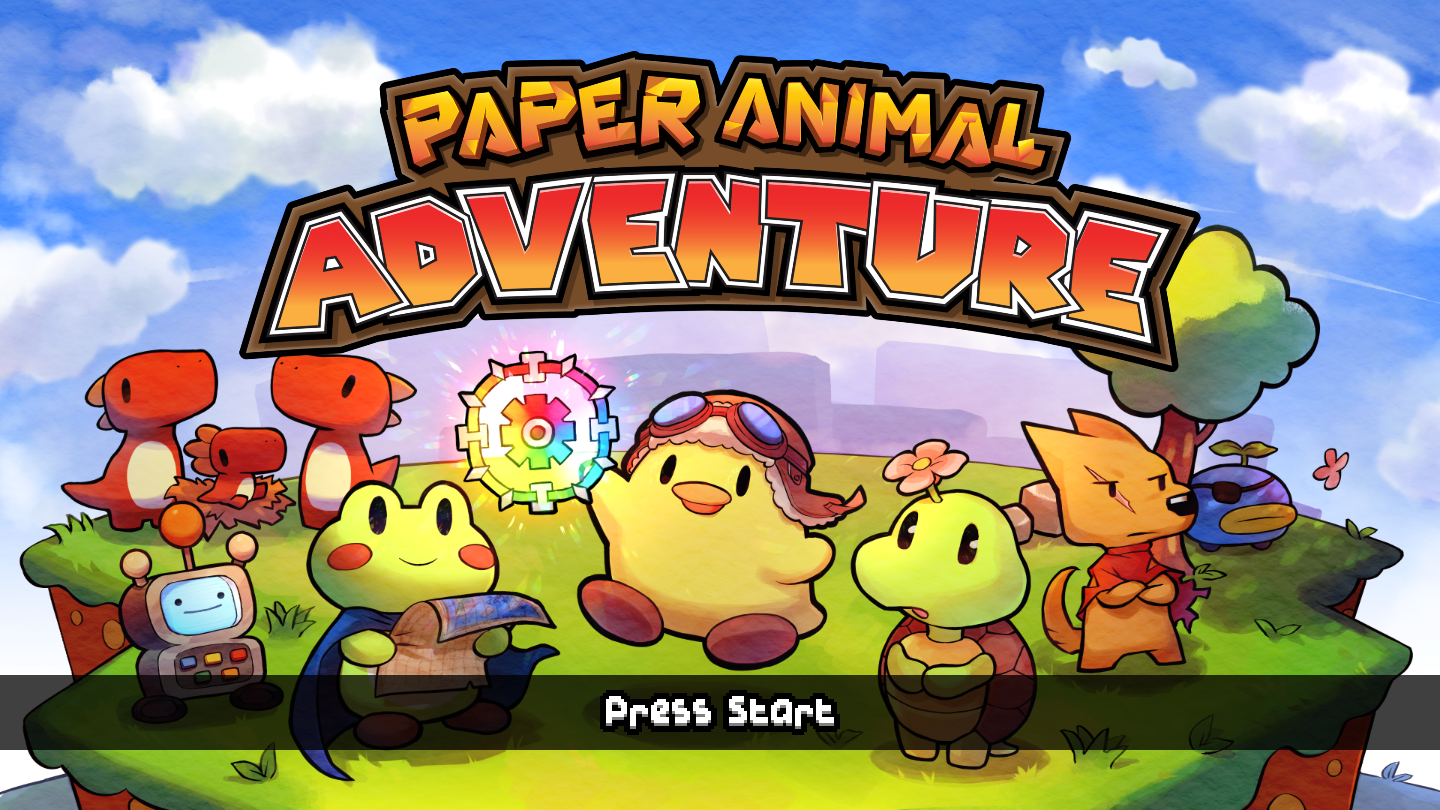
It kinda hurts me to go away from the old name but I definitely think that re-naming it to Paper Animal Adventure is the best for the game, especially when I don’t want to disappoint players if they find out the game is not as focused on the RPG genre as they thought.
Camp Customization⛺
You can now fully customize your Camp!
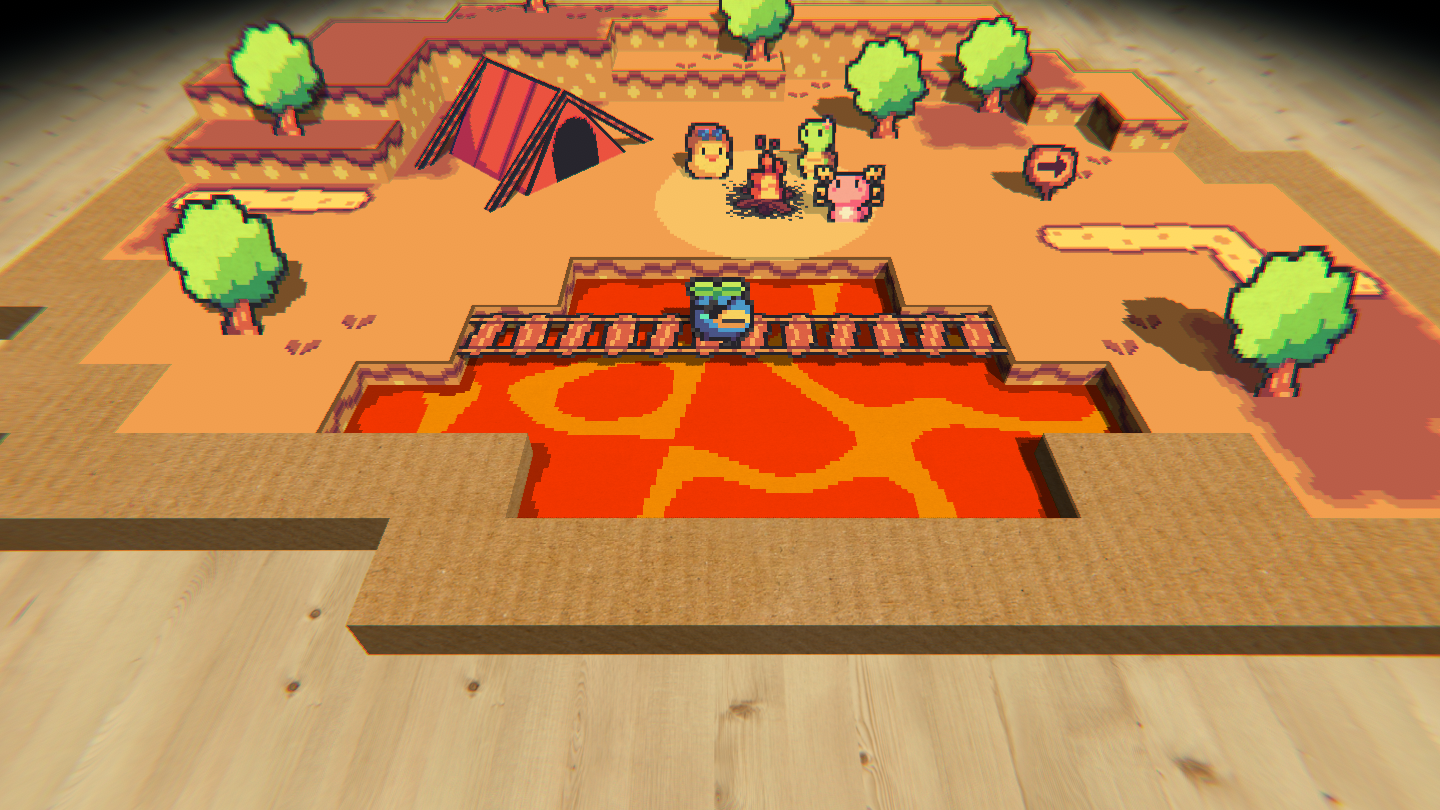
I went all in and tried giving you as many customization settings as possible. When you open the Customization menu you are greeted with this screen:
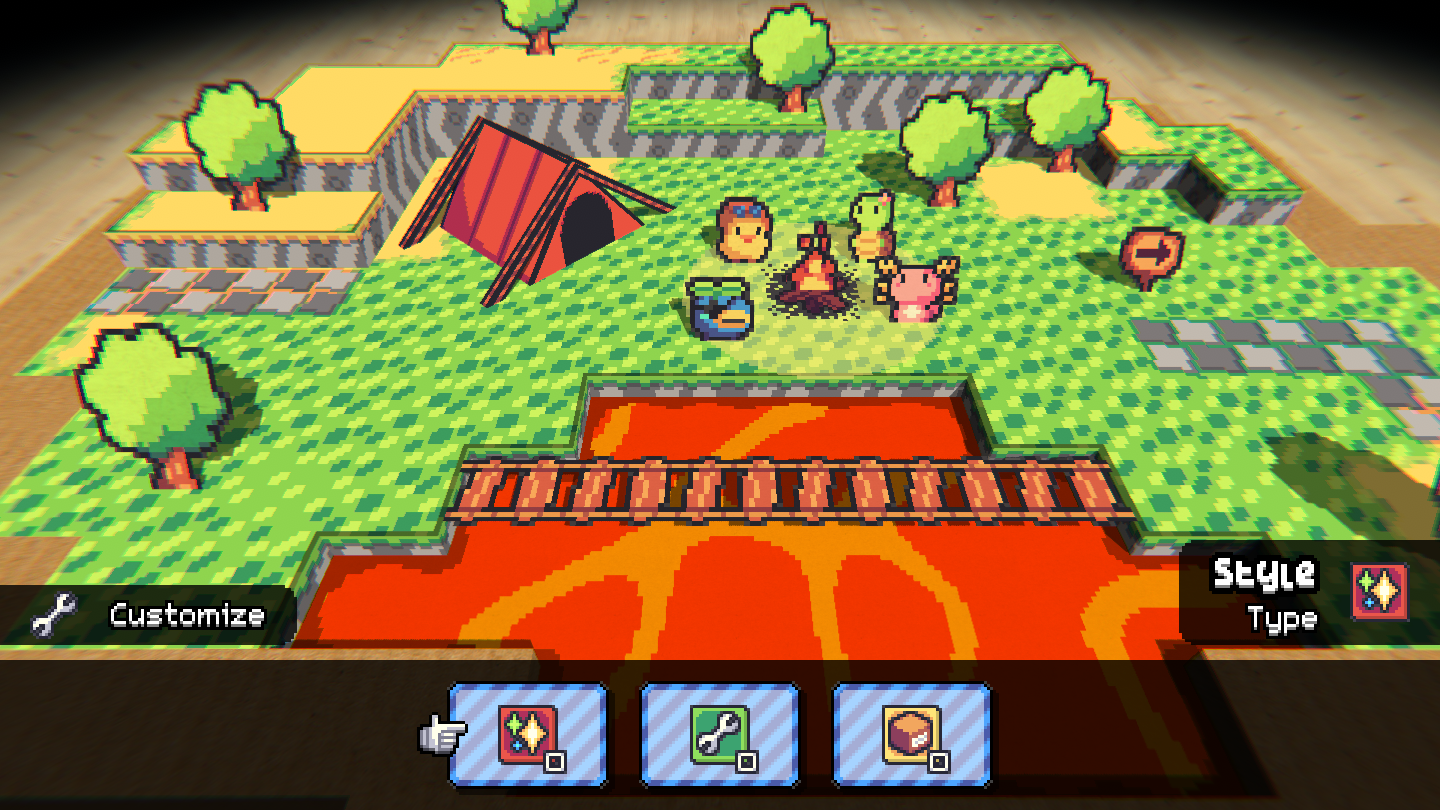
Here you can choose between
- Style: Change the style of individual camp parts, like a different ground texture, a different water type, the table in the background and even the background music!
- Ground: Raise or lower tiles, create ways, water or even a void beneath you!
- Objects: Place your favourite objects from all the different world from Paper Animal RPG in your camp or move old ones. You can of course delete some too!
Each sub-menu is packed with various options, here for example you can see all the different options for the Customize > Style > Ground menu:
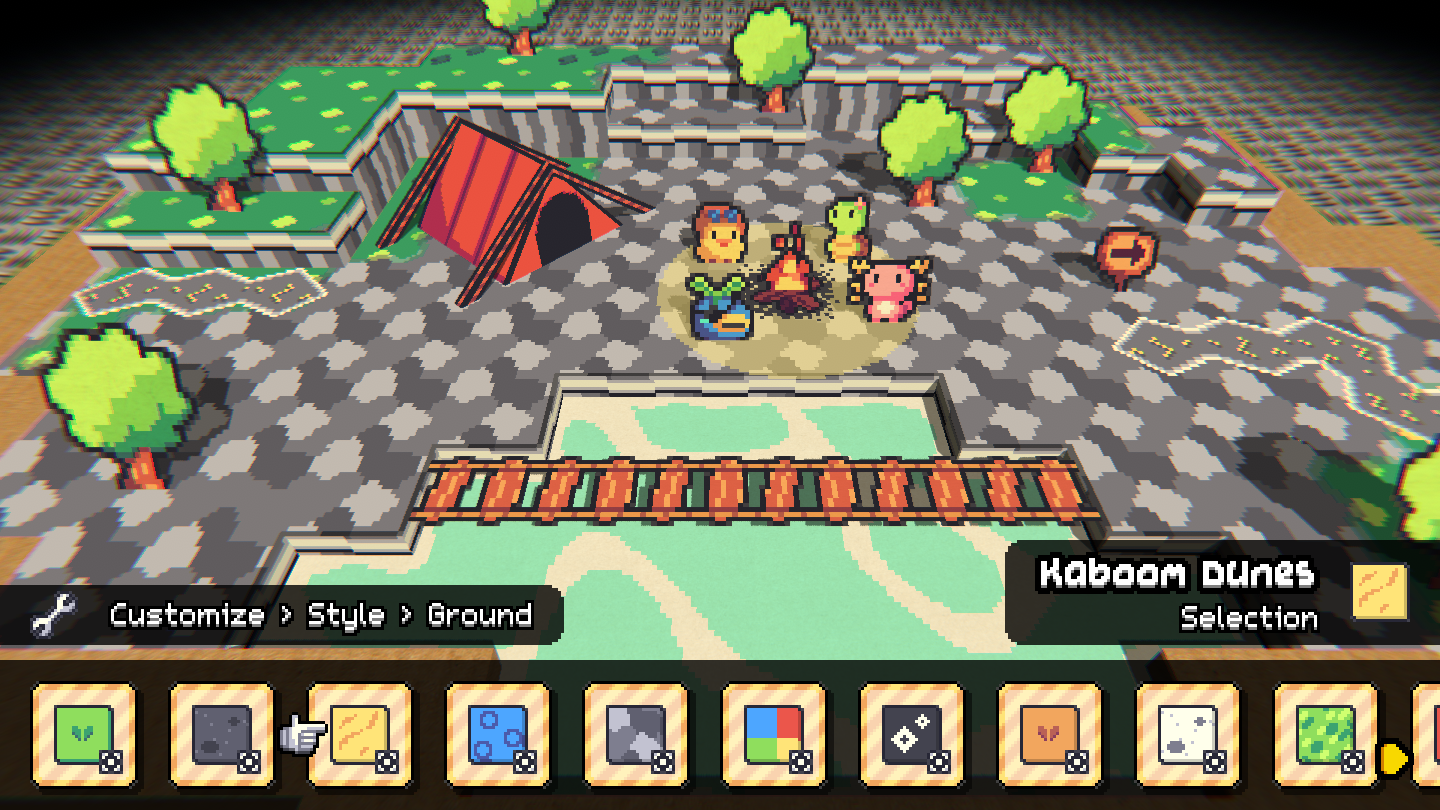
In that screenshot the ground style is set to the Thunder Peaks area, the water type is ice and the table style is also set to the Thunder Peaks area table. The music is set to the Kaboom Dunes area (you can't hear it in this screenshot though lol).
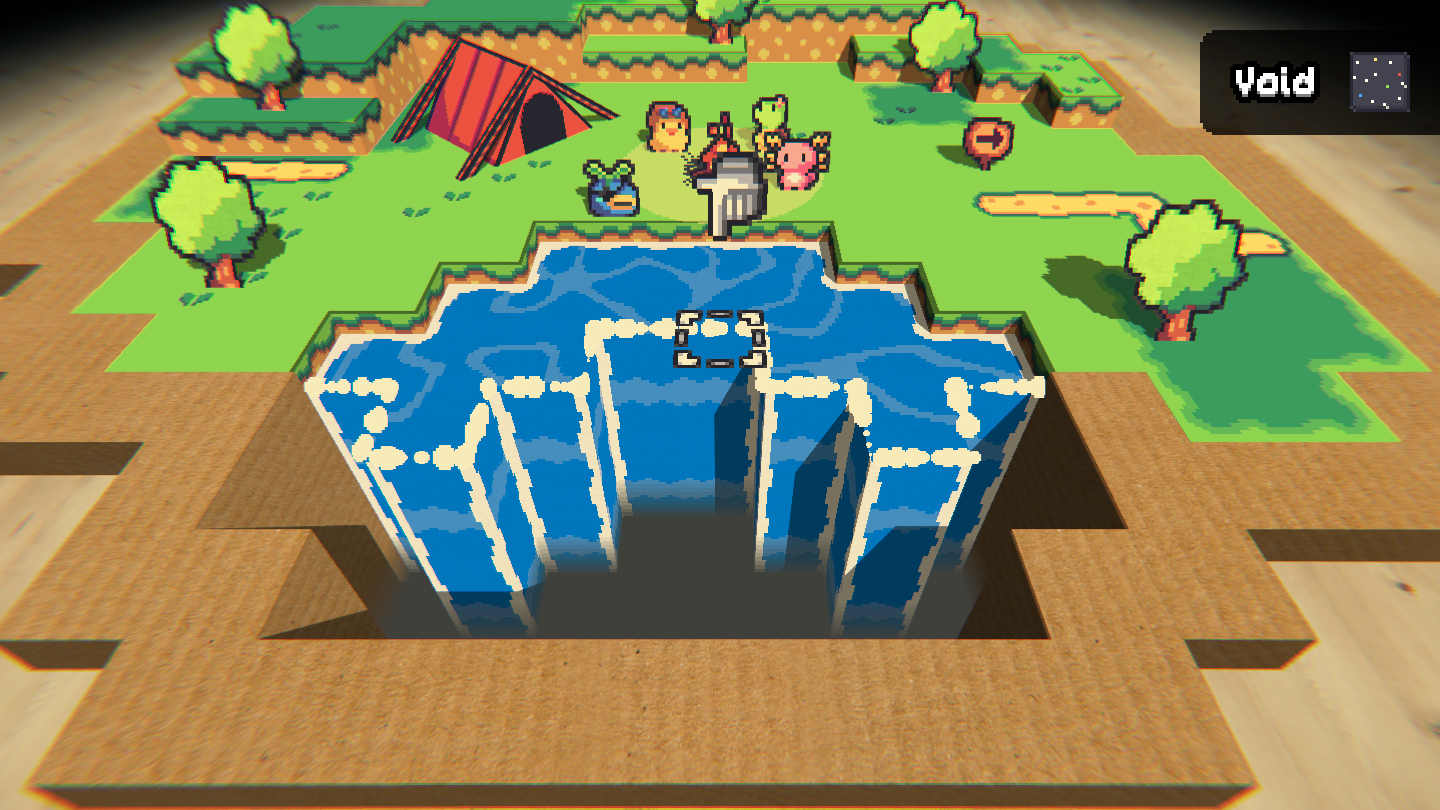
When playing around with the Ground menu itself you can also do some cool stuff! For example when you combine water andvoid tiles you can get a nice waterfall effect.
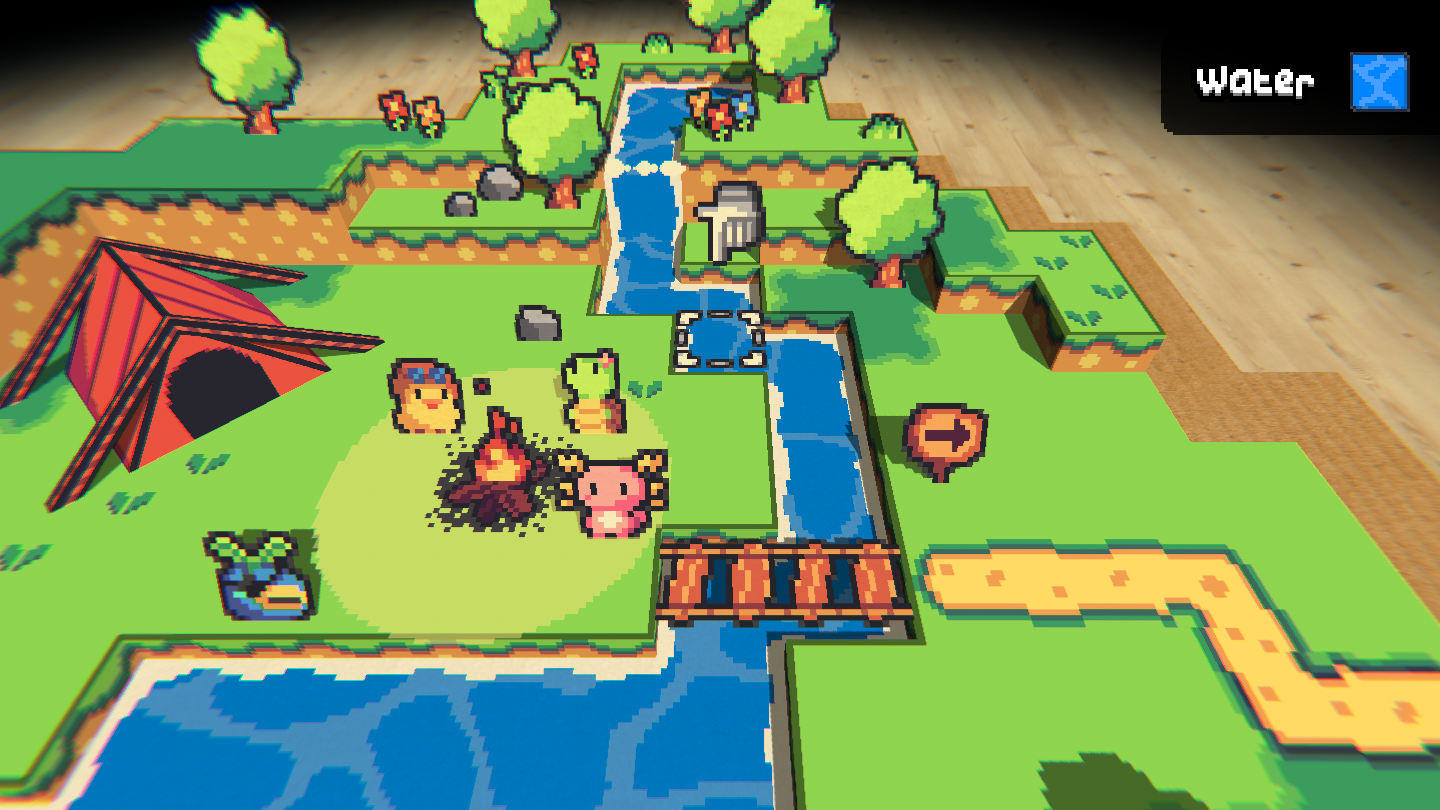
You can of course also combine normal ground tiles and water tiles with a different height for a cute little waterfall like here:
If you raise a water tile that is among other water tiles you can make a small fountain, too!
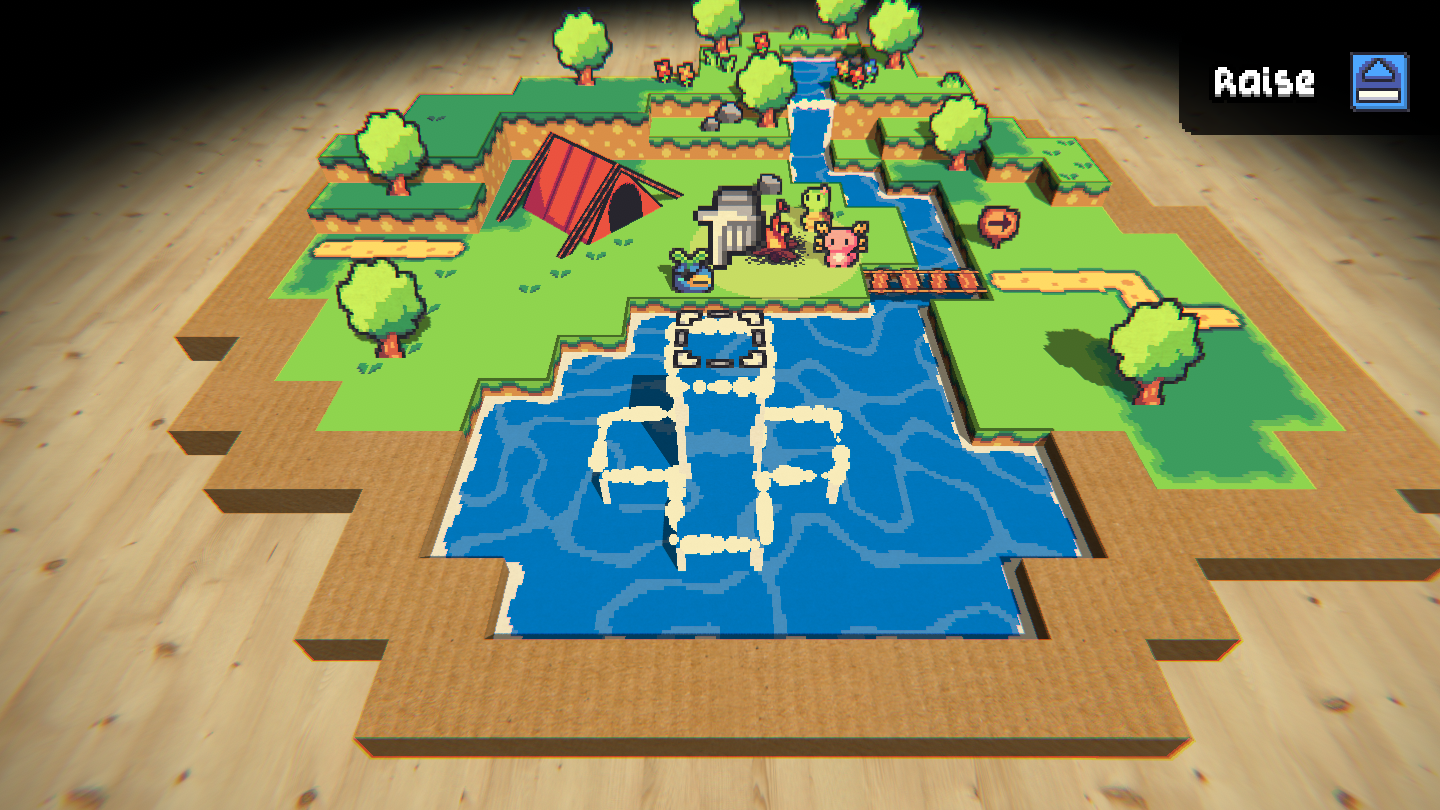
So you see, there's lots of stuff for you to play around with😊
If we go to the Objects menu we can place tons of objects we already saw in the game!
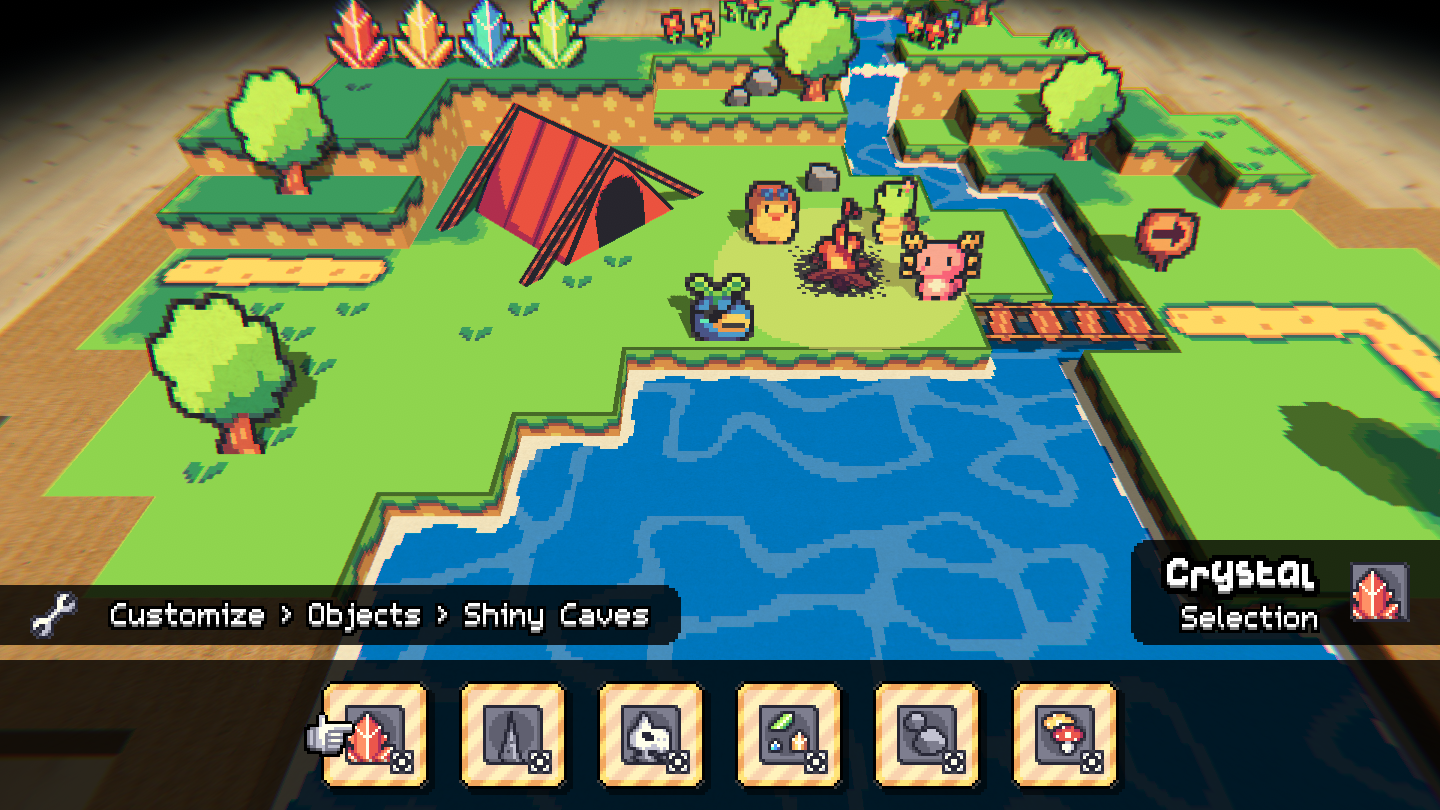
Some objects also have a bunch of variations, like different the different colored Shiny Caves crystals.
Just select the Crystal and then cycle through the different variations with the "Run"-button (in my case the 3 key lol)!
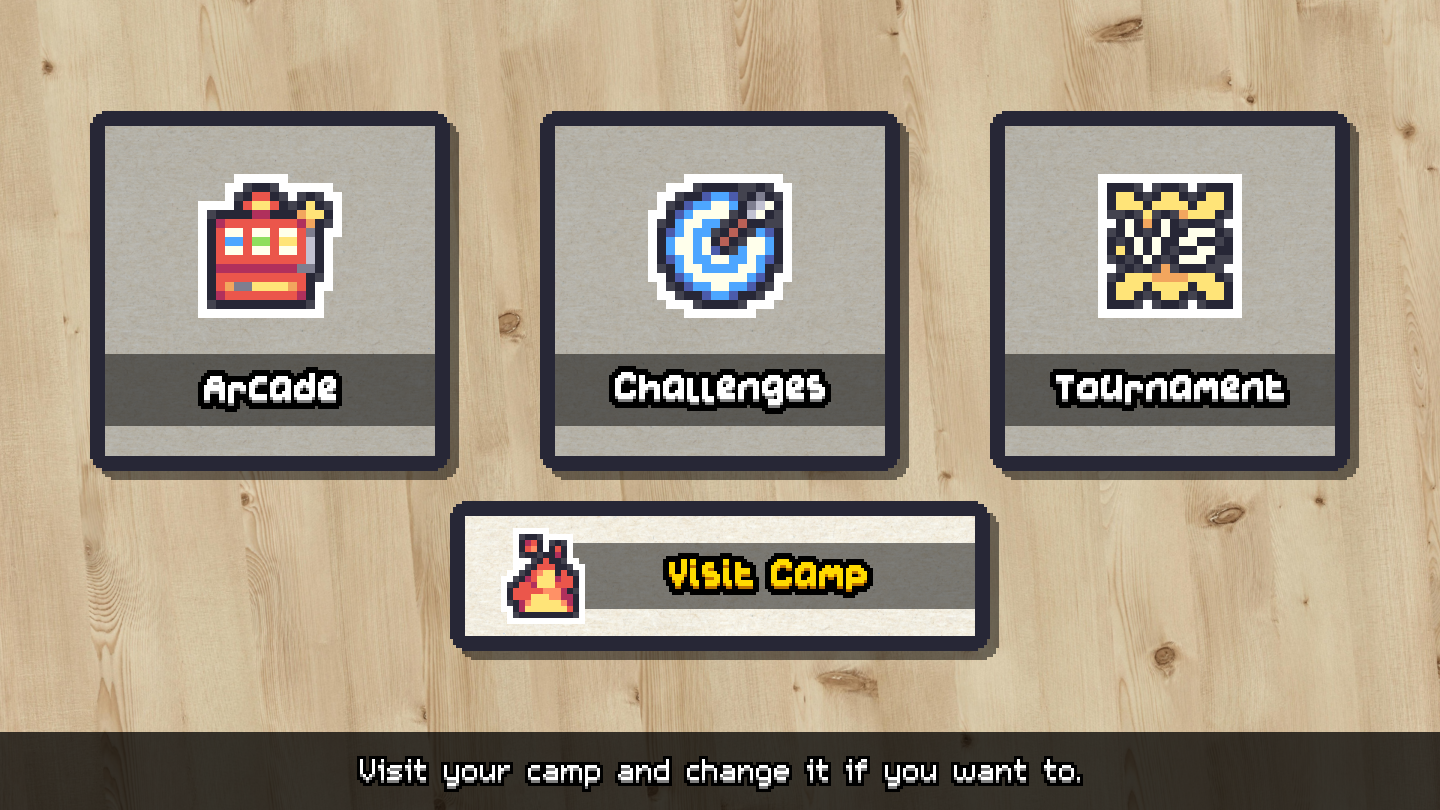
Also when you want to visit your camp and change it a bit but don't want to play a whole run - worry not! I added the option to the Main Menu to directly visit your camp🥰
Camp Sharing🌍
So let's say you've made your perfect camp and you would love to show it to the world - but, how? Well, let's just say I came up with a cool idea for that😎
When you're happy with how your camp looks, you can select the Upload option in the Camp menu to upload your camp for other players to see:D
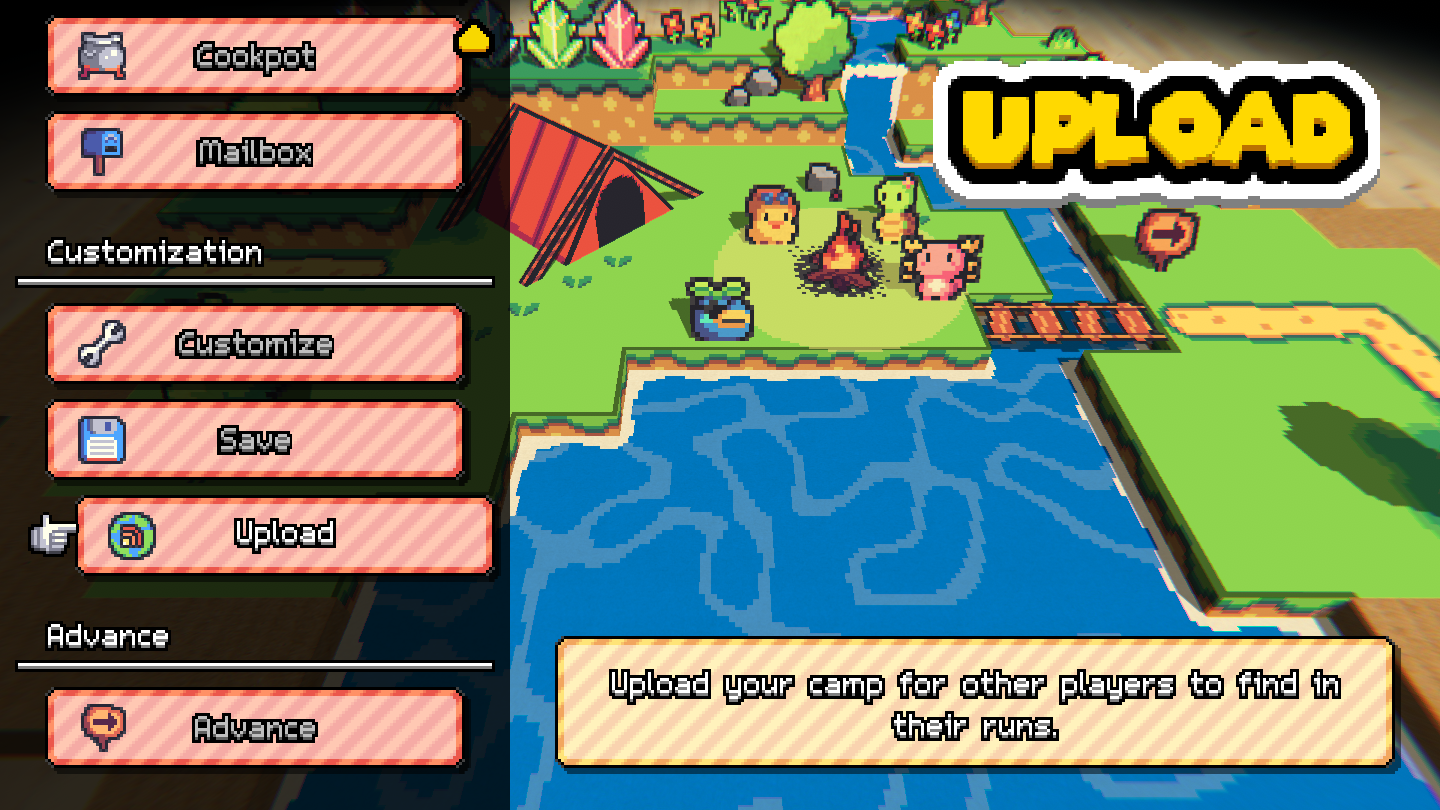
Your camp then gets uploaded into a database with all the camps from other players. When you play a normal run and you've enabled online stuff, there's a 50% chance to stumble into camps made from other players!
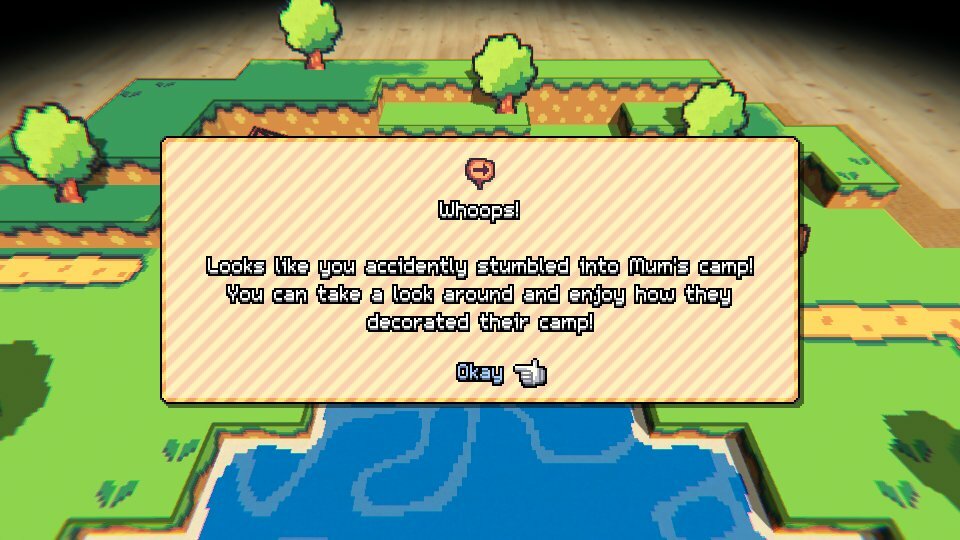
You can then take a look around and see which ideas they came up with and how they decorated their camp.
This way other players can also visit your camp (only if you decided to upload it though, you don't have to if you don't want to!).
When you leave their camp again you can give their camp either a Like, a Dislike, a Report or no rating at all.
Revamped Camp Menu🧡
I also spent a lot of time on re-working the camp menu system.
You can directly open every sub-menu from this menu from now on:
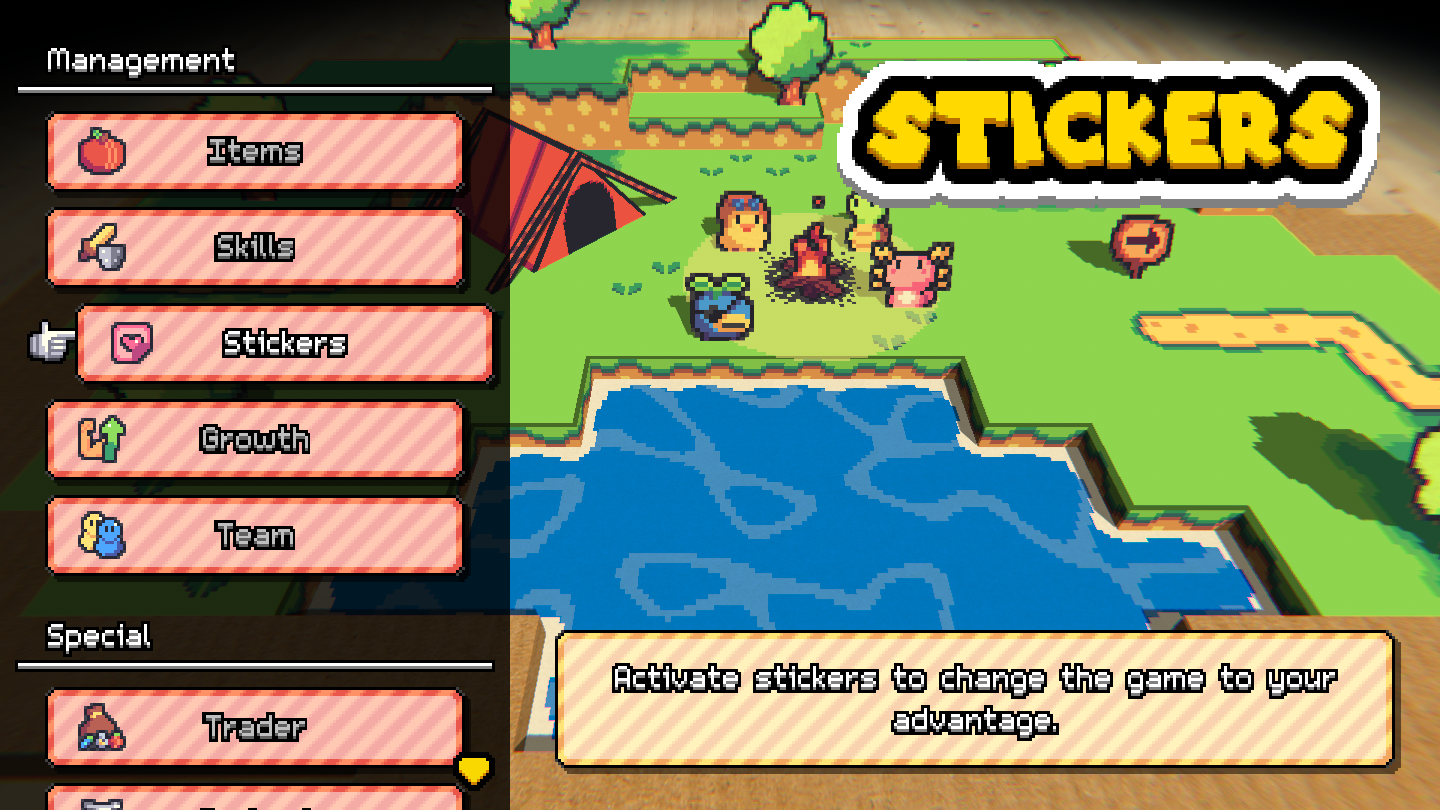
This gives you the option to quickly navigate between menus to not lose too much time during your runs.
I also added another option if you prefer a more life-like approach to the menus!:)
There are various objects you can place in your menu that then act as a menu. For example you can place a picnic basket and when you interact with it, the Items menu opens!
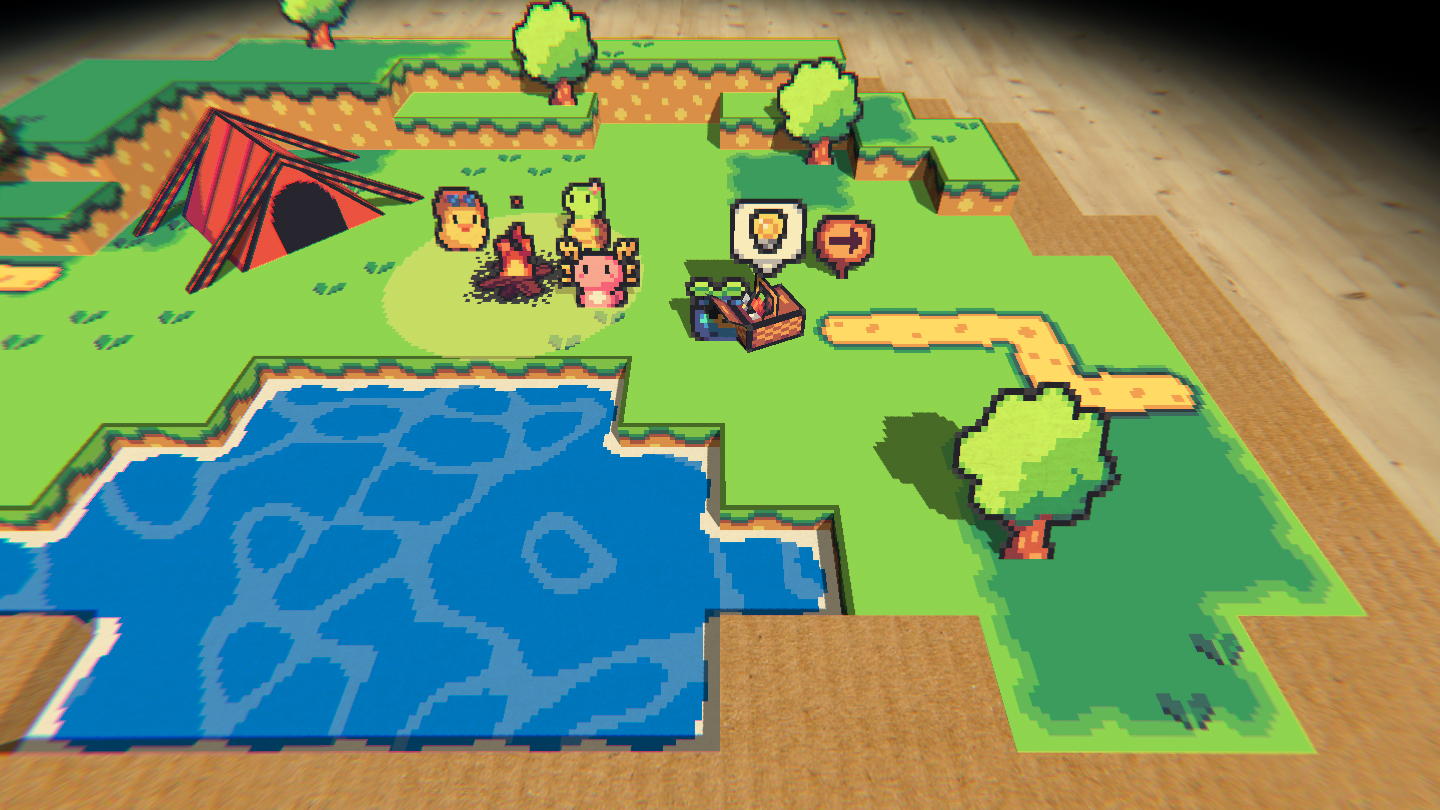
This way the player can choose if they want to either navigate the menus quickly or if they prefer a more immersive option.
Here you can see most of the interactive objects:
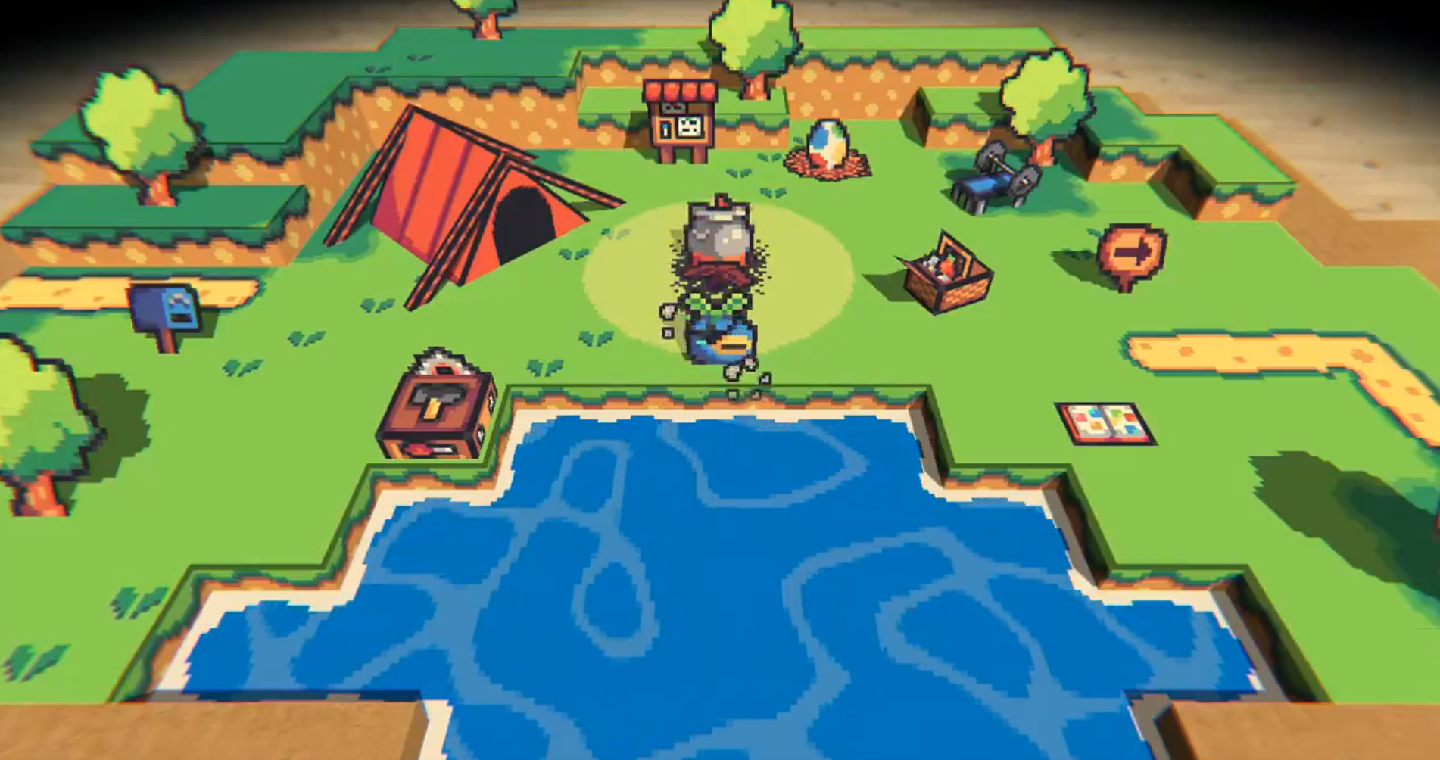
- The Picnic Basket opens the Items menu
- The Workbench opens the Skills menu
- The Sticker Book opens the Stickers menu
- The Weight Training Bench opens the Growth menu
- The Bulletin Board opens the Status menu
- The Cookpot opens the Cookpot menu
- The Egg opens the Egg menu
- The Mailbox opens the Mailbox menu
- The Sign opens the Advance menu
Another advantage of having these two methods is that you can omit a function object out of your camp without losing the access to its menu! You can leave out the Picnic Basket if you don't like it, but you can still open the Items menu from the Camp menu.
Furthermore if you visit a camp from another player and get lost or can't find a function object you're looking for you can also just open the Camp menu and open the sub-menu from there:)
Thanks for reading🧡
That's it for today friends, thanks a bunch for reading this far!!
Hope you guys are looking as much forward to creating your own personalized camp as I'm looking forward to seeing them🚀🧡
Hope you all will have an amazing August!!
Take care of yourself and others and see you at the end of next month!:D🧡