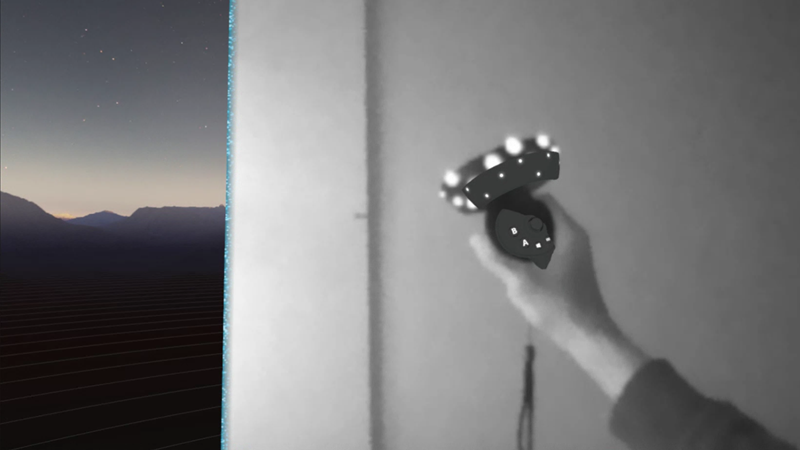
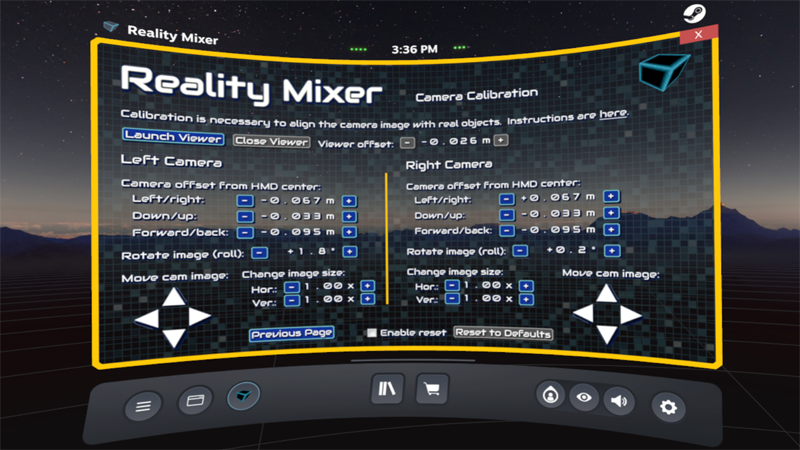
Reality Mixer now officially supports Windows Mixed Reality (WMR) headsets.
It's possible to use both cameras of the WMR headset, but you can also use just one. If you use both, it's best to align the left and right camera images so you get a correct stereoscopic view. This alignment is done on the Camera Calibration screen. It uses one of your controllers to position the camera image. When performing the calibration, place the controller at the same distance from the headset as the object will be that you want to see in VR. E.g. when calibrating for a racing wheel, put the controller next the wheel and perform calibration while sitting in the same place you'll be when playing the game. This ensures correct stereo overlap at that distance.
Any questions? Just ask.
BTW, you can signup for emails about new features, betas, discounts, price change announcements and other news about VR apps by Reality Inside.
Signup here.
 |