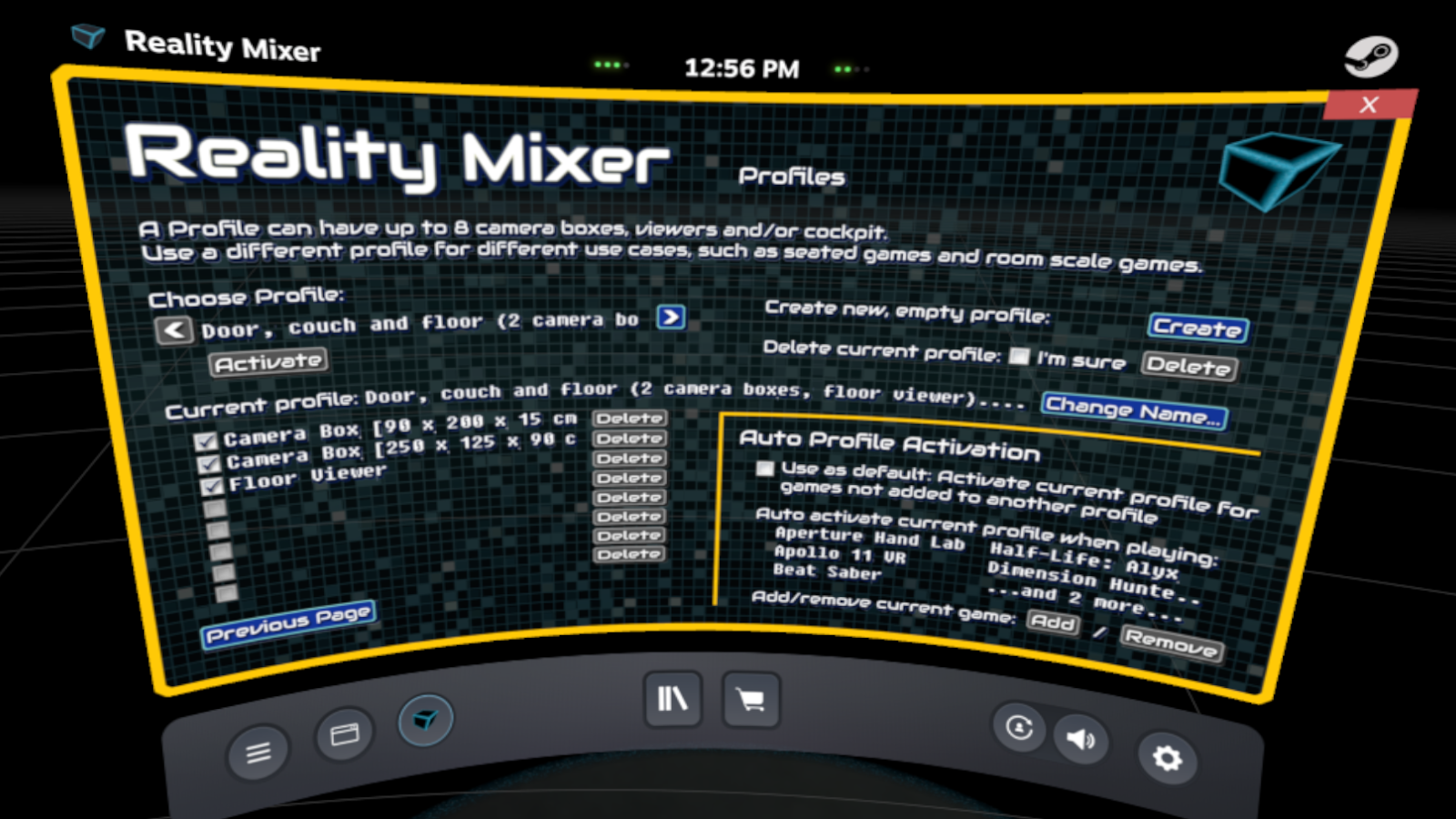
Reality Mixer has been updated with a much requested feature: Profiles and auto-activation.
You can create different profiles for different use cases such as:
- Seated games where you sit at your desktop.
- SimRacing where you have a mixed reality cockpit showing the real racing wheel and the insides of your real cockpit.
- Flightsims to see the real HOTAS.
- Couch experiences such as BigScreen so you can easily grab a drink or use a real keyboard using LapViewer.
- Room-scale games where you want to keep an eye on a real object in the room or use the FloorViewer.
- For streamers, setup a profile with a box around a streamdeck.
A profile can contain up to eight Camera Boxes, Cockpits, Floor and/or Lap Viewers.
Profiles can be auto-activated when the app detects your run a specific game/app. E.g. configure it to activate the BigScreen profile when you start BigScreen, so you won't see the camera boxes around the HOTAS on your desk, because those are in another profile.
Tip: Setup an empty profile and make that the default auto-activation profile. Then games you have not added to a profile will not show any camera boxes. This can be useful if you only use Reality Mixer for the cockpit feature during Simracing, or only for DJing in VR Chat, etc.
BTW, you can signup for emails about new features, betas, discounts, price change announcements and other news about VR apps by Reality Inside.
Signup here.
 |