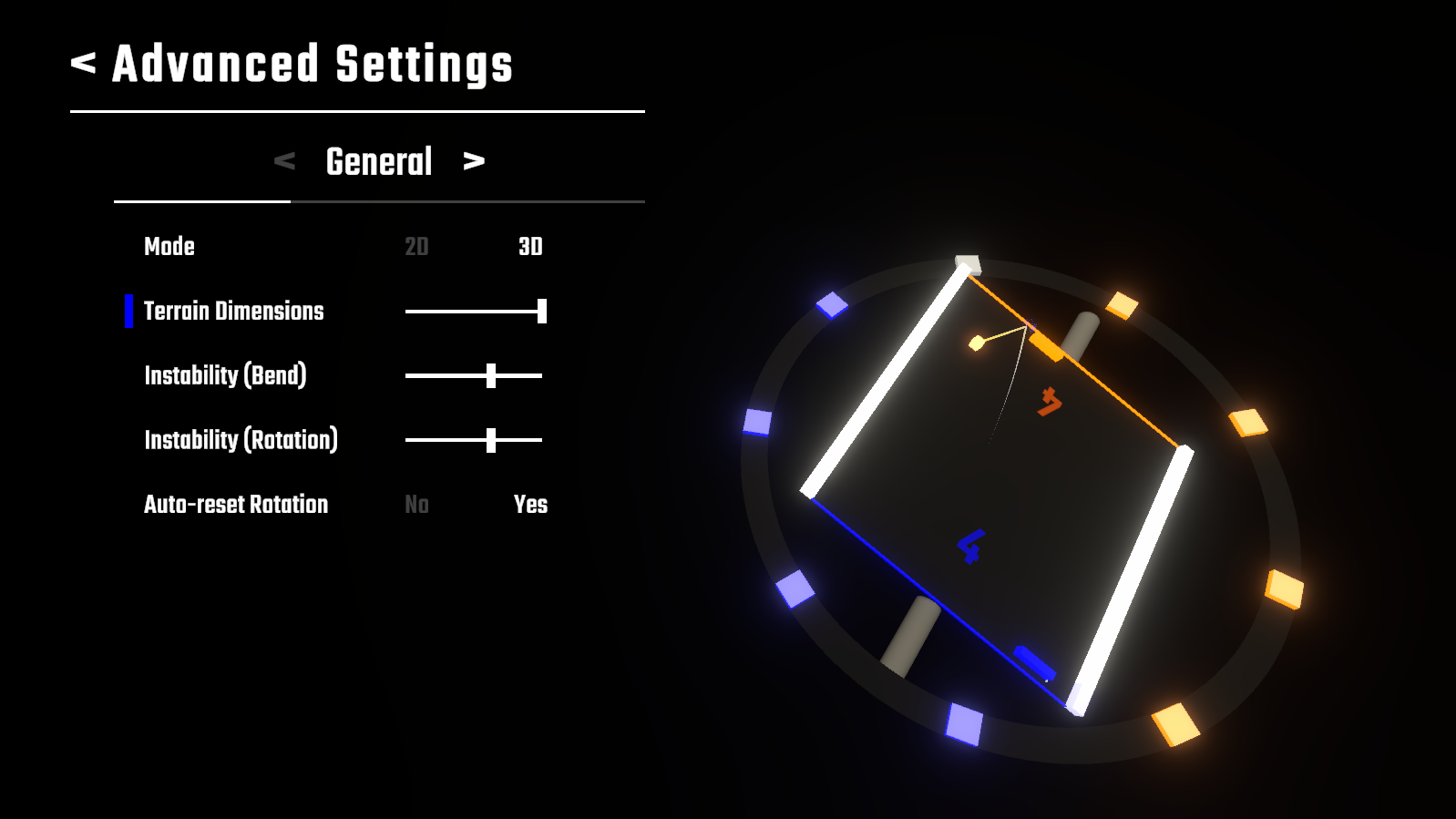
Skew Pong's 3rd update adds new Advanced Match Settings bringing more variety in gameplay with control over the shape of the game area. Other changes include an alternative joystick control mode to help with disorientation, small balance changes to some of the preset modes and other minor improvements.
List of Changes
Gameplay
- Added new Terrain Dimensions Match Setting. Allows to change the shape of the terrain, ranging from a thin rectangle to a wide square area, opening new gameplay possibilities.
- Added new Neutral Point Delay Match Setting. Neutral Points can also be disabled through setting the delay to None.
- Extreme Mode now has a shorter Neutral Point Delay.
- Classic Mode can't have Neutral Points anymore.
Gamepad Support
- Added an Align Joystick Axis setting. When enabled, the joystick controls will match the terrain rotation. I.e. if the board is rotated 90°, you'd move the joystick left to move your paddle left. Setting is off by default. This should help users that are struggling with disorientation over the controls.
User Interface
- Advanced Match Settings are now spread through several tabs (General/Paddles/Tabs) to make place for the.
- Score UI settings were moved to a new Graphics tab in the settings.
- The game is now darkened while on the Pause Menu.
Miscellaneous
- Added a setting to control the Bloom Intensity. Bloom can also be fully disabled through it.