Start11 and WindowBlinds 11 are two software programs that work together to transform your Windows desktop into a beautiful and personalized workspace. Start11 allows you to customize your start menu, taskbar, and file explorer to your liking, while WindowBlinds 11 lets you completely overhaul the look and feel of your windows, borders, and controls.
https://store.steampowered.com/bundle/1048/WindowBlinds_11__Start11
One of the key benefits of the Start11 and WindowBlinds 11 bundle is the ease of use. Both programs are designed to be user-friendly, even for those who may not have a lot of experience with customization software. With just a few clicks, you can completely transform your desktop into a unique and personalized workspace.
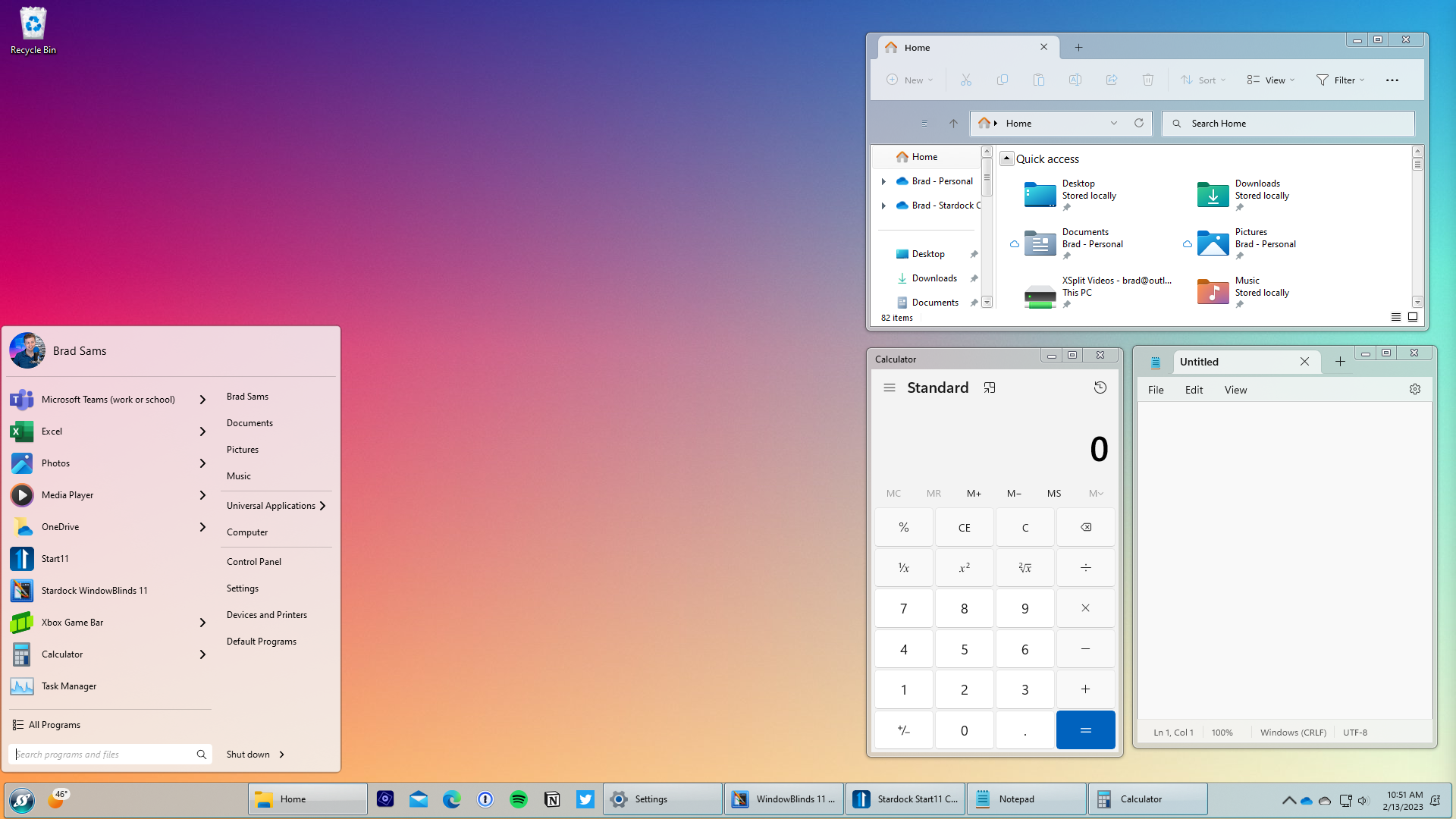
Start11 offers a variety of customization options for your start menu, taskbar, and file explorer. You can change the color, size, and layout of your start menu, add custom icons, and even choose which apps appear on your taskbar. With the ability to create custom shortcuts and hotkeys, you can streamline your workflow and increase your productivity.
WindowBlinds 11 takes customization to the next level by allowing you to completely transform the look and feel of your windows, borders, and controls. With a vast library of skins and themes to choose from, you can create a desktop that truly reflects your personality and style. WindowBlinds 11 also supports high-DPI displays, so you can enjoy a beautiful and seamless experience even on the newest and highest resolution screens.
In addition to the customization options, the Start11 and WindowBlinds 11 bundle also includes advanced features like multi-monitor support and the ability to customize the appearance of individual applications. With the ability to create custom skins and themes for specific apps, you can create a truly unique and personalized experience for each program you use.