We're excited to announce that Pixelpart effects can now be displayed in the GameMaker engine! With this release, GameMaker becomes the third engine officially supported by Pixelpart, alongside Godot and Unity.
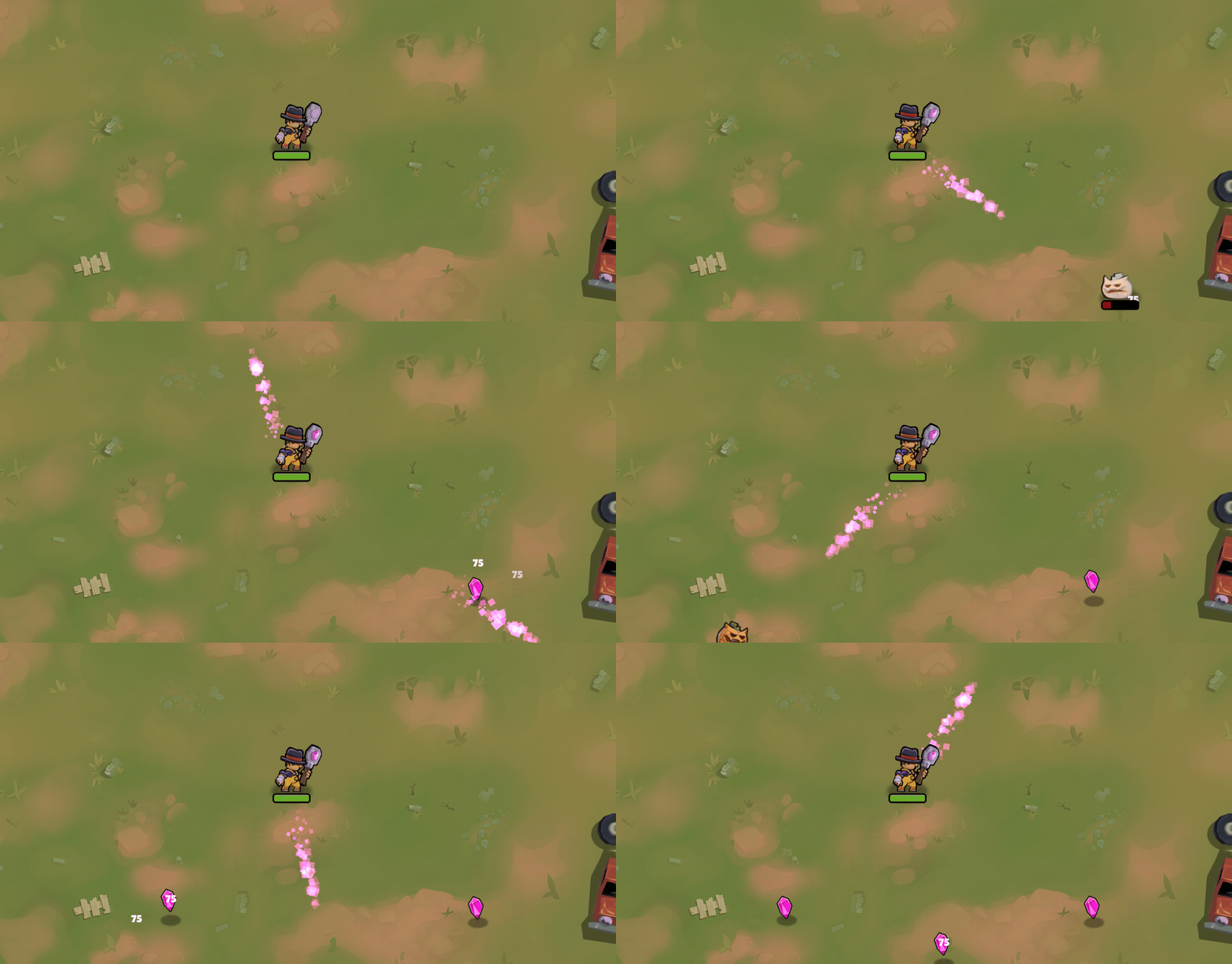
Getting Started
You can find detailed installation and usage instructions at https://pixelpart.net/plugins/, but here's a quick overview to get you up and running:
Download the Pixelpart plugin net.pixelpart.pixelpartgm from https://pixelpart.net/plugins/ and install the package using Import Local Package in the GameMaker editor. It comes with pre-built binaries for the targets Windows, Linux, macOS, iOS, Android and HTML5.
Add the .ppfx file created with the Pixelpart editor to the Included Files of your GameMaker project.
Create a custom object, for example obj_MyEffect, and set obj_PixelpartEffect as its parent. The obj_PixelpartEffect object serves as a base object for all Pixelpart effects.
Set the effect_resource_path variable of obj_MyEffect to the filename of the .ppfx effect file. The obj_PixelpartEffect object uses this variable to determine which effect to load and play.
Finally, add an instance of obj_MyEffect to a room to display the effect.
Open-Source Development
Like the Godot and Unity plugins, the GameMaker plugin is fully open-source. If you'd like to report issues, or suggest improvements, we'd love to hear from you on GitHub.