
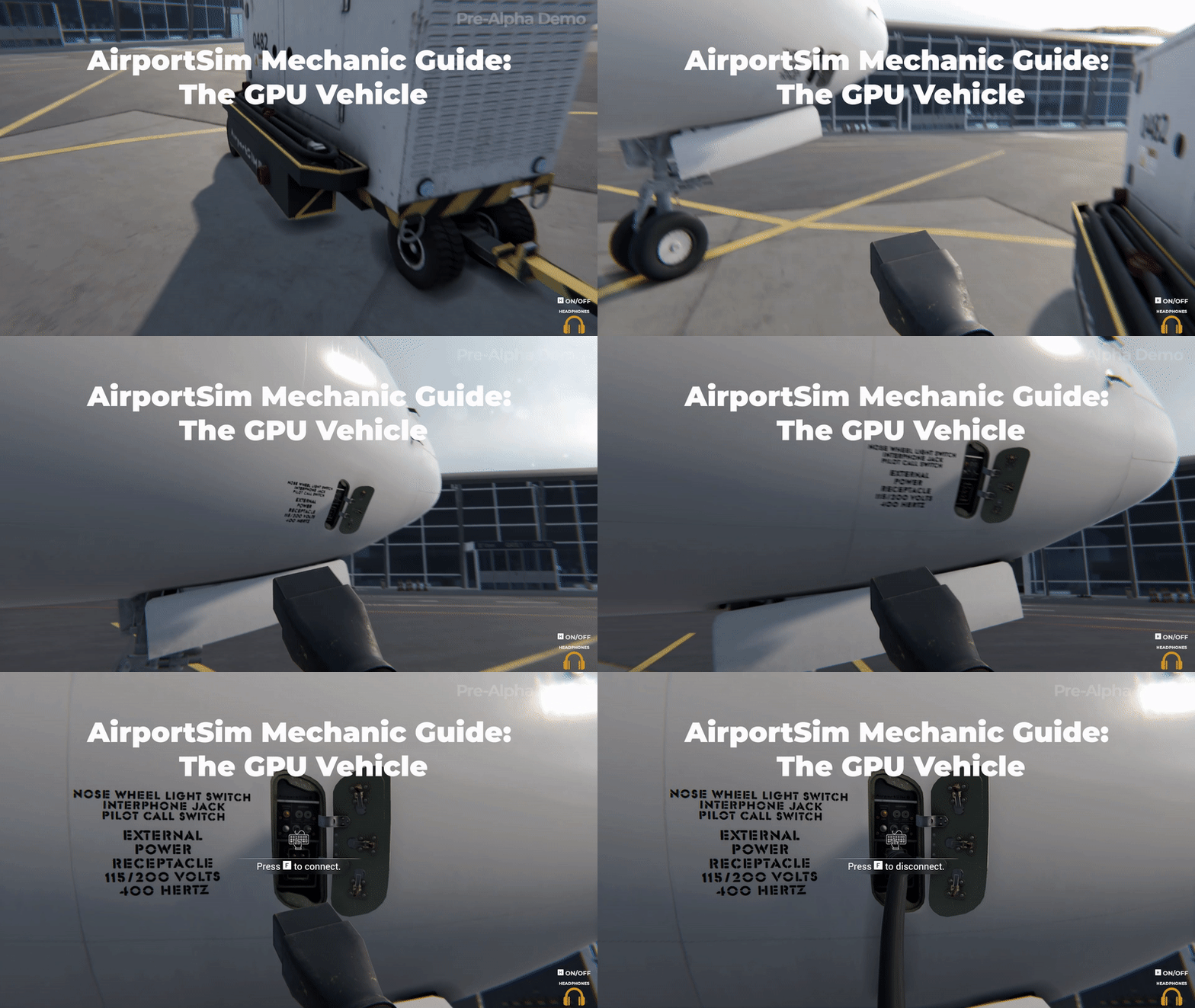
When playing our game, AirportSim, you will have the opportunity to operate various ground handling vehicles, including the GPU vehicle. Let's begin with a brief explanation of what the GPU vehicle is.
In the game, the GPU (Ground Power Unit) vehicle serves as a power generator that supplies electrical power to stationary aircraft or helicopters, enabling the starting of their engines. This power source can also be utilized for servicing and maintenance tasks. The GPU power unit can either be stationary or mobile, mounted on a cart or a vehicle. To connect the GPU to an aircraft, an appropriate electrical cable with a standard plug is used, which connects to a socket hidden in the aircraft's fuselage or front landing gear compartment.
In AirportSim, players can experience the challenging task of operating the GPU vehicle. As part of the game mechanics, you will be responsible for connecting and disconnecting the GPU from the aircraft. Here is a step-by-step guide for this process
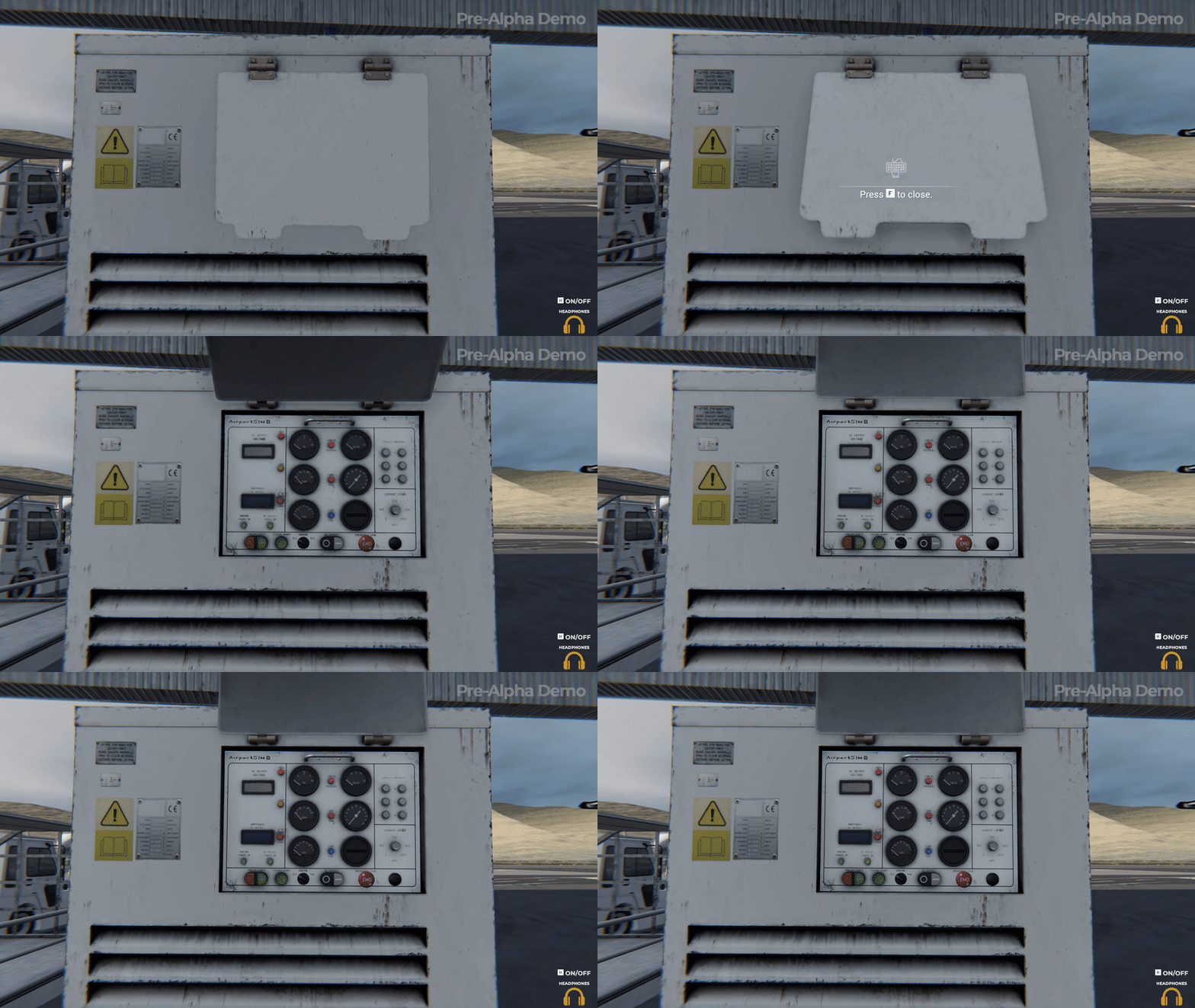
Connection
1. Turn on the Engine Power switch (this will illuminate the green Engine Start LED).
2. Press the Engine Start button to initiate engine start-up and increase the engine's RPM.
3. Wait for 60 seconds for the oil temperature to reach 80 degrees Celsius (number 9) and the engine temperature to reach 150 degrees (number 10).
4. Connect the GPU cable to the aircraft.
5. Switch the ENGINE knob to the RUN position (this will increase the engine's RPM).
6. Set the DC OUTPUT switch to ON.
7. Signal the flight crew that GPU is running and APU is ready to be turned off
Disconnection and GPU shutdown:
1. Signal the flight crew that they should start up the APU
2. Set the DC OUTPUT switch to OFF.
3. Set the ENGINE knob to IDLE (this will decrease the engine's RPM).
4. Disconnect the GPU cable from the aircraft.
5. Turn off the engine by setting the Engine Power button to OFF (this will shut down the engine).
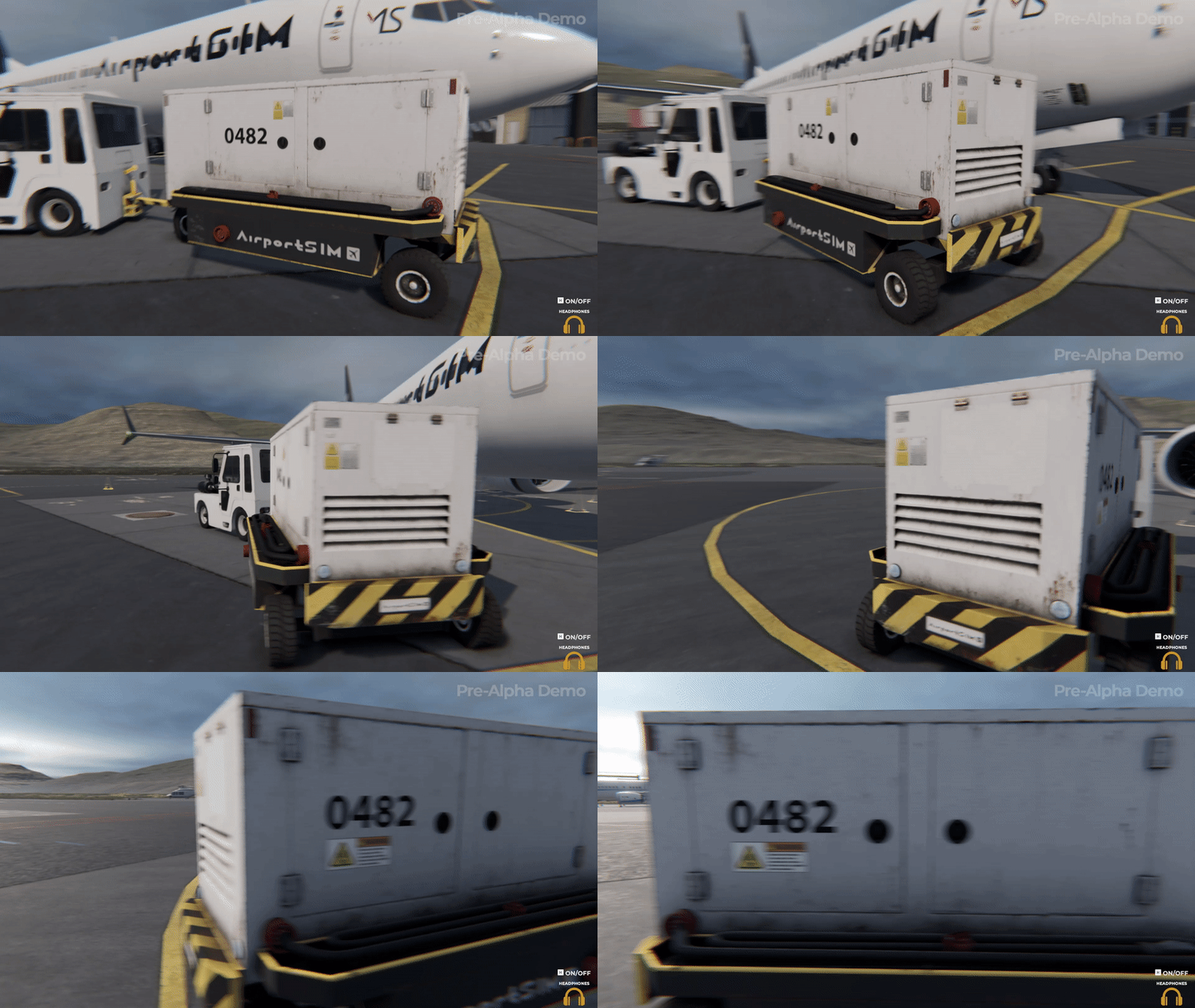
By following these mechanics in AirportSim, players can master the operation of the GPU vehicle and successfully power aircraft engines while enjoying the immersive gameplay experience.