Hello, ground handlers!
We heard that you played our new AirportSim demo and we have some updates for you! We have reviewed your feedback, issues, and suggestions, and have done our best to make improvements. Below, you will find a list of changes:
Added:
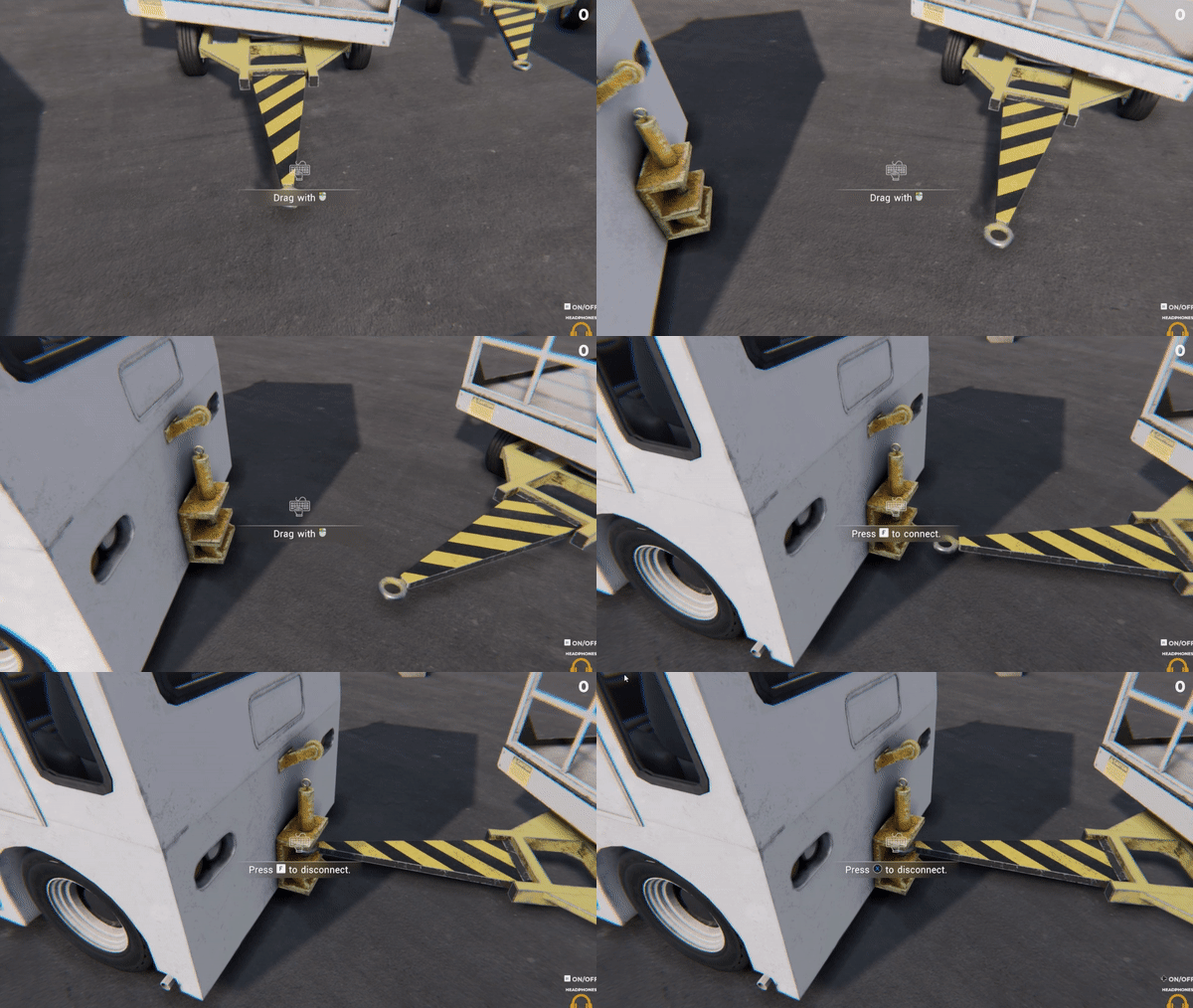
- Trailer front axle interaction: Drag/Rotate Players now have the ability to drag the trailers and GPUs. To drag the trailer, hold the left mouse button and move the mouse around. To steer it, press Q and E respectively to turn left and right while holding the left mouse button (LMB).
- Added synchronization of flight codes and gameplay hours on monitors in the luggage room.
- Added streaming Mipmaps Priority to textures.
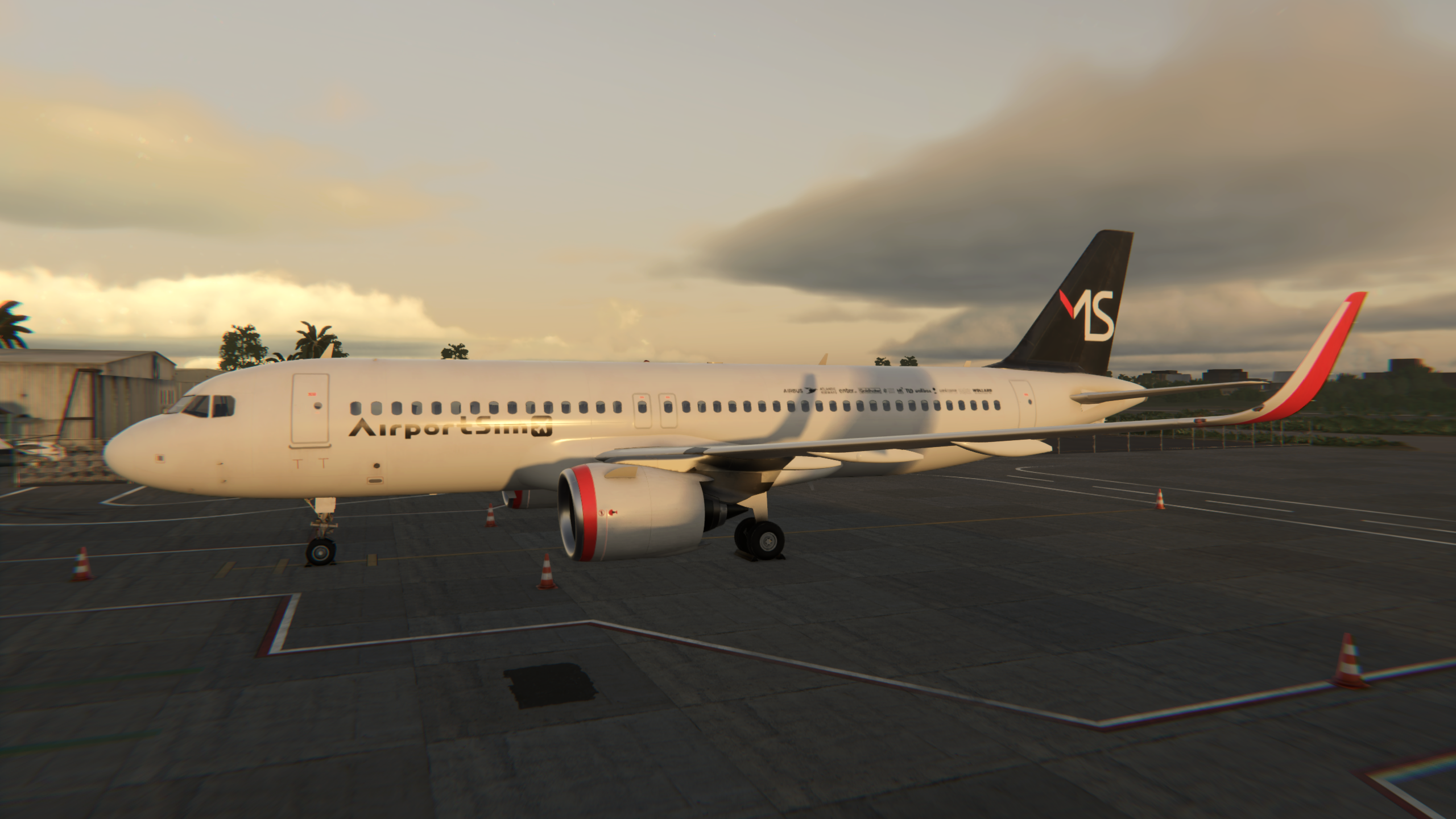
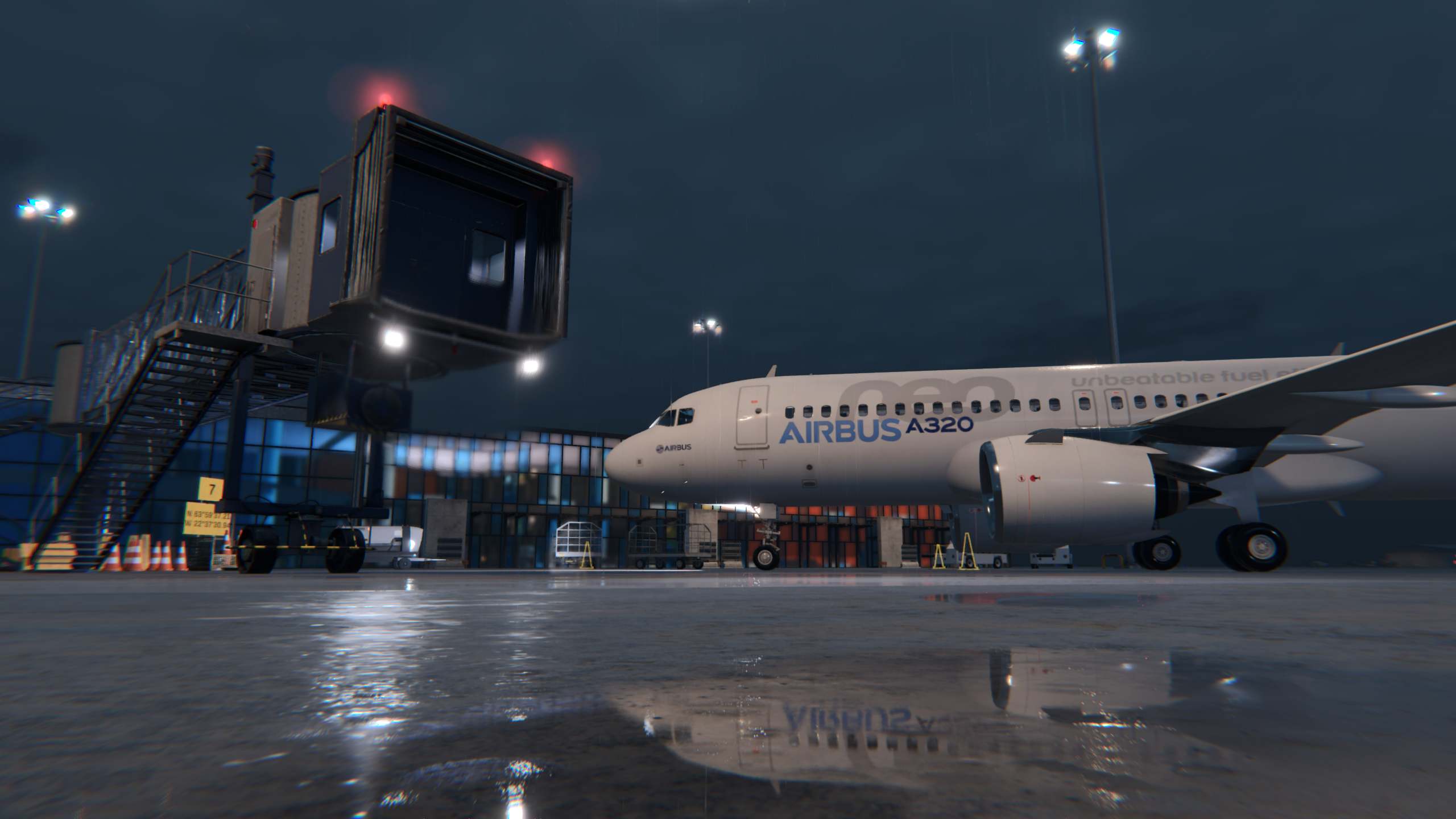
- Added a second skin, 'AirportSim,' to A320Neo, and fixed issues on the B737 Max.
- Added: Sidechain for footsteps.
- Redesigned mouse movement on the 2D map.
- Added cursor variants for specific actions.
Fixed:
- Fixed: Driving with the engine off while the 'Luggage Trailer' is connected.
- Fixed: Turning on the light when entering the car and the engine is on.
- Fixed: Wipers not working in some vehicles.
- Fixed: Luggage trailer front axles being incorrectly rotated at start.
- Fixed: Bollards missing in some tasks if there were only stacked cones available.
- Fixed: Interactions through colliders.
- Fixed: Trailer connector rotation.
- Fixed: Third camera locked in vehicle.
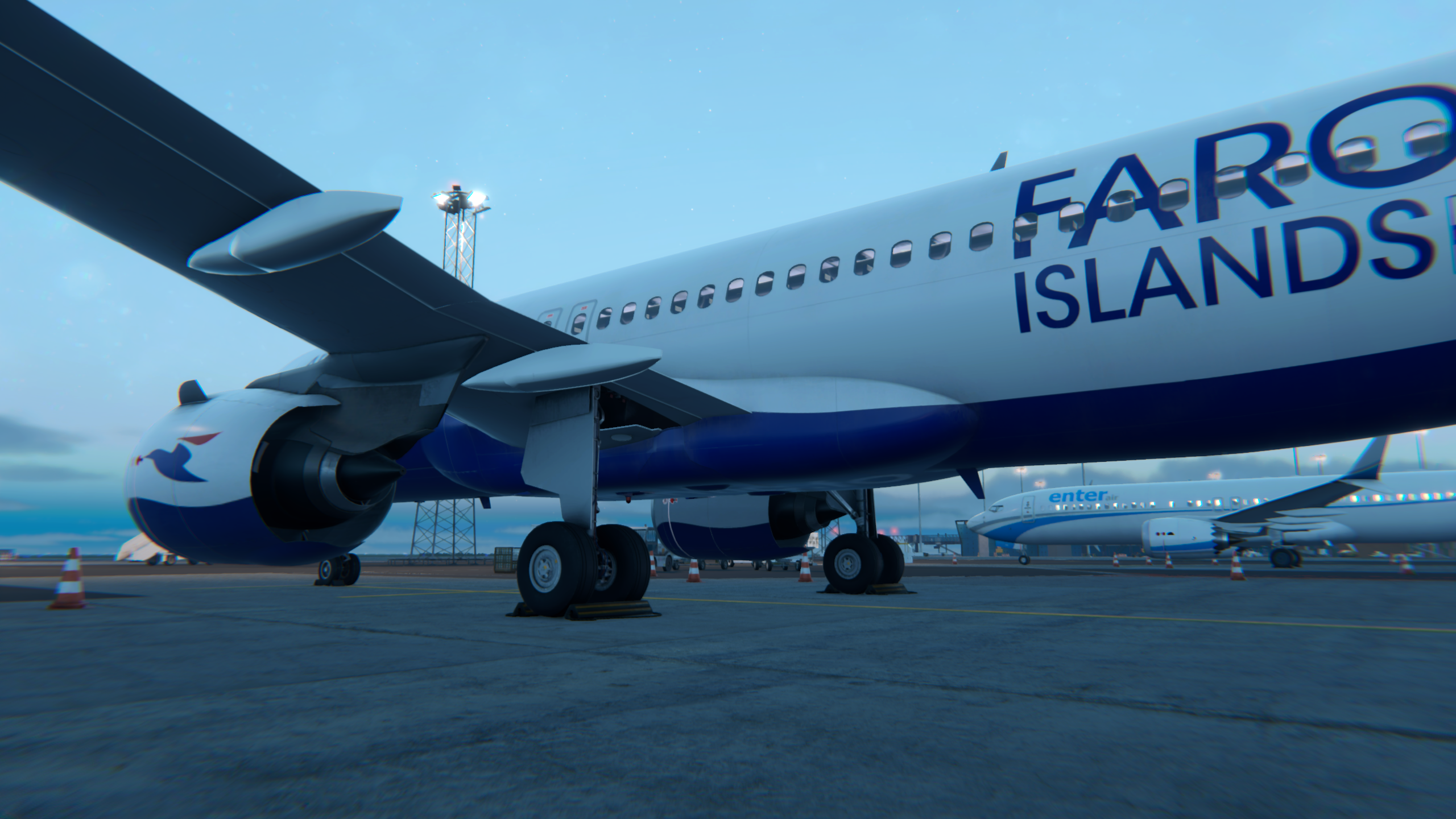
- Fixed: Incorrectly placed colliders on the main landing gear of A320 Neo.
- Fixed: Possibility of driving away while GPU is connected to the aircraft.
- Fixed: Main menu briefing frame.
- Fixed: Invisible parts of the text inside the briefing window.
- Fixed: Loading screen objects being affected by the weather.
- Fixed: FOV setting available through the pause menu.
- Fixed: Blizzard and snow particles not following the player's position.
- Fixed: Sky pattern visible on full overcast.
- Fixed: Objects being lit from the bottom whenever the cloud density is set to high values.
- Improved: Sky color and lighting depending on cloud density.
- Shortened: The time digits in the briefing popup window.
- Turned off: Chromatic aberration in default graphics settings.
- Fixed: Textures on A320 Neo.
- Fixed: Ability to interact through objects.
- Fixed: Luggage bags being easily destroyable after the first opening.
- Fixed: Shaders' weather variants causing materials to look bluish.
- Fixed: Anti-aliasing (AA) issues resulting in hard edges and deformed textures.
- Fixed: Chunky camera movement; now it is smooth.
- Fixed: Teleporting while inside the sorting area results in graphics loss.
- Fixed: Bags moving endlessly if they were opened while in interaction with the conveyor belt.
- Fixed: Possibility of two aircraft being on the same runway.
- Fixed: Mouse drag outside of the tablet can still move the map.
- Fixed: Jetway lights are invisible from a larger distance.
- Fixed: Sunlight at early or late hours can leave a hard edge transition on the volumetric clouds.
Improved:
- Improved: Scene loading times.
- Improved: Reduced CPU overload on scene loading.
- Improved: Quality of rain effects.
Improved: Luggage room performance and reduced stuttering upon entering.
- Adjusted: Keflavik scene lighting.
- Adjusted: Steam and Discord links in the main menu.
- Adjusted: Screen space effects edge distance, minor optimization.
That’s a pretty long list, and we hope that you will like all of the changes. If you have any further suggestions or feedback, please remember that we are always here for you and eager to hear from you on our Discord channel!