"OU Original Soundtrack" update data is now available.
■Update Details
- Increased bit rate of MP3 format data to 192 kbps
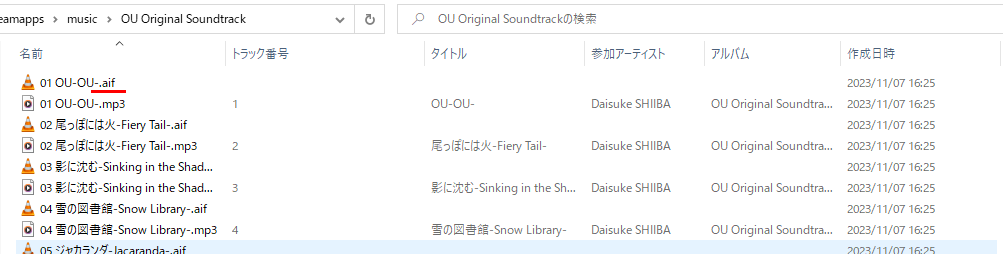
- Added AIFF format data
■How to update (for those who have already purchased)
- Start the Steam client.
- Select "OU Original Soundtrack".
- Press the "Update" button to retrieve the data.
■How to check high quality sound sources (for those who have already purchased)
- Start the Steam client and display the library.
- Select "OU Original Soundtrack" on the library.
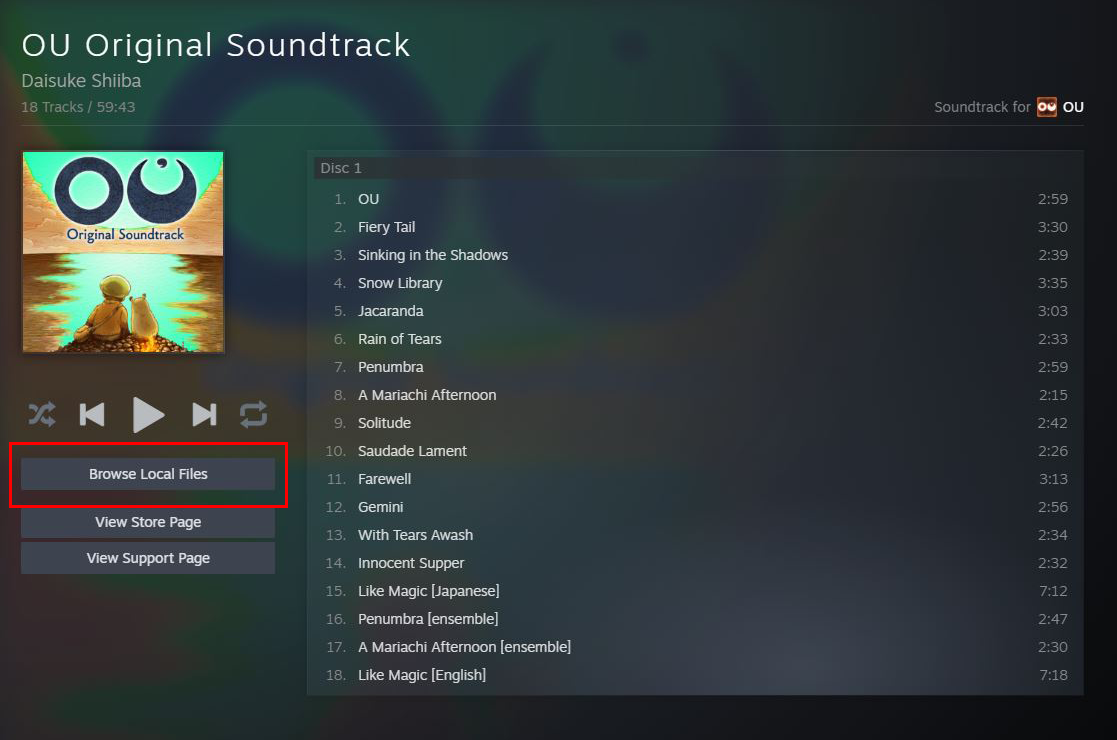
- Select "Browse Local Files"
- Confirm that data with the .aif extension is stored.