
Hey Hoteliers!
Well well well.. we didn't know so many of you would embrace the chaos of a disgusting hotel build! What a sight to behold, not a clean surface or rubbish bin to be seen 😱
Here is our top three for this week!
🏆 1st place goes to K.lupanko's bathroom-less mess
🥈 2nd place to JAYZONE1978 for the car crash kitchen!
🥉 3rd place to LuvlyLunatic's grubby disasterView game page
Thank you to everyone who entered and congratulations to our winners whose entries will appear on the in-game front menu on Friday!
Now onto our next challenge...
This weeks theme is: the 1st ever shell challenge! 😱
If you aren't familiar with shell challenges from The Sims, you're given a building shell and then you decorate it however you would like! You cannot edit/remove walls already in the build and you cannot add exterior walls outside of it.
For this challenge, you will need to download a save, follow the instructions below:
Download the save from here: July Shell Challenge
Drag/copy and paste it to your saves folder for Hotel Architect usually located here: C:\\Users\[b]INSERTYOURUSERNAMEHERE\\AppData\\Local\\HotelArchitect\\Saved\\SaveGames
Then open the game and load the July Shell Challenge save.
Here's your shell - have fun 😈
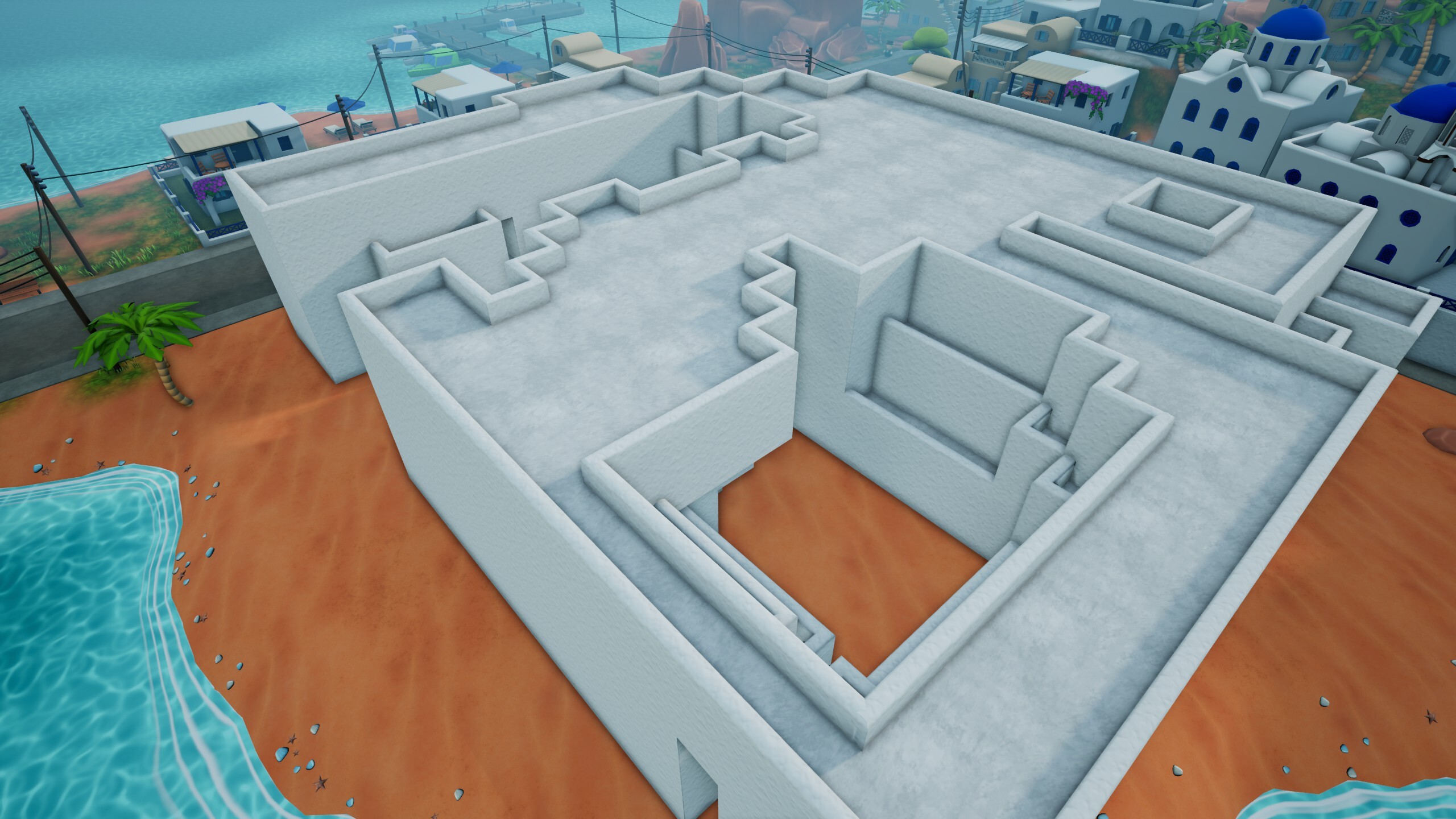
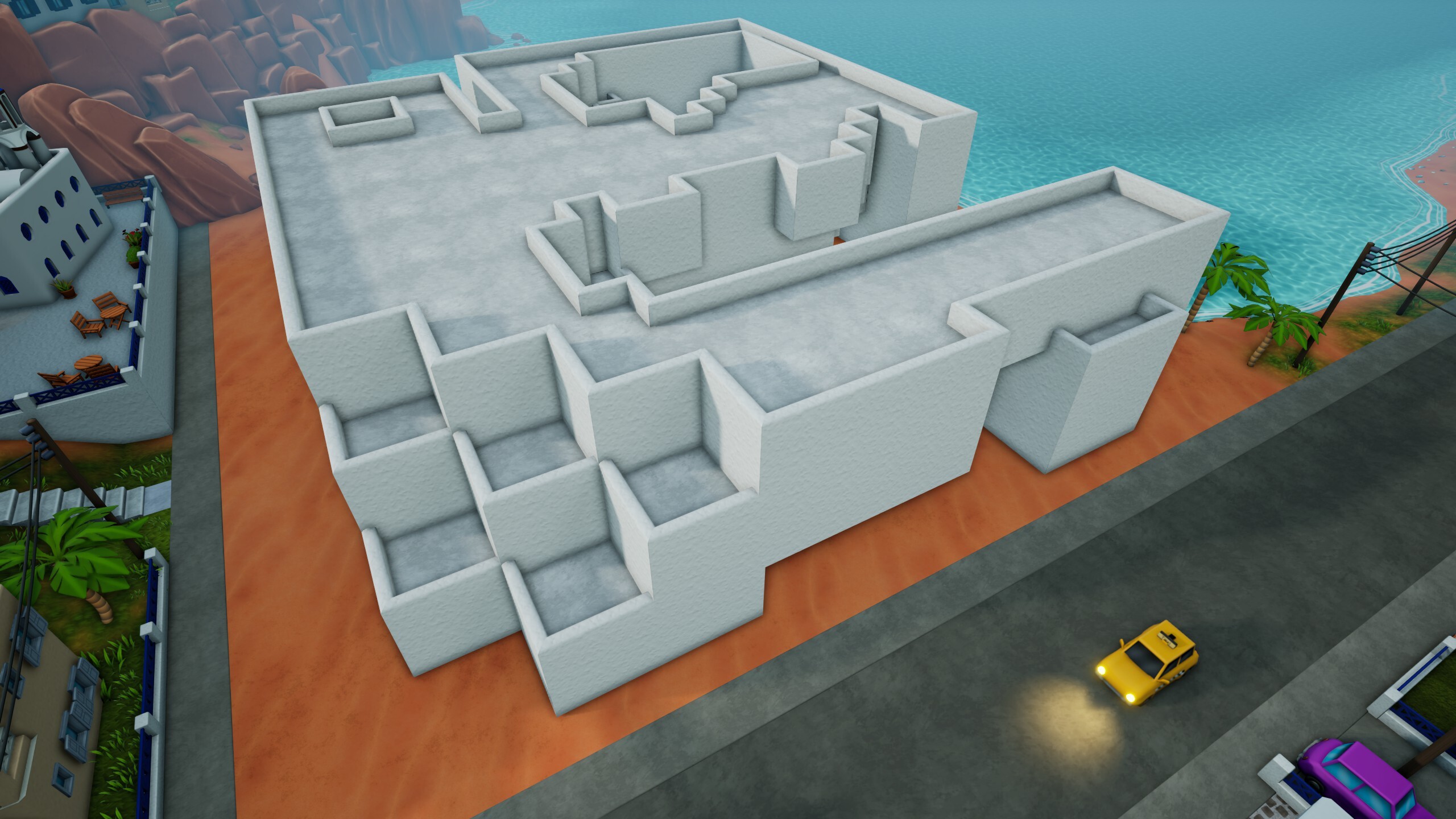
Rules:
- If you aren't familiar with shell challenges from The Sims. You cannot edit/remove walls already in the build and you cannot add exterior walls.
- You must post your build to the Steam screenshots area to be considered for winning!
- Include "Weekly Challenge" in the title somewhere!
- Your entry must be posted by Sunday 3rd August at 11:59pm (UK time)
How to share screenshots:
- Take a screenshot in-game using the camera icon.
- Head to your Steam Library and select 'Hotel Architect'.
- On the right hand side, you will find an area for 'Recordings and Screenshots'.
- Select the image you would like to enter and press the 'Share' button, followed by 'Share on Steam'.
- Add a caption that includes 'Weekly Challenge' somewhere in the title and ensure the visibility is set to public.
- Press 'Upload', and your entry will appear in the 'screenshots' area of the community hub!
Good luck, we can't wait to see your entries 🥰