The goal of this update was to improve core UI to be cleaner, easier to tell what you're looking at, and better organized.
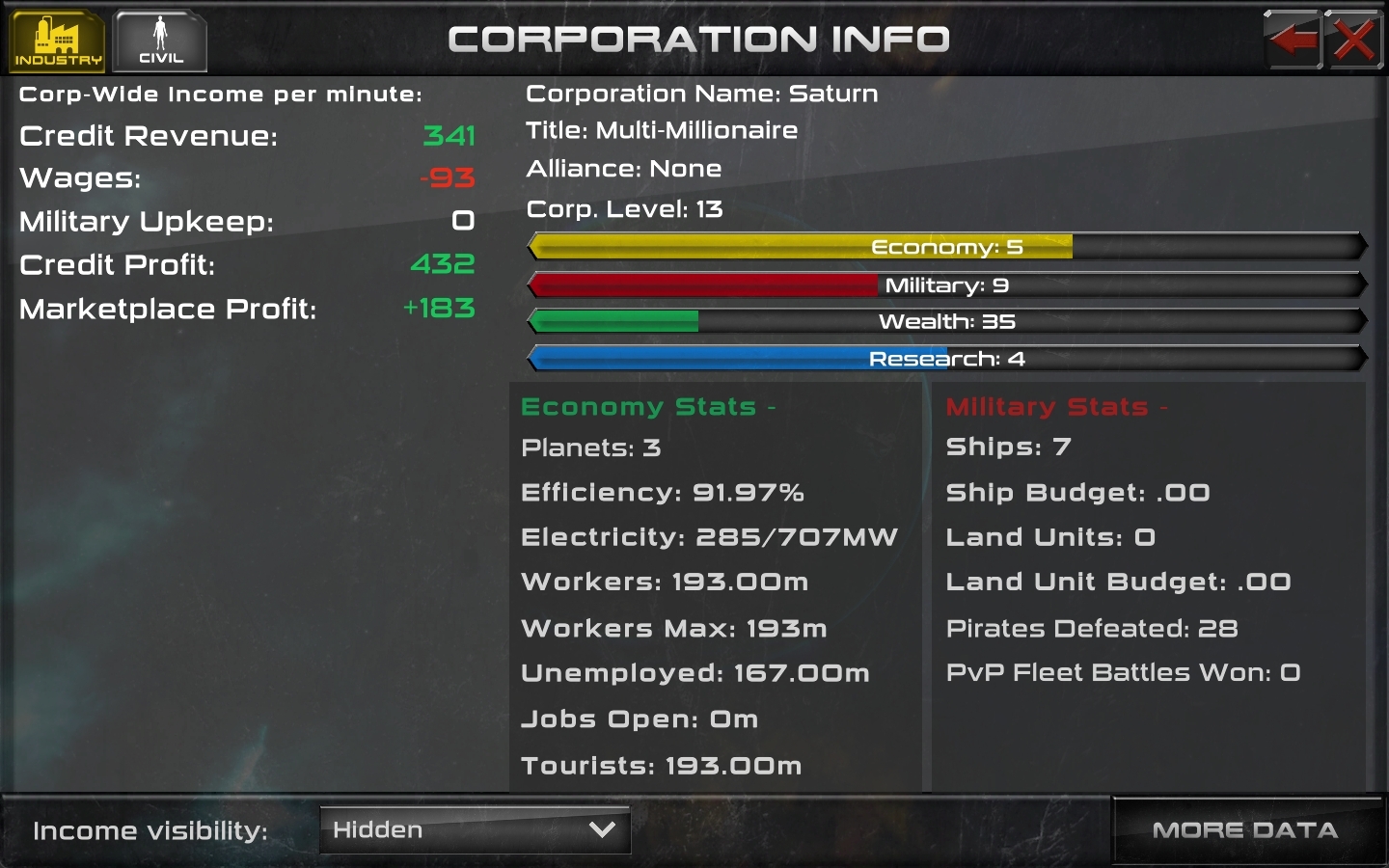
Corp Stats Before:
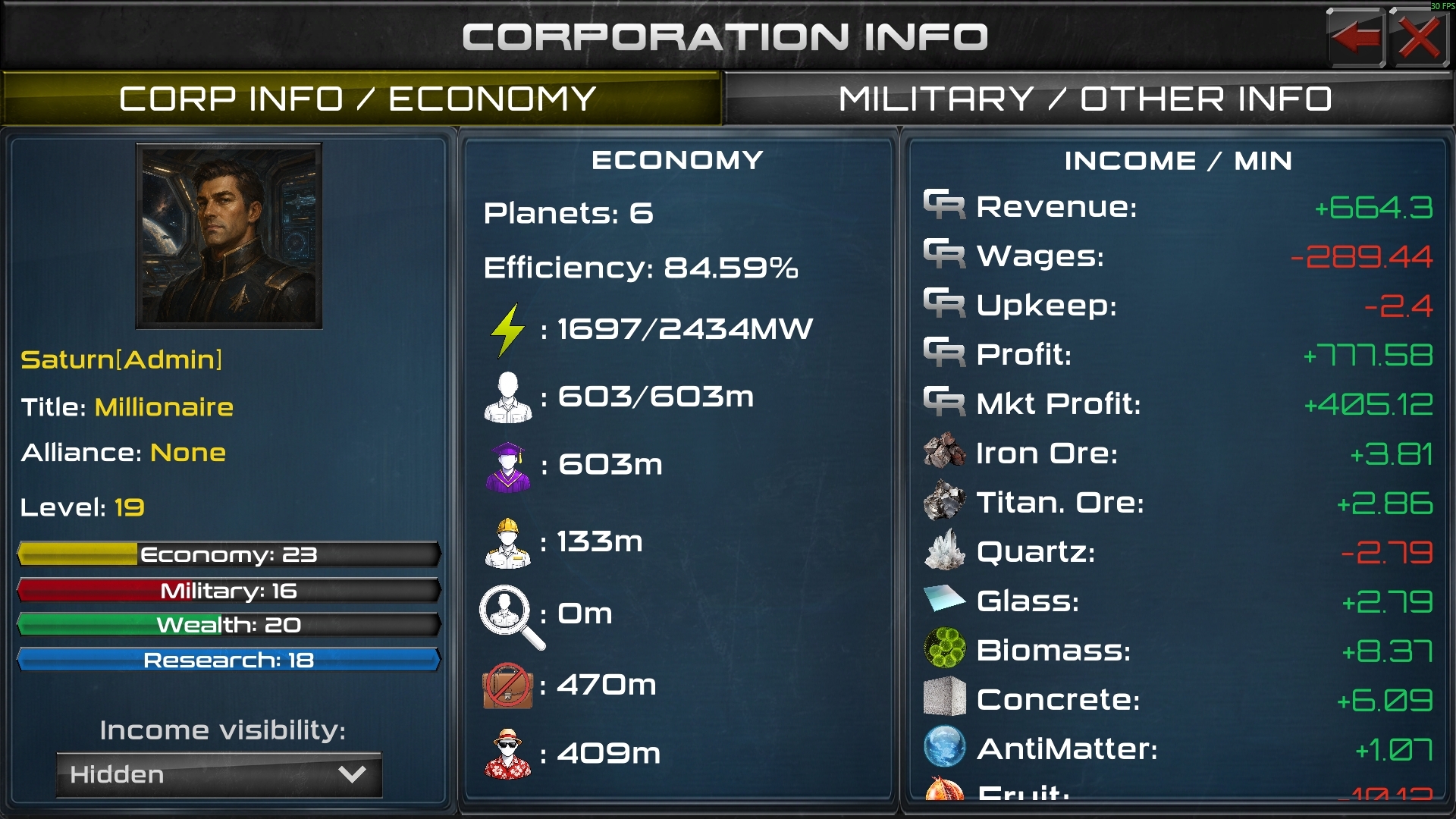
Corp Stats After:
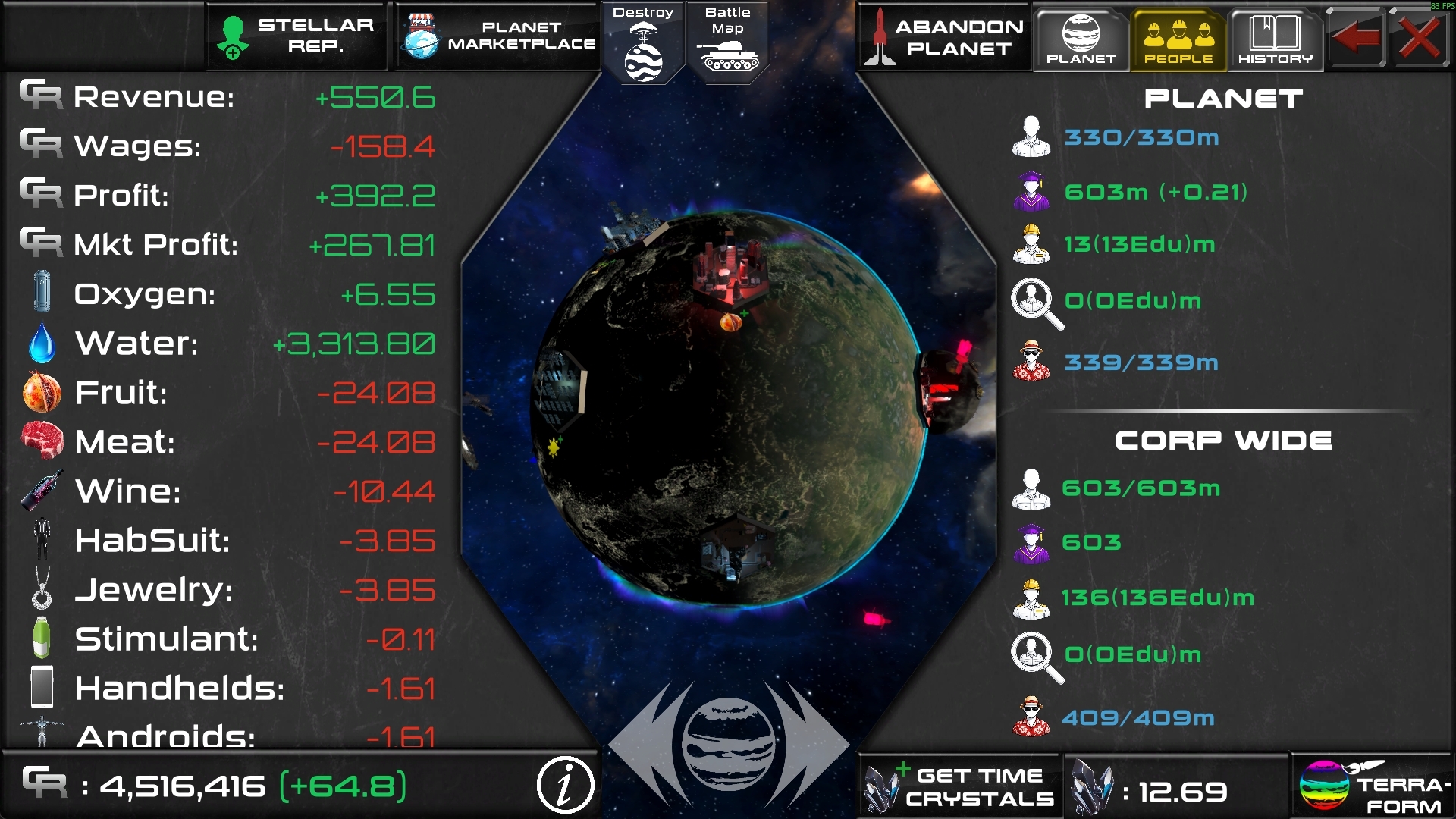
Similar overhaul on the planet stats screen for worker counts, and icons added on the resource incomes.
The new worker icons are clickable to bring up a guide telling you what they are: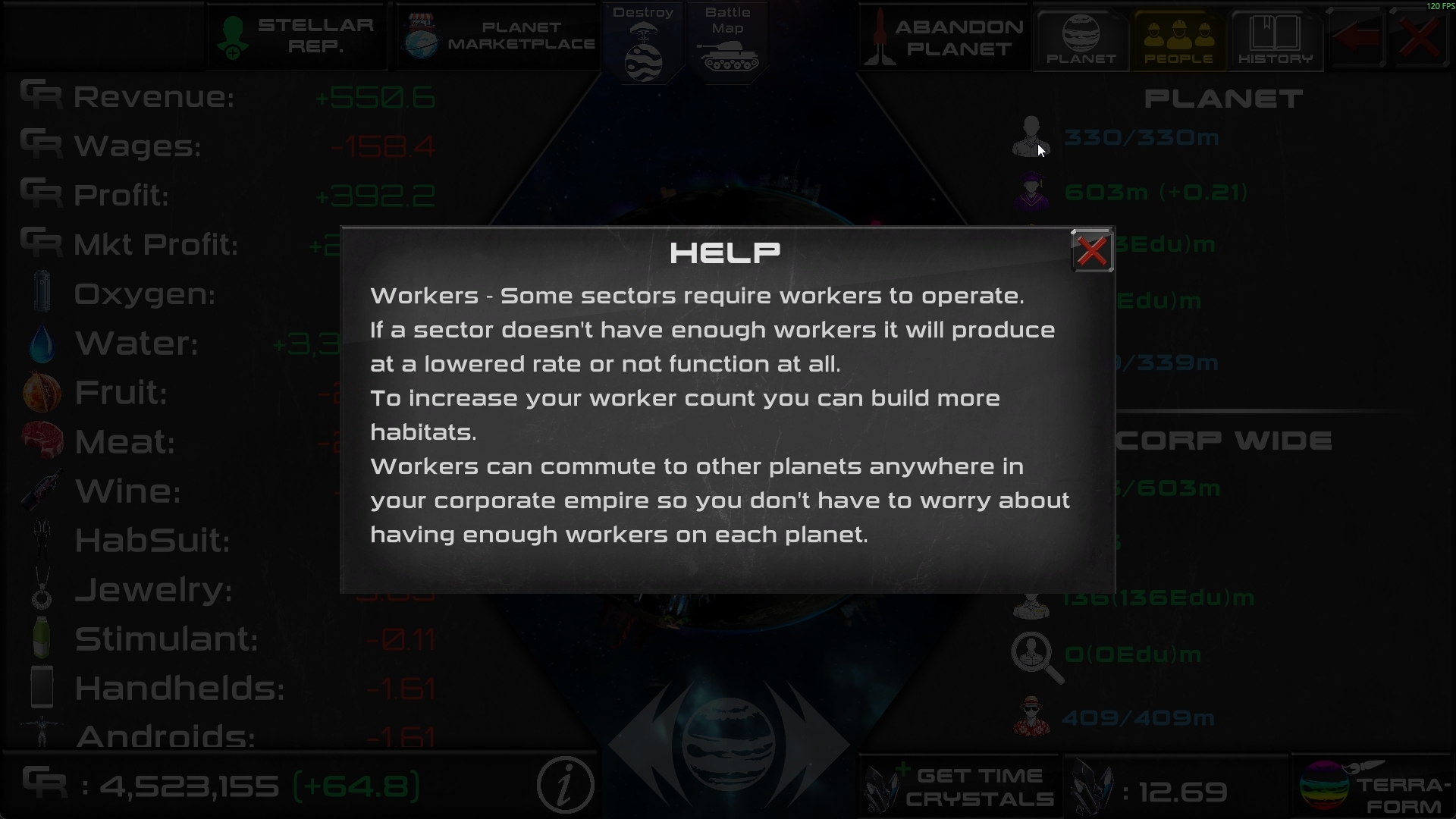
Setting income to hidden now hides all but the basic corp info in the left panel, corp name, portrait, level, title, alliance. In case you don't want people to see your stats when they click view profile.
Portraits can be chosen by clicking the portrait on the corp stats screen.
Emojis will now automatically replace keyboard smileys like :) and some emojis entered via phone keyboard should work.