Hello, everyone!
The major changes of are as follows.
Gameplay/Balance
- Japanese is available in the language settings!
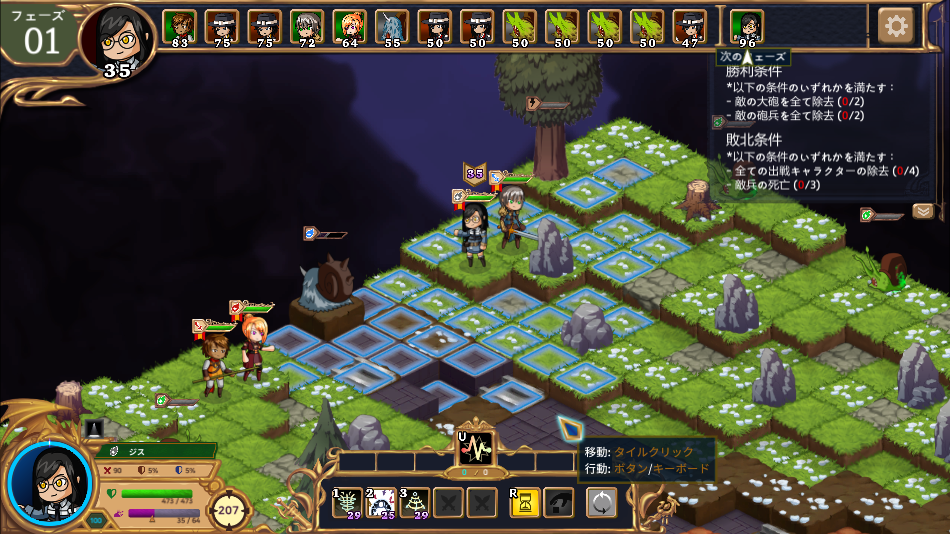
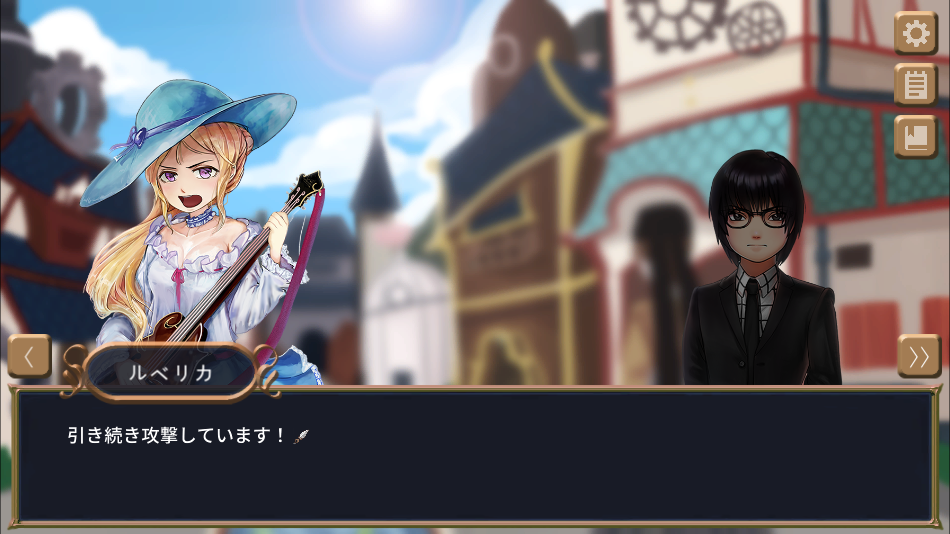
- Beginner difficulty: AI does not prefer to cancel player's concentration.
- Chapter 21: if the difficulty Adventurer or lower, artillery will not attack in the first phase.
- Chapter 26: when no agitator is remaining without contact, the battle will finish as loss.
- Chapter 27: Released neutral units immediately leaves.
- Chapter 29: If you succeed in interacting with control tower, the defeat condition will decrease by 1.
- Chapter 33: Added "Cairn" unit. Destroying it removes nearby unit spawn point.
- Chapter 35: Darkenir's starting position and the abilities of enemy units were adjusted.
Bug Fix
Solved the problems below.
- Beginner difficulty, Chapter 33: Bianca couldn't standby when she has more than 5 skills.
- Some visual inconsistencies with actual state after rewind, including highlight of unit spawn point and shield effect of units
- Rewinding after battle loss sometimes provided additional turn for a player unit which acted latest.
- On the detailed info panel, HP gauge of the enemy unit was yellow (not red).
- When damaged by passive skill, the continuous reduction of HP gauge was not applied.
- The word "Evade" was covered by HP gauge.
- Character's skills was reset without warning when pressing the number area of ether icon.
- Icons or color conversions were sometimes incorrectly applied to the text of the ability value ('Power', 'Defense', etc.)
- Chapter buttons in interlude scene ignored the boundary of the parchment.
- When turning the screen by Q/E key while the camera was shaking by tactical hit, the location of target unit became wrong.
- Tutorial battle: Some dialogues were always in Korean regardless of the actual language setting.
- Chapter 21: A tutorial was displayed over the battle result screen when finished a battle by killing unit.
- Some dialogues showed untranslated lines.
- Battle scene: After displaying an optional tutorial, red ! button at the top-left corner did not respond even if you mouse or click on it.
- Some tutorial images didn't reflect on previous changes.
- Some sound effects were not played in dialogue mode.
- The tutorial text was empty when first selecting 'One step before' after battle loss with English.
- Jason 'Conceal' skill was only involved in AI activations but didn't affect whether or not to attack from a long distance.
- Not opening the correct category of dictionary when opened by clicking a notification
- When the battle finished by escape in the last turn of phase, it still went to next phase even though the battle was over.
- Achievement 'Brawl' could be achieved even if it didn't meet the actual conditions.
- Concentration for interaction didn't stop even the target object was removed before finish.
- Mouse tooltip for control sometimes showed inappropriate action when previewing the result of direction type skill.
- After Luvericha AI invoked 'Sonic Flow' skill, rewinding and acting same way made different result than before.
Convenience/Interface
- When selecting a character for first time, all actives skills are automatically selected, but it has been modified so as not to exceed the cost limit.
- Chapter 37: the turn of injured soldiers without Damage/Healing Over Turns is skipped.
- Optional tutorial notifications are clickable even when the dialogue or skill direction selection indication is on the screen.
- You can immediately check the detailed description in the list of newly opened abilities in this chapter, and the panel is closed by a button only.
- The explanation of units which can be immediately interacted is shown as 'Instant' instead of 'concentrate(0 turns)'.
- While the cursor position is at the bottom of the screen, align the tooltips upward so that they are not covered.
- During skill selection, the keyword description panel is arranged at the top, not at the bottom of the main panel.
- Special tiles of each element are displayed on the tile information screen.
- When skipping a scene in conversation mode, you can check the text that summarizes the scene briefly.
- You can adjust the size of the game screen in window mode.
Visual Expression
- Units included in the skill area but do not meet the target conditions don't display individual particle effects.
- During the battle, units' speech bubble is displayed at once, not one letter at a time.
If you have another suggestions beside these changes, please let us know via discussions or email( [email protected] ).
We'll come back with later version.
Thank you.