Hey NERDS. Do you like reading blog posts about programming and technical stuff?
Don't lie to me, we both know you do. This is why today I'm gonna talk about some bug fixes I've made recently, including the juicy part where you get a sneak peek of Outcore's source code. Let's get down to business
The "let me try something" bug
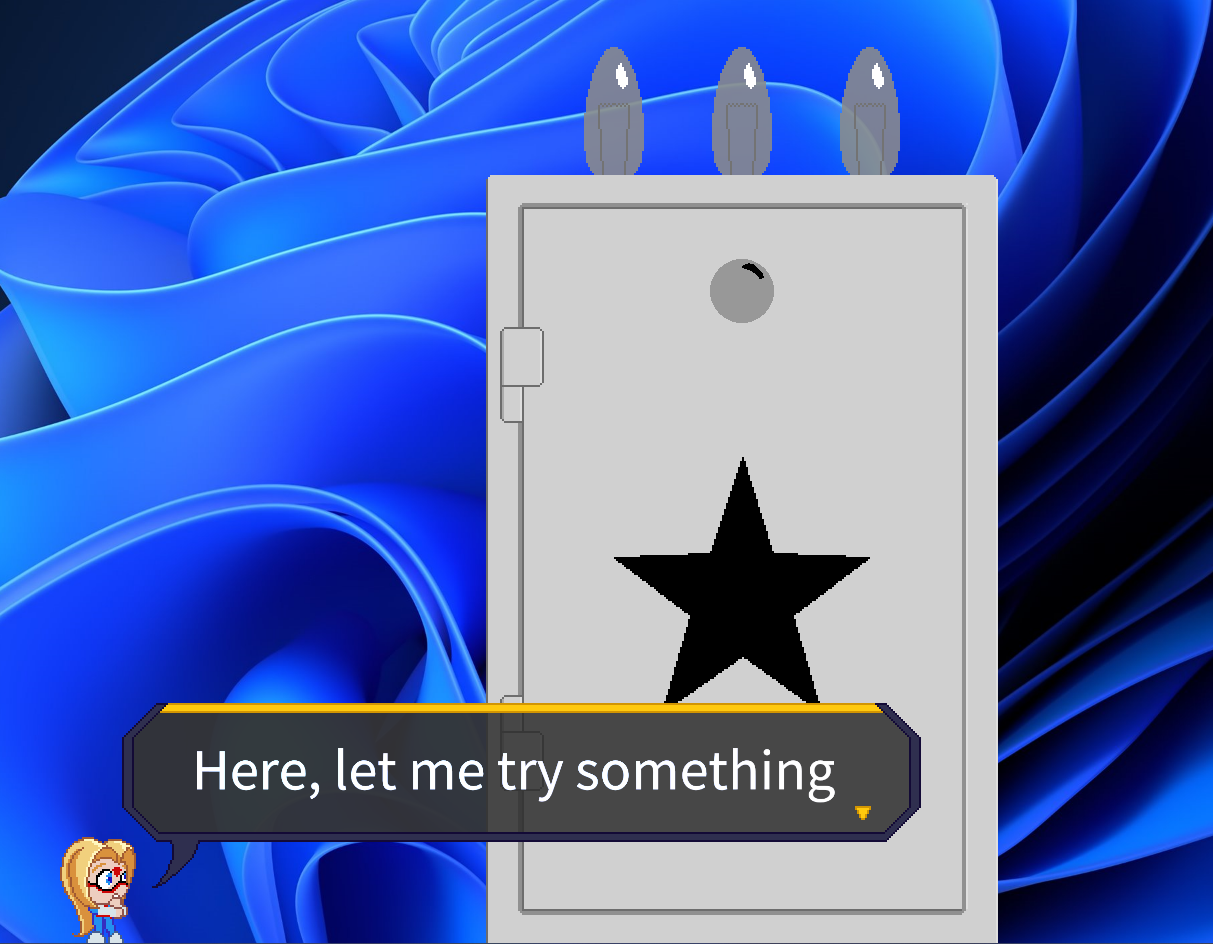
Very early in the game, the player is tasked with drawing a key to open a safe by using MS Paint. Unfortunately, sometimes that's not possible due to the game not having permission to access Paint. Sometimes it also fails because some of you deranged lunatics decided to uninstall Paint from your copy of Windows. This causes Outcore to soft lock, preventing any further progress.
The reason I made a game revolve around using Paint was that I thought every Windows PC would have it. The fact it can't be used sometimes made it quite difficult to solve.
I could make Lumi ask the player to use another image editing software, but then there would be no way for the game to react to the player opening that program. Also, what if the player doesn't even have any image editing software to begin with? Not only that, but I would also need to contact all the volunteer translators to translate the new lines.
Since this solution was not feasible, I had to go back to the drawing board. I considered creating a fake substitute for Paint, but that would be waaaaaaaay too much work for such a rare edge case.
I eventually realized that I could include another image editing software with Outcore, and use that instead. So I decided to include a portable version of Paint.net with Outcore's installation.
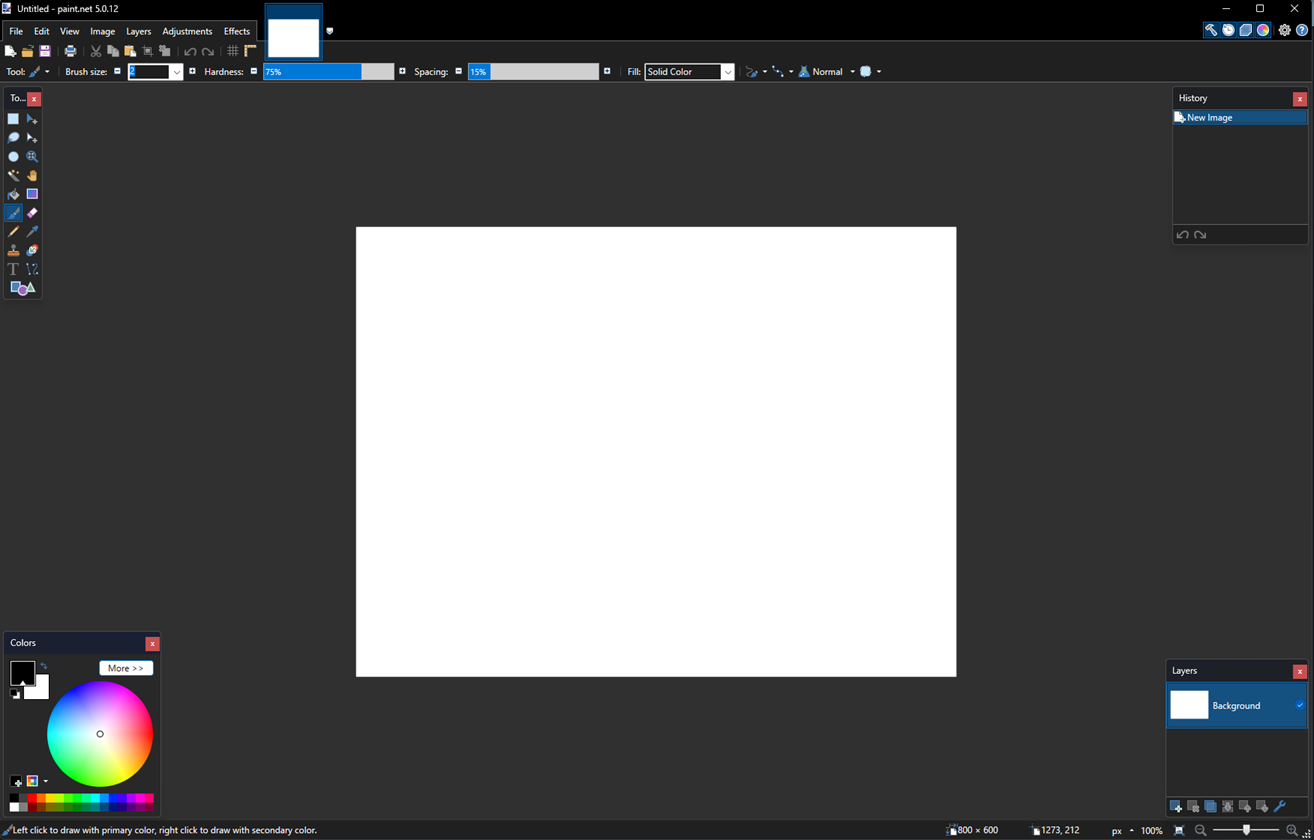
Paint.net is free to use, and more importantly, free to distribute, can run without having to install it first and can open an image via command line parameters. The combination of these factors made it a great choice for a failsafe solution in cases where MS Paint can't be loaded.
Oh right, I promised you some code. Here are the instructions that launch the correct Paint program
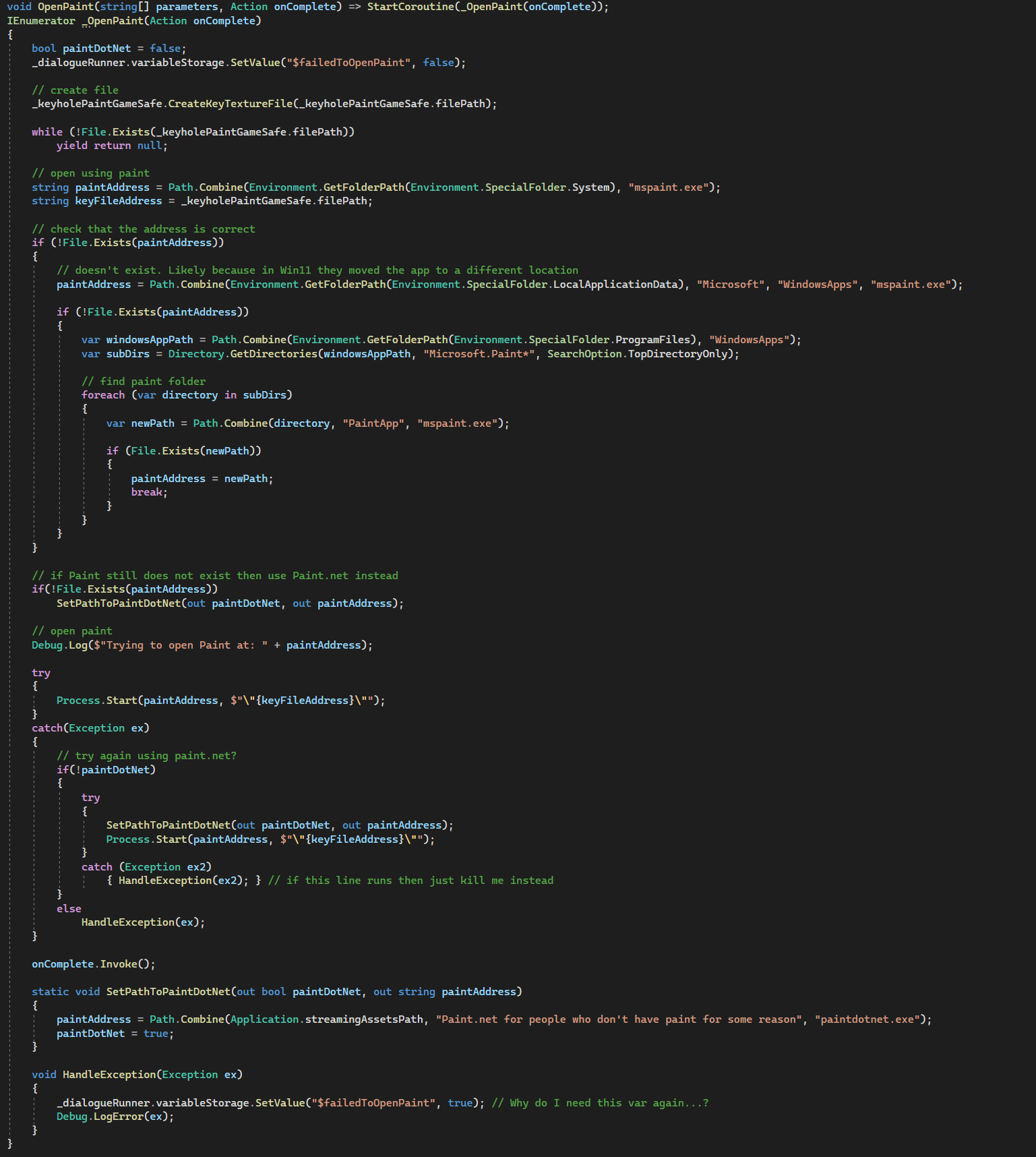
Yeah! You like that nerdy stuff, don't ya? If the image appears to be cropped then here's a full version of the code:
Softlock during the 1st phase of the final boss
We're entering spoiler territory here.
During the first phase of the final boss, the player is tasked with helping Lumi gather energy while fighting a fake anti-virus and icons on their desktop. I knew there was a bug on rare occasions where the fight would get stuck as soon as the 1st icon mini game was supposed to run.
For a while I didn't know what was causing it, that is until Aya Shameimaru and Cirno from the Touhou series joined the game's discord and reported this issue. Turns out this happens when you have too many icons on your desktop.
Initially, I couldn't reproduce it since I didn't have many icons on my desktop. I decided it was time to change that for the purpose of fixing this bug.

There, much better. This allowed me to start debugging. My investigation led me to WindowsUtility, a side program I wrote that helps Outcore function (you can read more about it in the racism bug post).
I'm going to refer to WindowsUtility as WU in this post as well. (Programming talk in 3...2..1..) So WU establishes a communication line with Outcore which it uses to transfer data about your desktop between the two. Behind the scenes that communication line is really just a chunk of memory in your RAM that both programs read and write to. The size of that chunk was the maximum value of ushort, which is 65,535 bytes (or 65.5 megabytes).
When WU sends info about your icons to Outcore, it gathers their info (name, position) in an array, serializes it to JSON and then uses that communication line. While it's comfortable to use JSON for serialization, it's also not too efficient when it comes to the size of the packets you generate.
Did you figure out already what's the issue? When you have a lot of icons, that serialized message ends up being more than 65 MB in size. This meant Outcore couldn't receive the data about the icons, which broke the fight.
I could limit how many icons WU would collect when gathering data, but it could cause other issues later down the line. The next logical solution was to ditch JSON and use something more efficient, like ProtoBuffers.
The problem with that is that it was quite a big change. It would require a lot of work to implement and test, and I just don't have the time to do it.
So what was the solution? I increased the size of the communication line from 65 to 130 MB. Why should I work hard when I can make YOU, my dear players, pay the price instead?
So yeah, Outcore now requires a bit more RAM to run but at least this issue is solved. The game is so light that it really shouldn't affect any of the players.
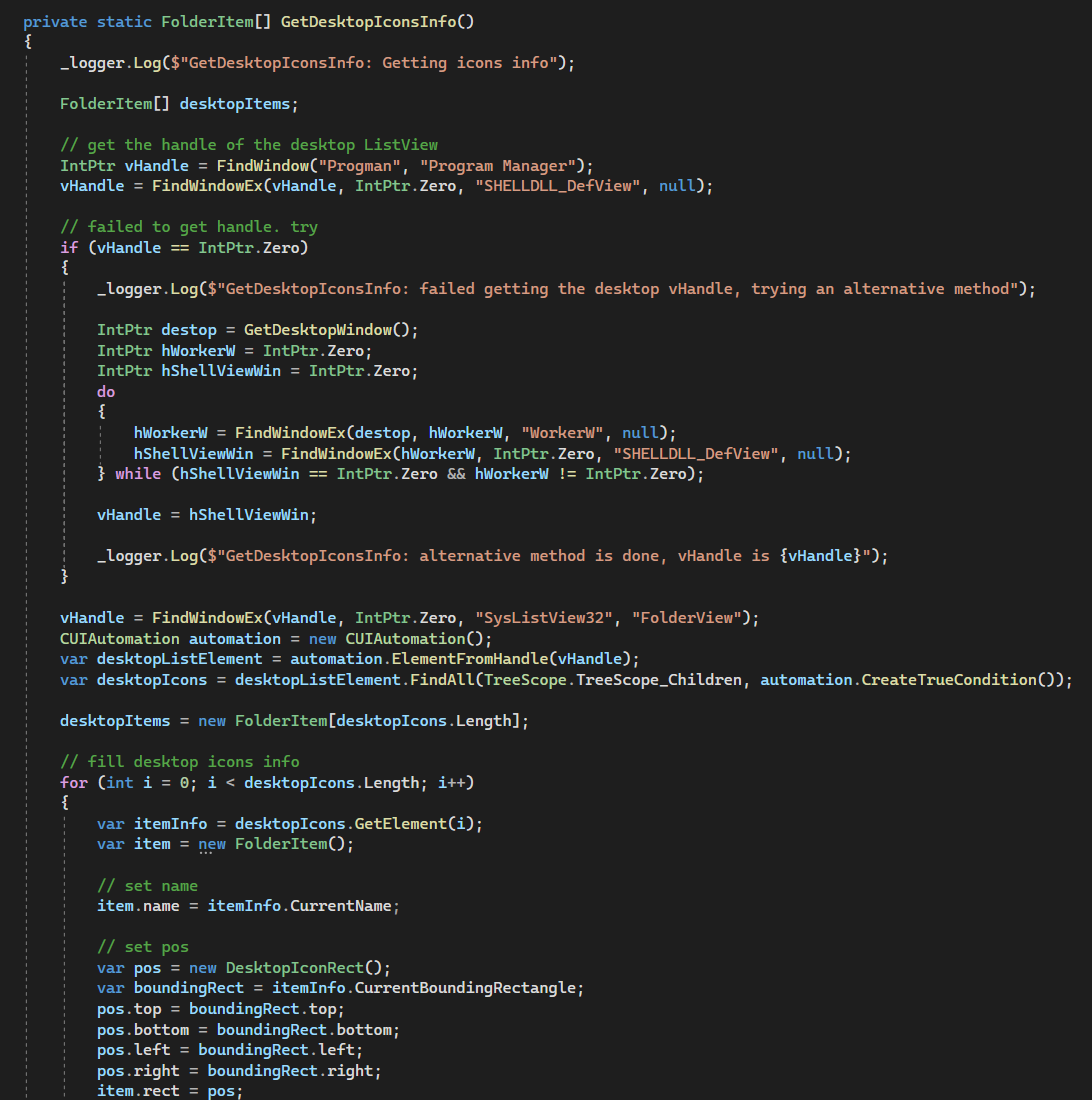
Oh WOW, it's been quite a while since I posted a picture. I trust all of you prefer picture books more than plain text encyclopedias. So for the sake of pacing, here's a random screenshot from WU
Anyway, I uploaded this fix about a week ago and immediately regretted it. Turns out my change broke the communication between Outcore, the idle game, and other sub-programs such as the 1-week progress bar puzzle and Lumi Defender... Whoops.
Since then I've fixed all of them, so the live version should be ok.
UPDATE: Steam user Wekker1 has brought to my attention that 65,535 bytes are 65 kilobytes, not megabytes. If I had any functioning brain cells left I would have realized that doubling the memory allocated is so negligible that it was definitely the right choice.
The idle game's stage editor is now available for everyone
Also for the sake of pacing, this is not a bug and not too technical.
About a week ago some players decompiled the idle game and found out it has a stage editor. That's a tool I made so I could create the idle game stages, but locked it because I didn't want players to accidentally access it.
I changed my mind and decided that it's not harmful to let players use it to make their own stages
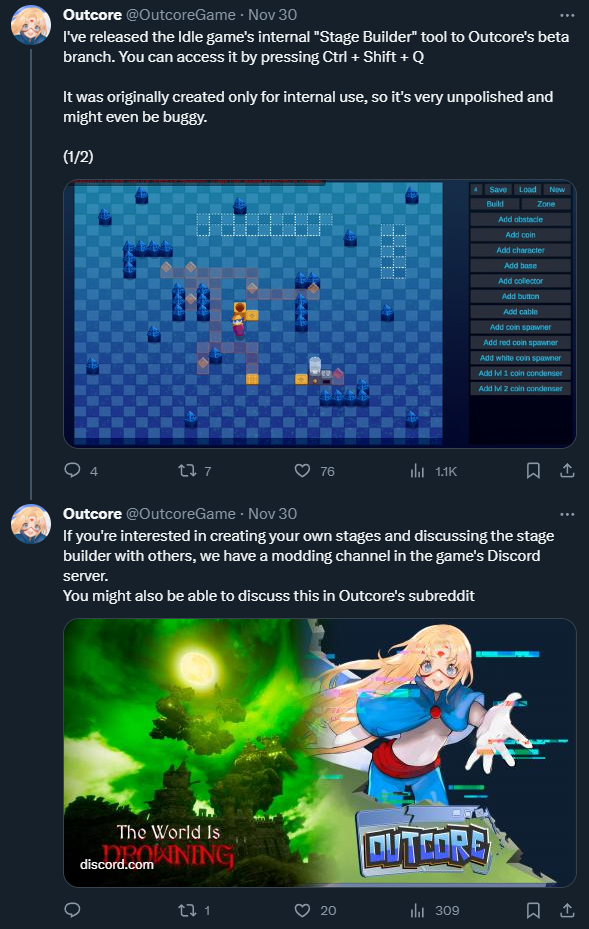
This is now available on the live version as well. It wasn't engineered to be used by players so it might be a bit clunky. Let me know if you find any major issues with it.
Lumi file doesn't exist in the Documents folder
This one is straightforward. Outcore doesn't always get the permissions it needs to create a file, which leaves that riddle broken.
For a while, I thought it was unsolvable, but realized it could be solved if I accept unelegant solutions.
When the player opens the Documents folder after Lumi asks them to, the game now scans the folder and checks if the file exists. If it doesn't, Lumi will react as if the file was dropped into her.
As I said, not elegant, but it does fix this edge case.
That's it for now. I might make more posts like this in the future for other bugs that could be interesting to write about.