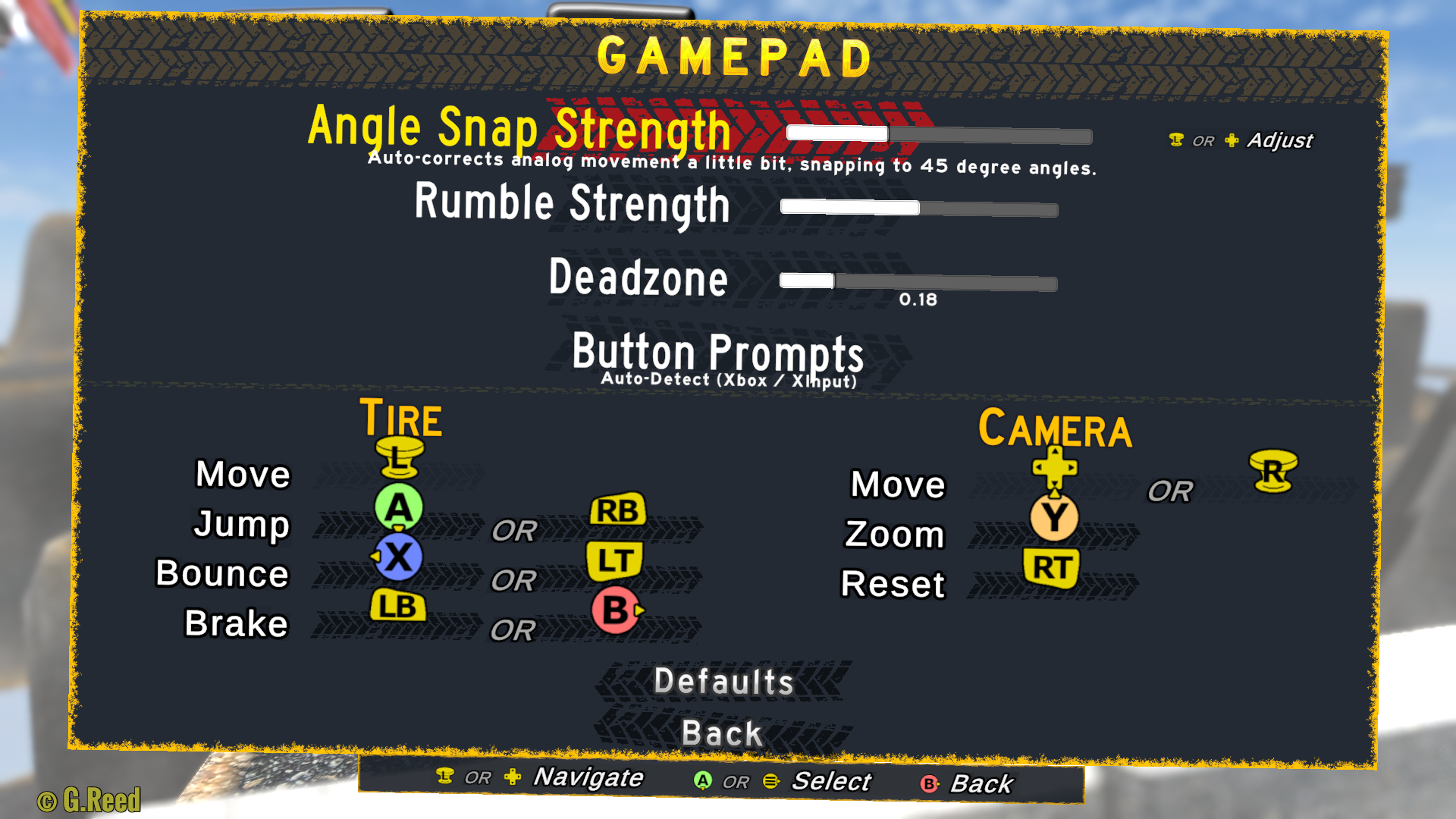
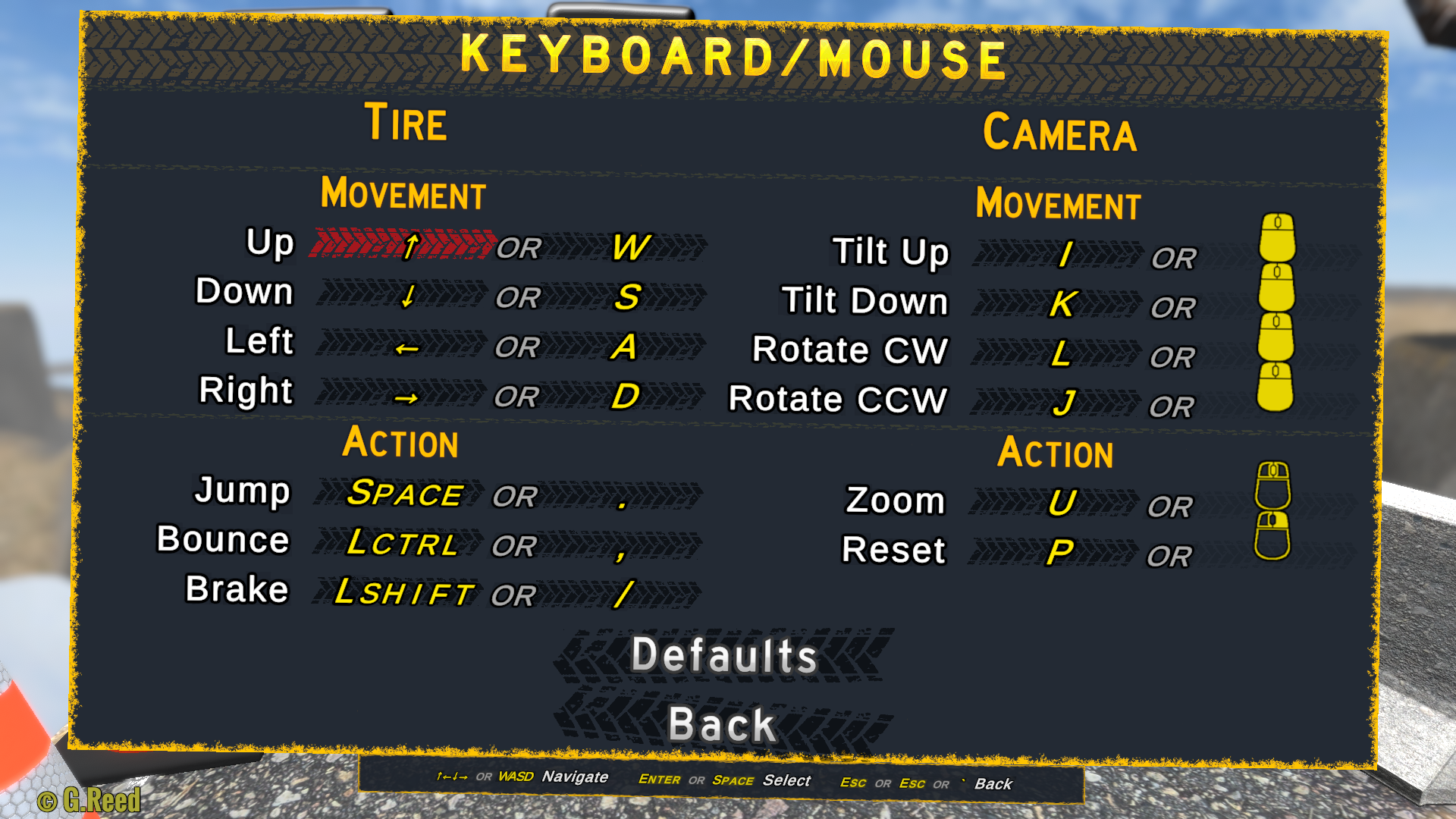
Finally, you can rebind controls! Navigate to... well, Controls... in the Options menu. It should handle pretty oddball key/button configurations.
The appropriate dialog will pop up whether you're using a gamepad or keyboard/mouse. If there's another way that you prefer to see that handled, I'm all ears.
I did change some of the default controls (swapped face buttons for Bounce and Brake), but you can change them back yourself!
Also:
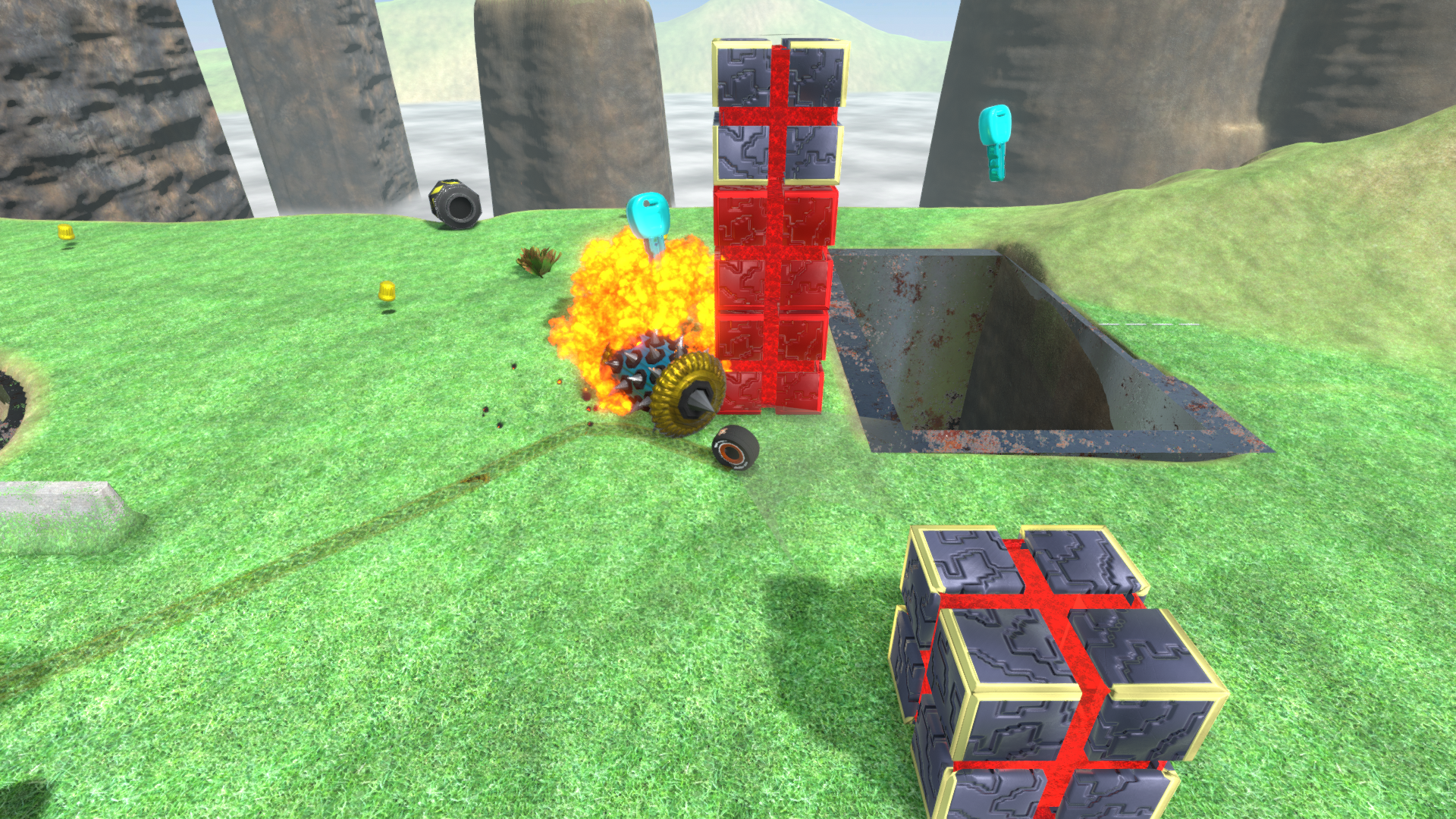
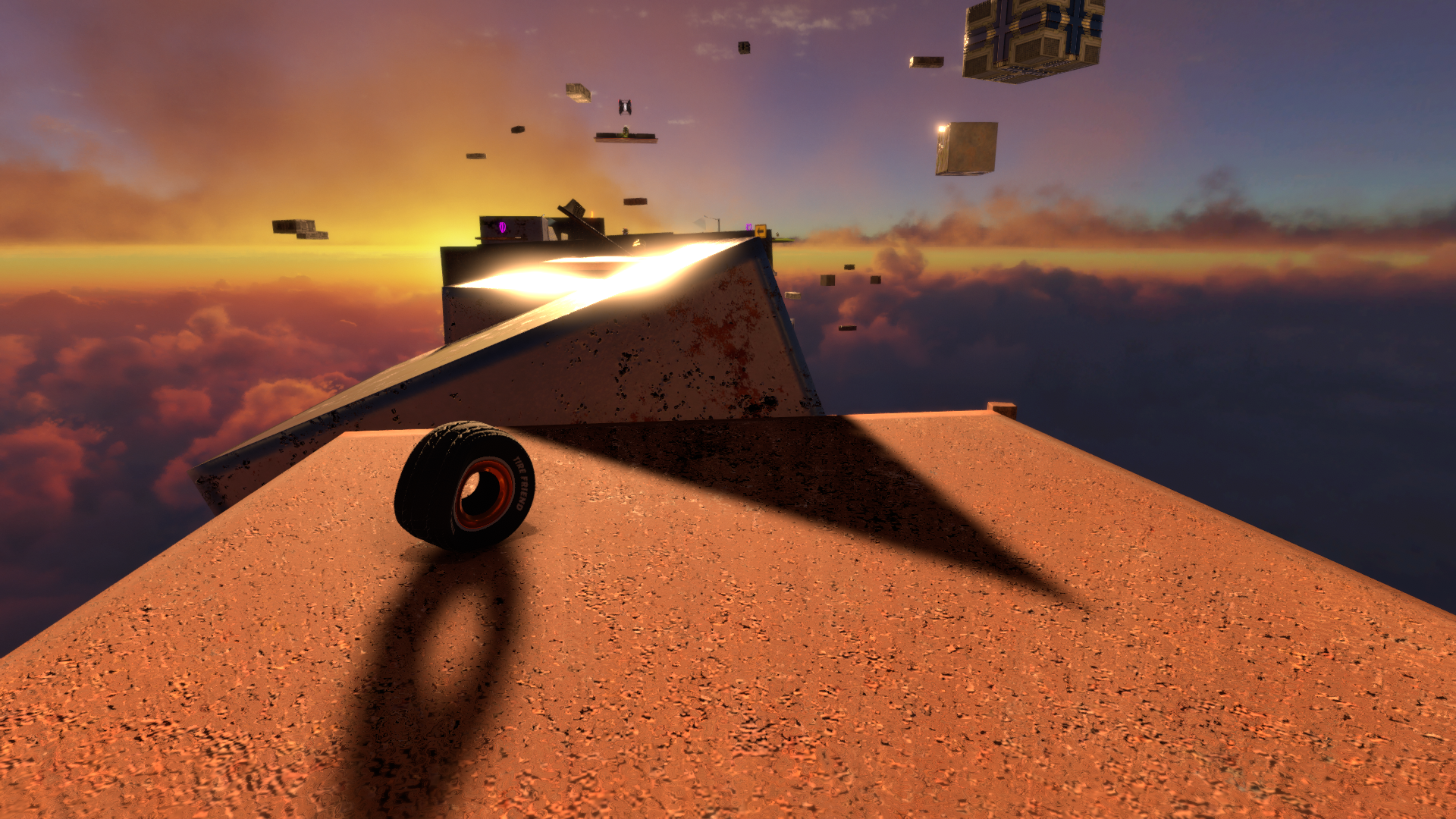
Made some adjustments to several courses, including "Spoo-Key House", "Ballistics on the Bluffs", and "Bumper-to-Bumper Bouncer".
Made controlling the camera using the mouse (including zooming in and out) much, much smoother.
Made the "camera velocity lead factor" a sliding scale, rather than a toggle, so that you can see farther ahead of you if you'd like.
Restricted the camera looking angle range, just for simplicity. In my own testing of this Early Access product, it hasn't broken anything, but please let me know if it has.
There's now an option to tilt the camera slightly downward if you're falling. ... like in Bubsy 3D. It's useful for a tire that's ready to bounce!
There's now an option to have "interactables" (Valve Caps, Powerups, Tire Friend himself, ...) cast shadows from light sources in addition to (or instead of) the "drop shadows" that they cast directly below them.
Adjusted the angle and speed of the "Quick Dive". It gets you to the ground faster while still allowing you another way to dodge deadly traps.
Finally updated the trailer on the Steam page.
Optimized many parts of the underlying codebase.
Okay, now next up should be another course.
Also, I'm always open to feedback.
Happy Tiring!