
Hello Gamecrafters!
Last week we teased a few new parts coming to Gamecraft in the next update - State Blocks. If you haven’t read about all of those amazing new blocks, you can check out the patch notes here: https://steamcommunity.com/gid/103582791464559041/announcements/detail/1819957482649597701
Alongside the State blocks, we have some more, equally exciting blocks to introduce to you. We present the first set of HUD blocks. Centre HUD, Objective HUD and the Game Stat HUD blocks!
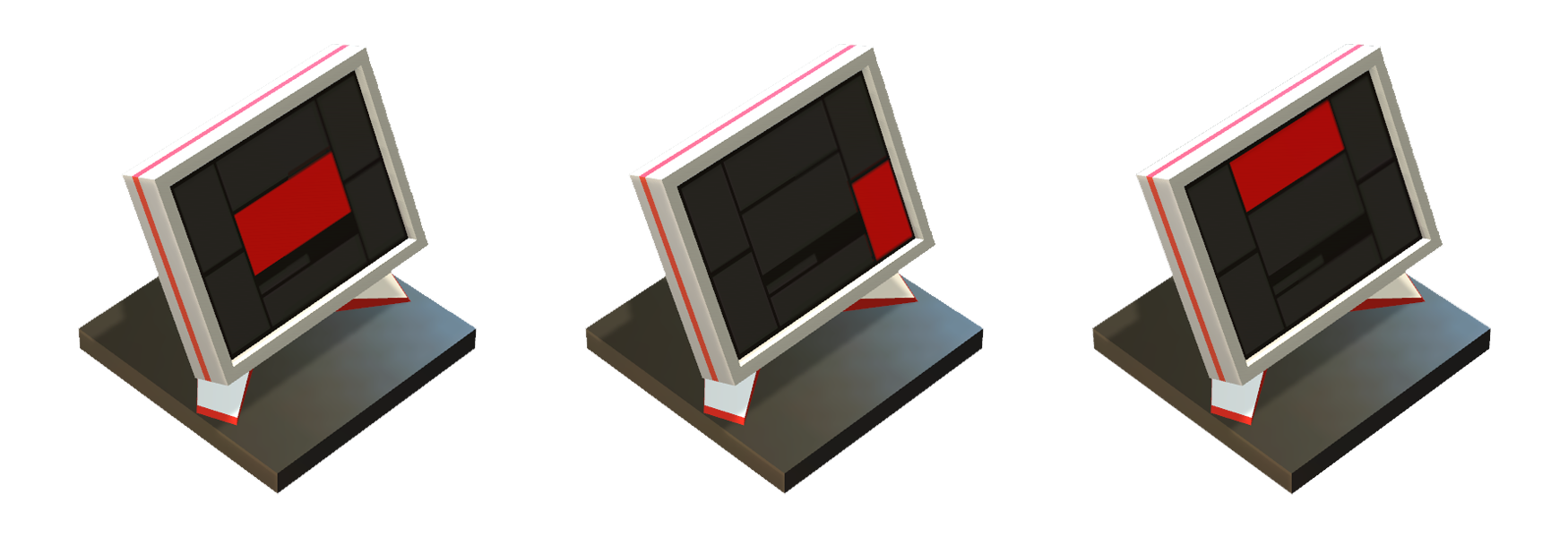
These blocks are really powerful for bringing Objective based gameplay and displaying general feedback in your games. We’re going to show you a couple of examples of how these blocks could be used in your games.
Centre HUD
The Centre HUD block displays a piece of text in the middle of the screen. This is great for making announcements to the user such as the start of a race. You can update this in real time by giving the block some extra Text input.
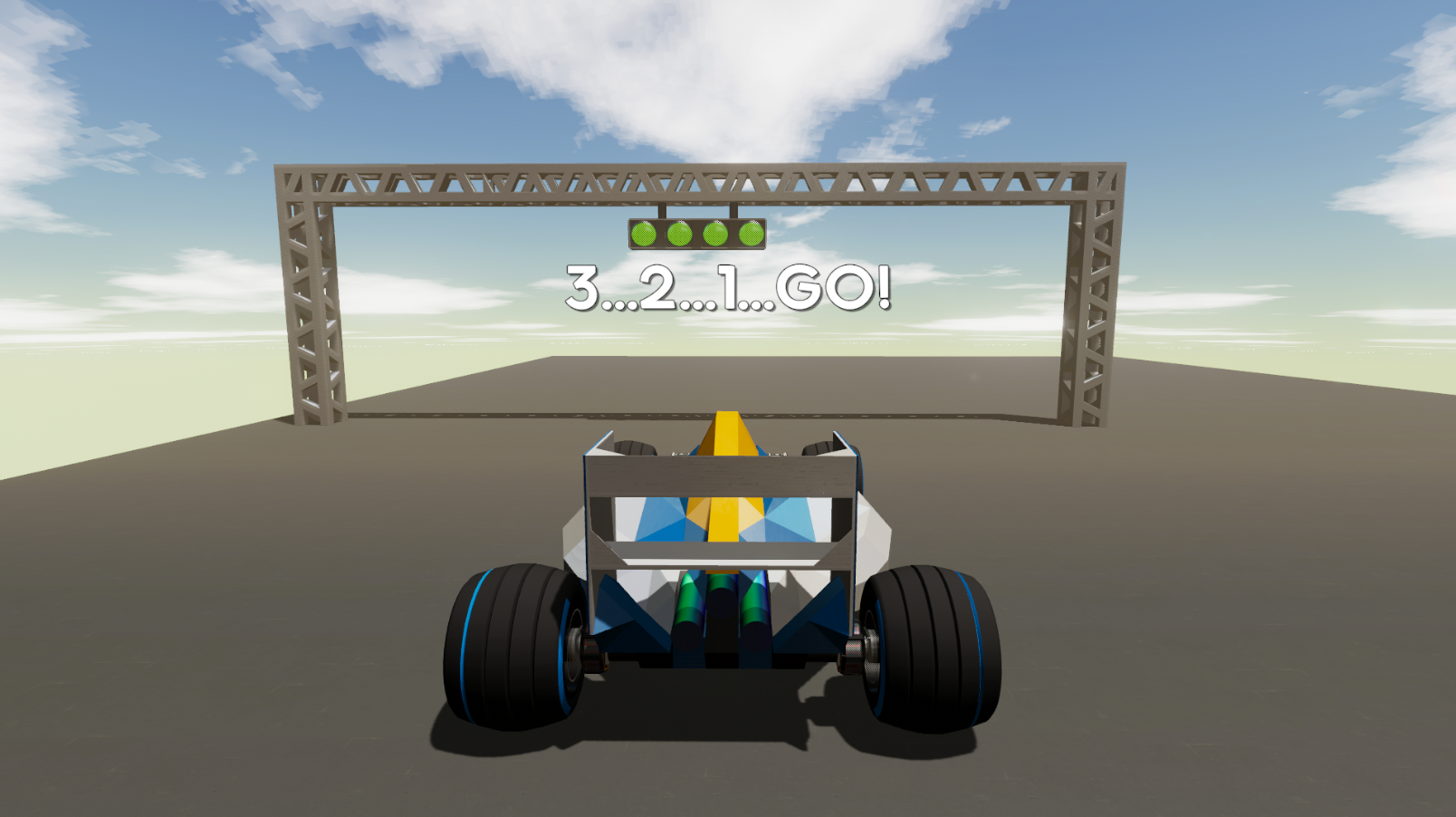
You can read more about the Centre HUD block by reading our wiki doc here: https://freejamgames.atlassian.net/wiki/spaces/GCEXT/pages/727842972/Centre+HUD+Block
Objective HUD
The Objective HUD can be used to assign tasks or goals, and mark them as complete. This is great for giving quests for users to complete so they can be given direction and know that they are in-fact heading in the right direction in your game.
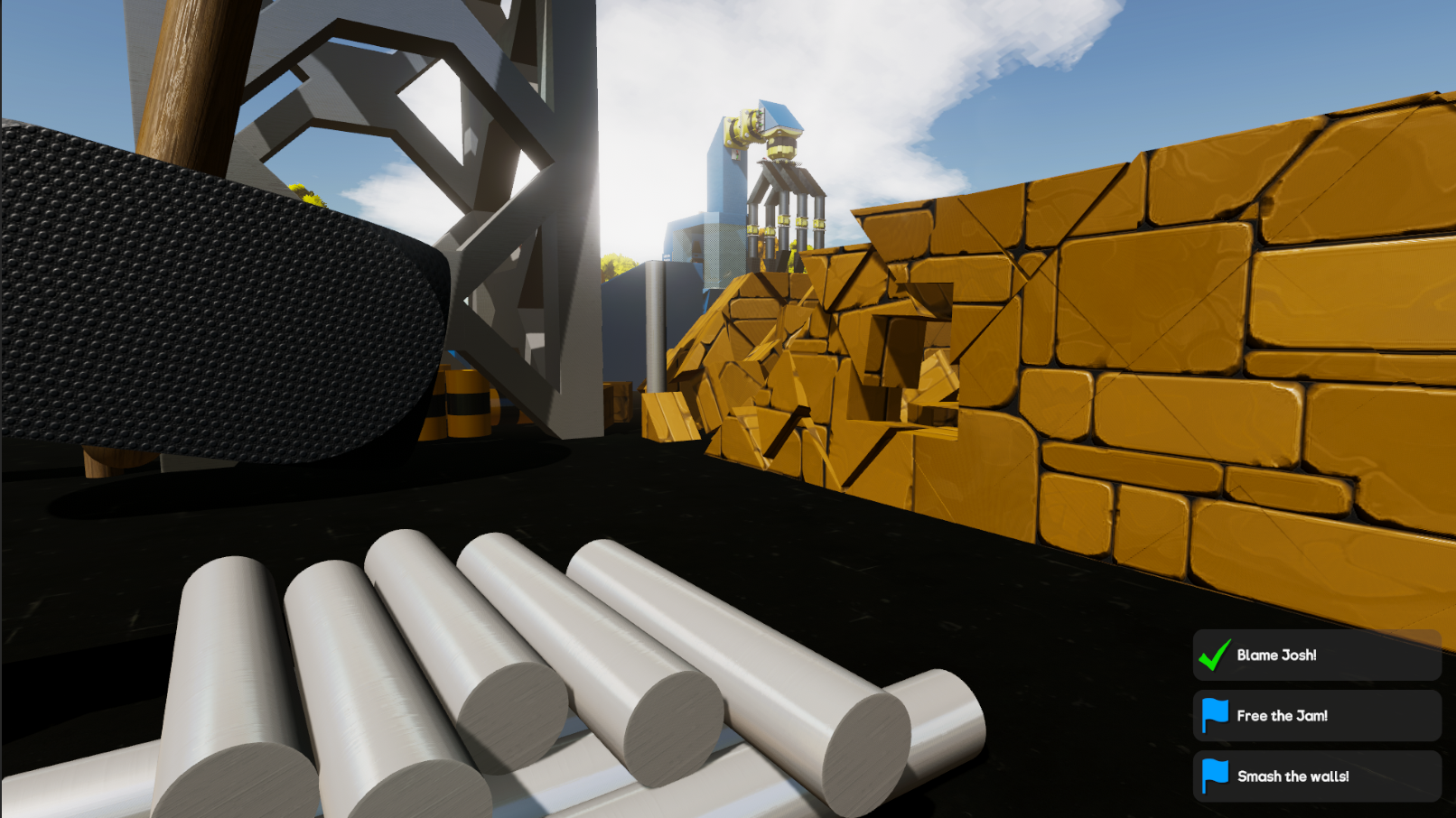
You can learn more about the Objective HUD block by reading our wiki doc here: https://freejamgames.atlassian.net/wiki/spaces/GCEXT/pages/727908690/Objective+HUD+Block
Game Stat HUD
The Game Stats HUD block can be used to display a variety of game-specific info and stats. In this example we’ve hooked up a Timer, with its special “Text Port” output, straight to the Game Stat block so you can see the timer in action! We’ve also tracked the number of attempts the player has to run through the course.
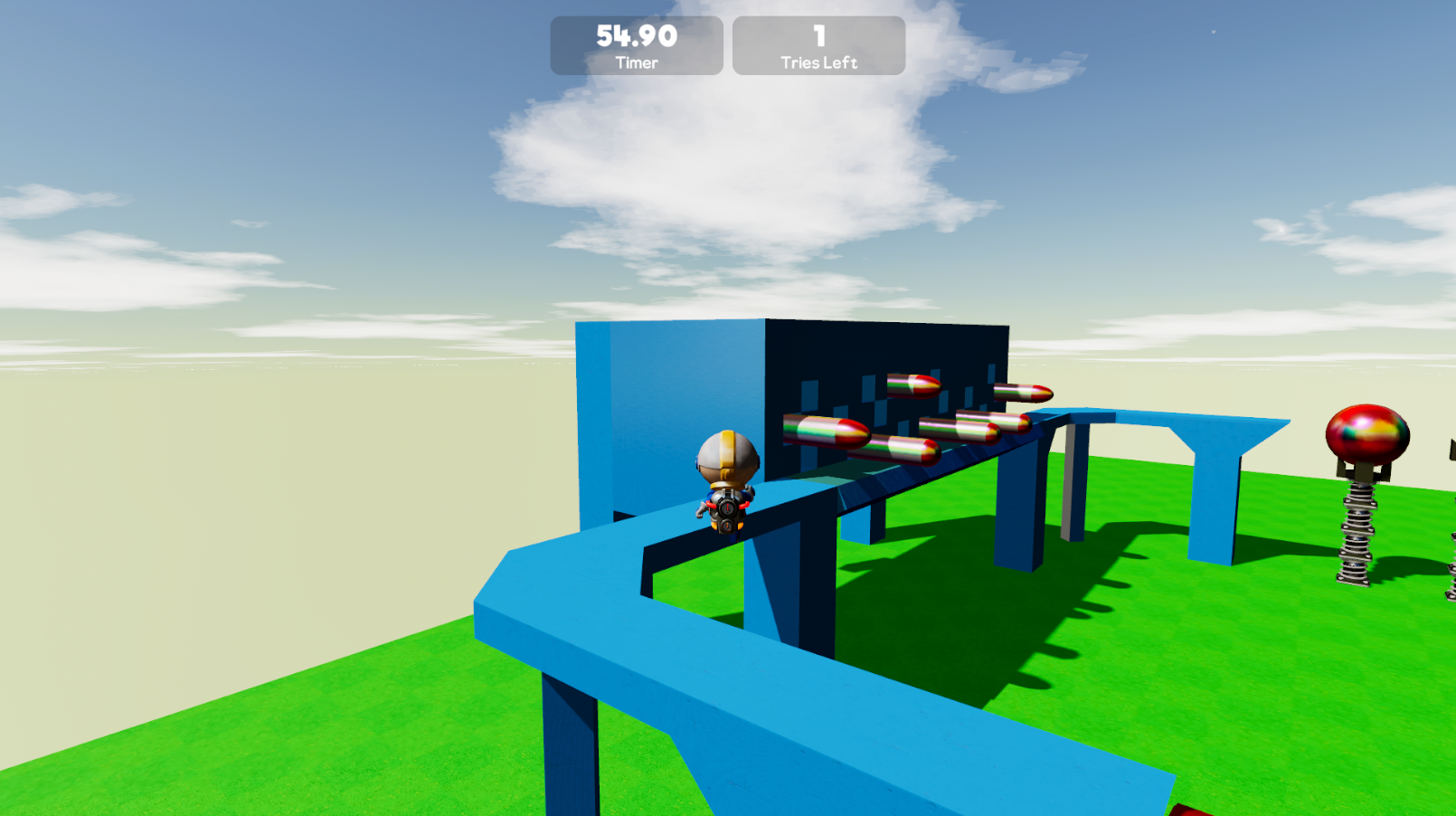
You can learn more about the Game Stat HUD block by reading our wiki doc here: https://freejamgames.atlassian.net/wiki/spaces/GCEXT/pages/729940159/Game+Stat+HUD
Physics Blocks
On top of these new HUD blocks, we’d also like to show you these Generic Physics Blocks that we’re going to release with this update.
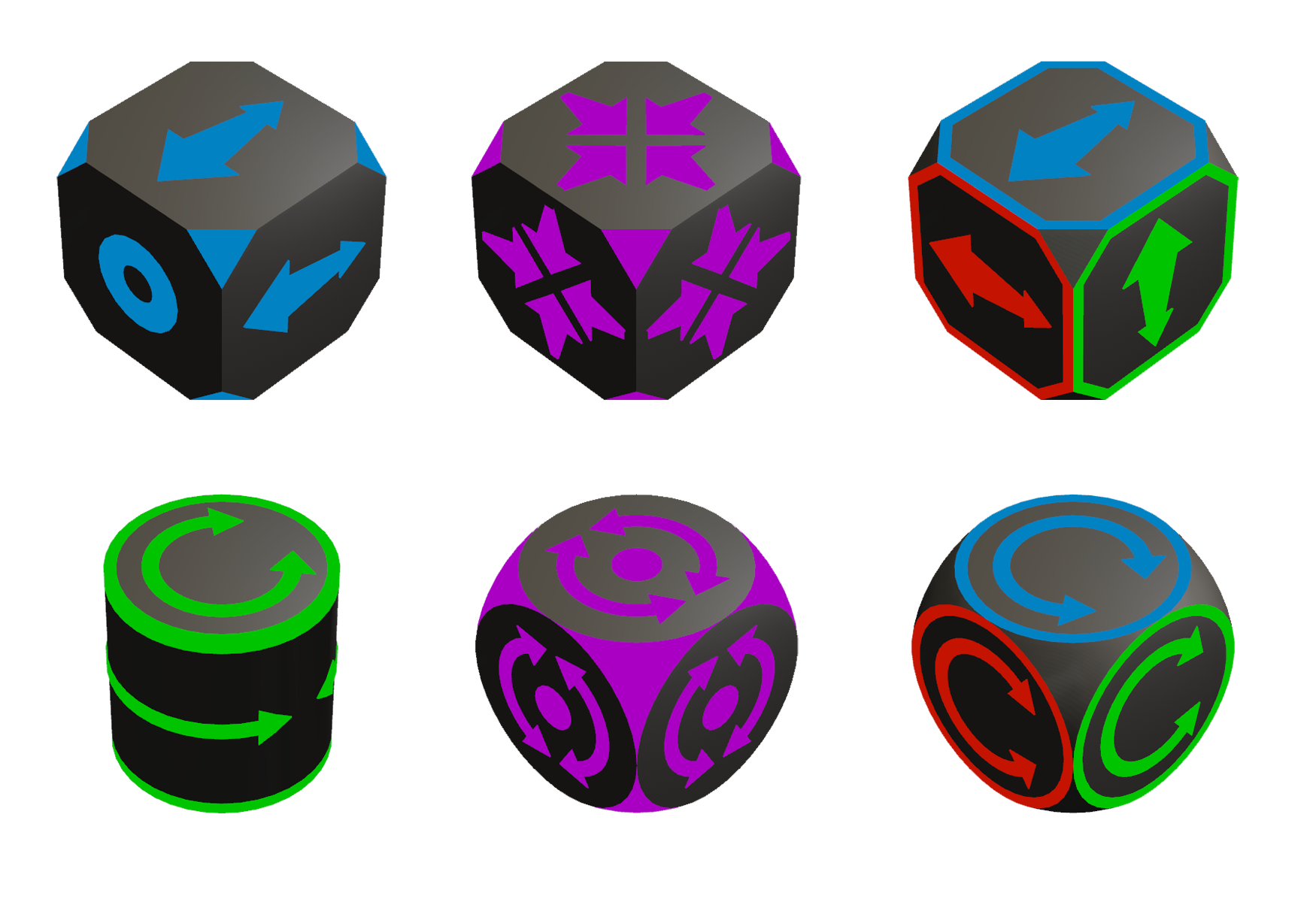
These Movers, Rotators and Dampers can be used to apply forces and torques to your creations. These blocks are extremely powerful and are going to open up so many new possibilities when it comes to creating physics based gameplay.
We’ve already shown how these blocks can be used on our social media, so if you haven’t seen these already you can check them out below. The first is a hovercraft and the second is a gravity defying car.
https://www.youtube.com/watch?v=TstMNT5ItxI
https://www.youtube.com/watch?v=sP3sjAWqZOM
If you want to learn more about these blocks, you can read about them on our Wiki here: https://freejamgames.atlassian.net/wiki/spaces/GCEXT/pages/729940064/Generic+Physics+Blocks
To find out about some of our other upcoming blocks and features, you can access the main Wiki page here: https://freejamgames.atlassian.net/wiki/spaces/GCEXT/overview
We hope you enjoy this sneak peek into some of the great new things we’ve got planned for the next update and if you have any feedback you want to share, leave a comment on the appropriate Wiki doc.
Please follow us on our social spaces and share your creations with us:
Twitter- https://twitter.com/Gamecraft_FJ
Youtube - https://www.youtube.com/channel/UCkcRFCr9aQxszaYeXcWZjwA
Facebook- https://www.facebook.com/GamecraftGame/
Reddit - https://www.reddit.com/r/GamecraftGame/
Discord - https://discord.gg/gamecraft
Thanks for reading!
The Gamecraft Team