April 9th 2019
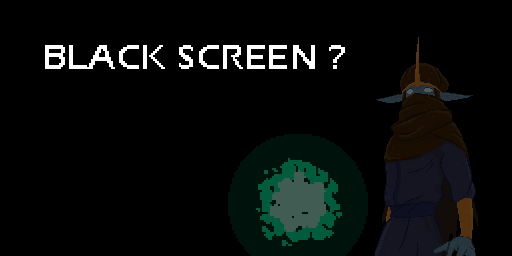
If this happens, it means you probably have tried the previous version of the game sometime ago, and the save files from that version remained in your PC. You just need to clear those save files and start new.
Go to C:\Users\*\AppData\Local and delete the game folder "EURGAVA-TombofSenza".
Should the problem persists, write a comment below or post it in the Steam discussion. Apologies for the inconveniences, and have fun ending the Magic Miasma!
- Baskara