Zen Blocks - Relaxing Puzzle Board Game

Gazzapper Games

Released
Dec 4, 2017
Platforms
Last updated
Wishlist on SteamAdd it on the Steam store page. Opens in a new tab.

Updates & announcements

9 posts
  1. Developer post

    User Interface updates

    ZEN BLOCKS - UPDATE We have updated and increased the frame rate settings, plus some other changes listed below. Added 64-bit Build for Windows Small UI Bug fixes Along with FULL SCREEN mode, Multiple 16:9 Window Modes: (F3) 1024x576, (F4) 1152x648, (F5) 1280x720 Pressing "N" tog
  2. Developer post

    New WASD keyboard option!

    We've just added a neat new control feature for keyboard players that don't like the WASD and ARROWs setup. You can now use WASD to move around the activators and then hold down SHIFT and press a WASD key to release! Yay! One-handed play without using the mouse!

  3. Developer post

    New Night Time Mode added!

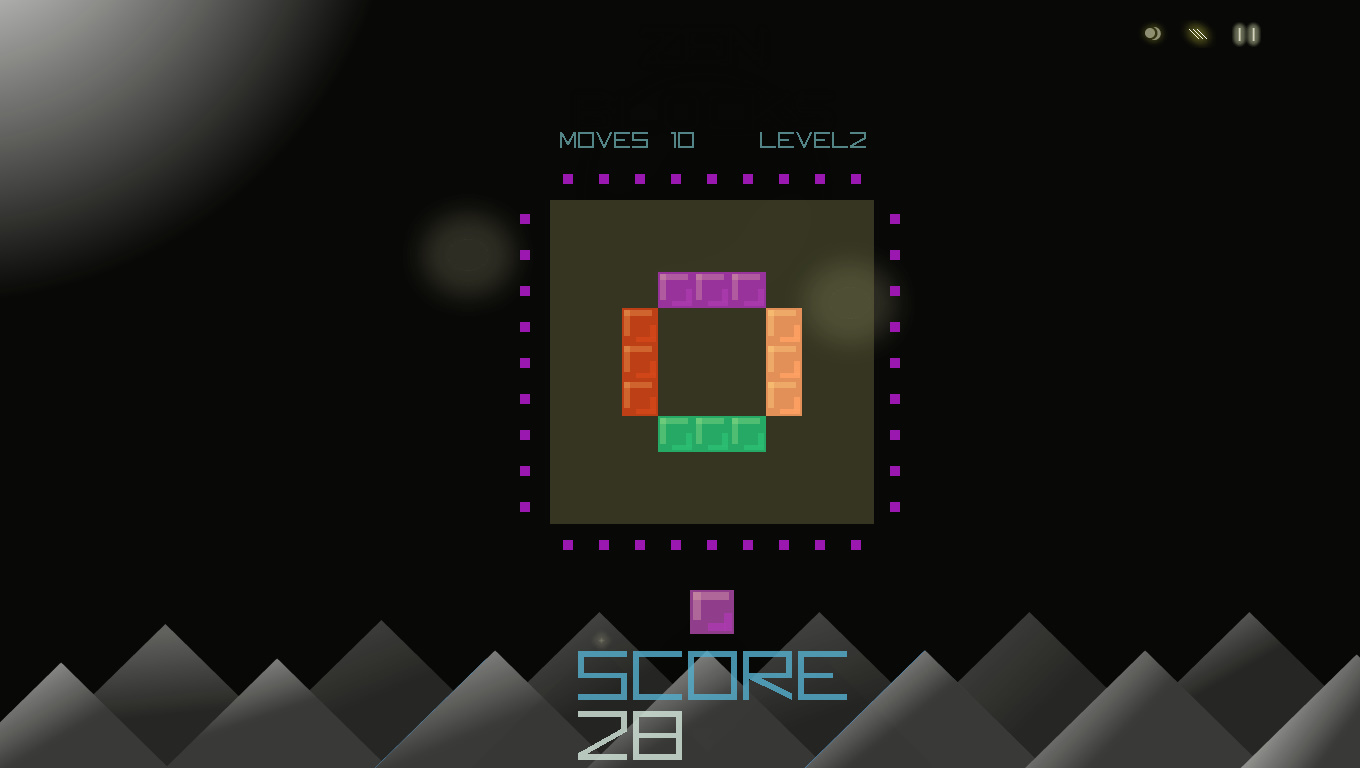
    New update to allow for Night Time Mode . Press 'N' or click the in game GUI symbol O) This allows for people that prefer dark backgrounds for playing in low-lighting conditions. Another benefit of which is that the colours of the board stand out more for the player. Enjoy and Ha

  4. Developer post

    Amazing Sale Price! Try Zen Blocks today!

    Features - Relaxing Puzzle Based Fun - Brain Training Exercises - 3 Game Play Modes - Easy to Follow Original Mechanics - Full screen mode or Window Mode Buy or Gift today Play to wind-down or to challenge your mind.

  5. Developer post

    Dual Stick Controller / Steam Controller

    Hi There Welcome to Zen Blocks! Your Steam Controller and XBox controllers should work with ZEN BLOCKS. Dual Stick control is the best control method and allows for satisfying speed to deploy your blocks to the the board. Stick 1 is movement around the board Stick 2 is directiona

  6. Developer post

    Updated

    Hi, Based on some feedback we updated Keyboard Controls along with the default Controller options. W, A, S, D for movement around the board Arrow Keys (< ^ >) for releasing blocks The new UPDATE is now live. So now Keyboard, Controller (dual stick) and Mouse are all support

  7. Developer post

    Updated

    Hi, Based on some feedback we updated Keyboard Controls along with the default Controller options. W, A, S, D for movement around the board Arrow Keys (< ^ >) for releasing blocks The new UPDATE is now live. So now Keyboard, Controller (dual stick) and Mouse are all support

  8. Developer post

    Finally We Are Live!!

    Start off your Christmas with a smile - positive, relaxing gameplay for all! Play various modes: - Level progression - Against the Clock - Arcade mode Updates will added over time ːsteamhappyː

  9. Developer post

    Finally We Are Live!!

    Start off your Christmas with a smile - positive, relaxing gameplay for all! Play various modes: - Level progression - Against the Clock - Arcade mode Updates will added over time ːsteamhappyː