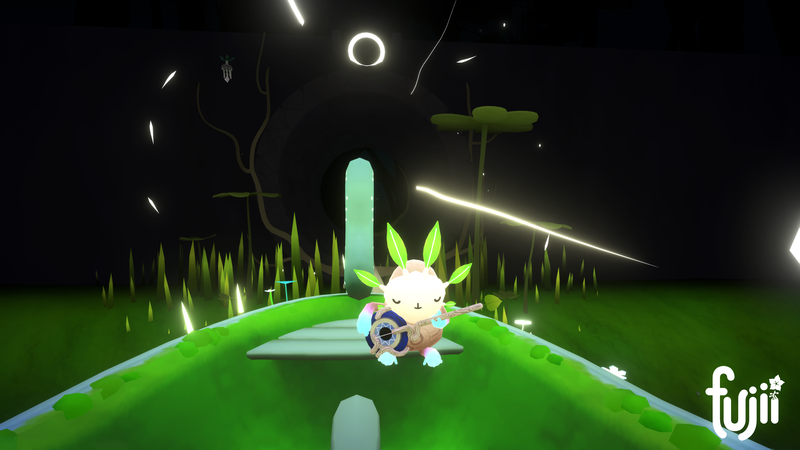
Since the release of Fujii, we’ve had a lot of great feedback from the community. The two most requested features were Multiple Save Slots and Smooth Locomotion. We’re happy to announce that these features are now live on SteamVR and Oculus (Rift & Quest)!
Multiple Save Slots
Many Fujii players wanted to share the VR experience with their family & friends, but since there was only one save slot, starting a new game would overwrite their current save. We have now implemented multiple save slots (currently three save slots) into the main menu. Each save is represented by a fruit; simply select the fruit/save that you want and place it into the tree, and voila — your new save is loaded!
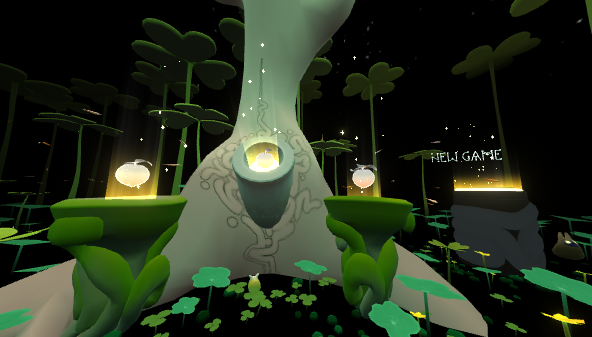
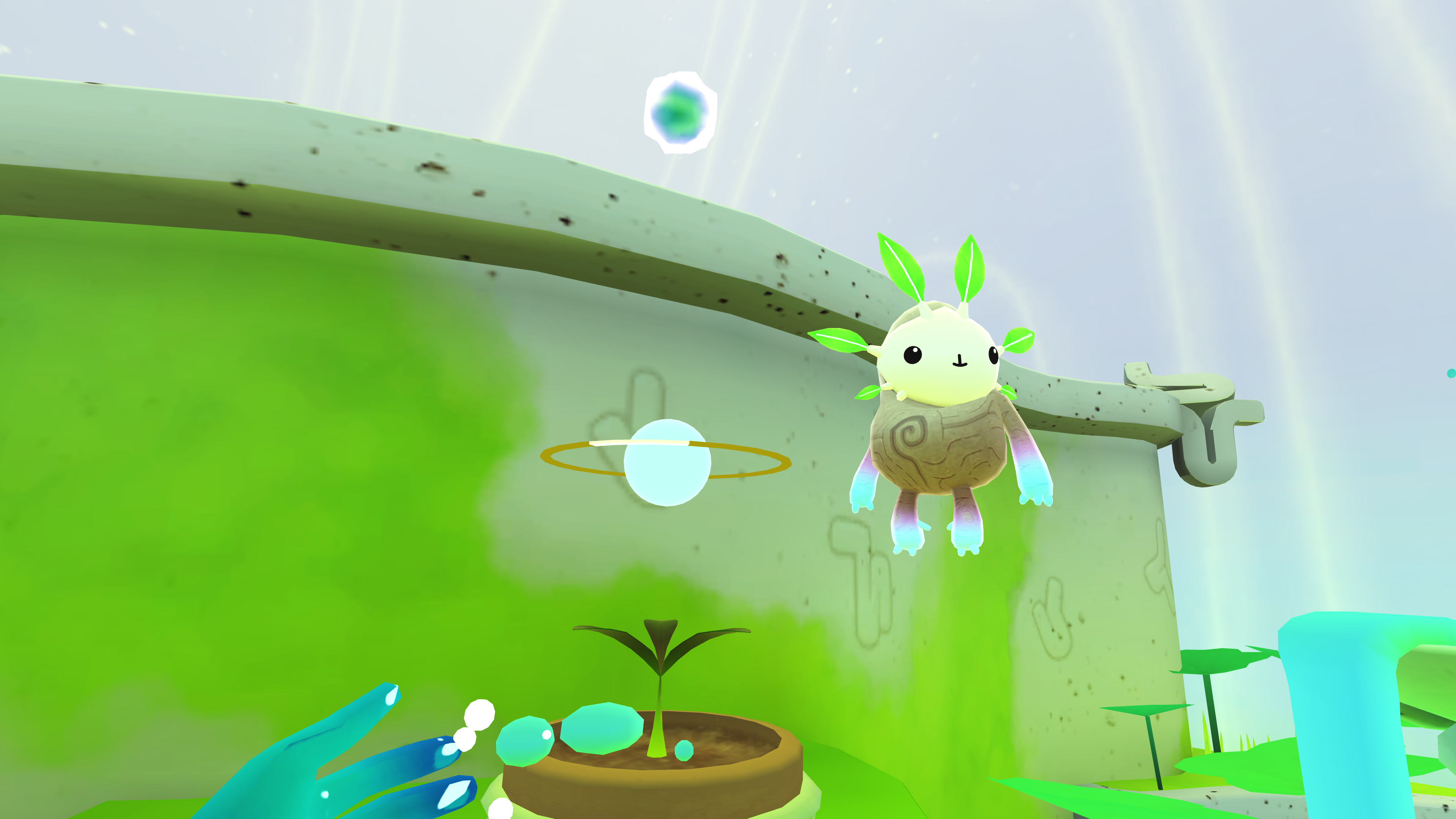
Multiple Save Slots Found in the Main Menu
Smooth Locomotion
The game was built around a stylized, teleportation-style locomotion, where you arc a beam to your target location. Upon release, a handful of you really wanted smooth locomotion — and now you’ve got it!
How to enable on Oculus Rift/Quest:
To toggle between the two locomotion modes, simply hold the THUMB PAD/BUTTON and the TRIGGER button and a ring will start to fill. When the ring fills, you’re in Smooth Loco mode! Fill the ring again to toggle back to Teleportation Mode.
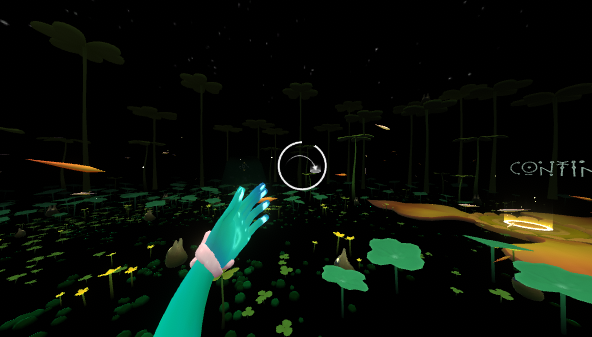
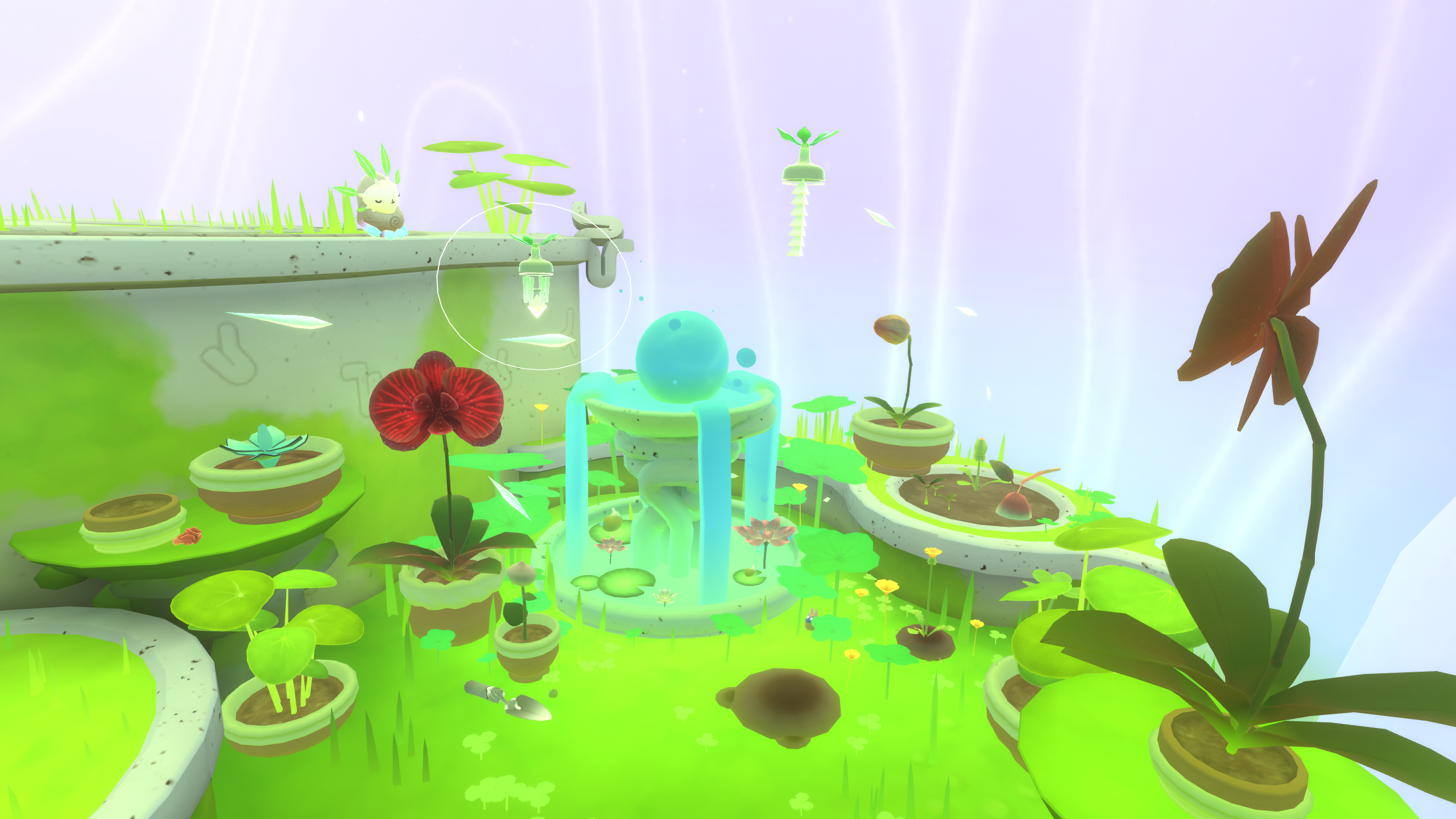
On Oculus platforms, this ring will arise when holding Thumb+Trigger
How to enable on SteamVR
SteamVR has a wide range of controllers, so we have given users the ability to map their locomotion control as they see fit. See below for a guide on how to do that.
- In SteamVR (VR mode), select Options -> Controller Settings -> Show More Applications -> Fujii
- Select Edit to edit the default bindings
- Disable Mirror Mode (we will be mapping locomotion to only the left control stick)
- On Left Joystick, set Position to walkinglocomotion
- Save your bindings.
Now, your left thumbstick/thumbpad will be for smooth locomotion, and your right thumbstick will be for teleportation. It’s important to keep at least one hand equipped to teleport, as you’ll need it to cross large gaps in Fujii. We also encourage the community to publish their favorite bindings to the Workshop.
Thanks again, and if you have any questions/feedback/praise, feel free to email us: [email protected]
🌸Team Fujii 🌸