Legacy Branch
Hello all, For those that have been asking - if you prefer the legacy version of Borderless Gaming (9.6.0) and want to use it on Steam - you can now do so by setting your branch to 'legacy'.
AndrewMD5 · Codeusa, viorae
No stream history yet.
No stream history yet.
Borderless Gaming: Seamlessly play games in borderless full-screen mode for uninterrupted gaming and effortless multitasking.
| Date observed | Region | Final price | Regular price | Discount |
|---|---|---|---|---|
| US · USD | $5.24 | $6.99 | −25% | |
| US · USD | $5.24 | $6.99 | −25% | |
| US · USD | $5.24 | $6.99 | −25% | |
| US · USD | $5.24 | $6.99 | −25% |
Hello all, For those that have been asking - if you prefer the legacy version of Borderless Gaming (9.6.0) and want to use it on Steam - you can now do so by setting your branch to 'legacy'.
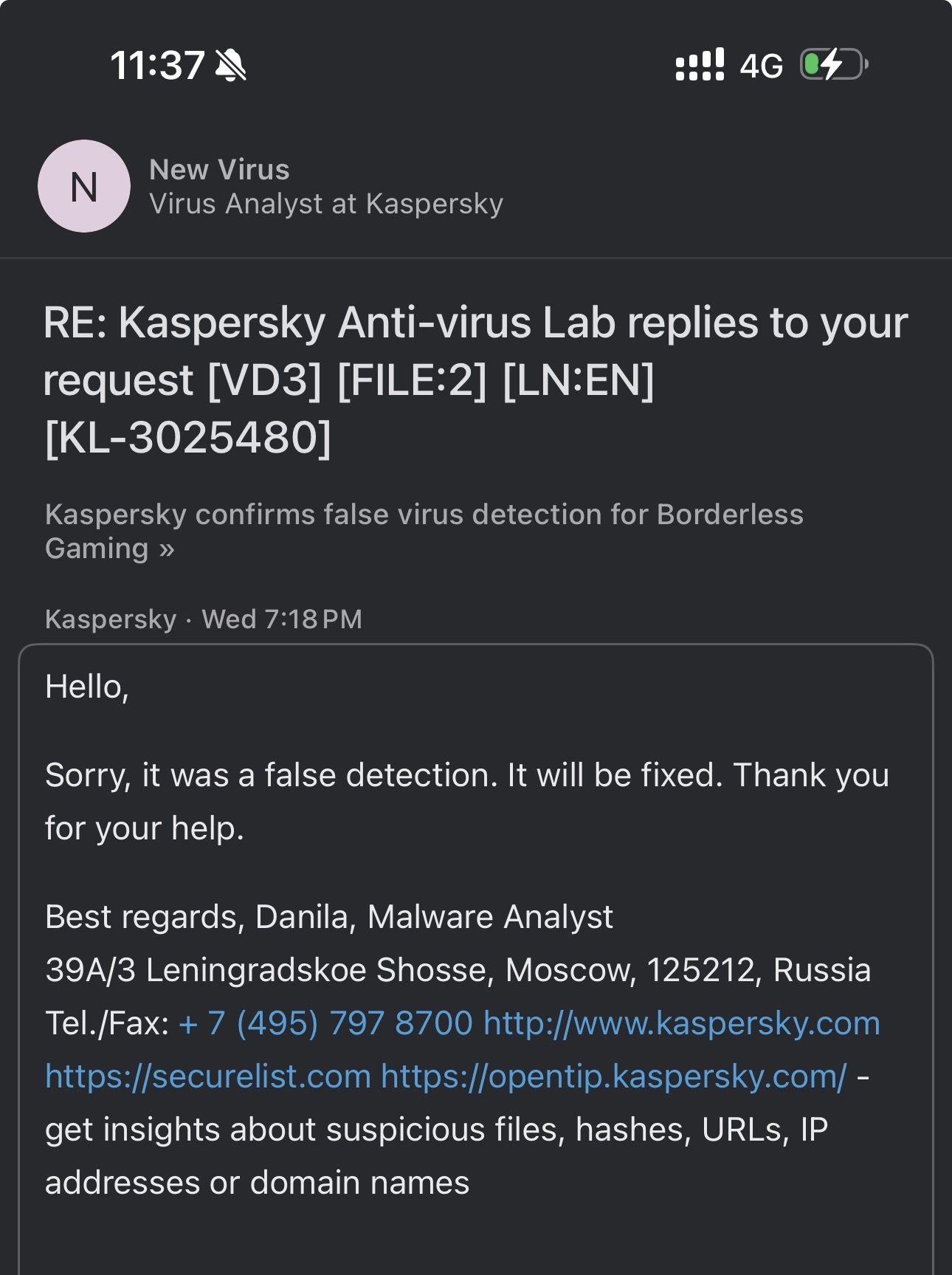
We’re experiencing an issue with our code-signing vendor that caused prior builds of Borderless Gaming to stop working. As a temporary fix, we’ve removed the EV code-signing signatures from BorderlessGaming.exe and appcontainer.exe. Because these files are temporarily unsigned, W
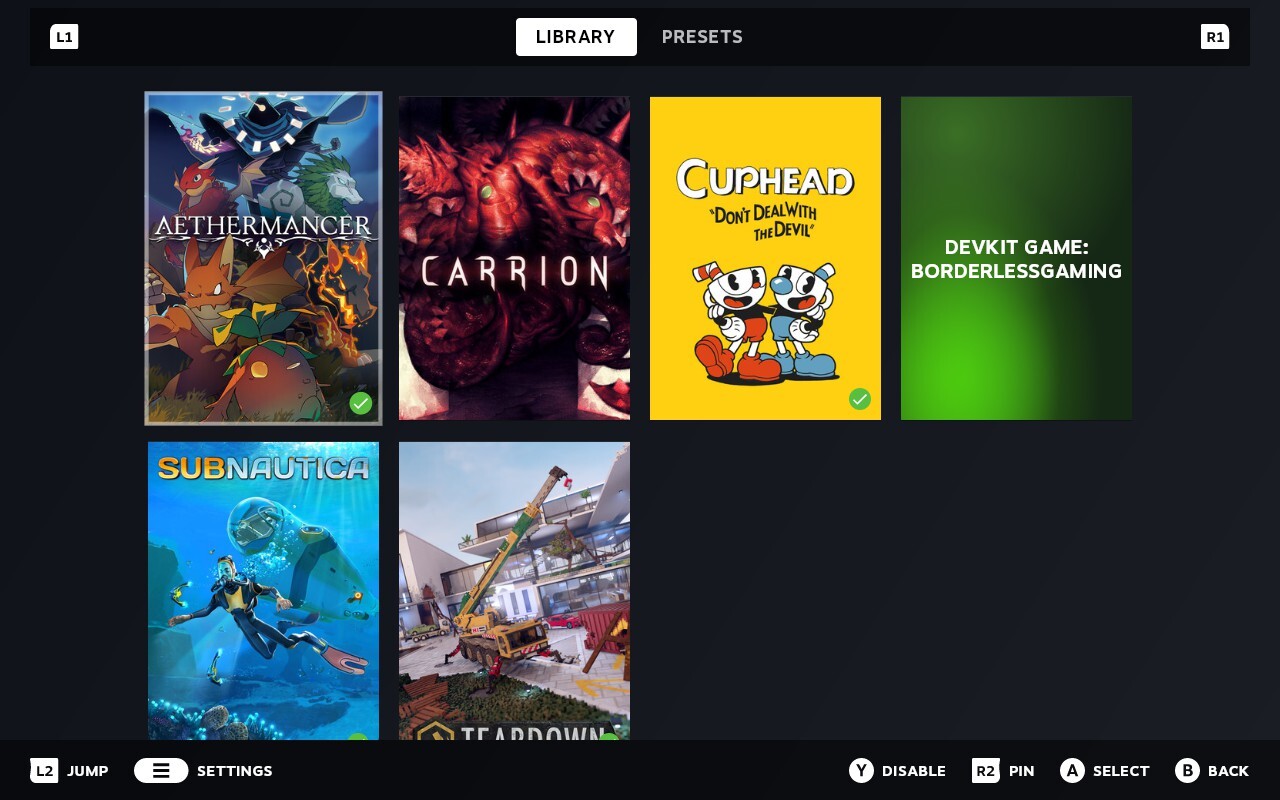
BGFX now works on Steam Deck. How it works Install Borderless Gaming from Steam, open the app, pick a game, choose your effects. Borderless Gaming installs a Vulkan layer that hooks into your games automatically — you launch games the way you always do, from Steam, and the effect