Added Dutch and Vietnamese translations
Added Dutch and Vietnamese translations. Also improved existing translations.
Added Dutch and Vietnamese translations.
Also improved existing translations.

Added Dutch and Vietnamese translations. Also improved existing translations.
Added Dutch and Vietnamese translations.
Also improved existing translations.
Added new Graphics Effect - Screen Space Reflections
Added new Graphics Effect - Screen Space Reflections
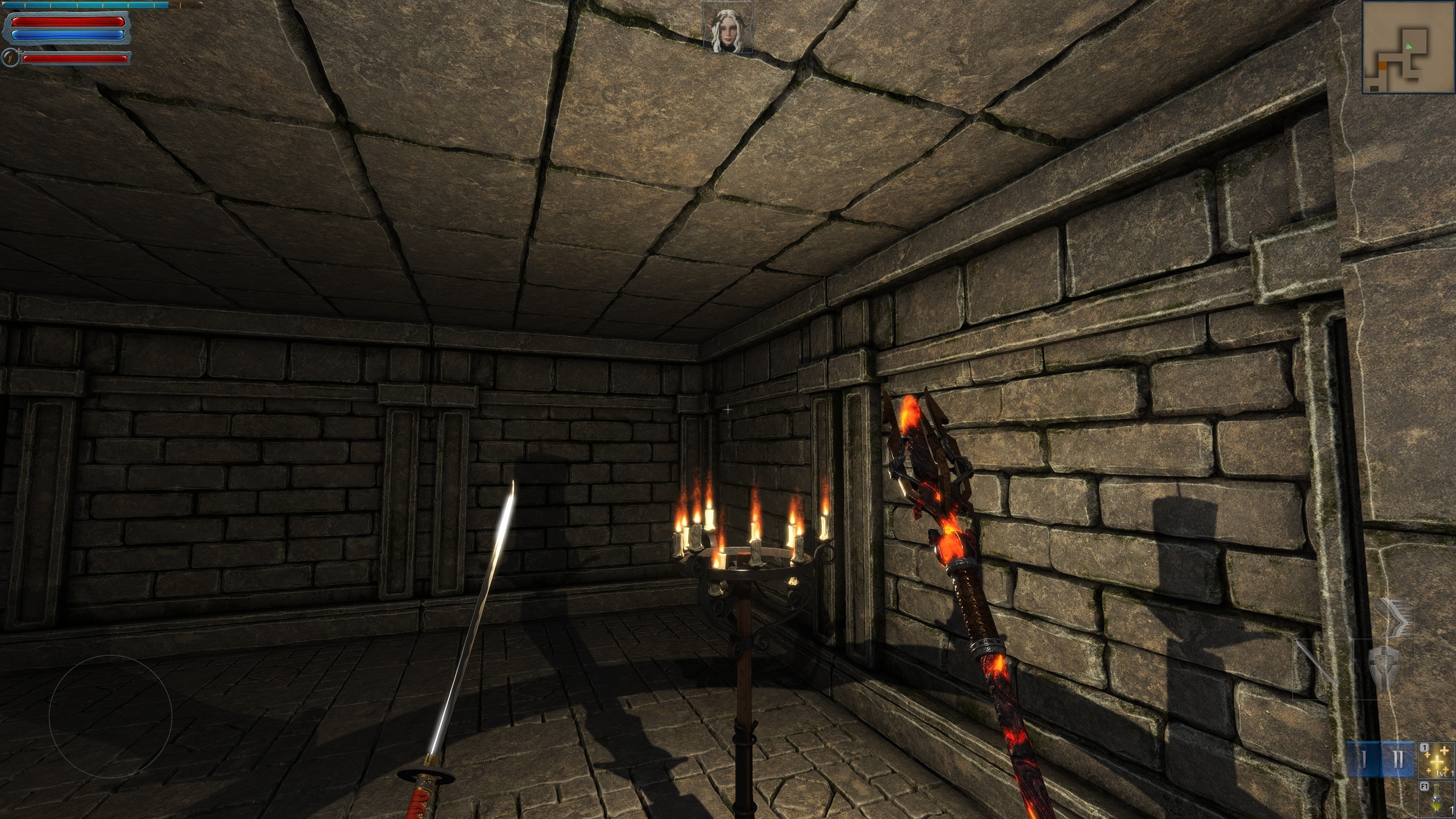
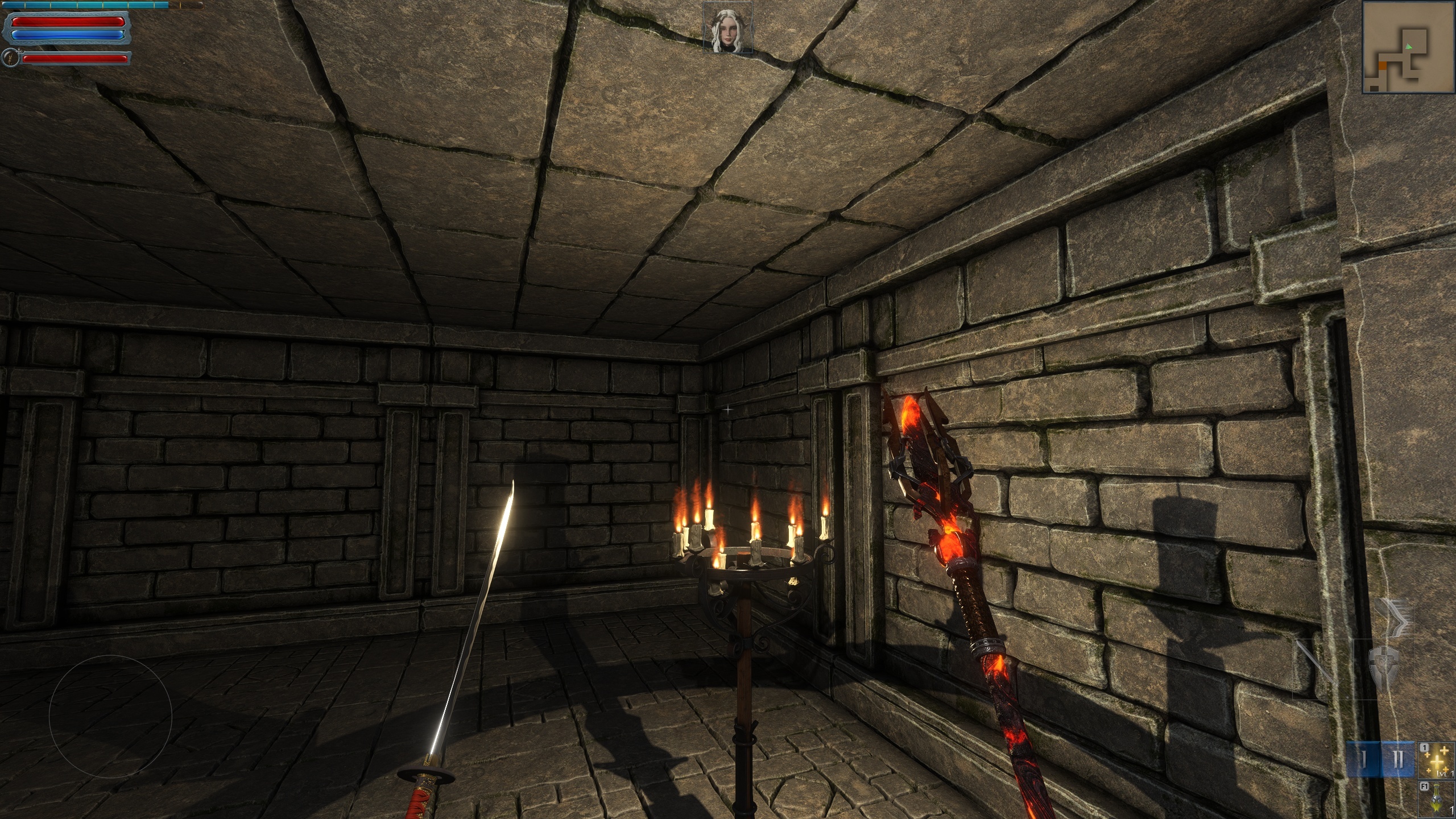
Updated to latest Engine Version! Faster performance, better quality graphics. Improved Contrast, Bloom and Glow. OLD: NEW:
Updated to latest Engine Version!
Faster performance, better quality graphics.
Improved Contrast, Bloom and Glow.
OLD:
NEW:
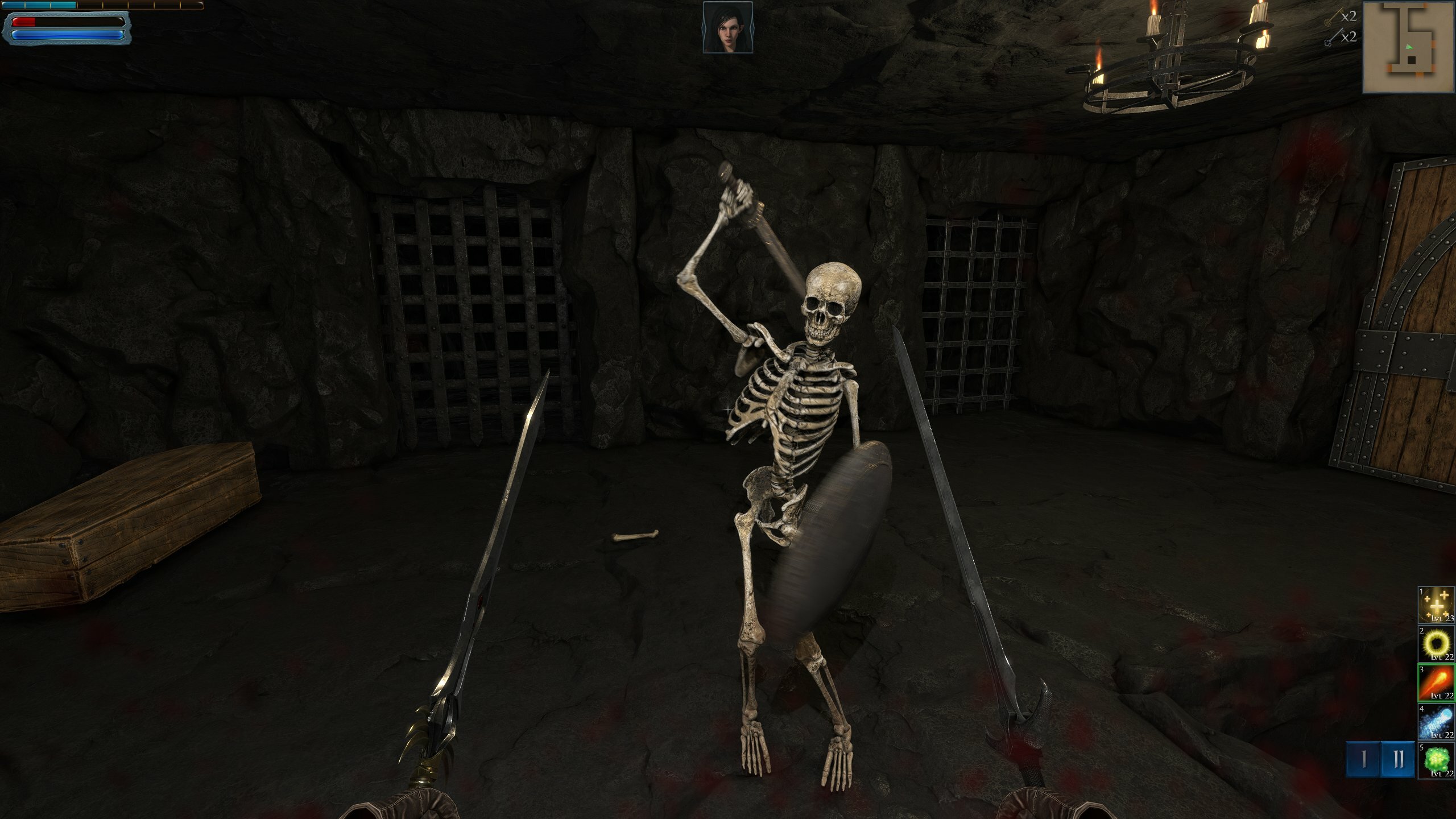
You can nominate my game for a Steam Award, thanks ;)
You can nominate my game for a Steam Award, thanks ;)
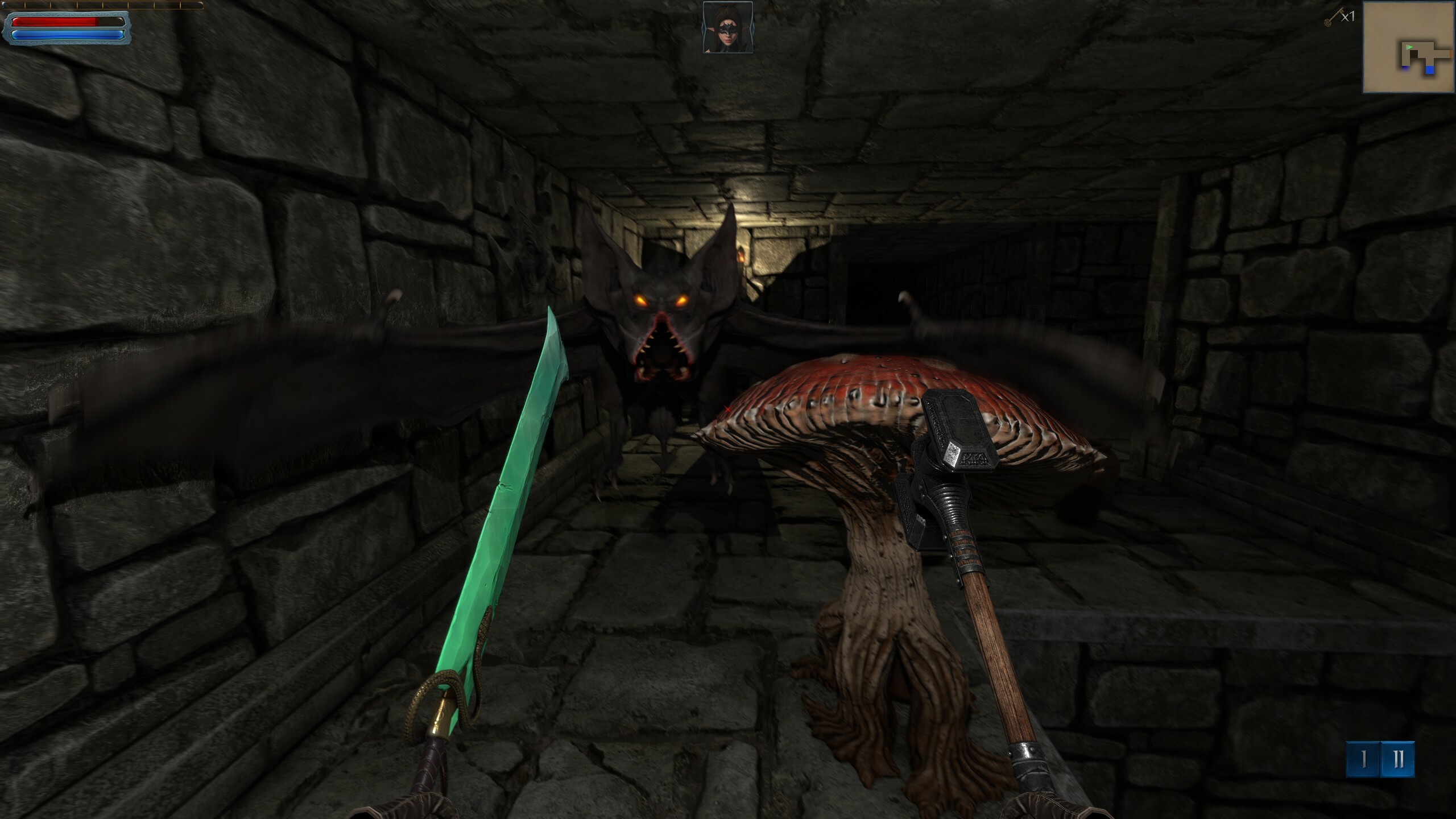
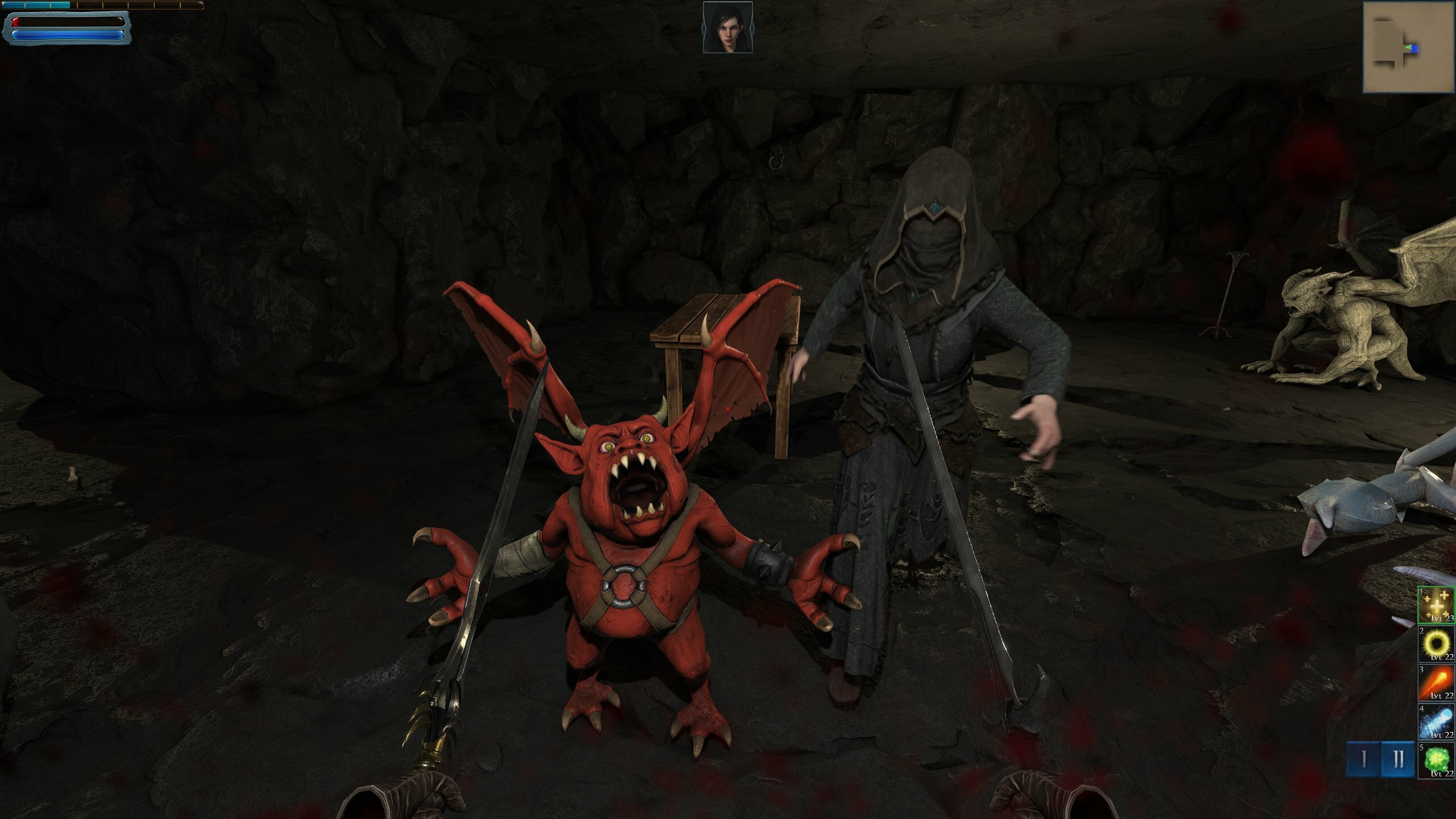
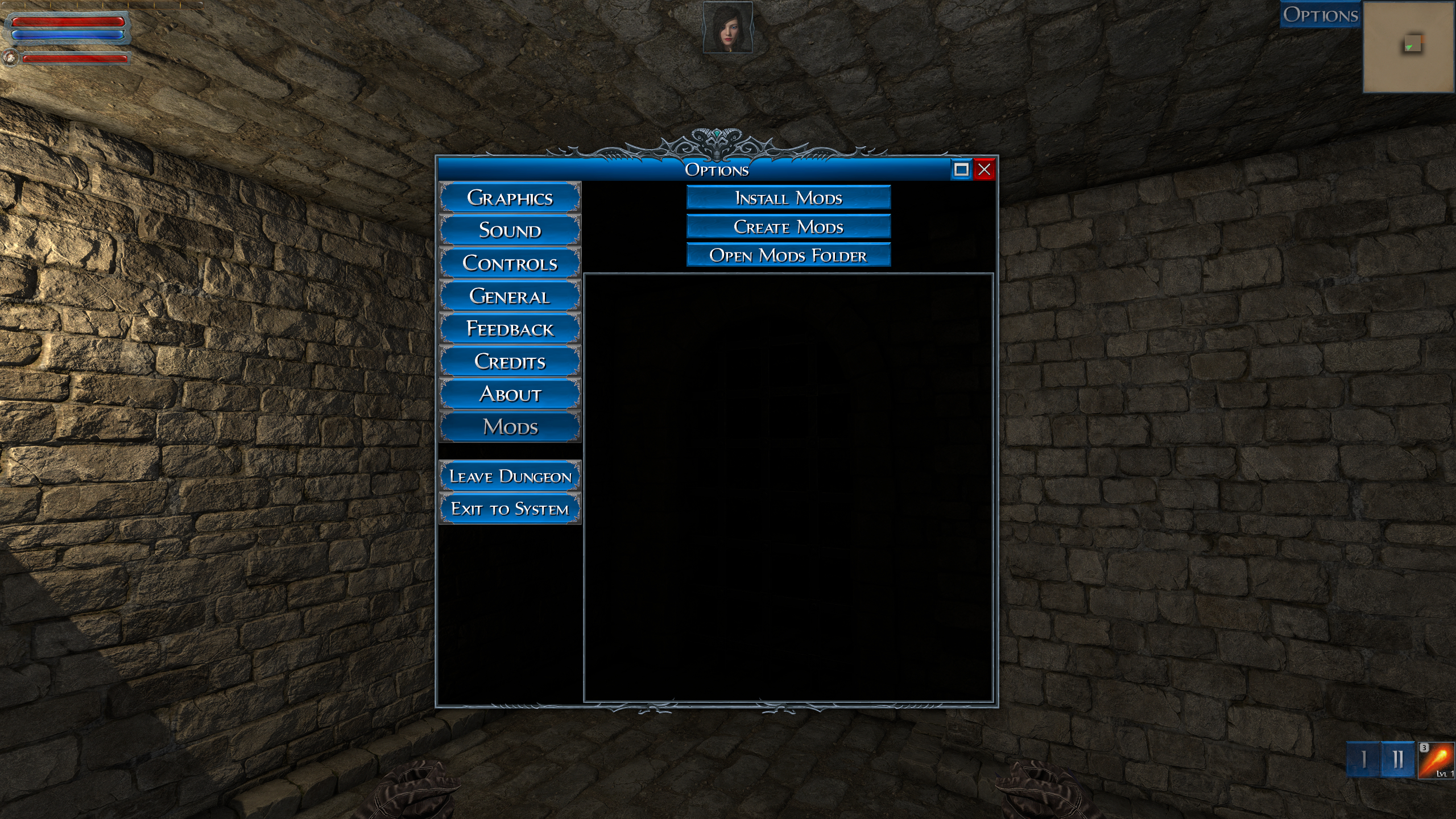
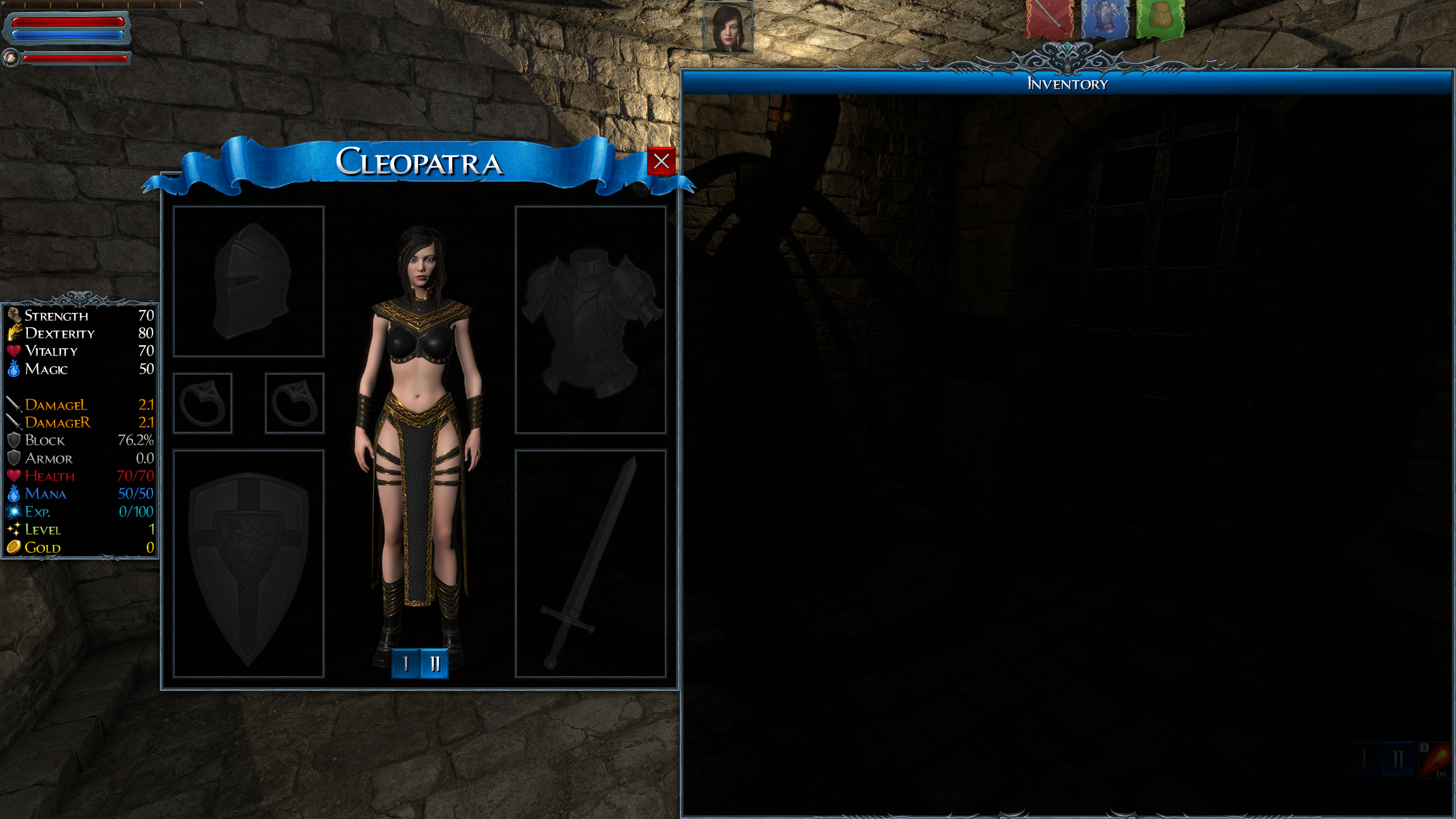
Added functionality to import your own 3d models and use them as characters to play, by using #EsenthelMod files, in the same way as in my other game Dragon Fury Please check in-game options or discussions page for instructions how to do that. Added new character - Cleopatra Adde
Dragon Fury - Early Access is Live Now and ready to play, hope you will enjoy it :) If you have any feedback, please let me know. This is Early Access, so things will improve along the way. What's next - I'll be working on adding a few more Stages. Let me know in the discussions
Dragon Fury - Early Access is Live Now and ready to play, hope you will enjoy it :)
If you have any feedback, please let me know.
This is Early Access, so things will improve along the way.
What's next - I'll be working on adding a few more Stages.
Let me know in the discussions what you'd like to see next.
Thanks!
https://store.steampowered.com/app/2020590/Dragon_Fury/
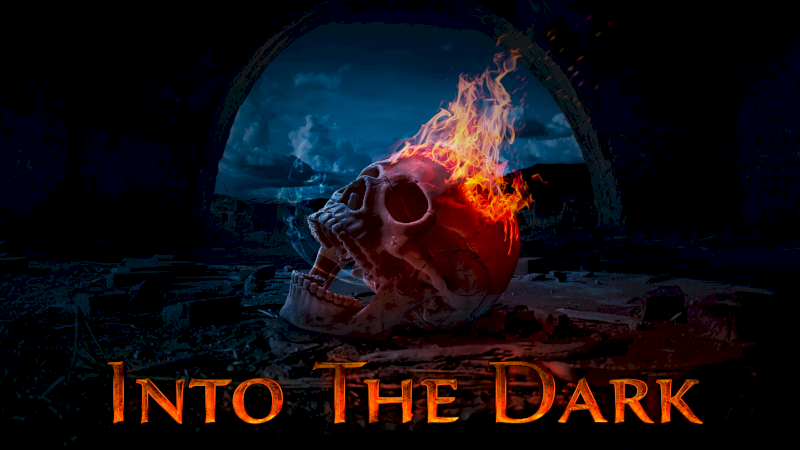
Into The Dark is now available on Nintendo Switch More information available at the game Facebook Page
Into The Dark is now available on Nintendo Switch
https://www.nintendo.com/store/products/into-the-dark-switch/
More information available at the game Facebook Page
https://www.facebook.com/EsenthelDungeon
Fixed root motion for some pets, that caused them to be stuck
Fixed root motion for some pets, that caused them to be stuck
Added option to choose custom number of random dungeon levels (anything between 1..32)
Added option to choose custom number of random dungeon levels (anything between 1..32)
Just launched Kickstarter for my other game Dragon Fury Please support/share if you can, thanks :) Also made a new video
Just launched Kickstarter for my other game Dragon Fury
https://www.kickstarter.com/projects/esenthel/dragon-fury
Please support/share if you can, thanks :)
Also made a new video
Fully translated game into several languages, now including all messages, texts, hints inside the main dungeon campaign. Improved displaying of game controls, keyboard, mouse, gamepad buttons in the Options\Controls menu, now using graphics/images instead of text. Added native su
Fully translated game into several languages, now including all messages, texts, hints inside the main dungeon campaign.
Improved displaying of game controls, keyboard, mouse, gamepad buttons in the Options\Controls menu, now using graphics/images instead of text.
Added native support for multiple gamepads:
-Sony Dualshock 4
-Sony Dualsense
-Nintendo Switch Pro Controller
-8BitDo Pro 2
Added option to invert gamepad look direction.
Game is now on Sale with Limited Time Discount! :)
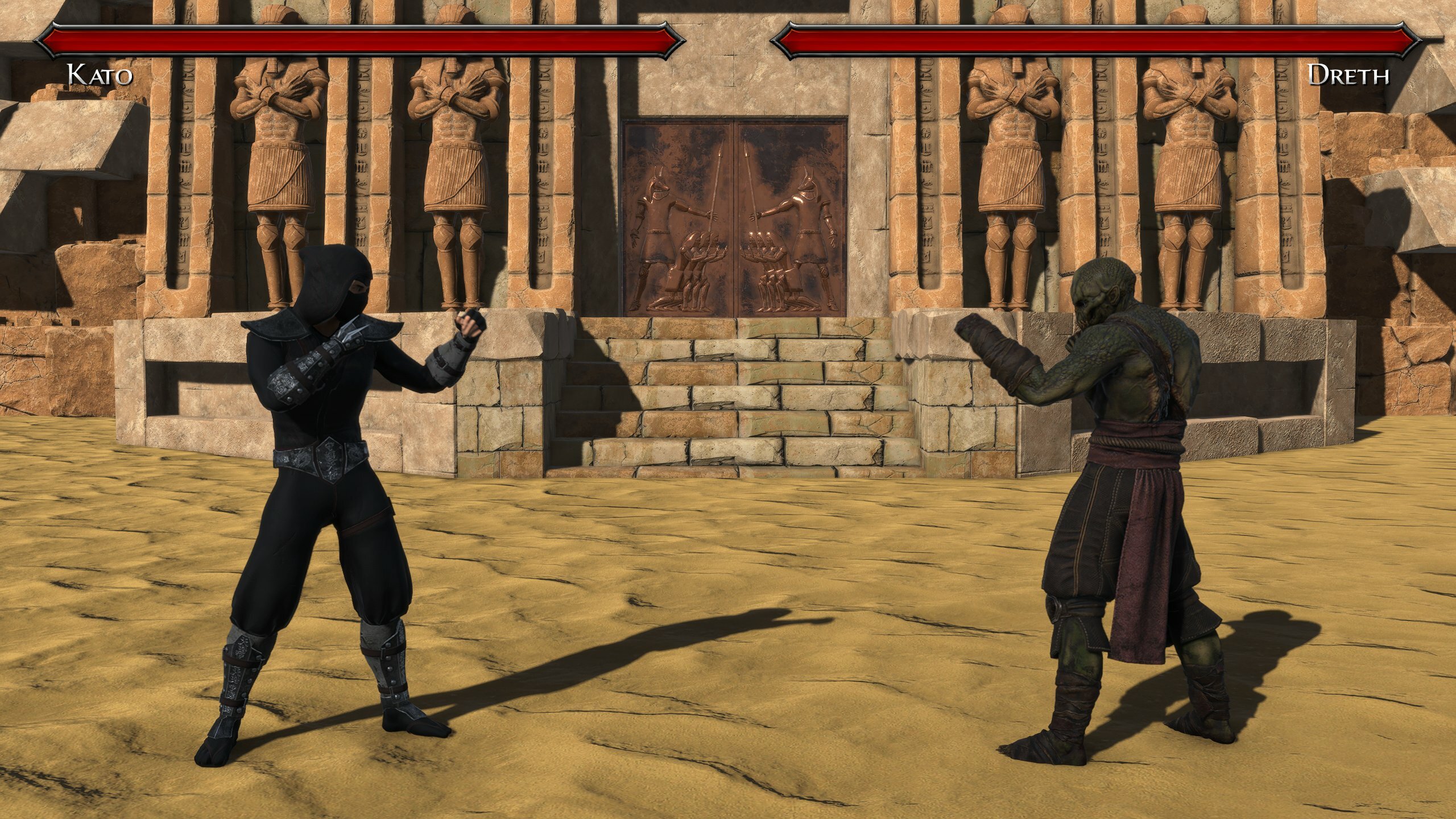
Check out my next game in development, Dragon Fury. Let's Fight! (Wishlist+Follow).
Check out my next game in development, Dragon Fury.
Let's Fight! (Wishlist+Follow).
https://store.steampowered.com/app/2020590/Dragon_Fury/
Fixed some obstacle bounding boxes being too big
Fixed some obstacle bounding boxes being too big
Fixed some props being unreachable
Fixed some props being unreachable
Added Ranking system! Players with top Hero Level and most Monster Kills are now included in the global highscore Fixed auto shooting when swapping between crossbow and bow
Added Graphics Option to adjust Screen Brightness Block from Shields is now more effective Fullscreen blood effect now displays sooner and stronger Added language translations to Level Editor and Download Maps menu
Added Alternative Keyboard Input based around arrow keys: Arrow Keys = Move Enter = Action (open door) / (SLASH) = Toggle weapons / Take all items DEL = Character Screen NumPad0 = Dash When trying to close door and it's blocked, a message will be shown on the screen.
Added Alternative Keyboard Input based around arrow keys:
When trying to close door and it's blocked, a message will be shown on the screen.
Added keyboard shortcuts for following actions: F1 .. F5 - Use Item Ctrl+MouseWheel - Change Item Ctrl - Walk slowly (instead of run)
Added keyboard shortcuts for following actions:
Some people don't know how to open door -> Added hint at the bottom of the screen what key to press (you can hide this in the "Options \ General \ Show Hints") Added option to enter your email address in the "Feedback" section if you need a reply
Added option to Invert Mouse
Added option to Invert Mouse