Steam Deck Verified + 40% Sale!
The Enjenir V 0.9si - Steam Deck Verification & Quality of Life Update! Finally, after a lot of sweat, tears, and even more tears, The Enjenir is officially Steam Deck Verified! This took us way longer than we had planned and was much more complicated than we anticipated... b
The Enjenir V 0.9si - Steam Deck Verification & Quality of Life Update!
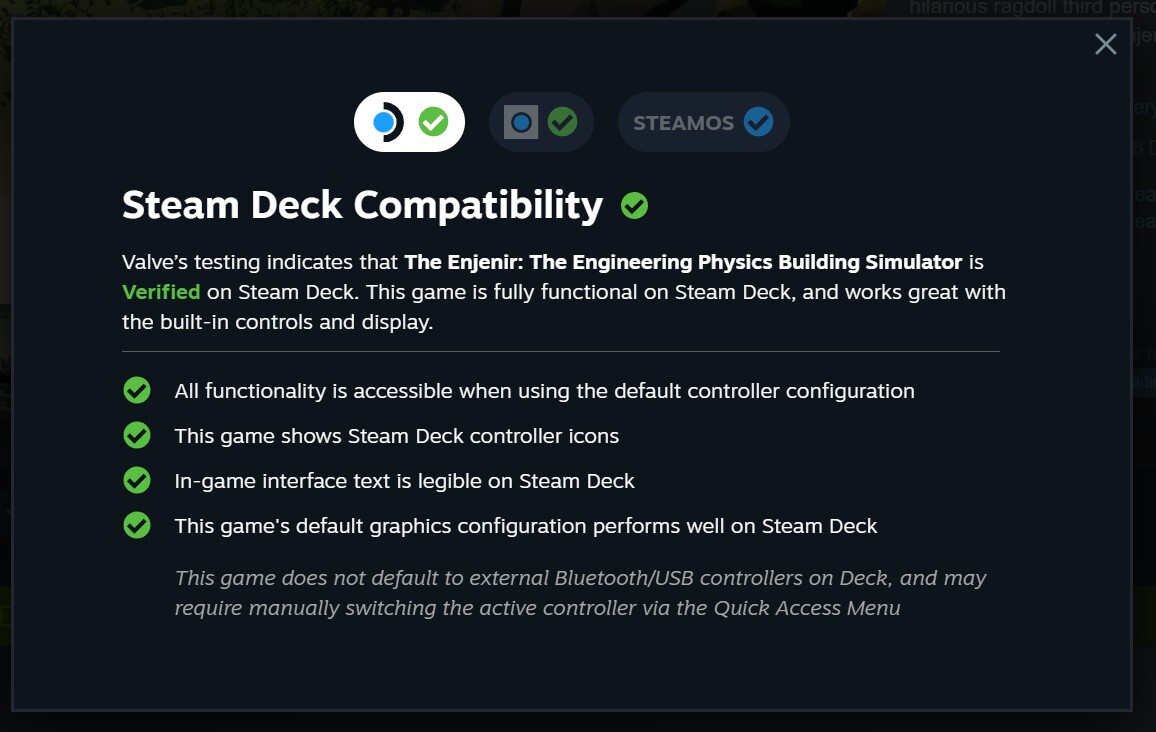
Finally, after a lot of sweat, tears, and even more tears, The Enjenir is officially Steam Deck Verified!
This took us way longer than we had planned and was much more complicated than we anticipated... but it’s finally here!
🎮 Steam Deck Integration
The game now makes full native use of the Steam Deck controls, including the Trackpad, Joysticks, and more. We are really happy with the user experience and feel the Steam Deck is a fantastic way to play the game! We’ve gone through (very) rigorous testing with Valve to ensure the experience is as seamless as possible. All controls, text, UI, etc., now dynamically adapt to your active control scheme.
To make this happen, we ended up having to redo the entire control and UI systems from scratch to incorporate proper Steam Deck and Keyboard & Mouse icons/glyphs. Running on Deck also exposed a tonne of unique bugs and glitches that required fixing. Despite all the memes poking fun at how badly optimised games get easily Steam Deck Verified... we had the complete opposite experience!
Both myself and Neil are big Steam Deck users, so this is something we were determined to make happen. It was definitely a more arduous journey than we envisaged, but we’re thrilled to finally get it into your hands... (literally!)
🛠️ Patch Notes - V 0.9si
✨ New Features
- Steam Deck Verified: Full native control support and UI glyph integration as detailed above! 🙂
 Just to note - this is only fully/officially supported in English just now. You may see some funky formatting in different languages!
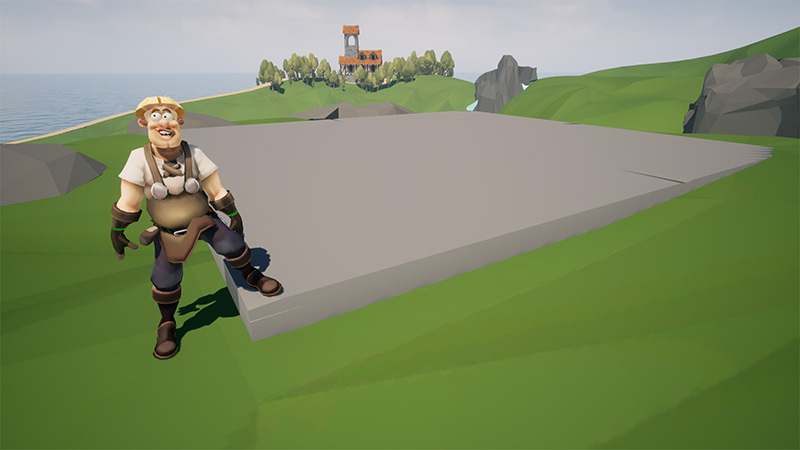
- Concrete Slab Mechanic: You can now place a big concrete slab in one easy movement to get a large flat surface to build off of!
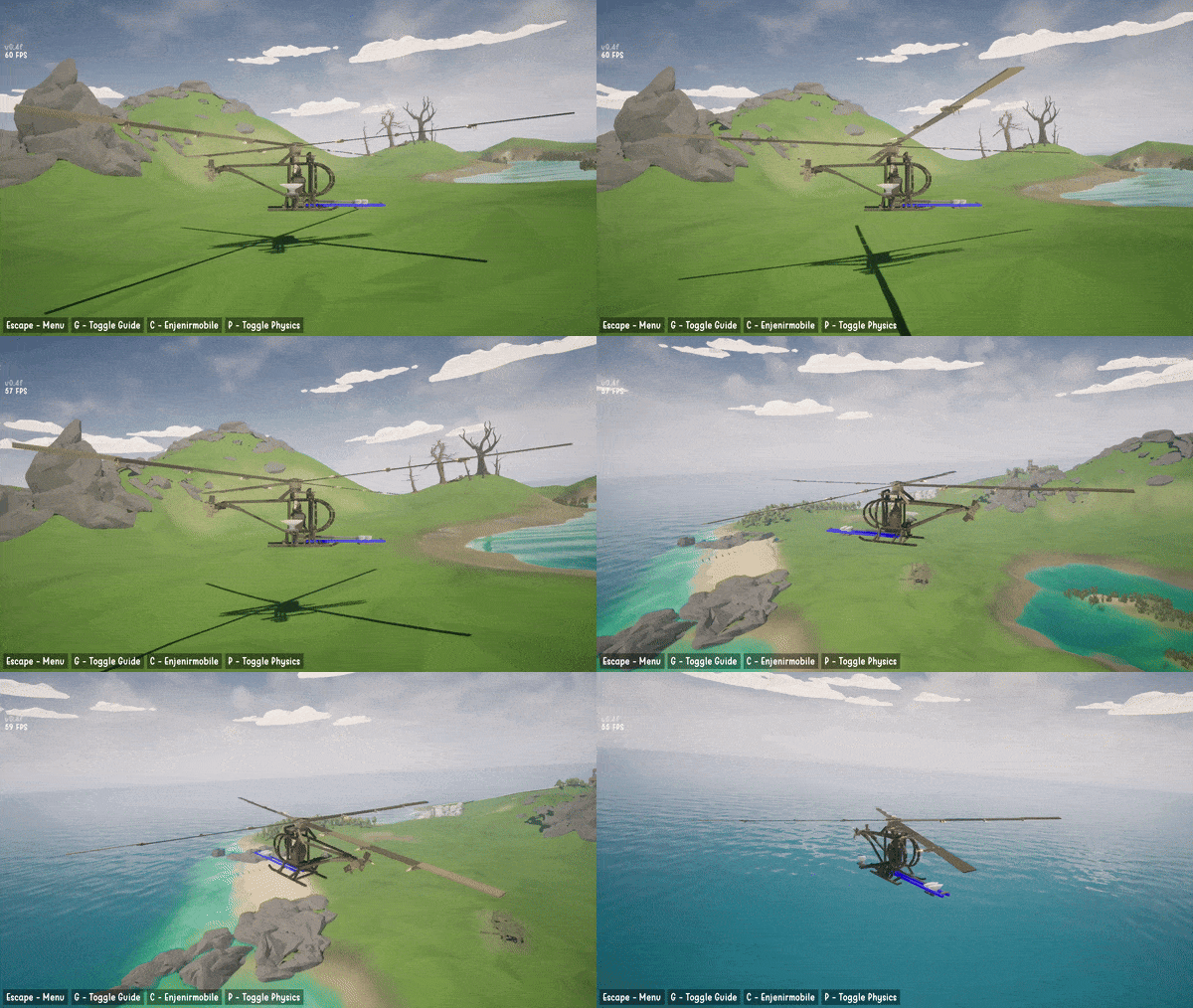
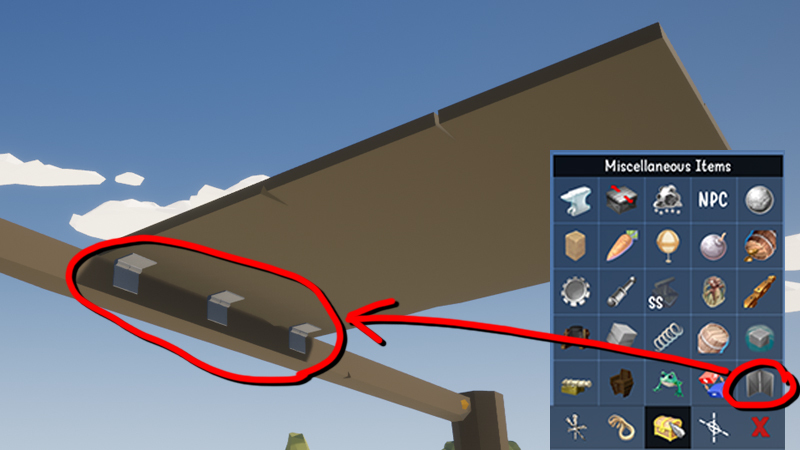
- Aerodynamics in Missions: You can now enable sheets to have aerodynamic properties in-game-super useful for creating flying vehicles and other fun contraptions.
- New Achievements: Added a selection of new achievements to unlock!
💡 Quality of Life (QoL) Improvements
- Saved Member Lengths: Sheet/Beam/Log lengths no longer reset when deselected. Easily switch between members without needing to re-measure previously used sizes.
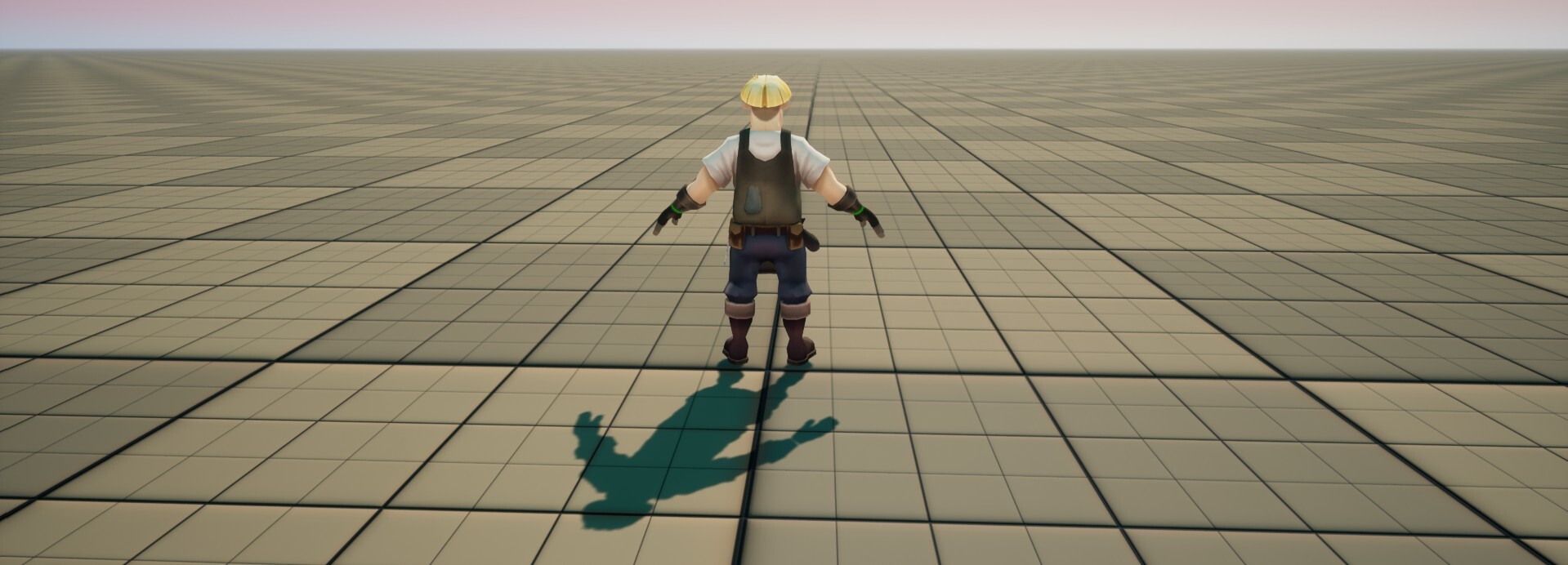
- Visual Polish: Improved texture and material properties in the Flat Sandbox and Tutorial levels to eliminate annoying shimmering/artifacting (especially noticeable at lower resolutions).
- Icon Refresh: Updated several icons throughout the game.
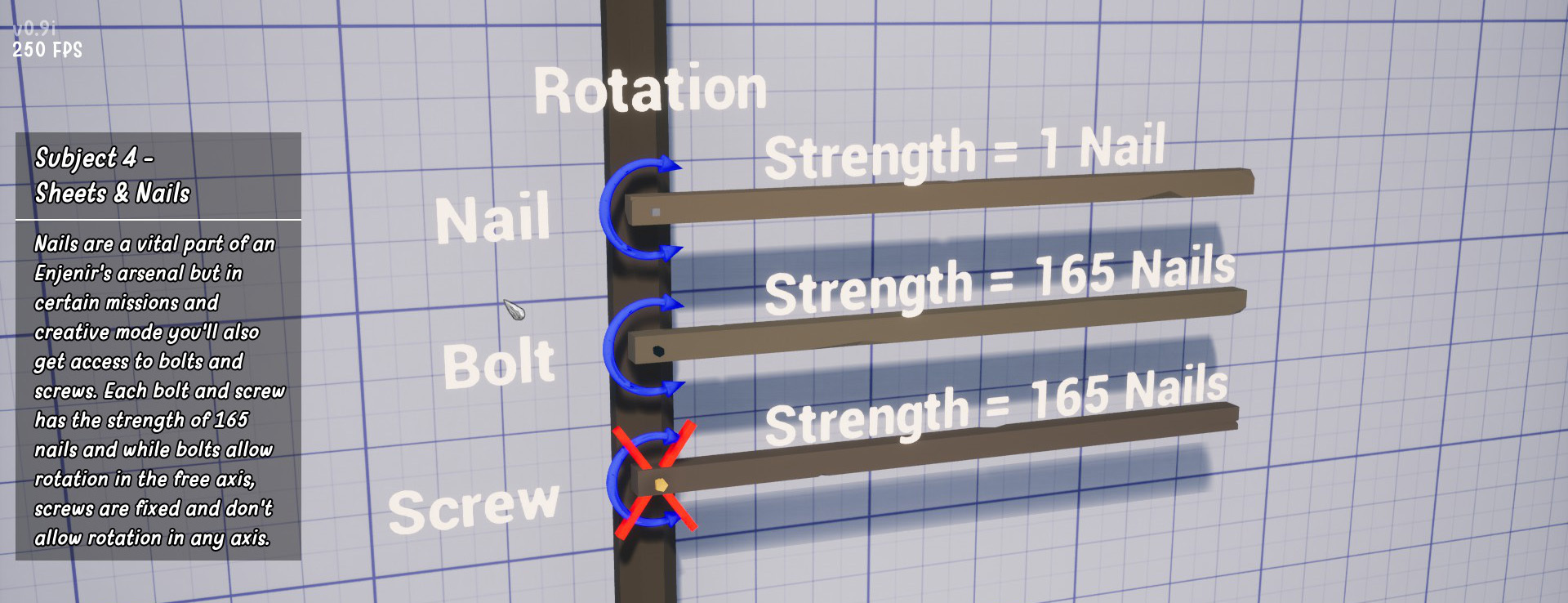
- Tutorial Overhaul: Revamped the entire tutorial to showcase all updated UI elements automatically.
- Story & Dialogue Polish: Revamped the Story/Dialogue system to be more visually appealing and added brand-new sound effects.
- Updated Hints: Refreshed all in-game hints to accurately reflect the countless changes added to the game recently.
🐛 Bug Fixes
- Fixed a mission bug where you could move-and even delete!-mission-related NPCs.
- Fixed a major bug where it was possible to enable physics while in build mode.
- Fixed the "Delete All" bug.
- Fixed a bug where starting a "New Game" did not clear the last 3 mission saves.
- Fixed the "Move/Copy" bug in the tutorial.
- Fixed a mission bug in Rolling Hills where an invisible ship blocked bridge building.
- Fixed the Tutorial Drag Beam bug.
- Fixed the Wheel-on-Axle bug.
- Fixed an issue when placing nails during the tutorial.
- Fixed the potato spawner bug in the tutorial.
- Fixed Static Wall selection issues.
- Many many other bug fixes!
Once again, thank you so much for your patience and continued support while we knocked this massive milestone out!
Happy building! 🛠️
Cillín & Neil
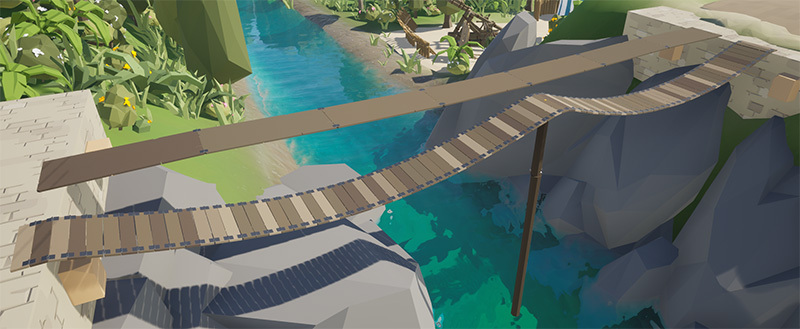
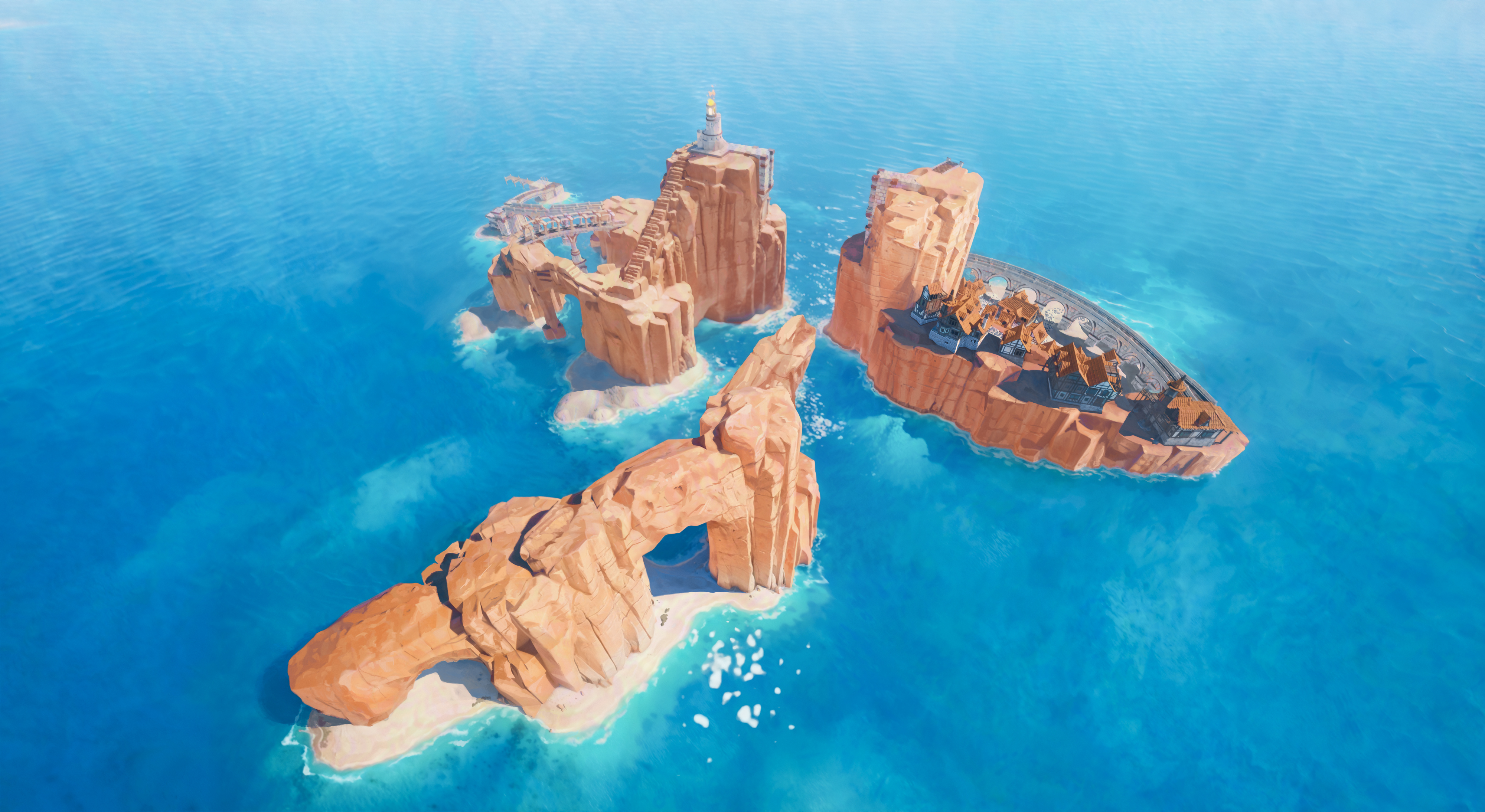


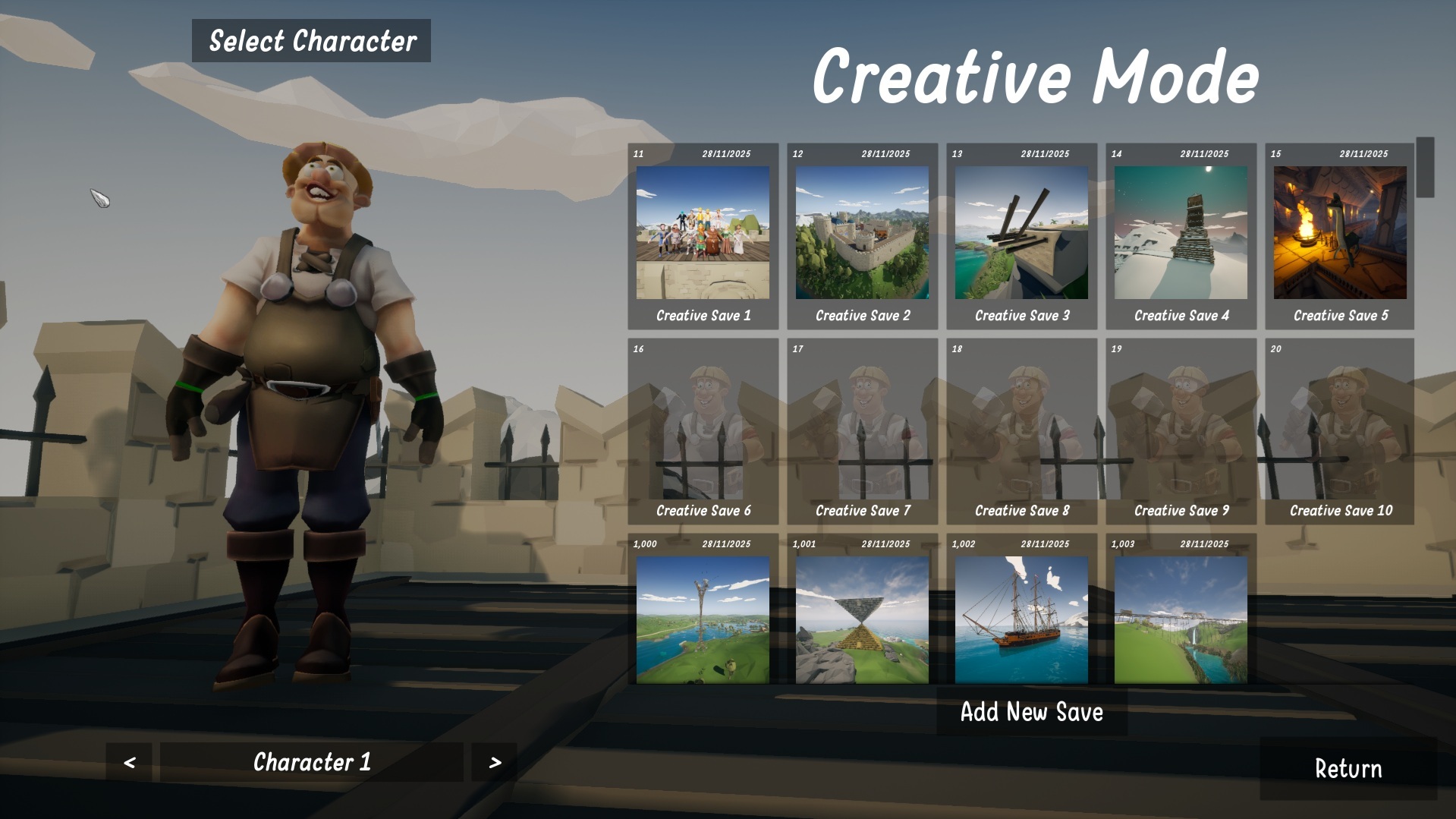

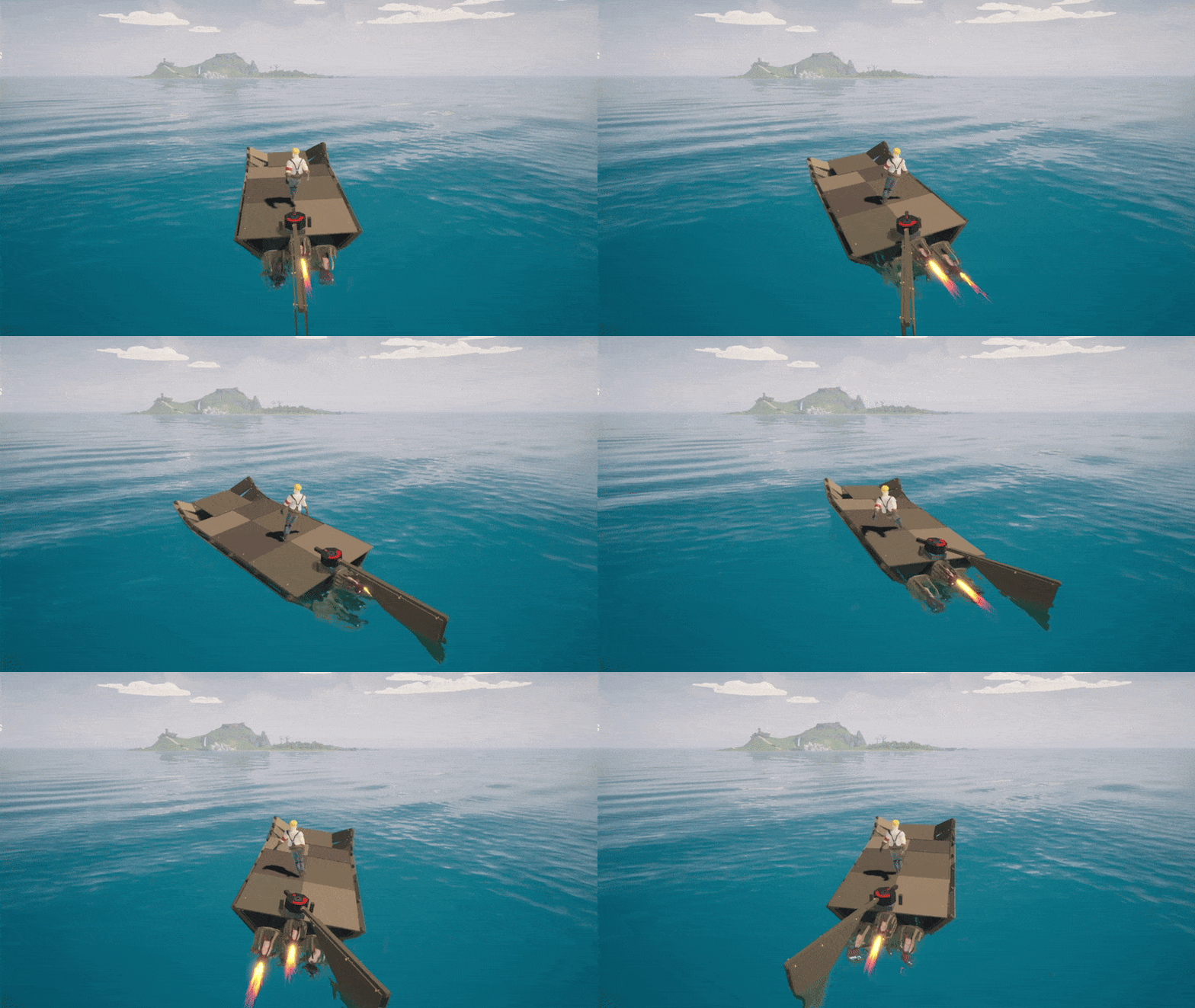
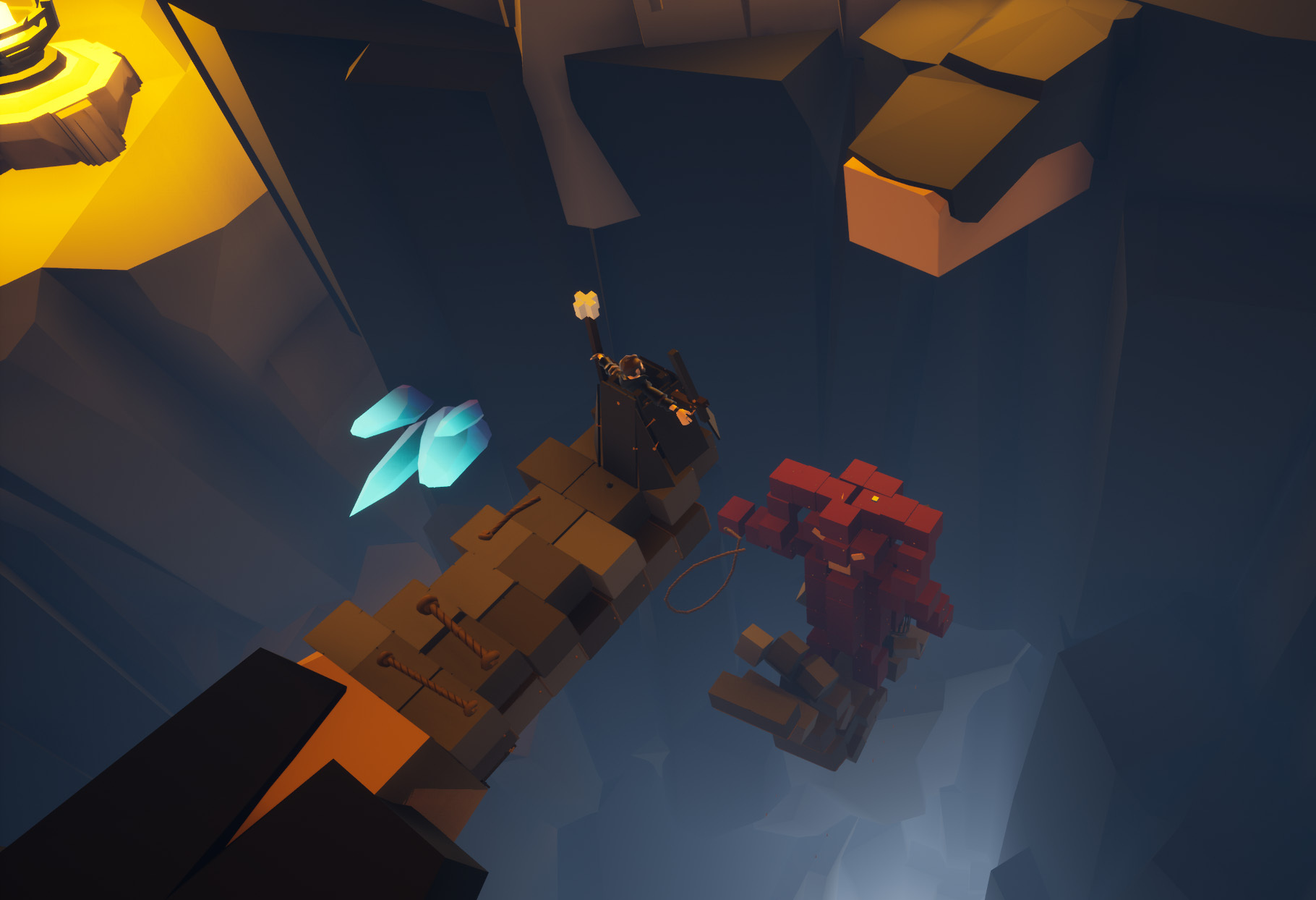
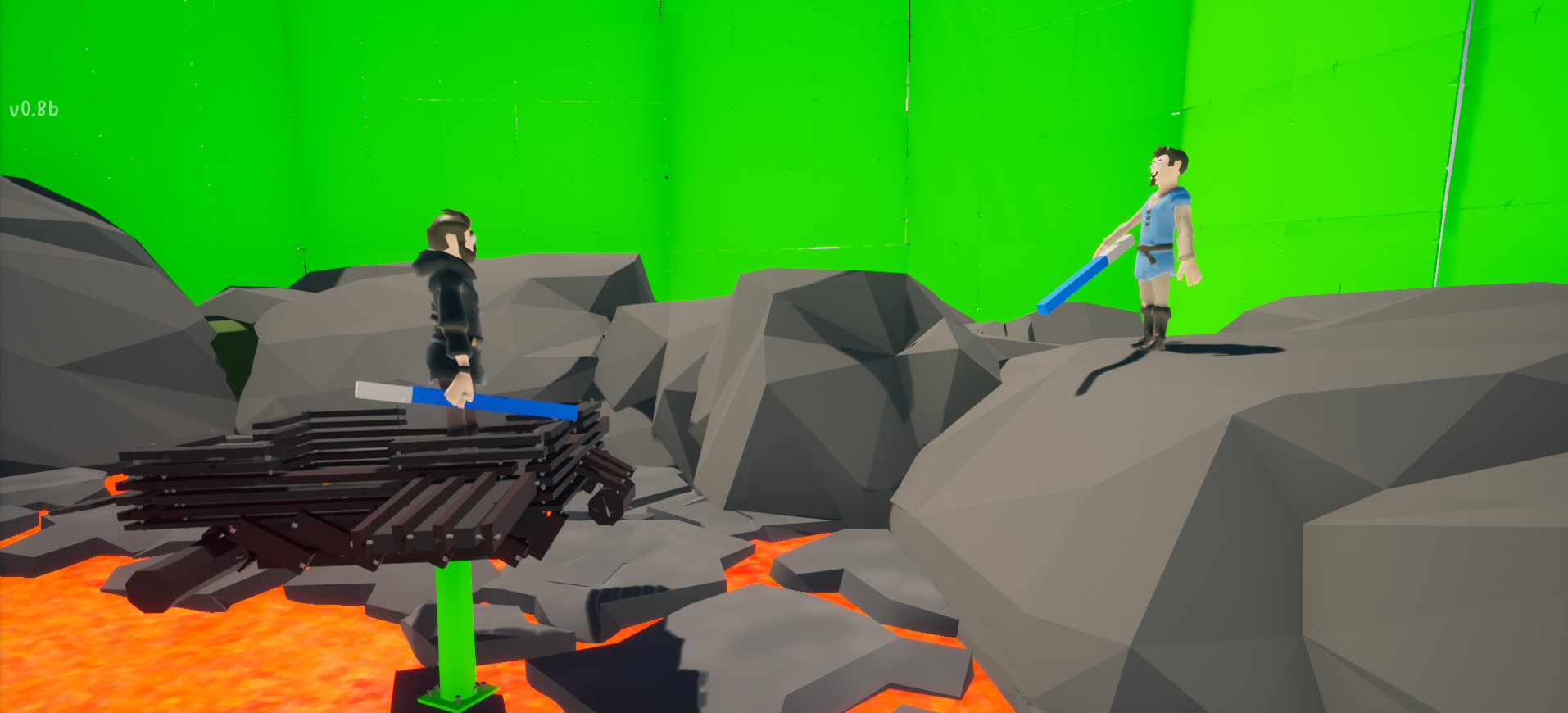
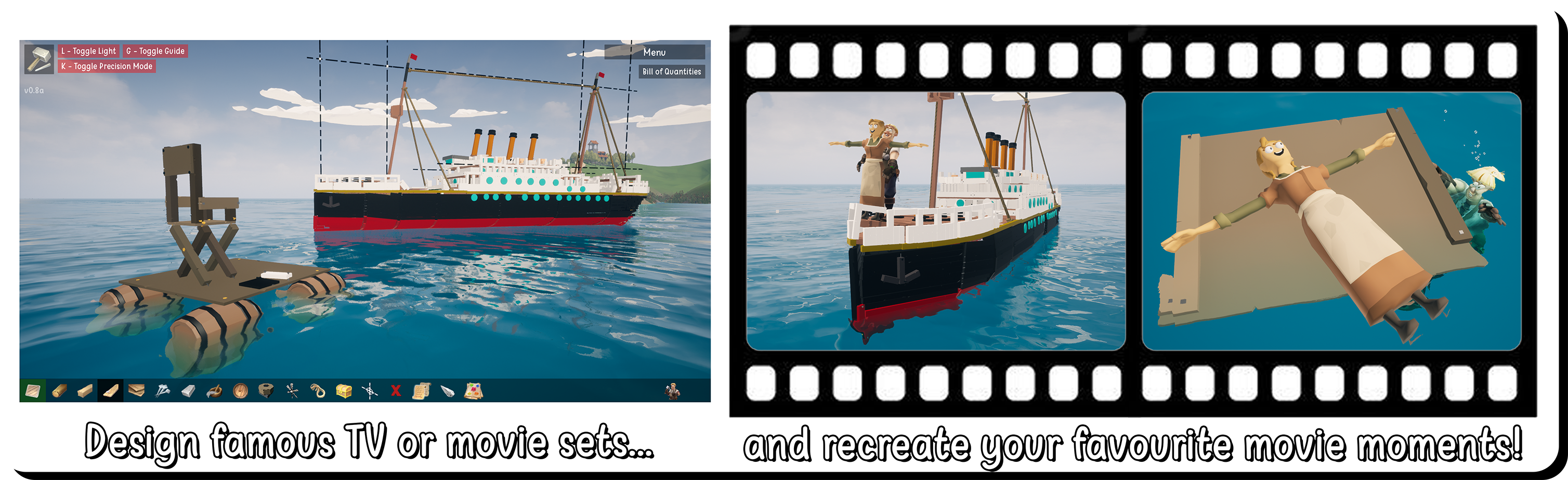
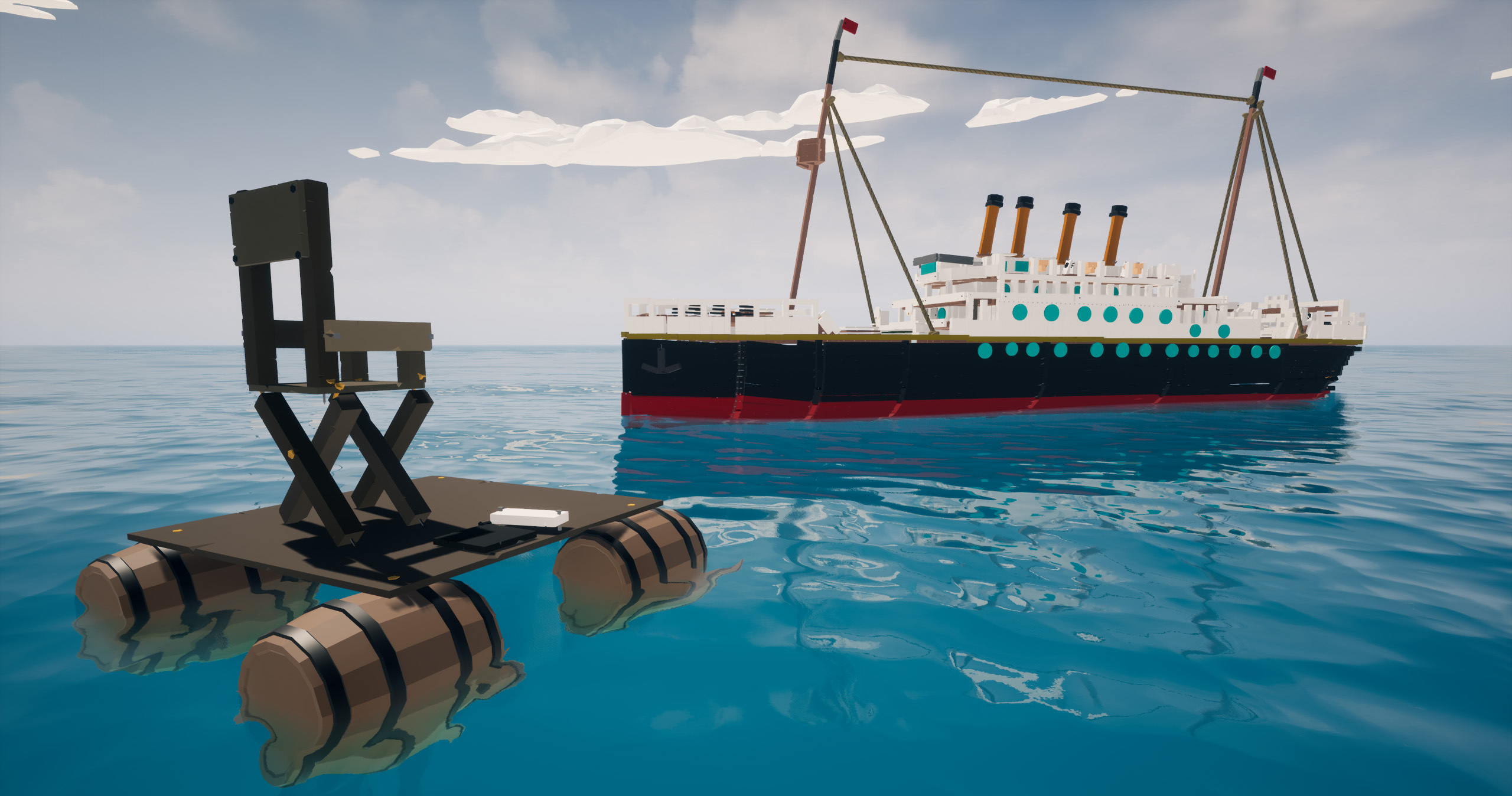
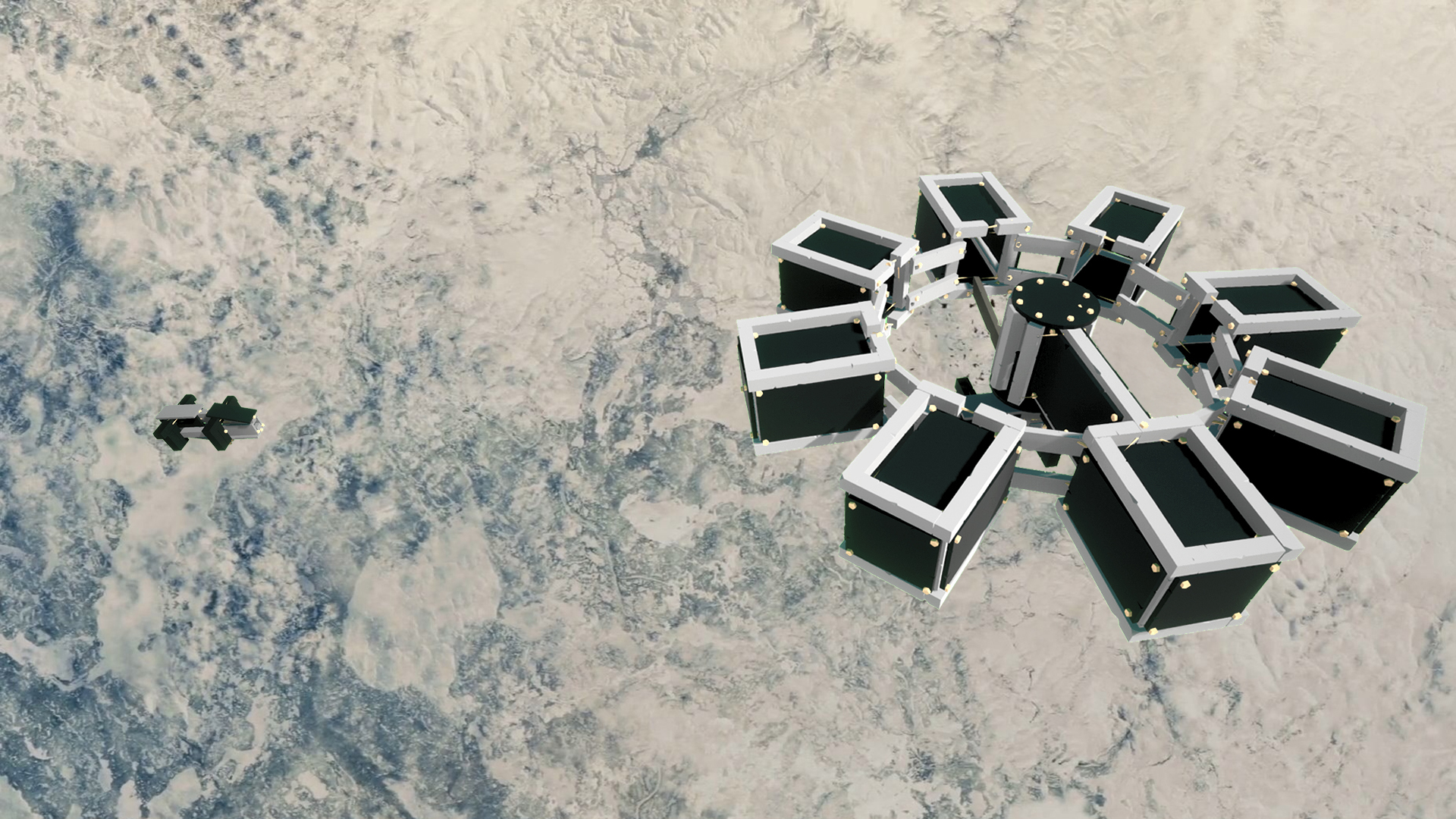 The docking scene was recreated with incredible accuracy - complete with an in-game green screen for editing. Christopher Nolan would be proud... or would he? He hates green screens! This is hands down one of my favourite submissions ever! (check out the video for more clips!)
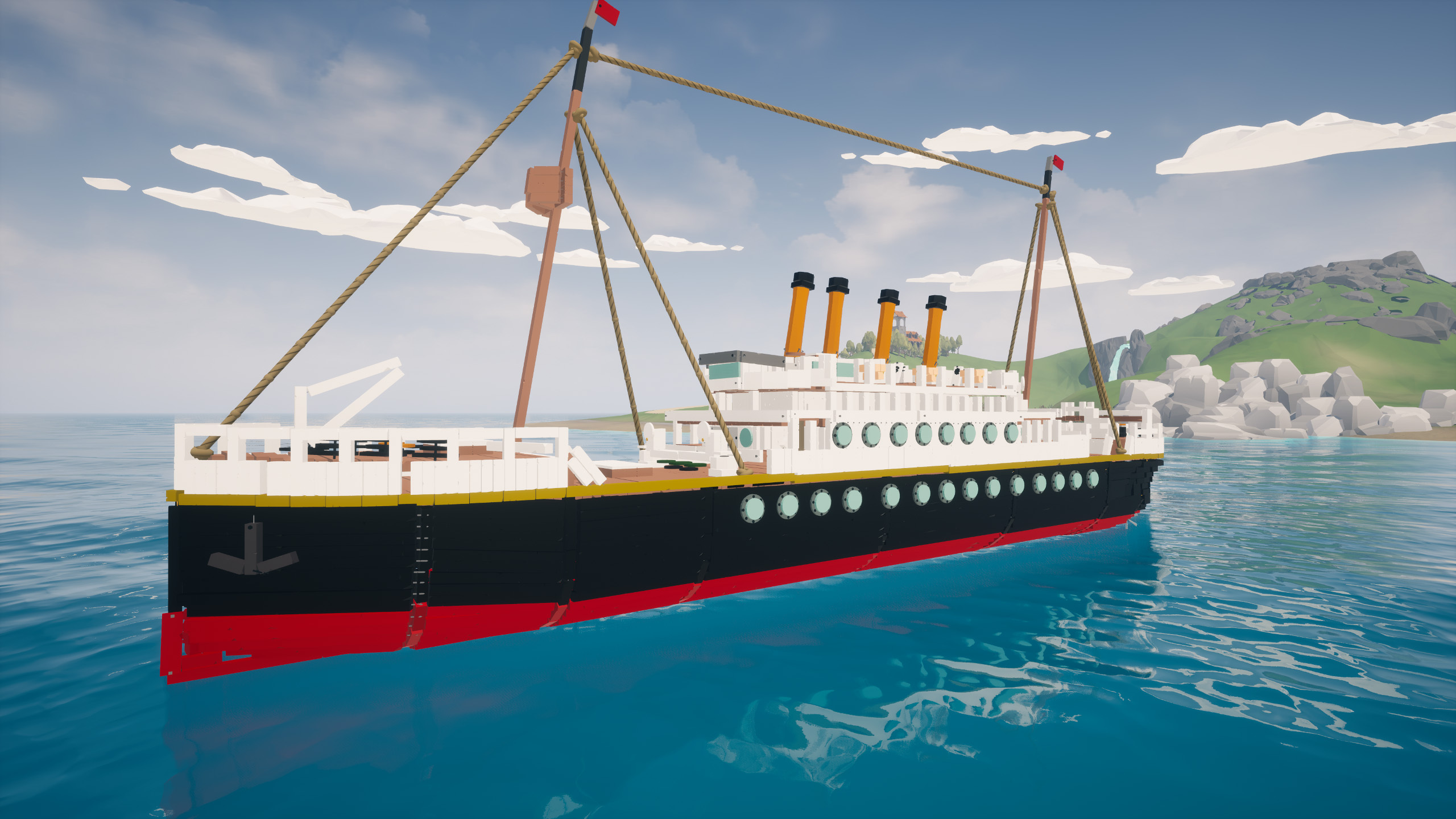
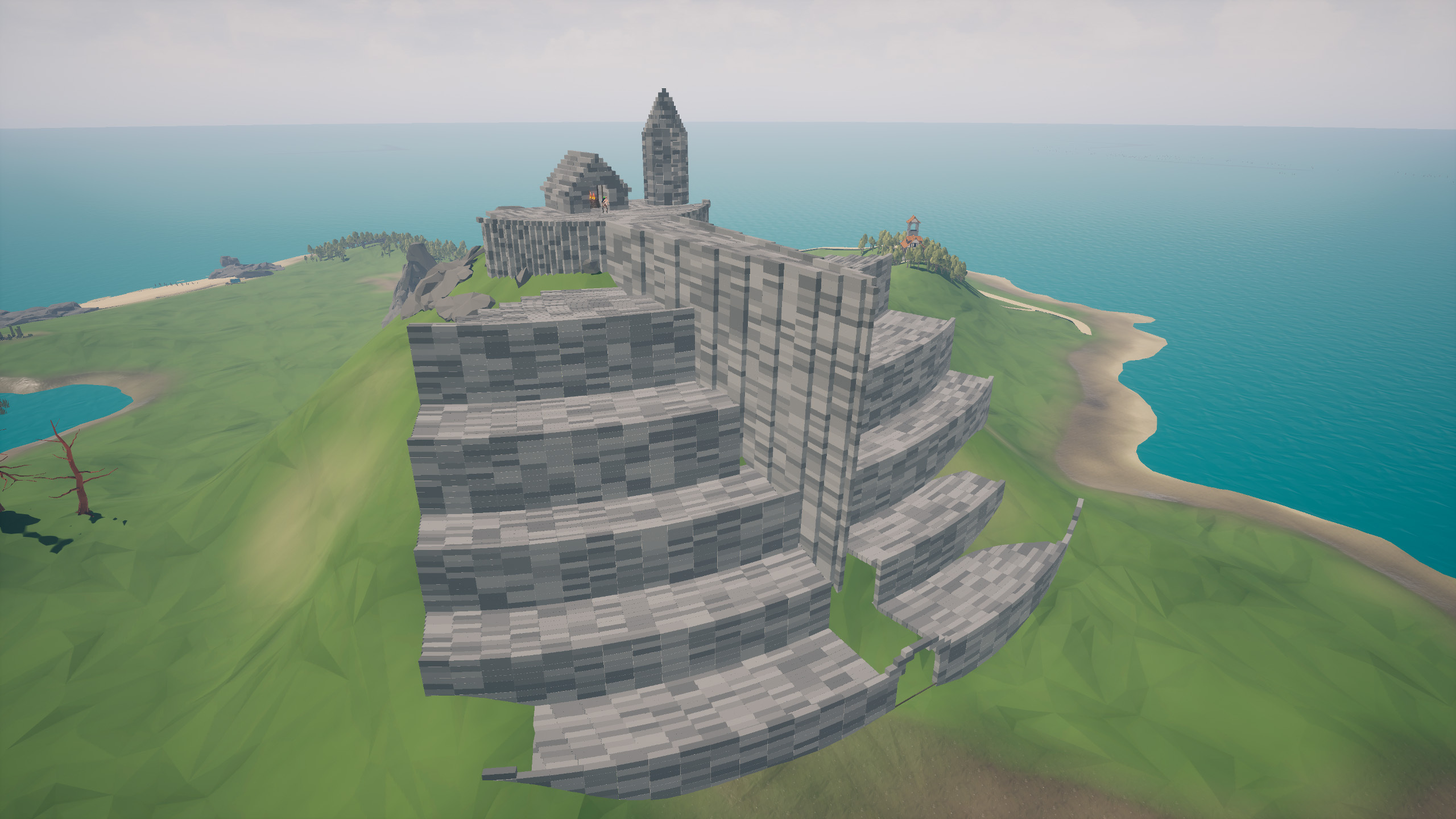
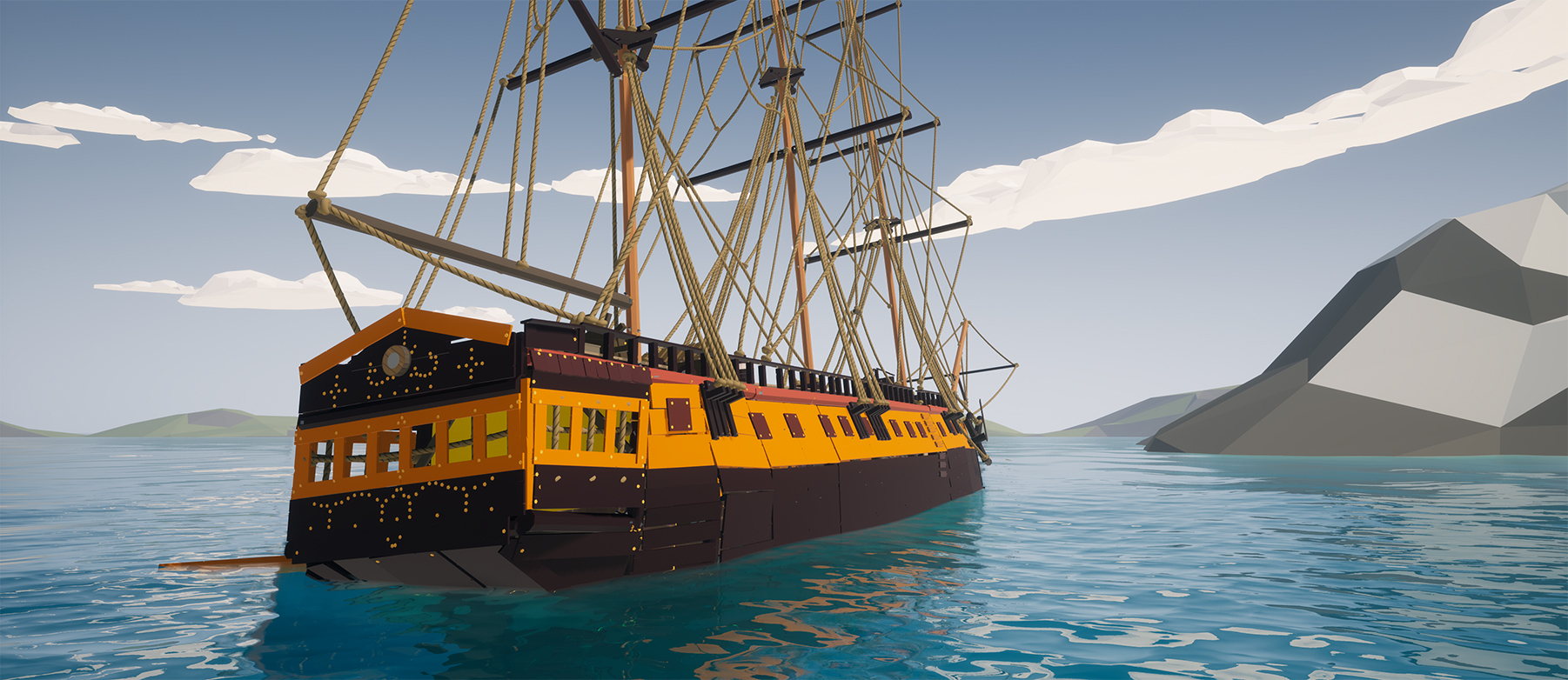 A stunning recreation of the HMS Surprise that actually floats in-game (RIP FPS). Beautifully made and technically brilliant. We've had many ships made in The Enjenir, and this one is among the best!
 The game is really starting to shape up as we continue to work towards the 1.0 release. There’s still lots to do - including designing the final level, End Game Island, and completely reworking the tutorial to better teach all the mechanics of the game. The tutorial has remained mostly unchanged since launch, despite the addition of tons of new and complex systems, so we’re aware it needs an overhaul to help new players ease into the gameplay experience.
As we approach version 1.0, we’re also looking into localisation and revisiting Steam Deck support for the controls - so there’s still plenty ahead!
Until the next update - enjoy!
Cillín & Neil
The game is really starting to shape up as we continue to work towards the 1.0 release. There’s still lots to do - including designing the final level, End Game Island, and completely reworking the tutorial to better teach all the mechanics of the game. The tutorial has remained mostly unchanged since launch, despite the addition of tons of new and complex systems, so we’re aware it needs an overhaul to help new players ease into the gameplay experience.
As we approach version 1.0, we’re also looking into localisation and revisiting Steam Deck support for the controls - so there’s still plenty ahead!
Until the next update - enjoy!
Cillín & Neil

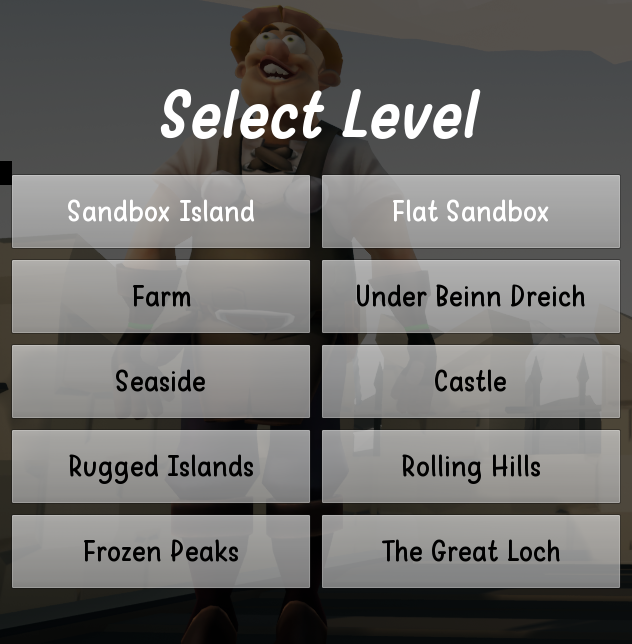
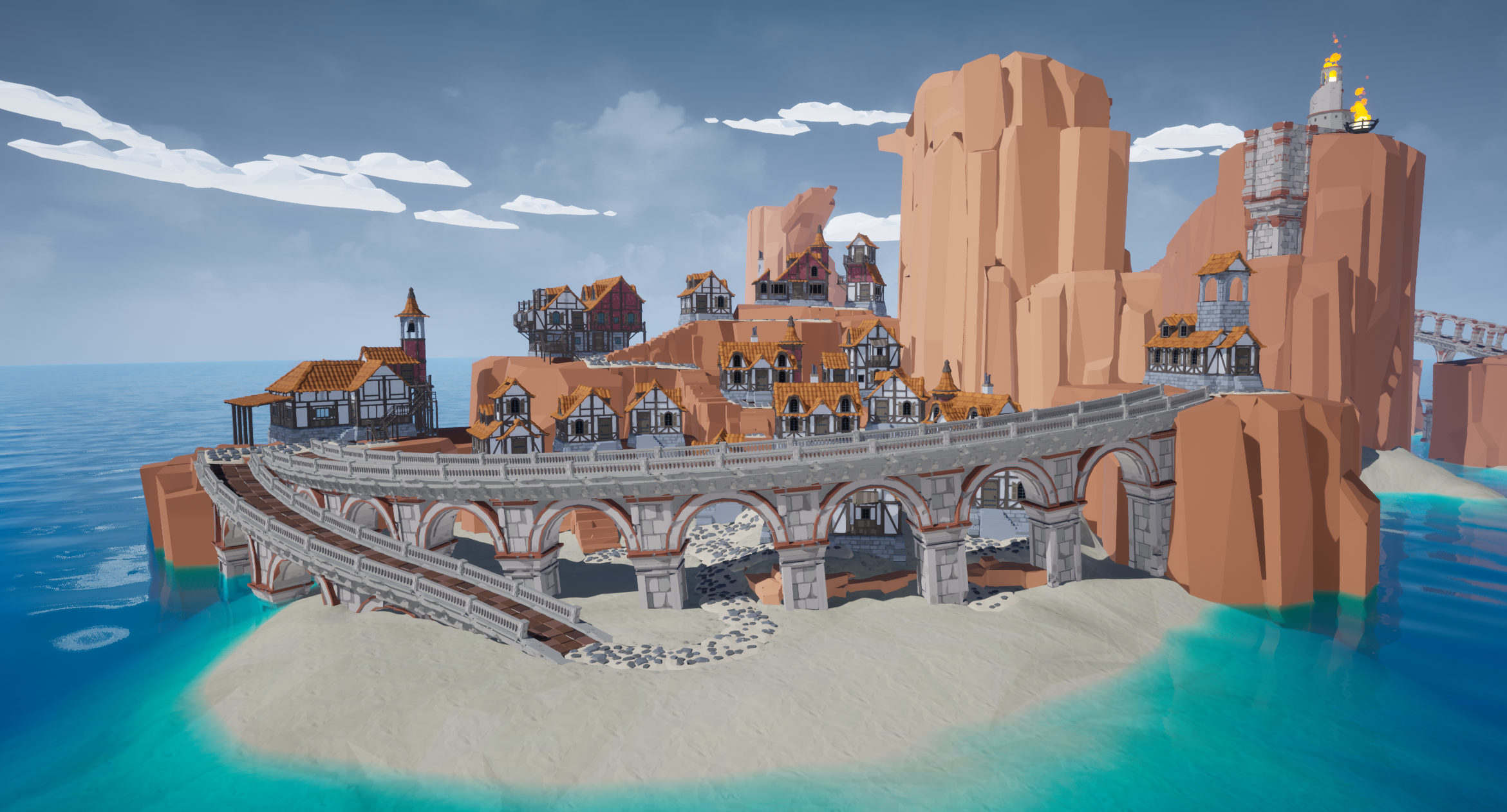
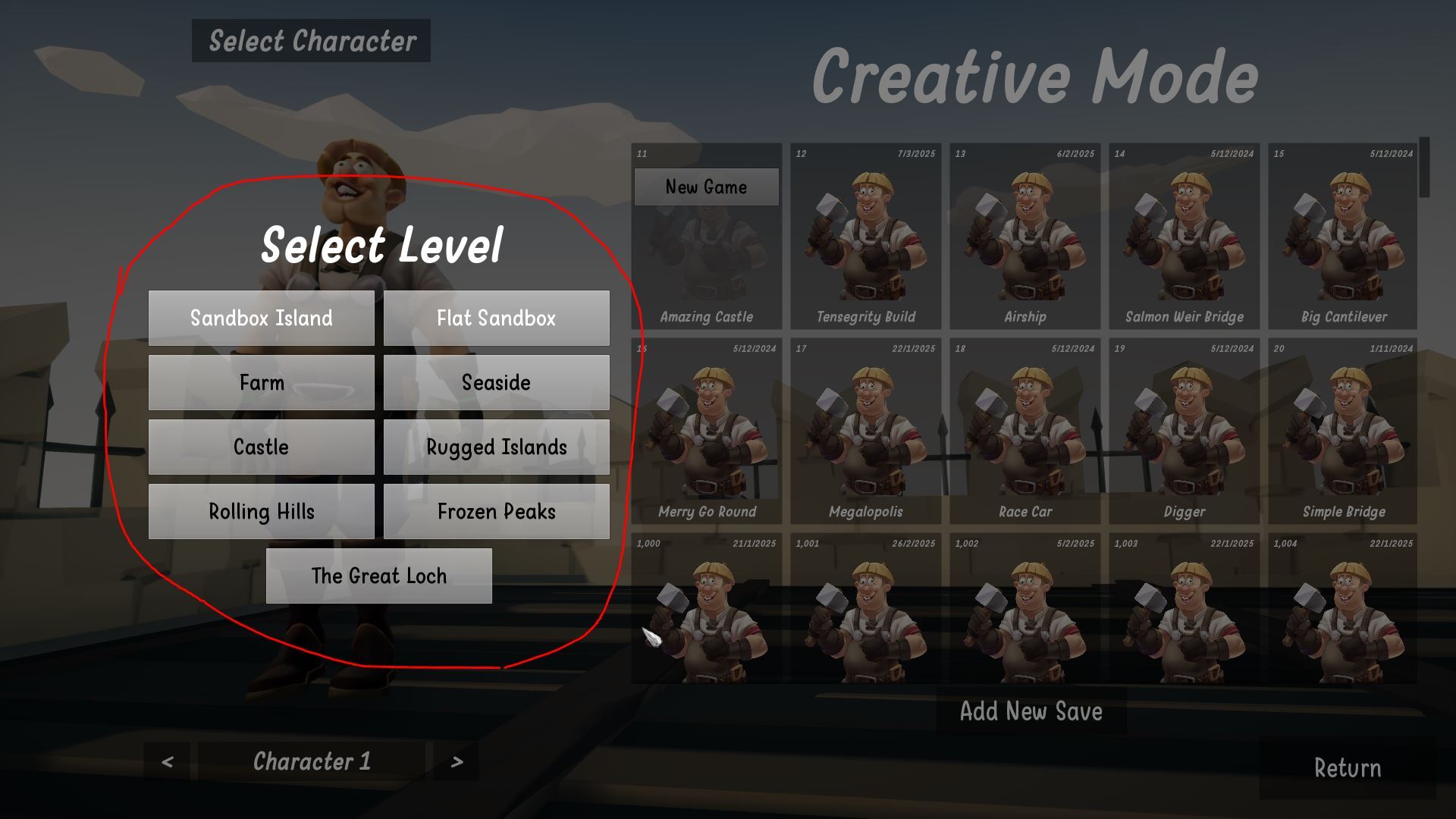
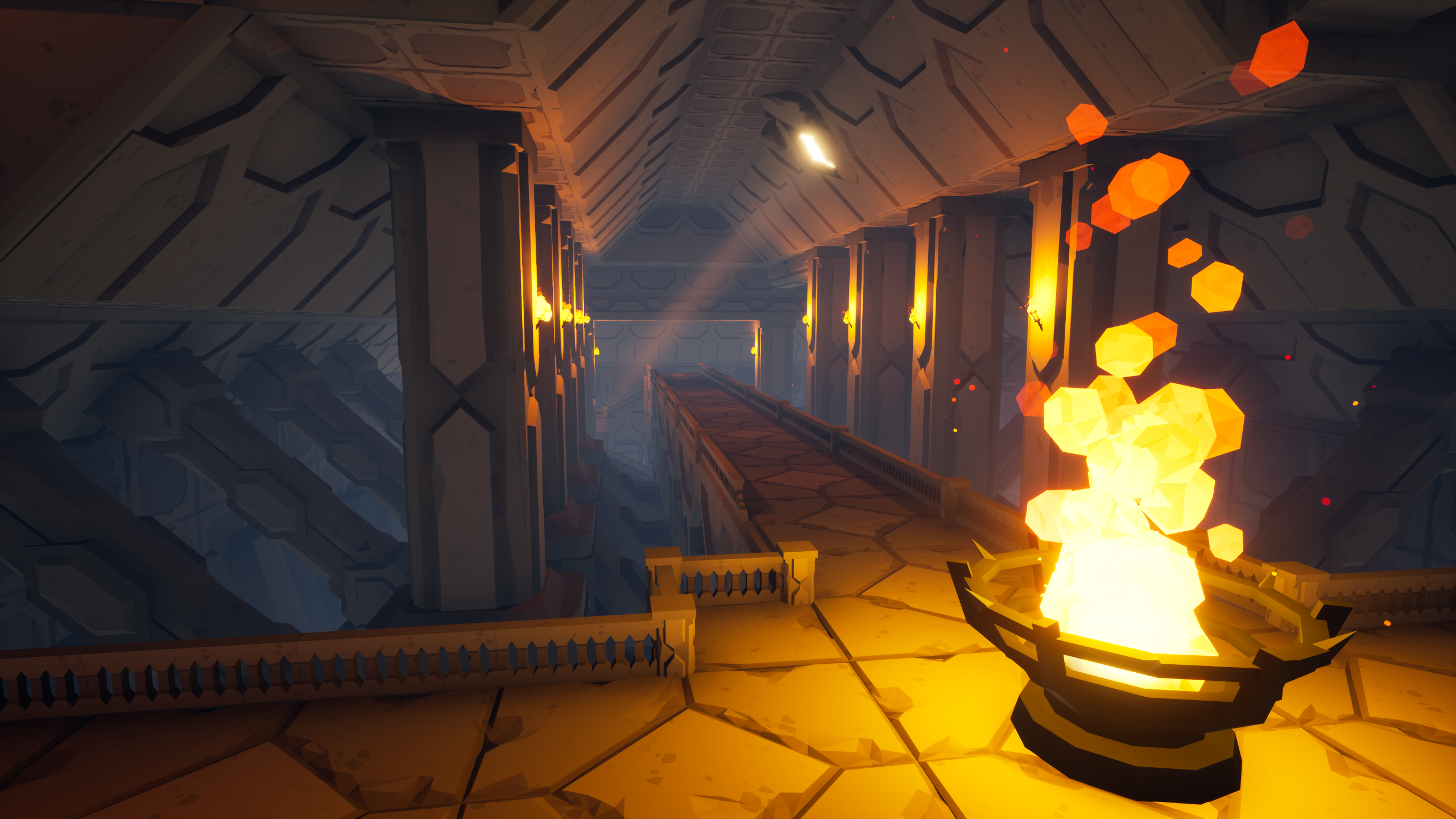 This level sits between the Farm and the Seaside level - so relatively early enough in the game. One of the bits of feedback we get from folk was that the difficulty of the missions ramps up quite quickly, so this level should help to ease into the more difficult missions in the later levels.
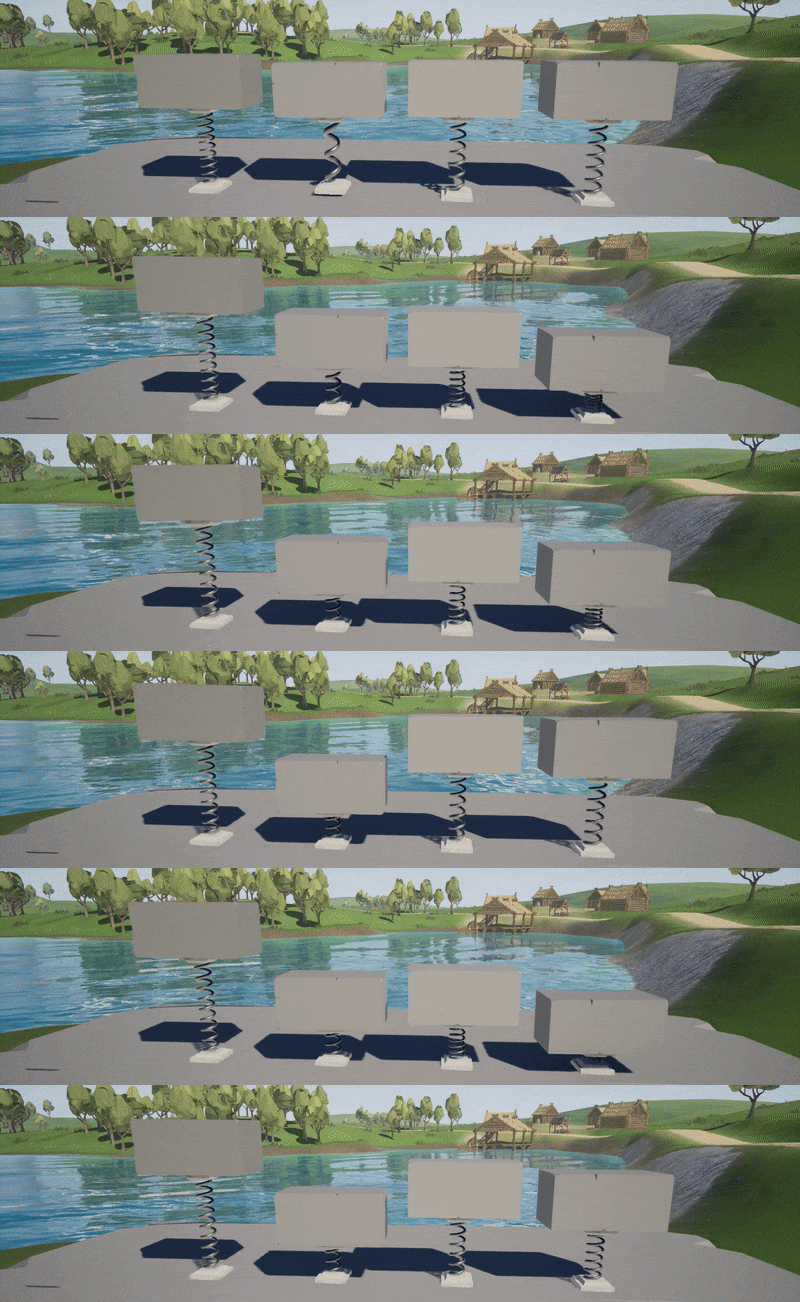 These springs also have with tweakable parameters allowing you to change Stiffness, Dampening, and it's Target Position.
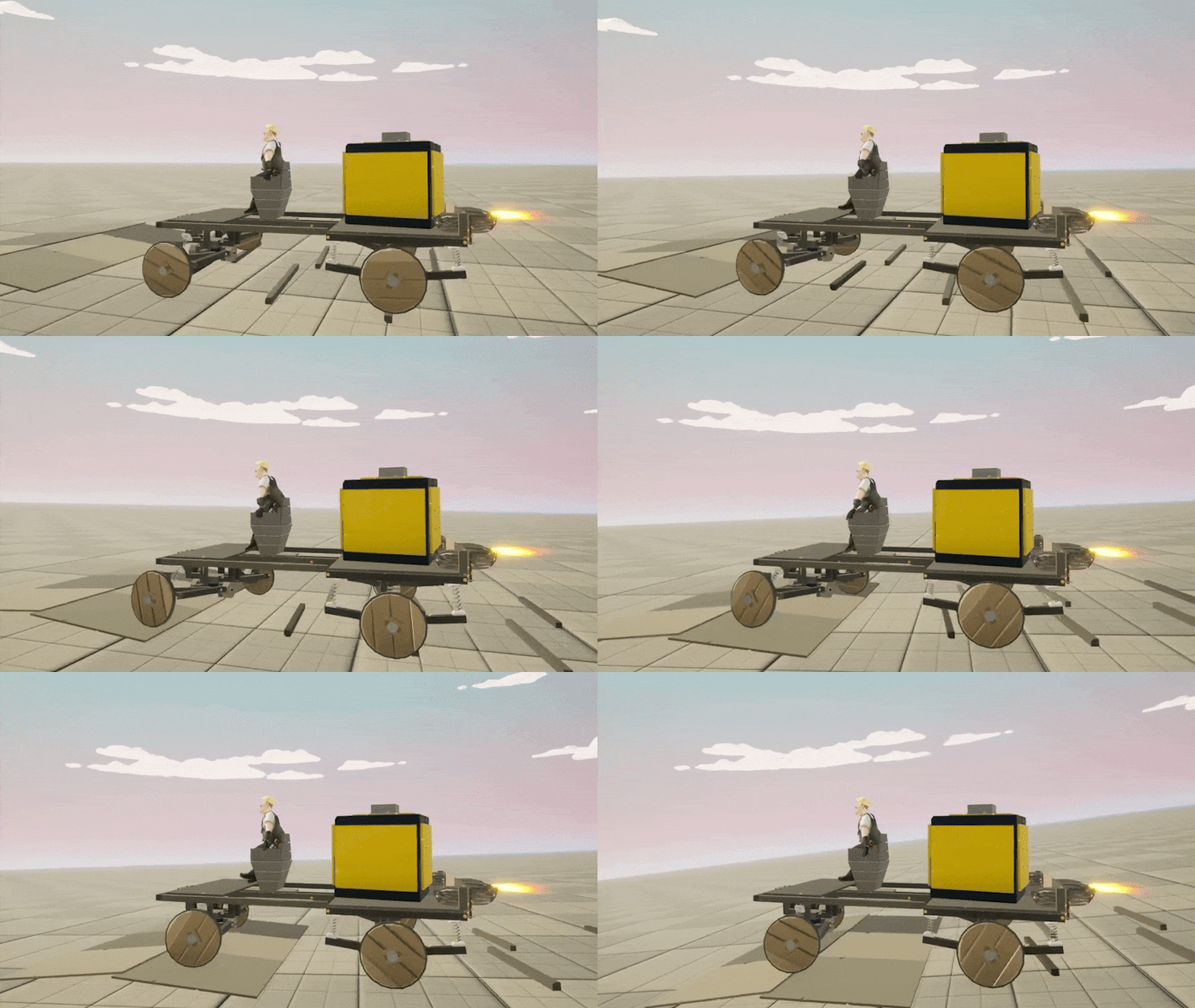 Some players have already started integrating them into their vehicle designs to add working suspension!

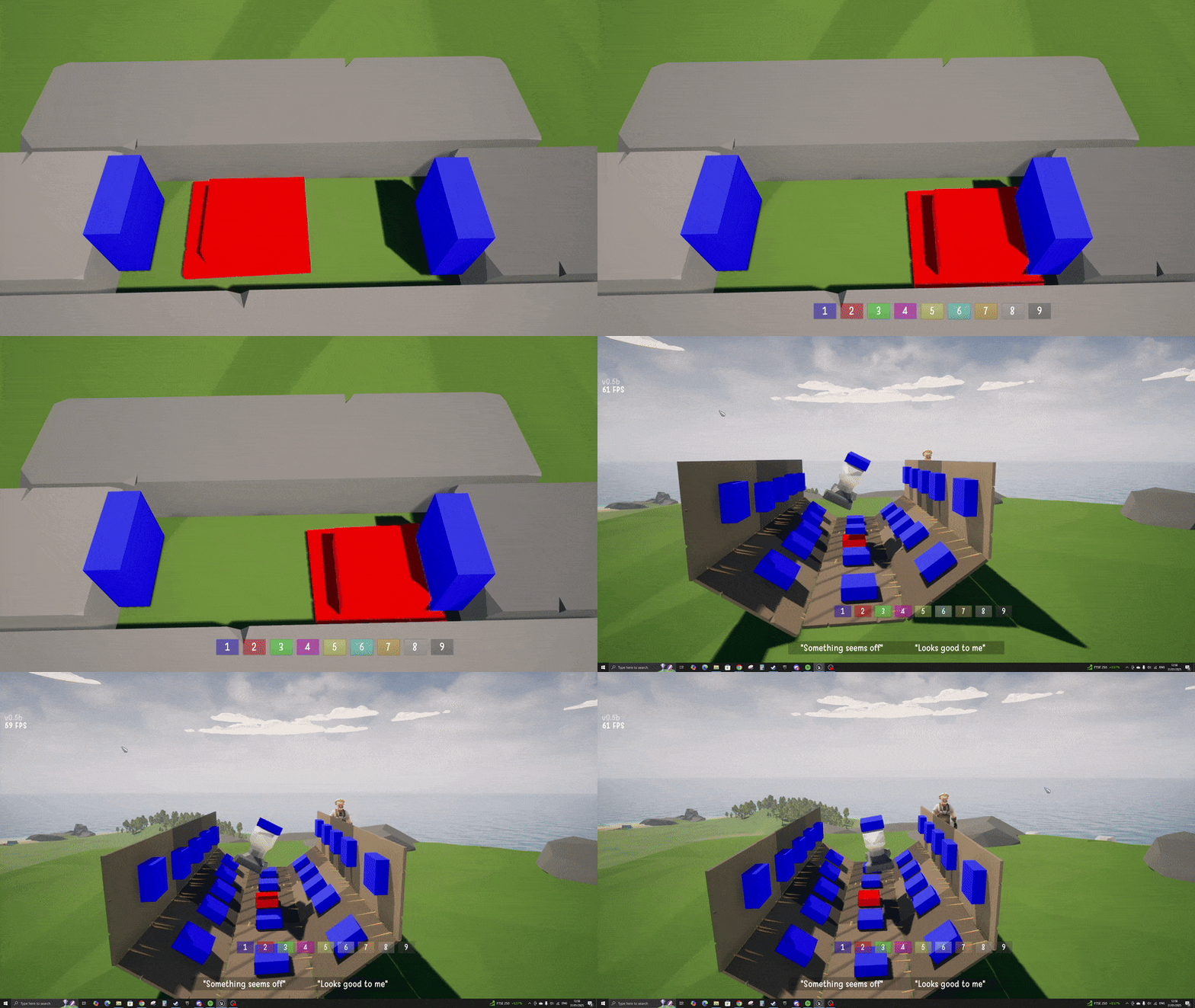
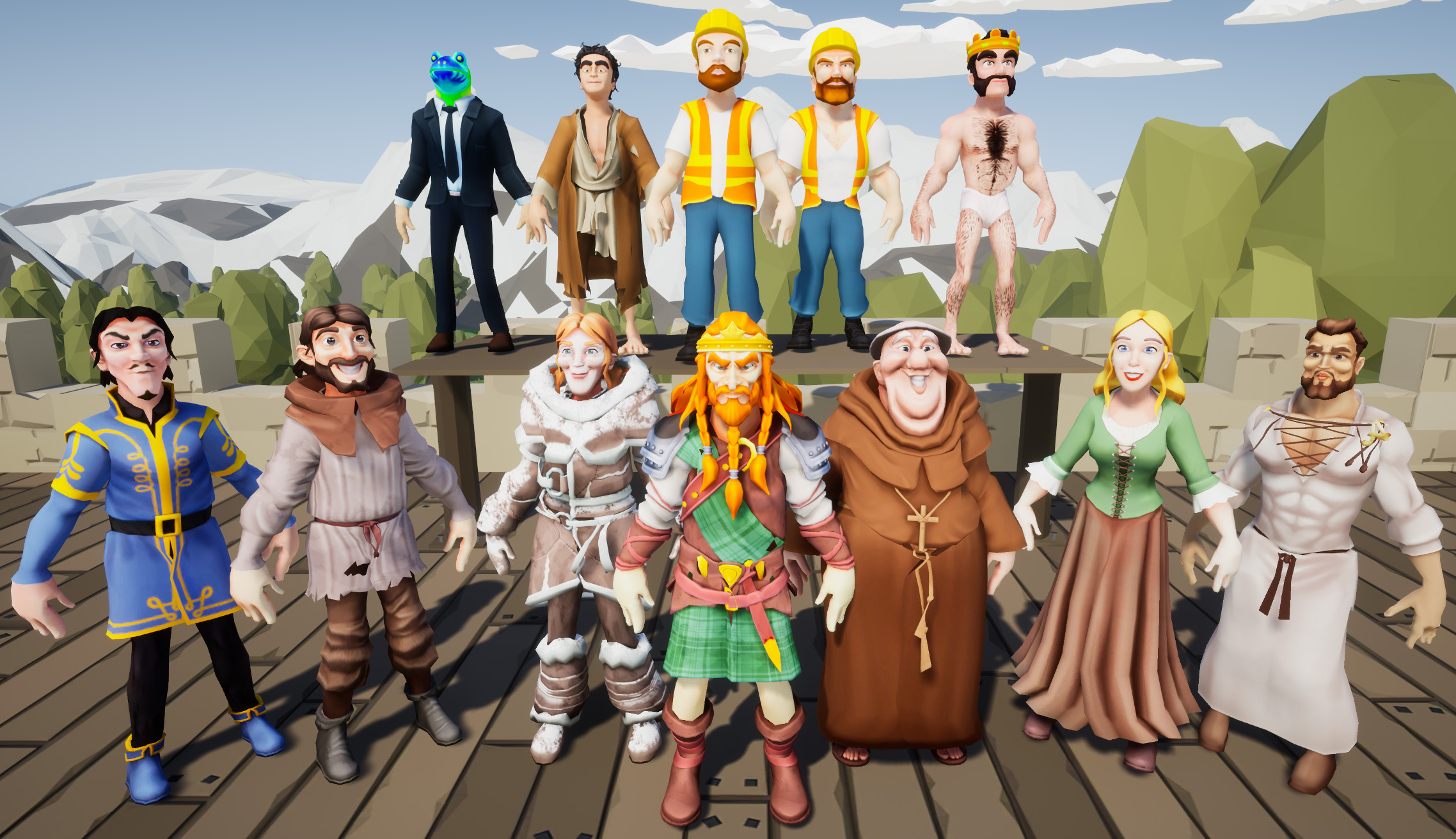
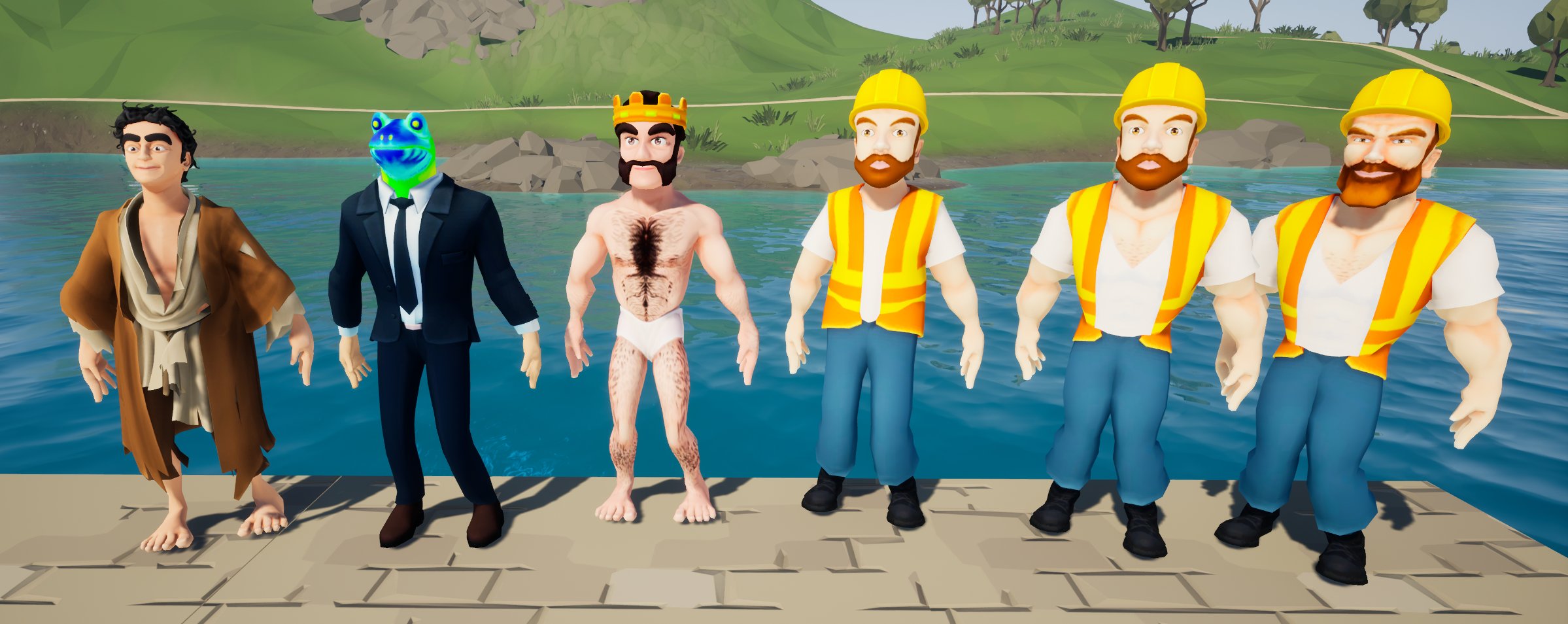
 Recognise this creepy face? 👀
More characters to follow - let us know who you want to see in the game!
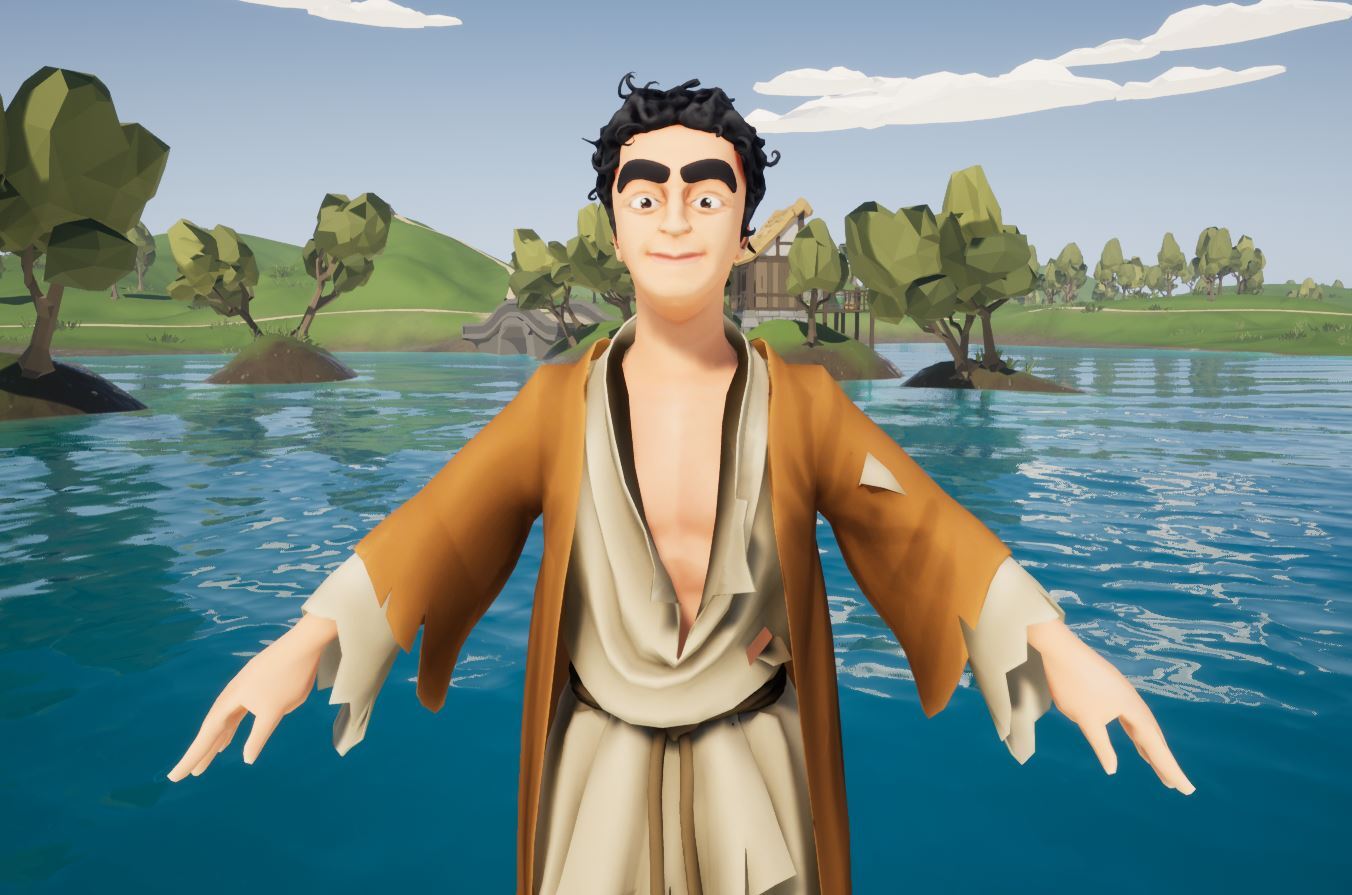
Recognise this creepy face? 👀
More characters to follow - let us know who you want to see in the game!
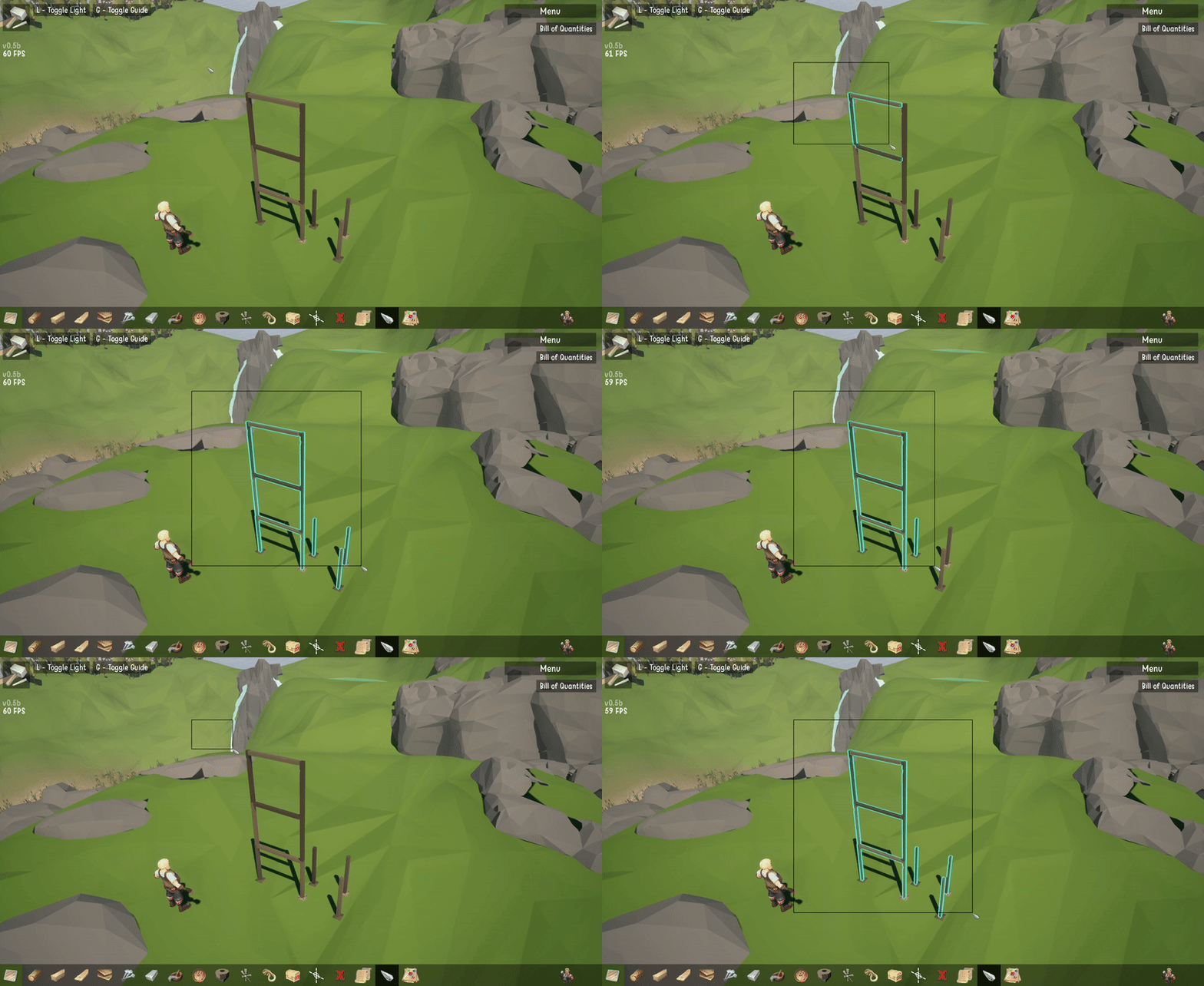
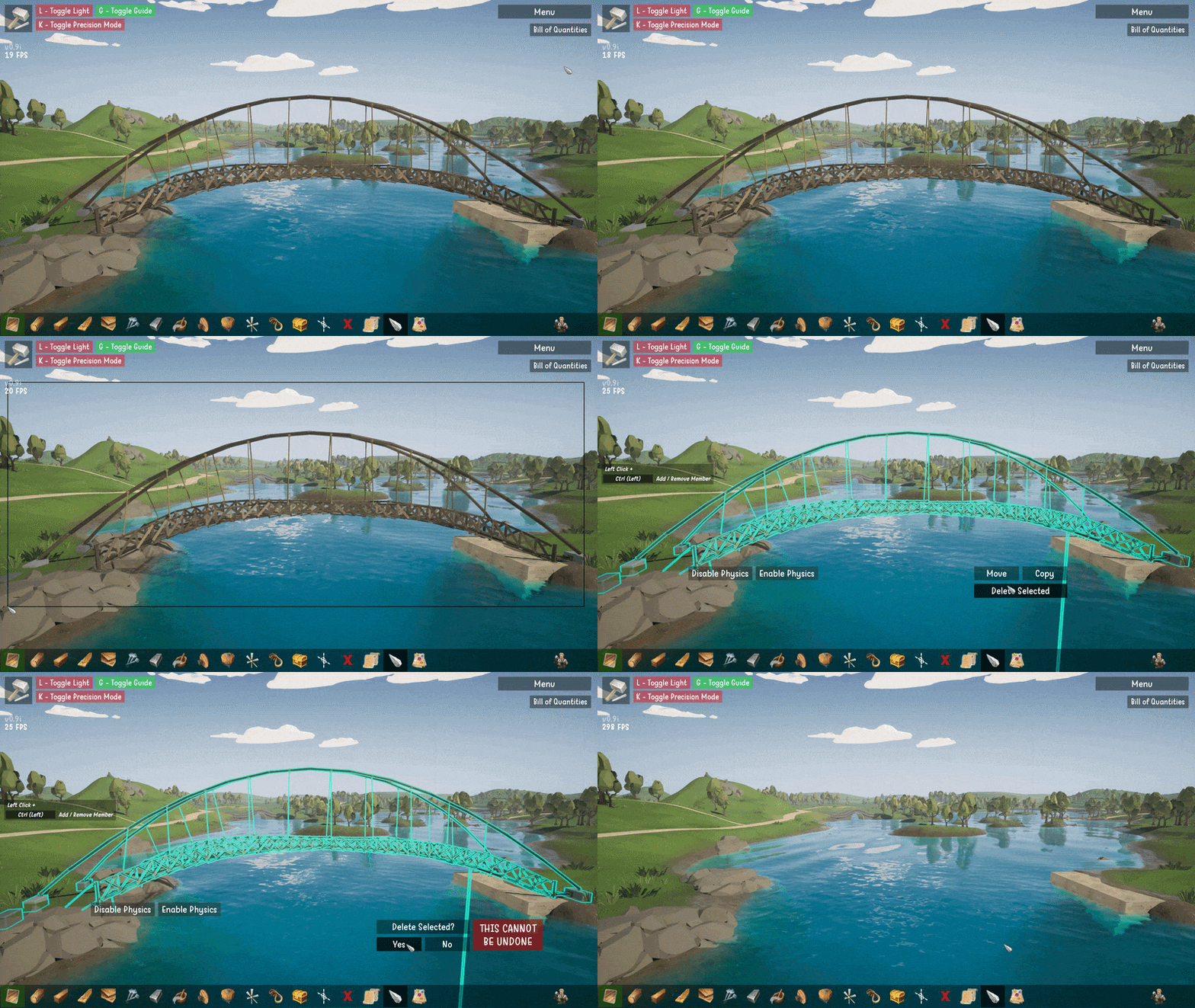
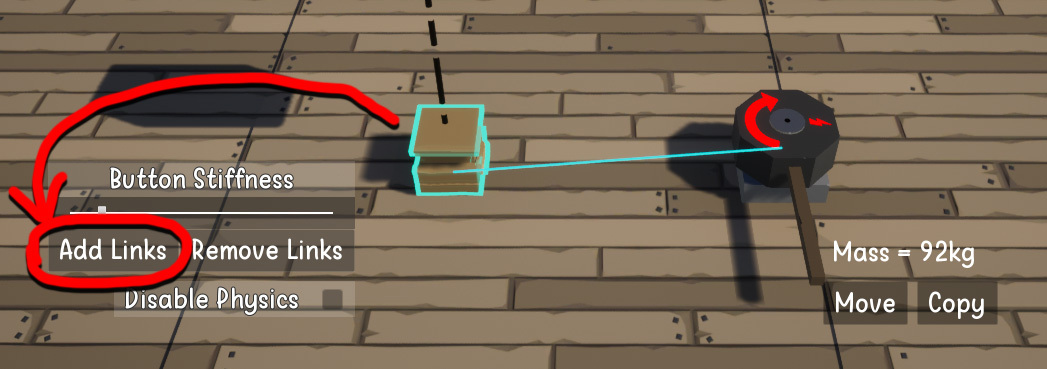
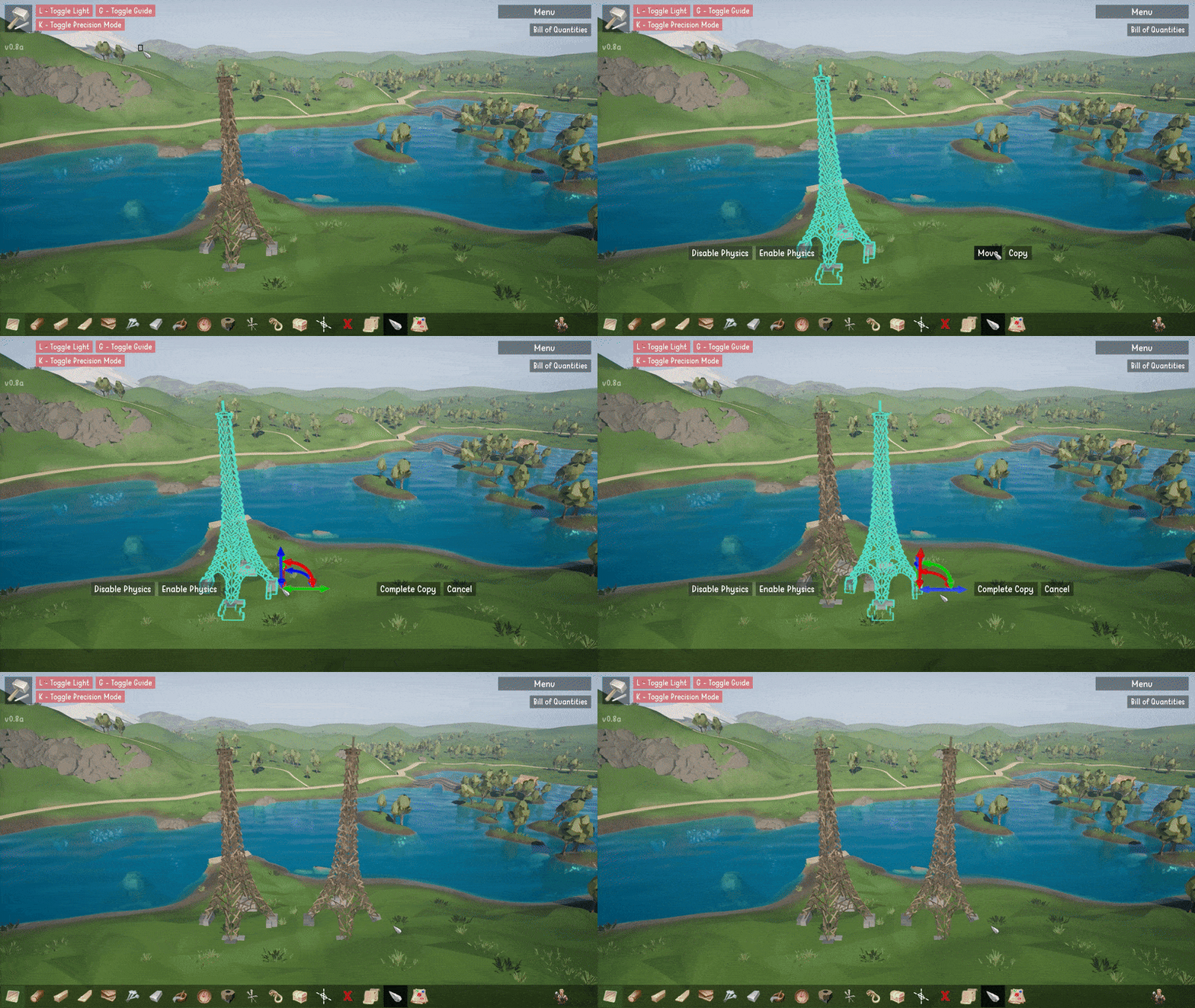
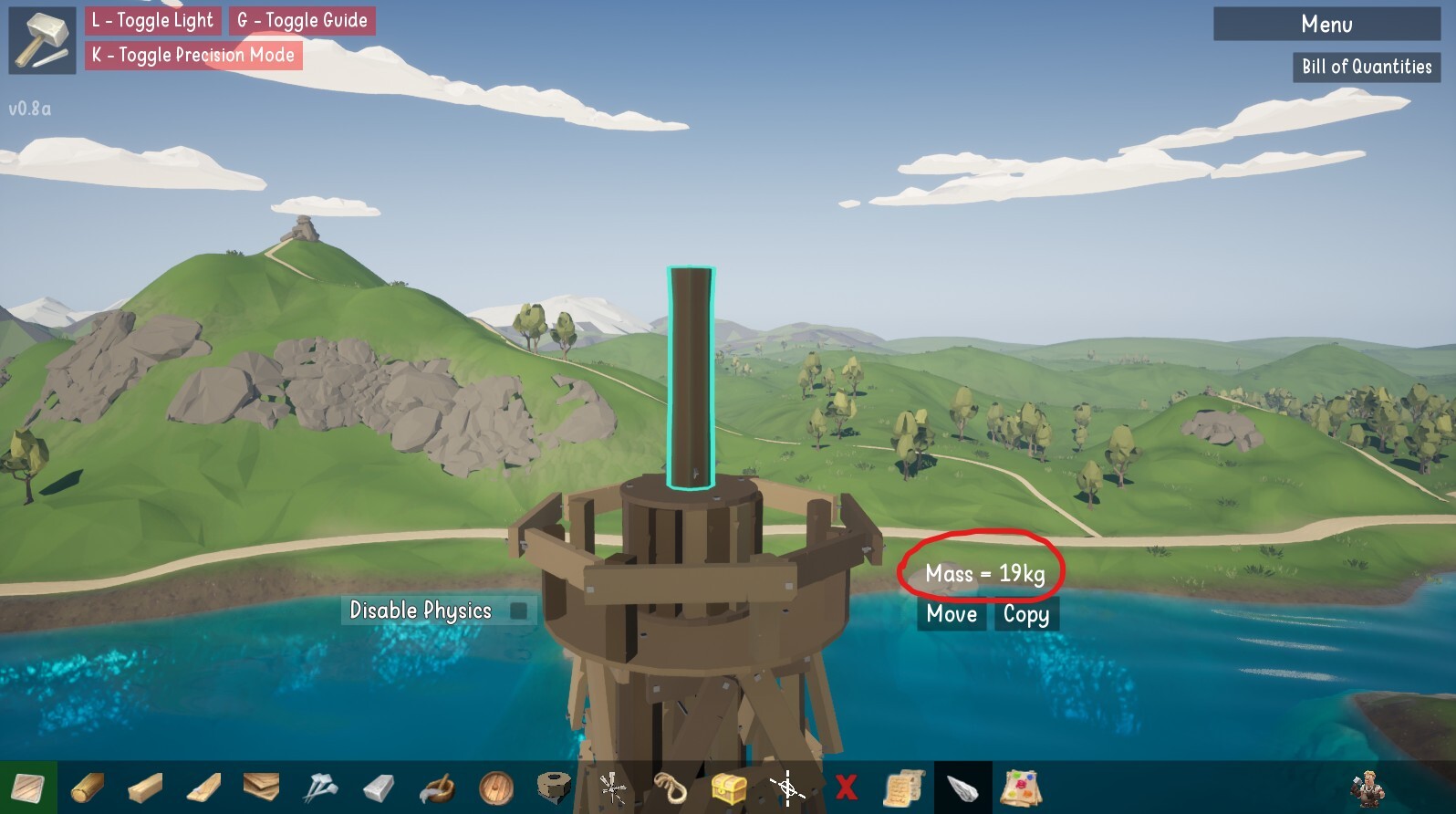
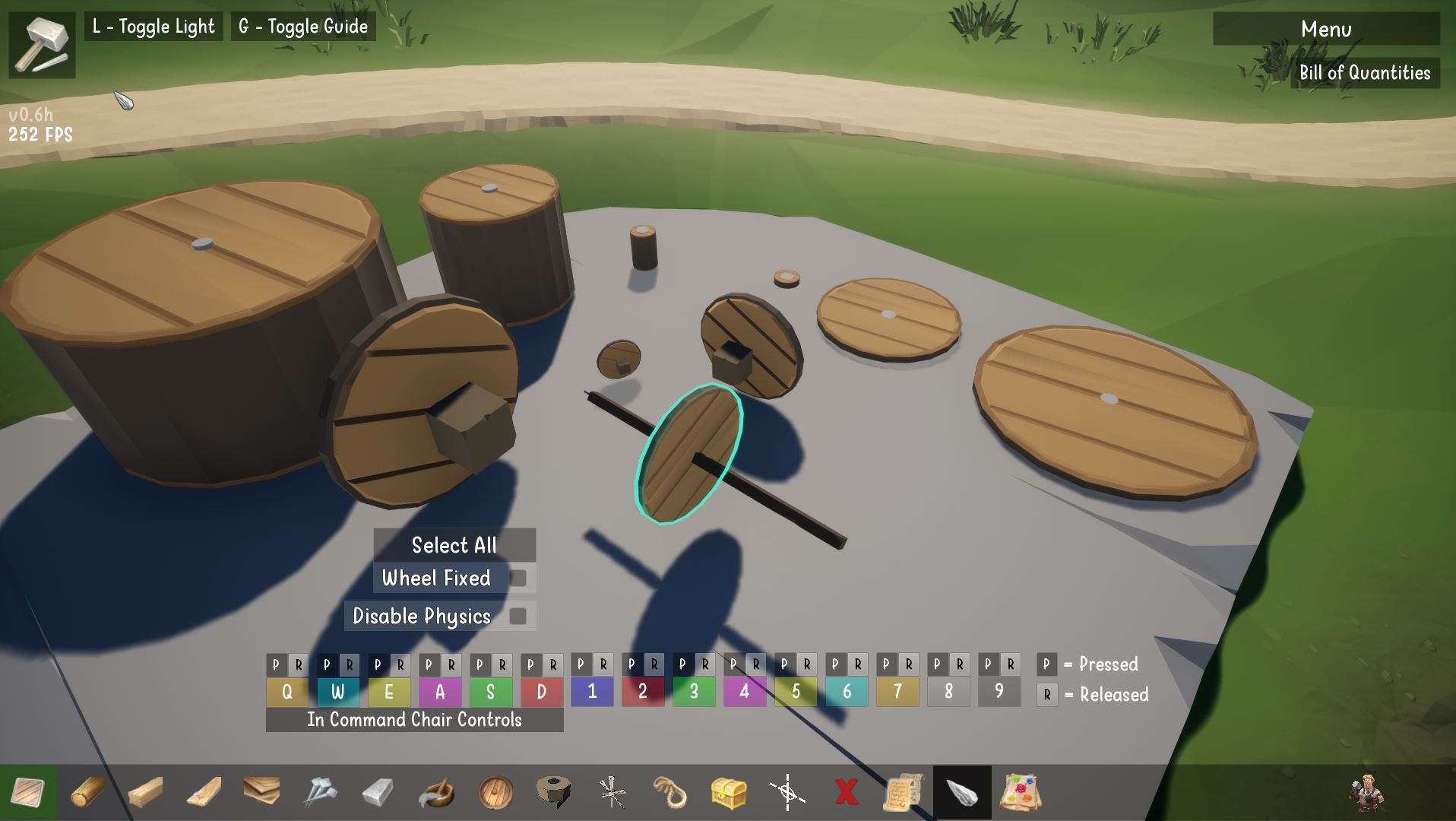
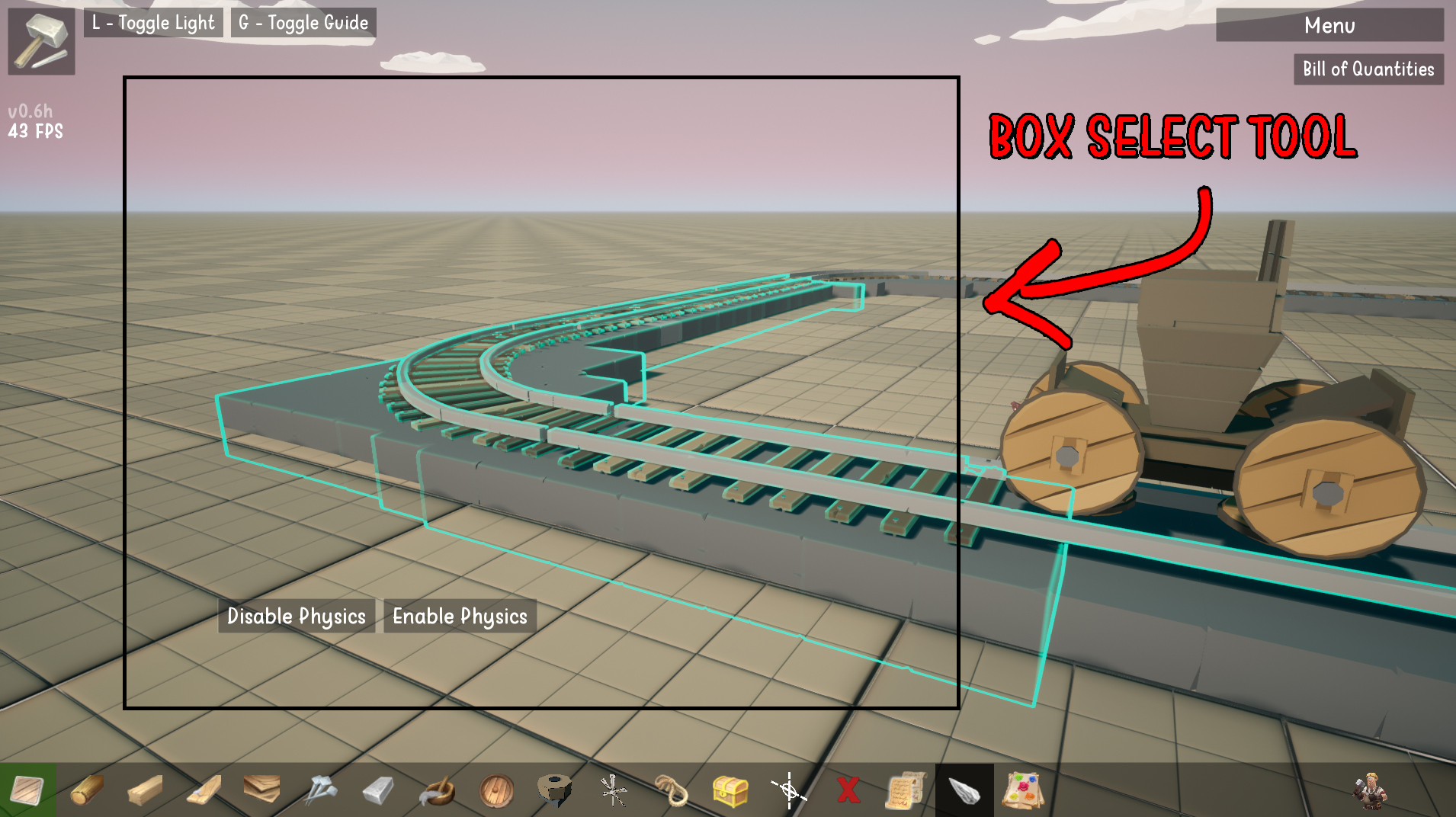 You can now use the select tool to select lots of items at the same time. At the moment, you can use this tool in sandbox mode to manually turn off physics for specific items. This makes things like building tracks, rollercoasters or certain structures easier (rock solid structures) while still having dynamic physics on moving parts (trains, vehicles etc.) There's also the added bonus of less items simulating physics = better performance!