Another colorful game from Infiland If you like the bright look and level-building side of The Colorful Creature, take a look at Super Brik Brik. It is a free brick-breaker coming to Steam on September 30. Aim the ball, control the paddle, and use good bounce angles to clear each
Another colorful game from Infiland
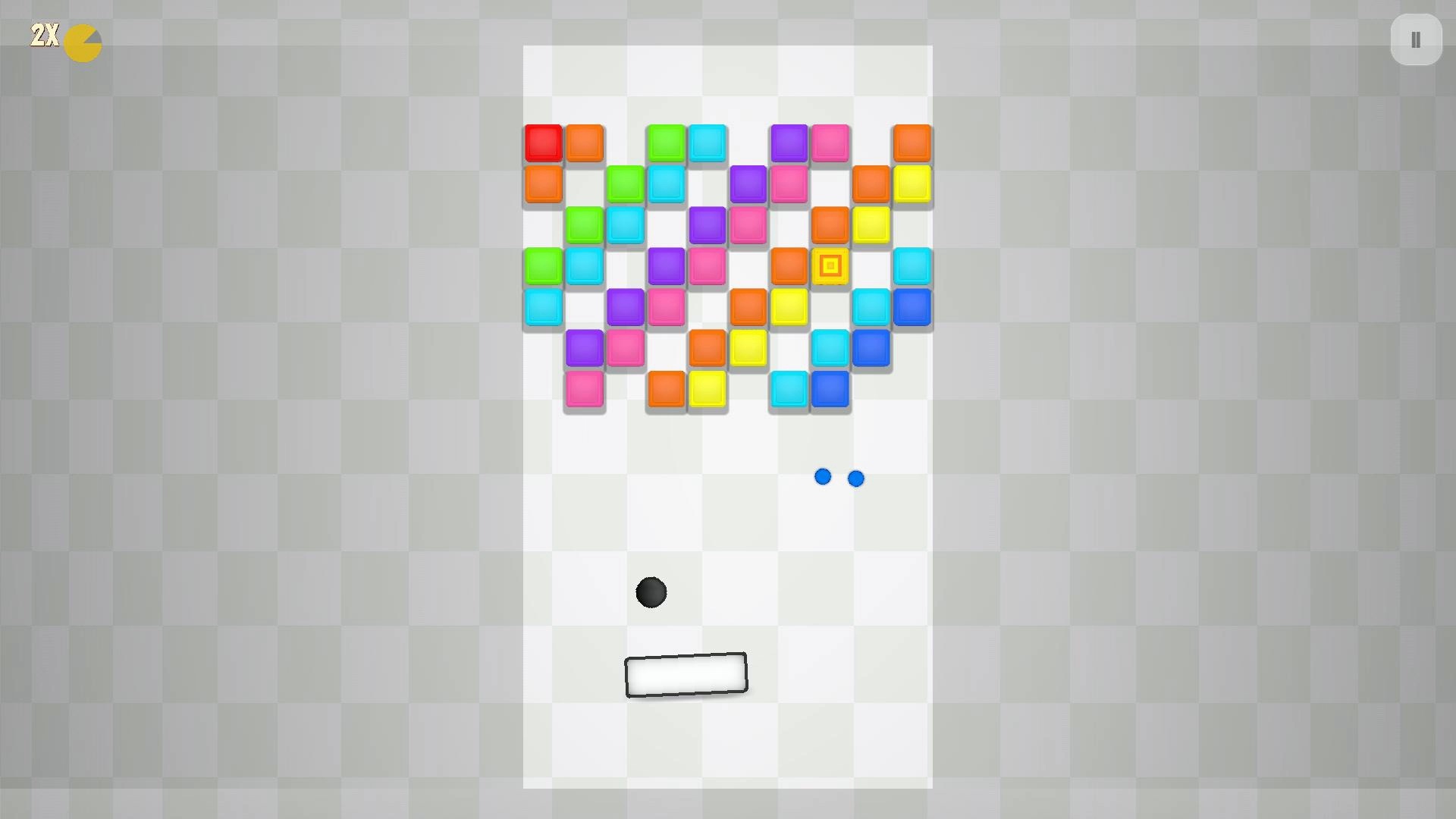
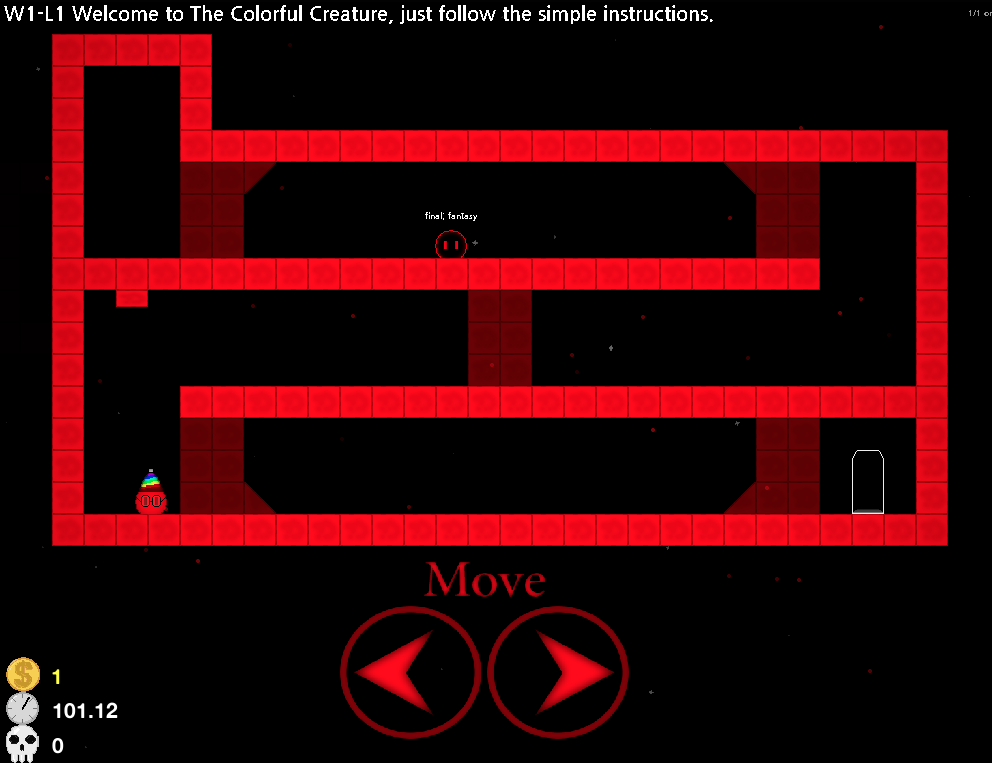
If you like the bright look and level-building side of The Colorful Creature, take a look at Super Brik Brik. It is a free brick-breaker coming to Steam on September 30.
Aim the ball, control the paddle, and use good bounce angles to clear each board.
What you can play
200 campaign levels with three-star scores
A new featured challenge each day
A skill tree with upgrades and powerups
Daily quests and Steam Achievements
A level editor for building, testing, and sharing levels
Community levels made by other players
Steam Cloud plus keyboard, mouse, and controller support
Wishlist Super Brik Brik now. On September 30, download it for free and give it a try.
The Colorful Creature 1.2.0 Happy 1st April! You probably thought that I left this game to die and vanish as if Thanos snapped his fingers to cut all development of this game. I was thinking for April to push a huge update to change that. What's a better way to update a game than
The Colorful Creature 1.2.0
Happy 1st April!
You probably thought that I left this game to die and vanish as if Thanos snapped his fingers to cut all development of this game. I was thinking for April to push a huge update to change that. What's a better way to update a game than to introduce multiplayer?
No, not that kind of multiplayer, I meant REAL ONLINE MULTIPLAYER. Just right click on someone in your friends list and just press 'Join game' while they are playing!
Features and bugfixes:
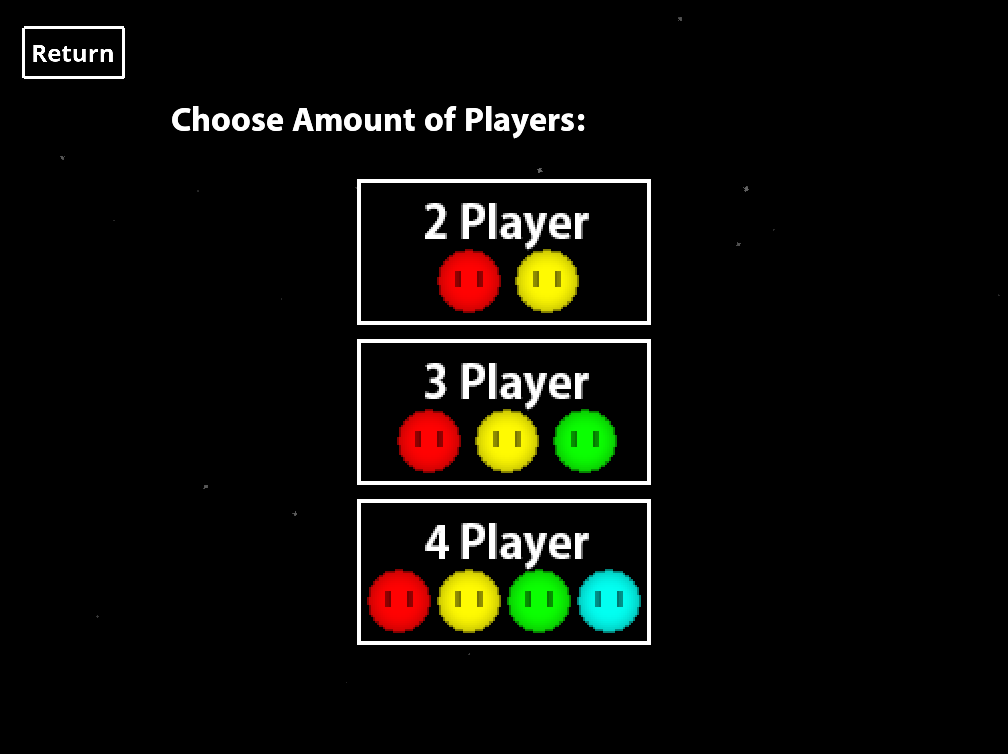
Online Multiplayer, right click on your steam friend in your friends list to join their game! Or just hop in a game and have friends join you! You may have as many players join the lobby as you want! (actually, up to 8 players, but you have a slider which goes up to 256)
Steam Workshop inside of the game, you can now search and download levels in the game
Community Challenges, make and create community challenges and complete them to get diamond medals
Workshop Endless Run: You will now get a queue of online levels when choosing this endless run gamemode. Start with 10 lives.
Translation update, all narrator text has been updated in all languages, translations that were missing in other languages are now fully translated
News Viewer, see the latest news inside of the game without redirecting to steam
You can now join any challenge in level select, rather than the first 100 levels in the main game.
Better custom levels menu
Badges work again!
Settings and stats overhaul
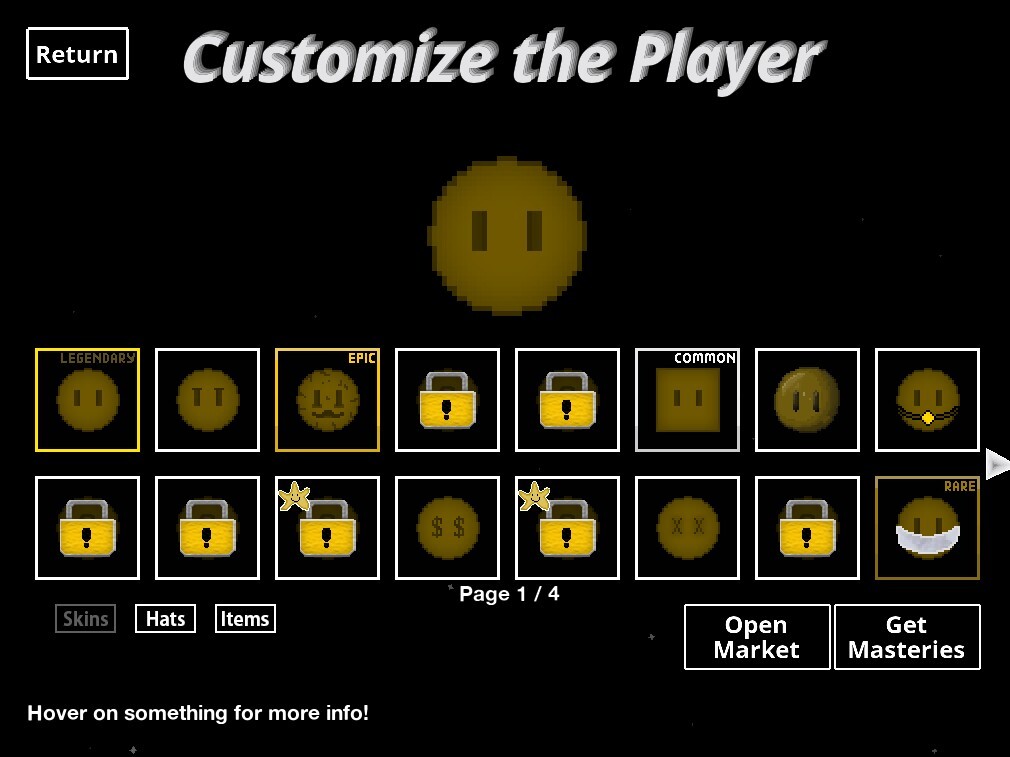
Custom skins support with animations
Android updated from 1.0.1 to 1.2.0 (Android doesn't have workshop or online multiplayer)
1.2.1 and future
Ability to join online lobbies inside of challenges and custom levels, at the moment this doesn't work yet.
Expanding level select to work for custom challenges
This isn't a April fools joke, but I would very much like it to be, so there's a april fools joke event currently in the game.
I don't care if this game doesn't make money, it's a part of my game dev journey and there are still players who enjoy this game, some surpassing over 100+ hours of playtime. Have fun!
Discounts will be applied across all my games on 1st November (8:00 CET), in remembrance of the 16 victims of the Novi Sad tragedy. The following discount are: The Colorful Creature (50% OFF ON EVERYTHING) View game page View game page View game page Asteroids ++ (50% OFF ON EVER
Discounts will be applied across all my games on 1st November (8:00 CET), in remembrance of the 16 victims of the Novi Sad tragedy.
Please consider wishlisting anything you want to buy in the future, you will be notified the exact time the discounts are applied. Discounts last for 7 days.
Note: Digital items, like skins in TCC, credits and weekly planets in Asteroids ++ are not under discount during this promotion period.
Updated the engine to GM2024.14 Note: In the update I noticed the game receiving huge changes in game size, not sure what is going on there, probably the engine doing different compilation. This engine update is a few months apart from the previous engine update so I would apprec
Updated the engine to GM2024.14
Note: In the update I noticed the game receiving huge changes in game size, not sure what is going on there, probably the engine doing different compilation. This engine update is a few months apart from the previous engine update so I would appreciate if anyone has the time to test the game closely in case of a possible bug
Hi everyone, Infiland here, I'm writing this to let people know something. Asteroids ++ and The Colorful Creature will continue to support Windows 10 , despite it’s deprecation today. I will announce when those games will be out of support, the major factor would be GameMaker sud
Hi everyone, Infiland here, I'm writing this to let people know something.
Asteroids ++ and The Colorful Creature will continue to support Windows 10, despite it’s deprecation today. I will announce when those games will be out of support, the major factor would be GameMaker suddenly abandoning this OS.
Since The Colorful Creature is open source, you may still download old releases for their support, but note that online features won’t continue to be supported on old versions of the game and may not work
As for Monophobia Echoes, the next game we are working on, it may ultimately depend on the release of the game, as it will likely take years to finish, but if Windows 10 by then is no longer a major windows version, then it may be deprecated.
If you ask me, my recommendation is to jump ship to Linux if you don’t want to upgrade. Linux will always be supported by me as the Linux marketshare is increasing and is at all time high. This includes Steam Deck players.
- Fixed one way blocks (facing up) not being able to be recognized by the player sometimes - The troop will no longer go through the one way blocks (facing up) Thanks Lovan for reporting these bugs
- Fixed one way blocks (facing up) not being able to be recognized by the player sometimes - The troop will no longer go through the one way blocks (facing up)
This has been made by devcey, this is his blog on this project that he did for this game, which is incredible, I had to share it! You can check out the blog on infi.land here. How I made 'Bad Apple !! in The Colorful Creature' By devcey Greetings! If you're reading this blog post
How I made 'Bad Apple !! in The Colorful Creature'
By devcey
Greetings!
If you're reading this blog post, you've most likely seen my video on YouTube where I have recreated the entirety of the music video of Alstroemeria Records' 'Bad Apple !!' (feat. nomico) inside the Level editor of Infiland's game 'The Colorful Creature'. If not, then feel welcome to do so right here!
With this little blog post I want to explain how I got to the idea of actually doing this and describe all the individual steps of this project. I hope you'll enjoy reading along!
How did I get this idea?
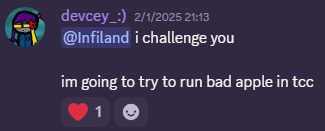
Sometime around late January/early February I had the itch to challenge myself with a little coding project that felt doable. I would still consider myself a fairly novice coder/programmer despite already slightly engaging in those fields for a couple of years by now. I stumbled upon the thought of implementing Bad Apple !! anywhere and upon expanding on this thought, I had decided to notify Infiland that I was going to start working on this. By promising him that I clearly wanted to make sure that I would actually get this done as one of my biggest problems with projects like these is that I don't complete them many times (slight foreshadowing of what is going to happen).
Procedure
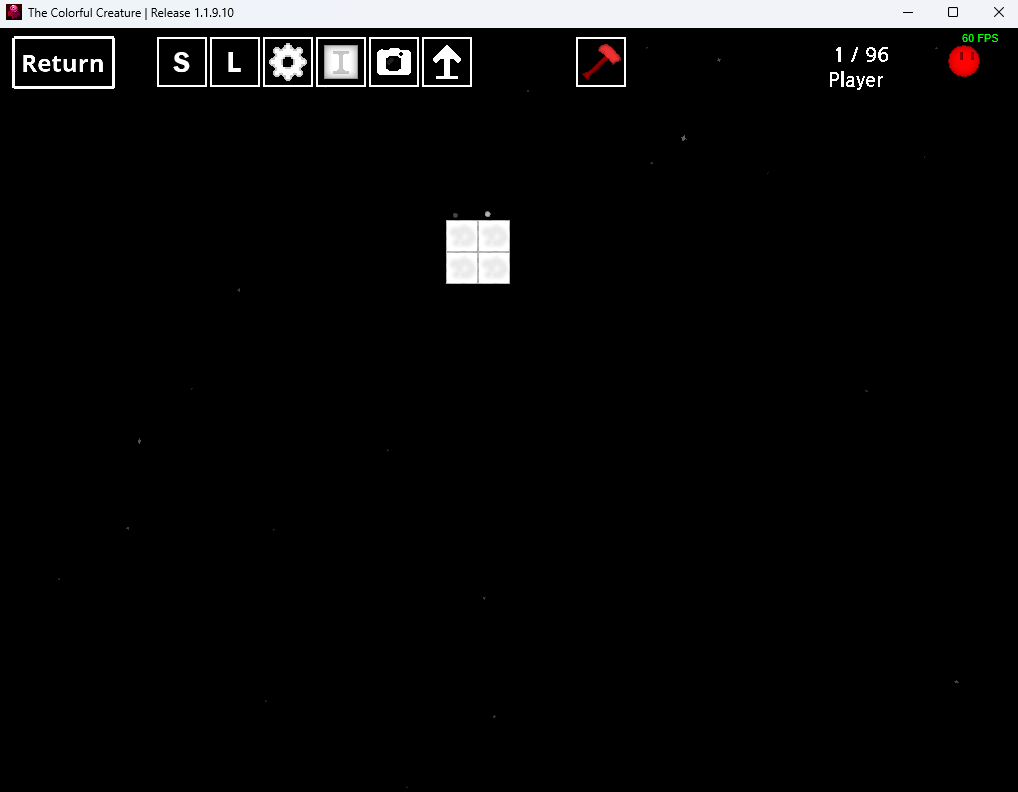
My rough idea was the following: I would use the Level editor as it can be used to display a level the size of 32x22 blocks. Since the background is black, black pixels can be displayed with no block, white pixels with white blocks. As simple as that. With a python script I would somehow generate a valid level file that can be loaded in the level editor, one for each frame of the video. Then I would load each level after level and speed up a recording of this process.
Preparing the frames
I started out with extracting all 6473 frames from an .mp4 file with the music video that I had already downloaded sometime ago. For this I used ffmpeg and ran this simple command: ffmpeg -i .\badapple.mp4 frames\frame-%04d.jpg This essentially extracts each frame and saves it as a .jpg file in a seperate dictionary called 'frames'. Every frame is appended by a 4 digit number of it's index. E.g.: 0001, 0002, ... 0727, 0728, ... 6472, 6473. Next up those frames had to be converted to sharp images that fit on the TCC level editor (32x22px in size), like this:
I had modified each frame using ImageMagick. This process took a lot of trial and error, but these following commands generated what I needed: magick.exe mogrify -resize 32x22 *.jpg //Used to simply downscale each image. magick.exe mogrify -colors 2 -colorspace gray -normalize -format png *.jpg //Used to apply a constrast of 2 grayspace colors, in order to eliminate any gray pixels
With this completed, the frames have been prepared.
Converting frames into readable TCC levels
Ok slight warning, this may become a little technical.
The next step was to create a script that would read those frames and create a file resembling the TCC level format. For this, the algorithm would have to read each pixel and based on its color and position, place a white block or leave it empty. For this we need to understand the TCC level format a little:
Judging by this file (frame-5874) it becomes very clear that the LevelEditor.sav file is just one big .json file listing each block using their x- and y-coordinates and the type of object it resembles. Because of this, we just need to write the basic structure into a .json file using our algorithm.
And this is exactly what I did: import os from PIL import Image
frameDirectory = "frames" jsonDirectory = "json"
for file in os.listdir(frameDirectory): jsonFile = open(f"{jsonDirectory}\{file}.json", "w") #create the json and start writing. jsonFile.write('{"ROOT":[') #append to the file
frame = Image.open(f"{frameDirectory}\{file}") #instantiate as image
for x in range(29): //max width. even though its at 32x22, this was set to 29 to keep the aspect ratio! for y in range(22): //max height pix = frame.load() if pix[x,y] >= 100: x_coord_int = x*32 y_coord_int = 64+y*32 x_coord = str(x_coord_int) y_coord = str(y_coord_int)
It's not the cleanest code but what this file essentially does is to loop through every image in my frames folder, create a valid LevelEditor.sav for it until there are no frames left to process. For reading the image, I imported PIL from the Image library. It checks through each pixel using an if-statement which checks for the brightness of the respective pixel. If it is bright enough, an object is added.
There is one bug in this script - if one frame is completely dark (as in, there are no white pixels) then it creates an invalid file. This is because an object is always created with a comma in the end, however this comma must be removed for the last object. So I made the script always remove the last symbol before closing the list of objects. This causes a syntax error and requires a manual fix. - Why didn't I add another if-statement regarding the type of symbol the last symbol is? I don't know, I was just lazy, haha.
Looping through all level files
What was essentially left was to load all the level files we just created into The Colorful Creature. At first I would have believed I'd have to create a sort of cursor macro which clicks on the load button and selects the correct level, which would have constantly made the screen darken and light up again.
Fortunately, Infiland stepped in and updated The Colorful Creature JUST for my sake. By adding the CTRL+L shortcut, you can now reload your currently loaded level instantly. This means that essentially we only need our reload macro to press CTRL+L and we're good.
So I created load_levels.py: import pyautogui #used to mouse click import shutil import os import time
pyautogui.keyDown("ctrl") for file in os.listdir(levelDirectory): start = time.time() shutil.copy(f"{levelDirectory}\{file}", tccLevel) end = time.time() elapse = end - start time.sleep(0.3 - elapse) # Ensure consistent timing, original value was 0.03, might need adjustment pyautogui.typewrite("l") #pyautogui.click(955,265)
pyautogui.keyUp("ctrl")
What this does is to essentially loop through every LevelEditor.sav we've created, copy it into the TCC level directory while keeping its name "LevelEditor.sav". While it constantly holds CTRL, it presses L after each paste. In order to keep it constant, a sort of timer is applied which makes sure the same amount of time passes between two levels, as copying and pasting a level that is 110 bytes small needs less time than one that is 15 kilobytes large.
So all we need to do is to run this file, focus the TCC window and let it do it's job, all while recording our screen. Then we need to edit the recording by speeding it up to match the original video.
Except, the game would constantly crash. I've not been able to figure out the issue so what I did is to just redo the level loading process but with starting at a later frame that I've already loaded before.
So by mixing together multiple recordings and speeding them up, we receive the end result. Please do not look at the clock in my recording :)
Conclusion
So there we have it. The music video of Bad Apple !! inside the video game The Colorful Creature. It's not like this project is intended to save the world, but hopefully someone had a good chuckle about it. I surely did! Goodbye and I'll see you when we get Bad Apple !! in Asteroids++!
Update on Games during the sale, and 15th March TCC The Serbian flag hat will be free to unlock, forever from 15th March TCC will be on sale 40% for a week tomorrow on sale (OST is 30%, Super OST 25%) Asteroids ++ All campaigns will be UNLOCKED on 15th March for free for everyone
Update on Games during the sale, and 15th March
TCC
The Serbian flag hat will be free to unlock, forever from 15th March
TCC will be on sale 40% for a week tomorrow on sale (OST is 30%, Super OST 25%)
Asteroids ++
All campaigns will be UNLOCKED on 15th March for free for everyone to try (1 DAY ONLY)
Pluto, The Sun and the red moons will be on sale at 10% for a week tomorrow on sale (OST is 20%)
Remove twitter social Update all languages to be fully compatible (German, French, Italian, Spanish, Hungarian, Turkish, Croatian/Bosnian, Portuguese, Czech, Chinese, Slovenian, Ukrainian, Japanese, Romanian, Macedonian, Serbian (cyrillic and latin), Greek) Remove Infiland Locali
Remove twitter social
Update all languages to be fully compatible (German, French, Italian, Spanish, Hungarian, Turkish, Croatian/Bosnian, Portuguese, Czech, Chinese, Slovenian, Ukrainian, Japanese, Romanian, Macedonian, Serbian (cyrillic and latin), Greek)
Remove Infiland Localization tool from the program
You can now press S and L to save and load in level editor
When playing a workshop level, if the narrator text is too long then it would go to the new line In level editor, narrator text is now in the correct font
Fixed issue with camera not working in big workshop levels
Updated game engine to GM2024.11, which allows for official Windows ARM support , the new engine version allows better integration for web games, I am looking to make it possible for the playable demo of TCC to be ran on Fixed issues where if the game restarts there could've been
Updated game engine to GM2024.11, which allows for official Windows ARM support, the new engine version allows better integration for web games, I am looking to make it possible for the playable demo of TCC to be ran on https://infi.land
Fixed issues where if the game restarts there could've been possible memory leaks
Updated Steamworks to 1.60, which now allows the use of timelines when using steam recording. Fixed skin masteries, now skins are correctly received and shown in the game! Renamed the toilet skin New Store The Store has gotten a small makeover, now it is a list instead of being g
Updated Steamworks to 1.60, which now allows the use of timelines when using steam recording.
Fixed skin masteries, now skins are correctly received and shown in the game!
Renamed the toilet skin
New Store
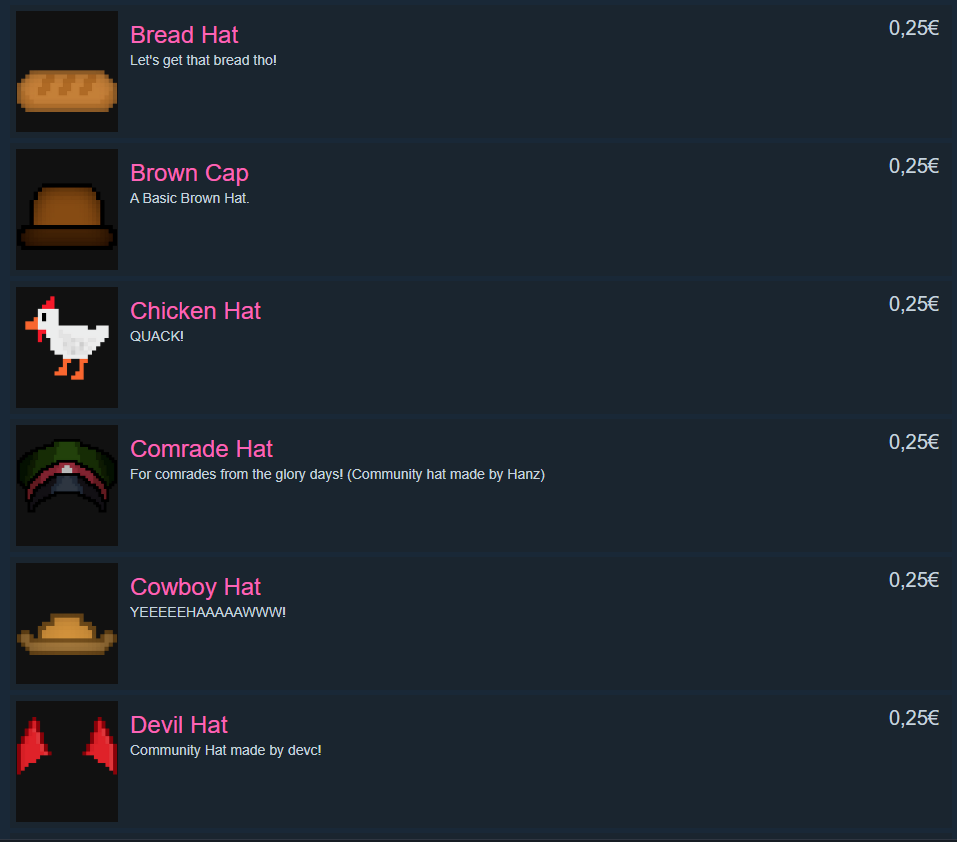
The Store has gotten a small makeover, now it is a list instead of being grid based, check it out!
You can now add liquids in level editor (again!) Updated Engine to GM2024.8.1 Fixed CTRL + Restart for challenges Fixed menu issues related to popups Removed obsolete extensions Added shortcut for changing category in level editor (up and down)
You can now add liquids in level editor (again!)
Updated Engine to GM2024.8.1
Fixed CTRL + Restart for challenges
Fixed menu issues related to popups
Removed obsolete extensions
Added shortcut for changing category in level editor (up and down)
Added an option to select hardmode in level select, only available if players have beaten the game once (thanks Spoicy) Updated engine from GM2024.6 to GM2024.8, allowing for the ability to add UI flex panels Updated steamworks API Improved textures (mainly the background texture
Added an option to select hardmode in level select, only available if players have beaten the game once (thanks Spoicy)
Updated engine from GM2024.6 to GM2024.8, allowing for the ability to add UI flex panels
Updated steamworks API
Improved textures (mainly the background textures, title screen, UI, and the gun item), which leads to better loading times and smaller game file size
Fixed some typos
Updated the scribble text engine from 9.0 to 9.3
Fixes crash if quests don't exist
Updated "current players" functionality
Added avatar icons next to each leaderboard entry (similar to how asteroids ++ looks like), however mini leaderboards dont show avatars (may do that in 1.1.9.6)
LINUX: Fixed startup on steam on different library configs
Fixed one way down blocks (Thanks EUBaltic) Updated all information on various platforms Updated the native linux version from 1.0.3 to 1.1.9.4, and this version is the fastest one that was ever on linux! Try it out and give me feedback!
Fixed one way down blocks (Thanks EUBaltic)
Updated all information on various platforms
Updated the native linux version from 1.0.3 to 1.1.9.4, and this version is the fastest one that was ever on linux! Try it out and give me feedback!