DesktopMMD3:Miss Fish

XDesktopSoft

Released
Jan 21, 2021
Platforms
Last updated
Wishlist on SteamAdd it on the Steam store page. Opens in a new tab.

Updates & announcements

12 posts
  1. Developer post

    [Version update] Optimize the loading speed of model and dance list UI

    When there are too many models or dances in the Installed list, in the previous version, the speed of switching models or dancing UI was too slow or even stuck for about a second. After the deep optimization of this version, no matter how many models dance in the Installed list,

  2. Developer post

    [FREE UPDATE] DesktopMMD4 Released! It's time for dance again now!

    If you have purchased DesktopMagicEngine or DesktopMMD3 then it will be given to your library for free. IT'S TIME FOR DANCE AGAIN NOW! DesktopMMD4 is mainly born to solve the clip through problem of the previous version of the model and the inability to directly import VMD dance

  3. Developer post
  4. Developer post
  5. Developer post

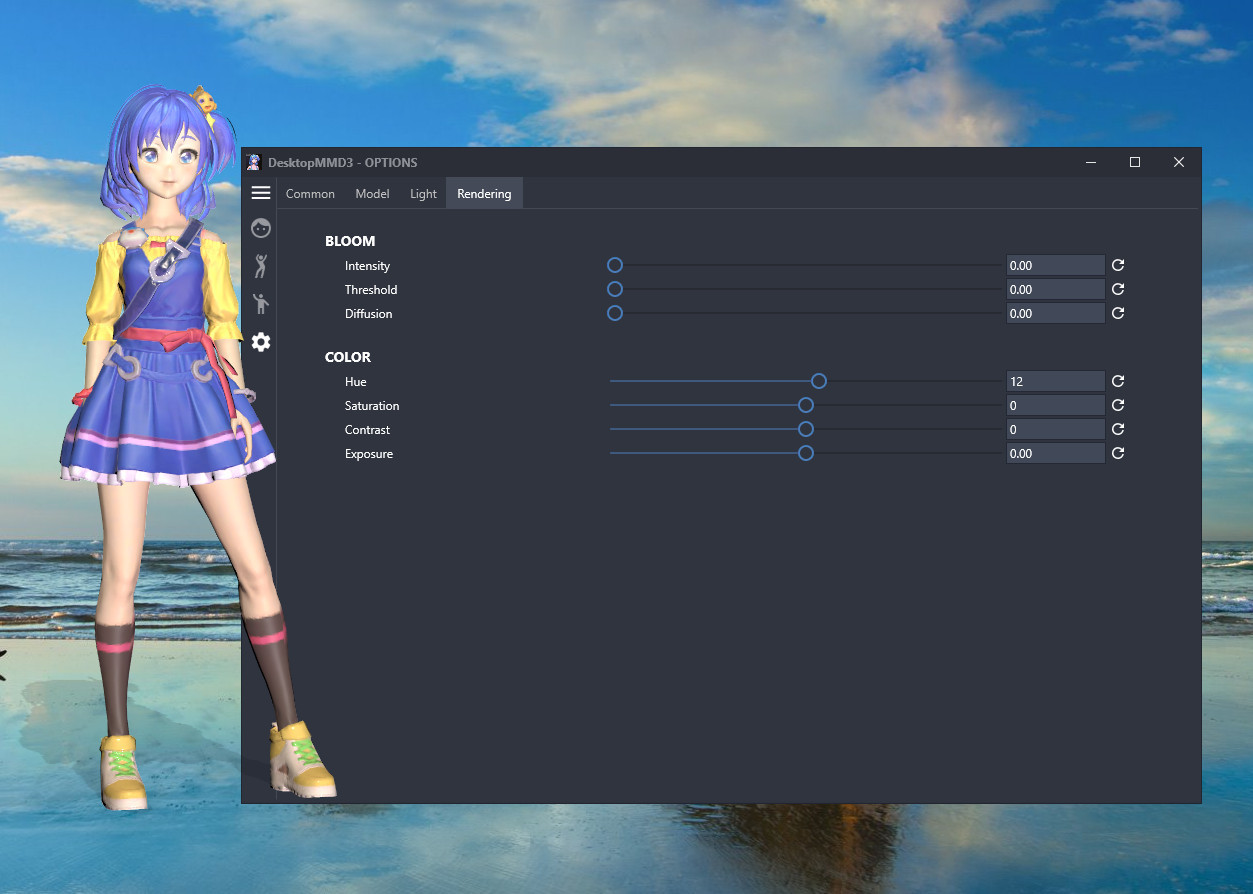
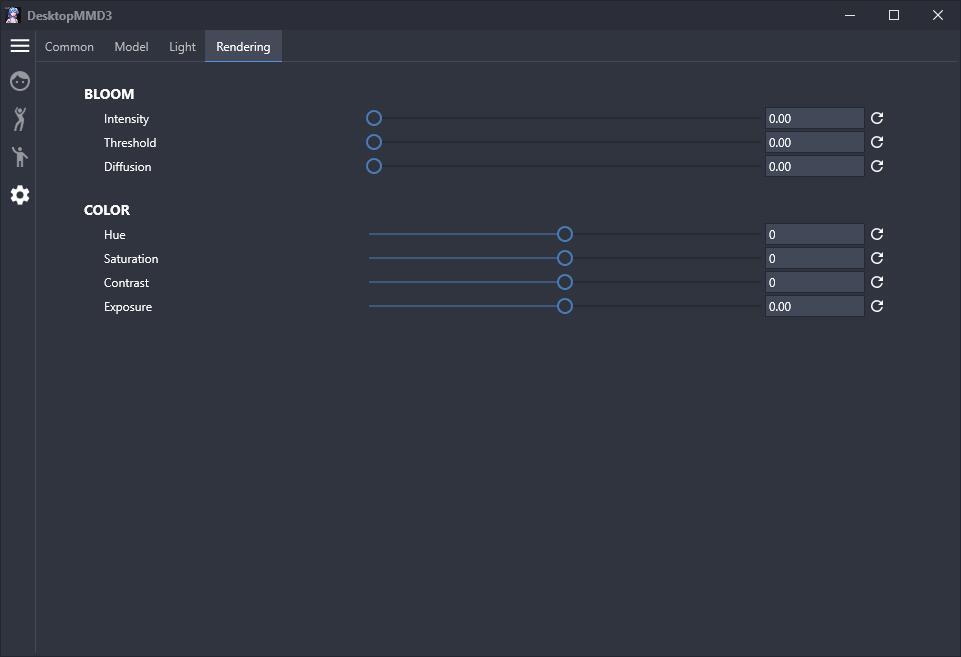
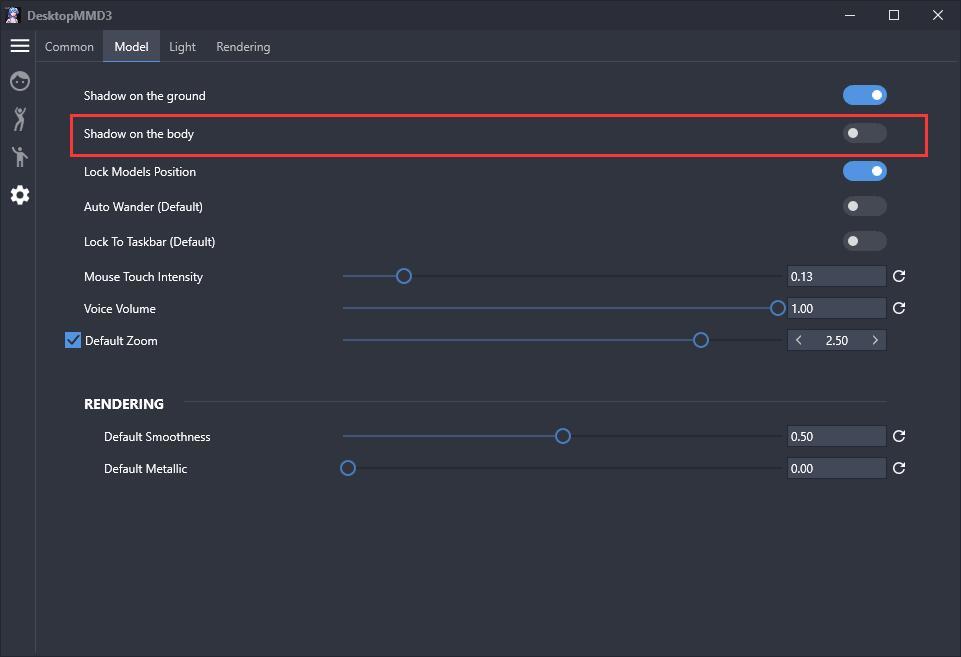
    Improve physical effect,Add rendering settings,Add disable shadow on body option

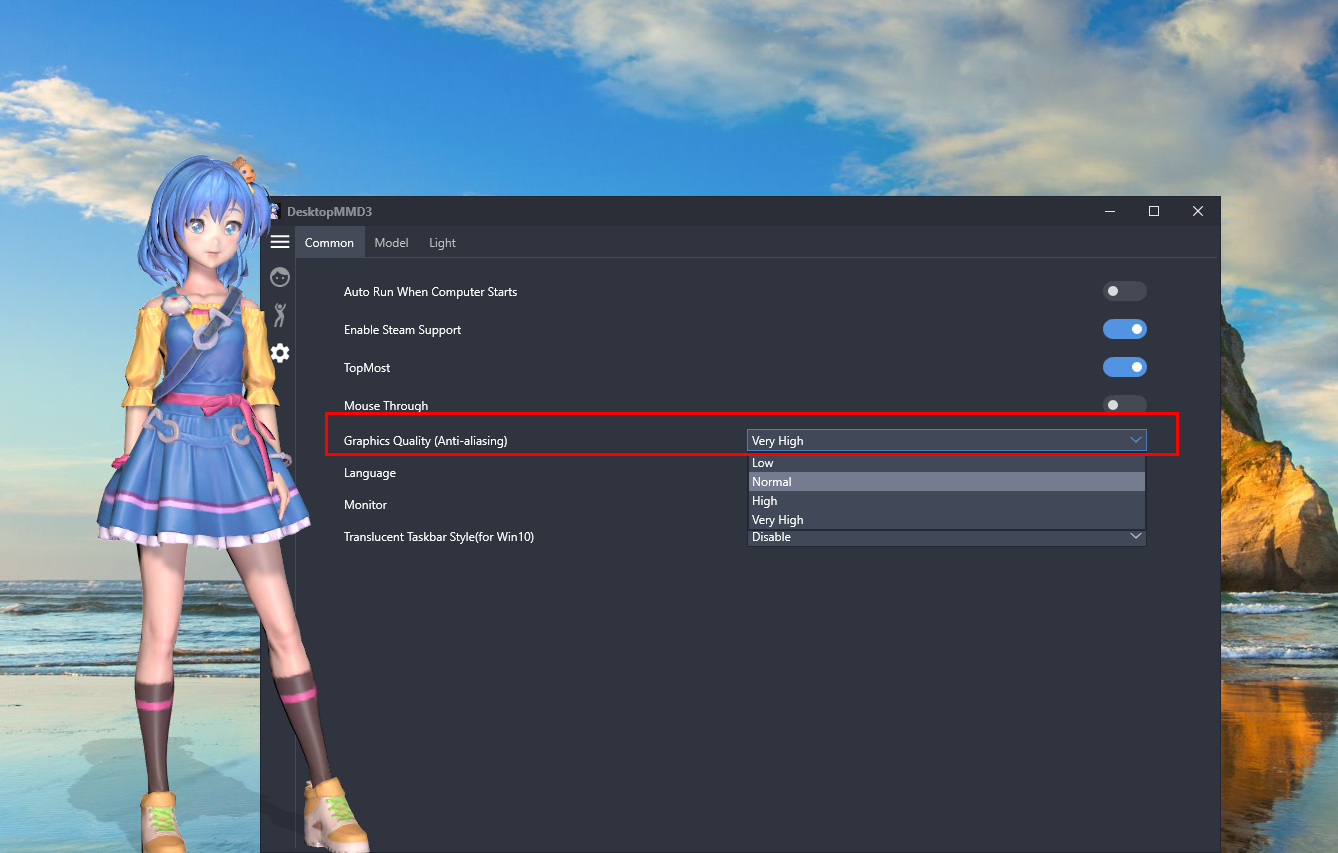
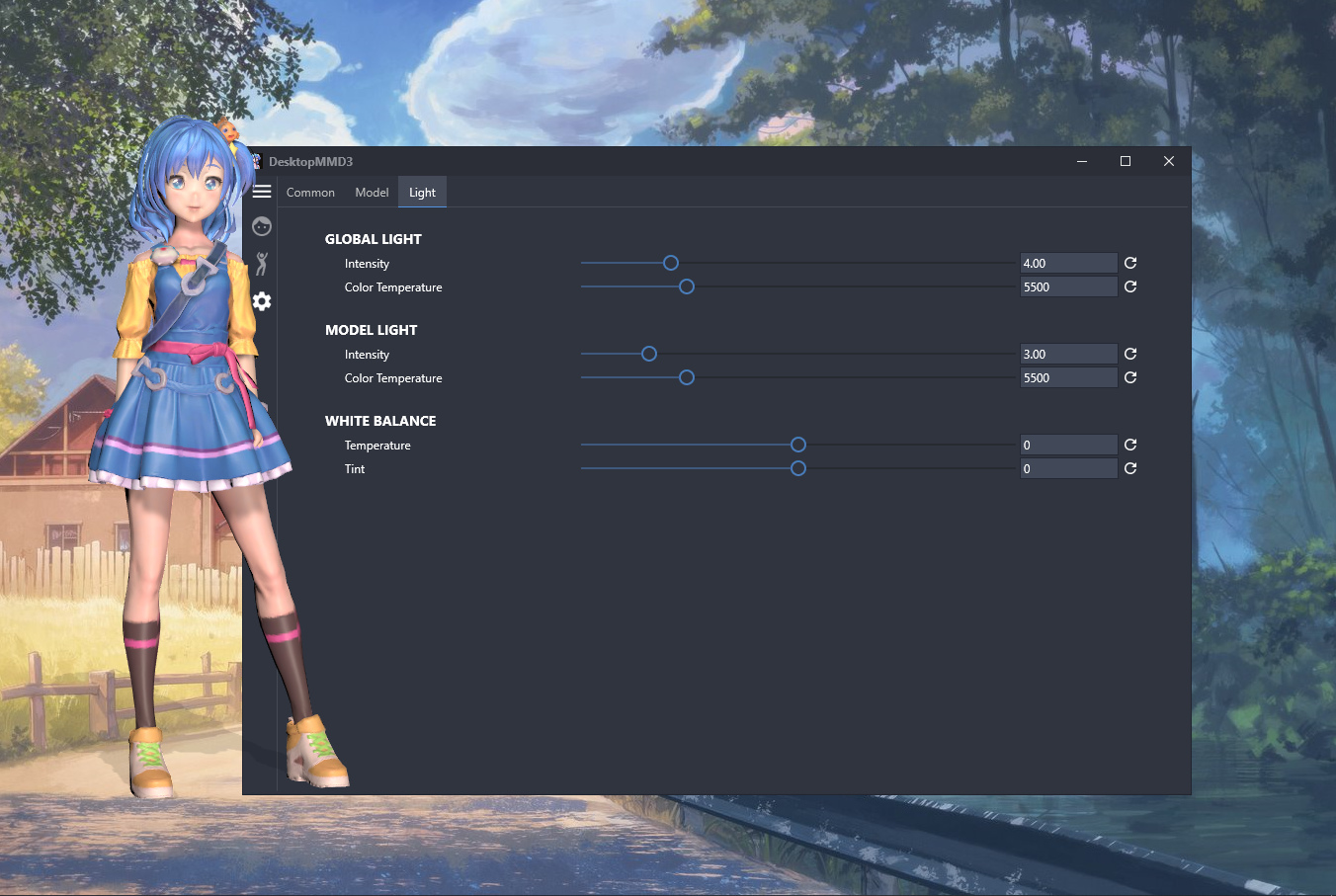
    Added rendering settings page: Settings>Rendering page adds color adjustment/saturation/contrast/exposure/bloom options. Added the option to disable the shadow on the body: The option "Settings>Model>Shadow on the body" has been added, which can make some models whose fa

  6. Developer post

    Touchable Lover - DesktopMMD3:MissFish Now On STEAM

    Touchable Lover - DesktopMMD3:MissFish Now On STEAM The difference between DesktopMMD3 and DesktopMagicEngine 1. BRAND NEW Next-Generation HD Rendering Engine, make the models render more realistic and high visual fidelity: 2. BRAND NEW Model Customization Module, supports custom

  7. Developer post

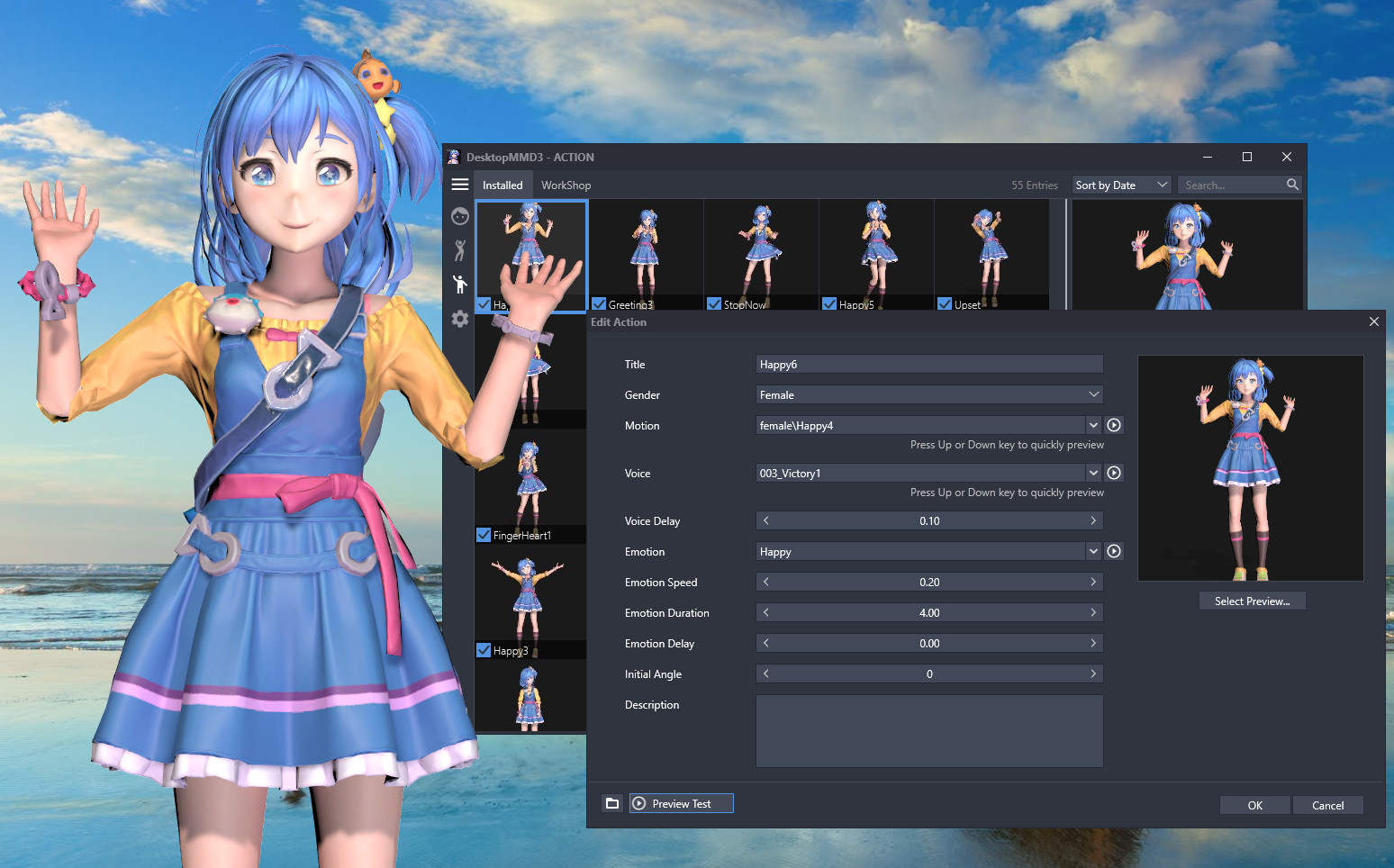
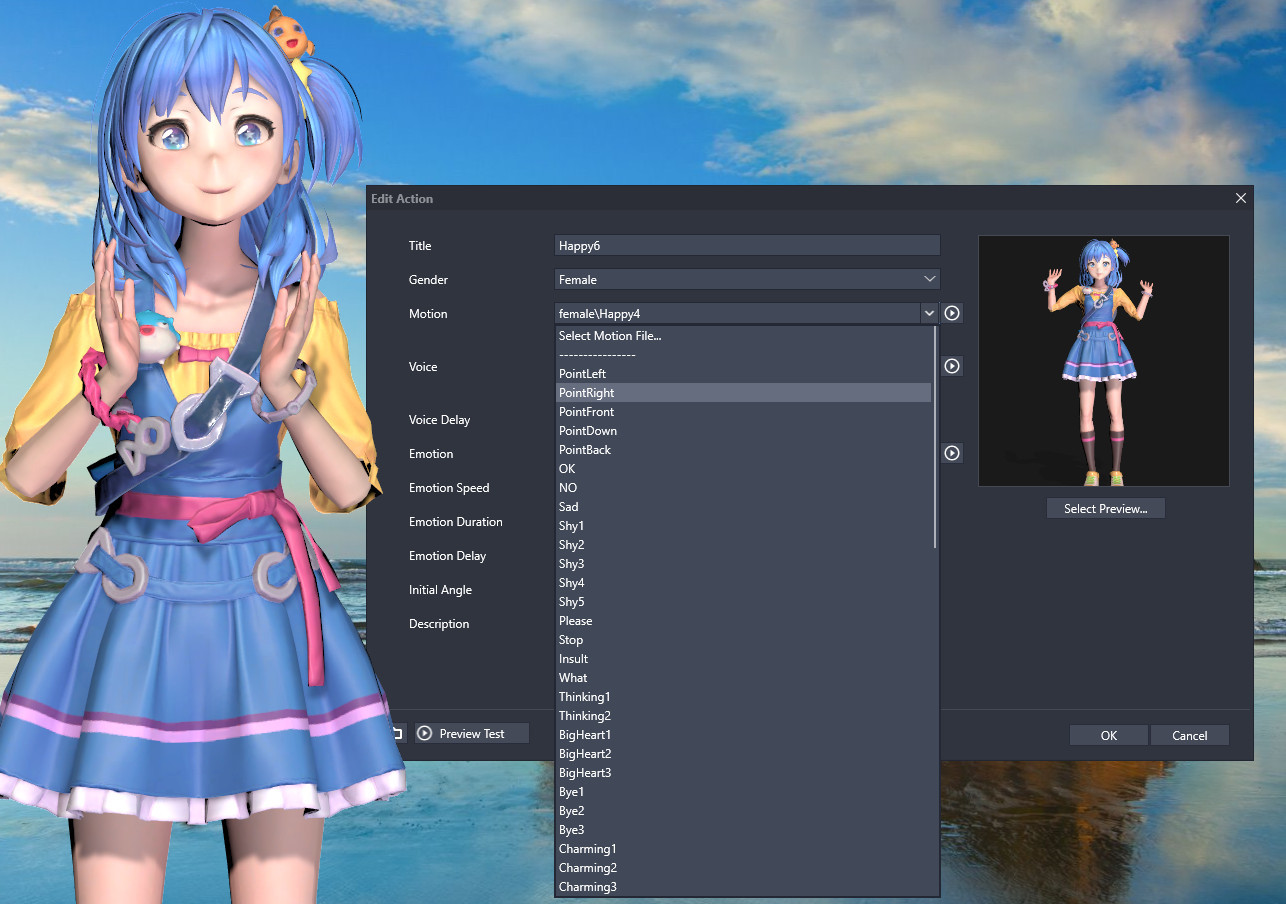
    Add NEW Action Module, Support Custom Motion, Voice and Emotion, Support LipSync

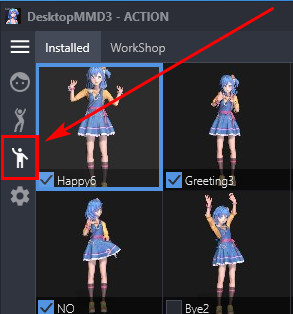
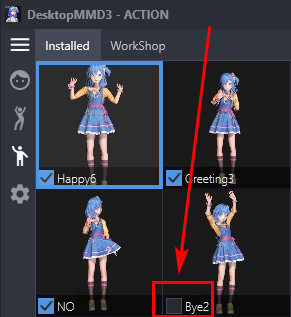
    Add NEW Interactive Action Module, Support Custom Motion, Voice and Emotion, Support LipSync,Support STEAM Workshop Where is the Action Module? Click the DMMD3 tray icon (next to the WIFI icon in the lower right corner of the screen) to open the management UI , click the third bu

  8. Developer post

    Add Mouse Move Touch Function,now you can touch your girl :)

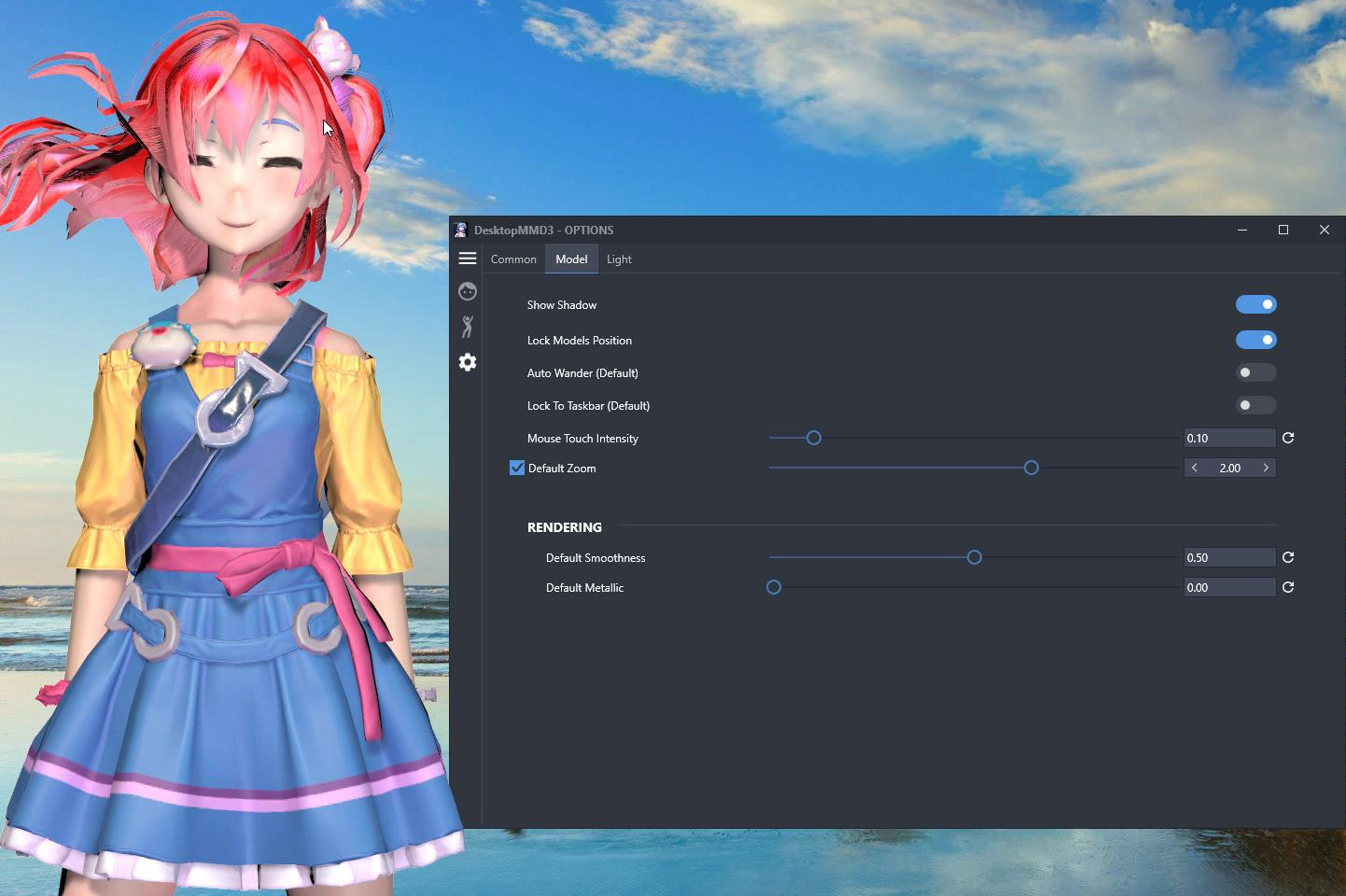
    Add Mouse Move Touch Function,now you can touch your girl: When the mouse moves over the model's hair or skirt, there will be a touch effect, making the hair or skirt flutter. You can adjust the mouse touch intensity in the settings page. Default Model support touch hair and shir

  9. Developer post

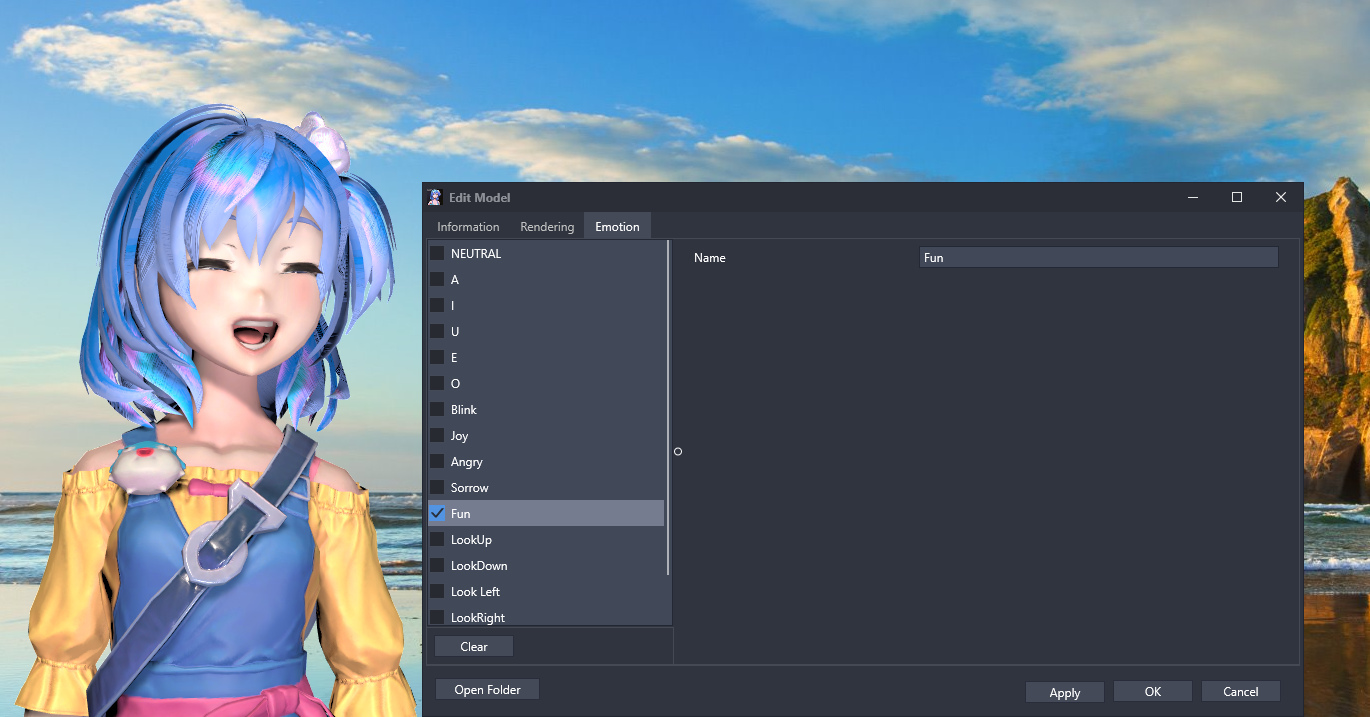
    Add support for model emotion customization

    "Edit Model"->"Emotion" List all emotions supported by the model, You can check the emotion and preview it immediately and set the emotion as the default emotion.

  10. Developer post

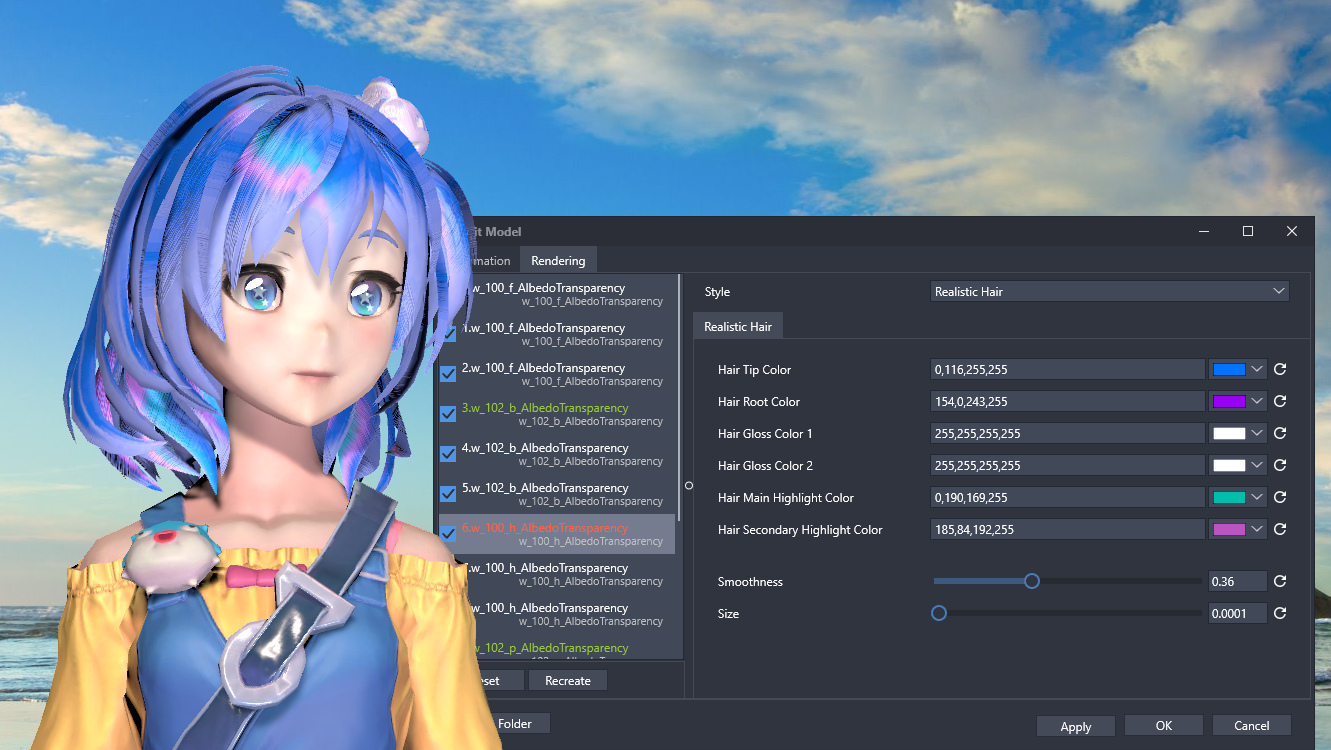
    Add Realistic Hair Customize Rendering Module

    Add Realistic Hair Customize Rendering Module Edit the model and switch to the "rendering" page, select the hair part, and then set the style "Realistic Hair", you can adjust the highlight and color of the hair. Video Preivew:

  11. Developer post
  12. Developer post