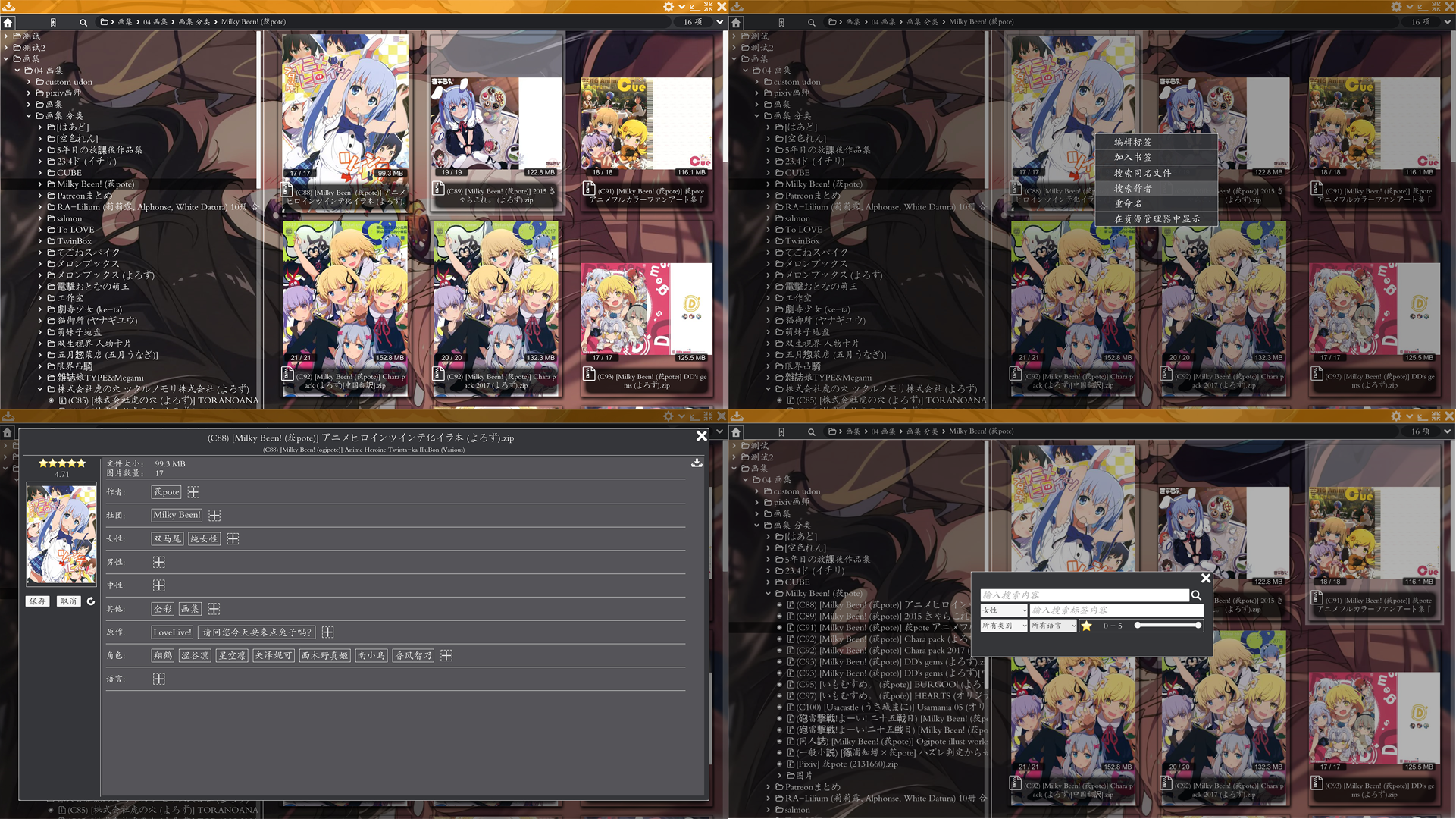
Comic&Picture Shelf

StudyWellDDU

Released
Jul 14, 2020
Platforms
Last updated
Wishlist on SteamAdd it on the Steam store page. Opens in a new tab.

Updates & announcements

11 posts
Clear
  1. Developer post

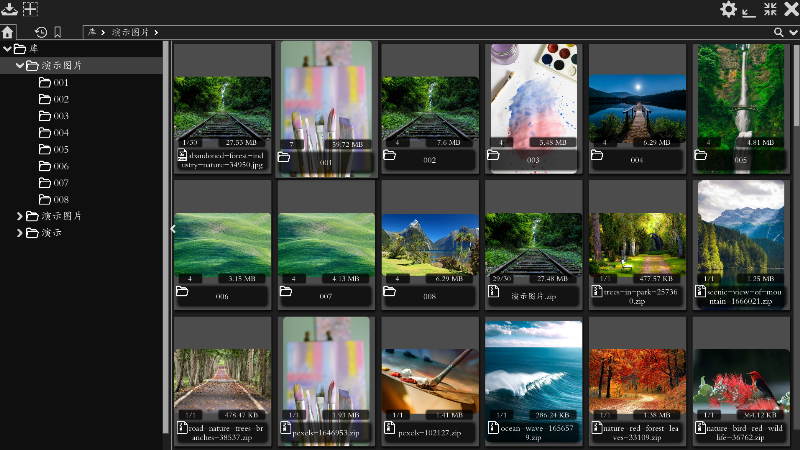
    Update the bookshelf

    Older versions of the program have had various problems for various reasons. So rewrite the program . Now the bookshelf part is basically complete, The reader part is not finished, so Steam still opens the old version of the program. To use the new version of the program Director

  2. Developer post

    Optimize the animation effect and add some function options

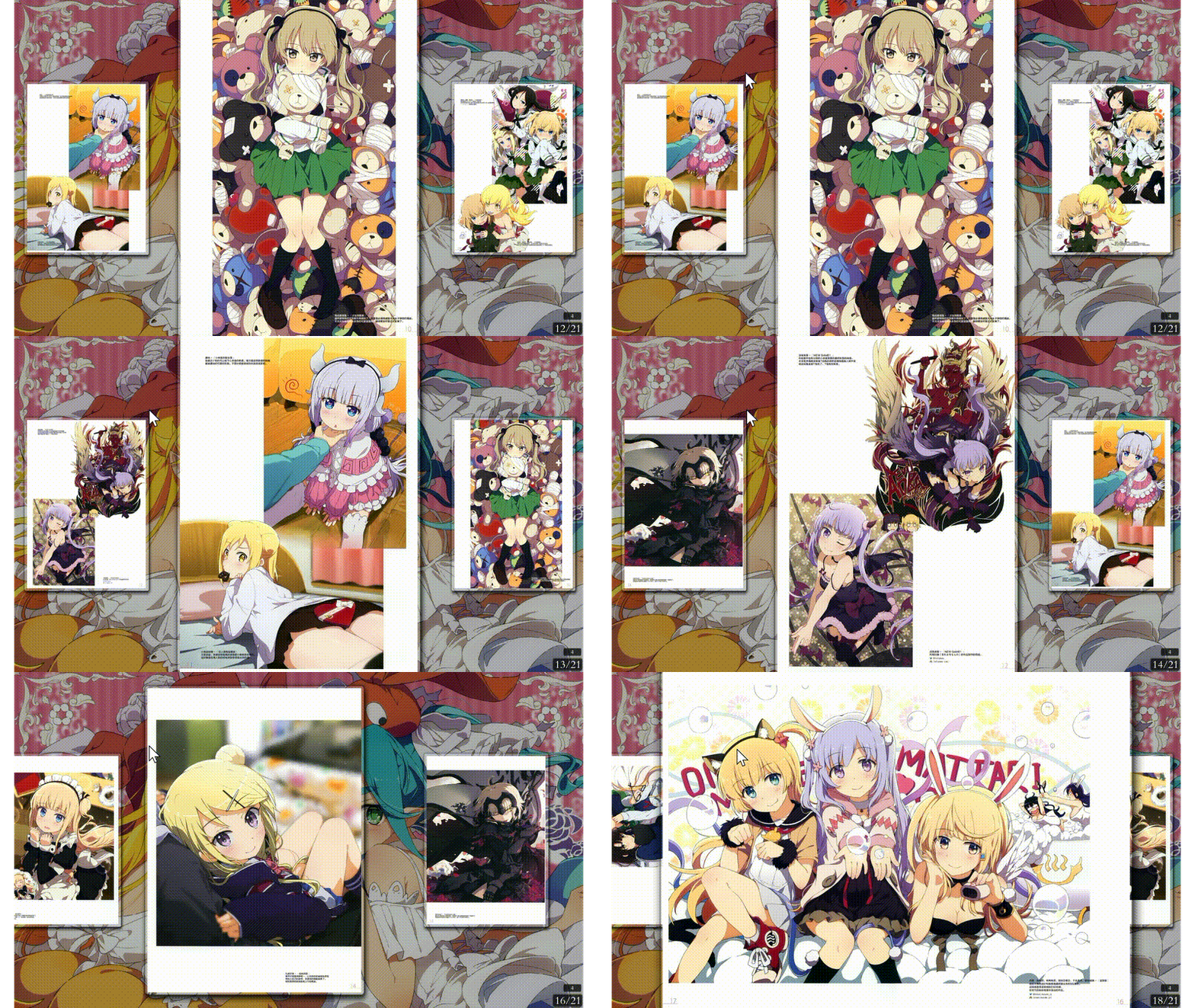
    1. The reader turns pages left and right to add animation effects 2. The animation effects of bookshelves and readers are optimized, the animation can be interrupted, and the effect is smoother Set add options 1. Background settings add more options like custom color 2. Add color

  3. Developer post

    Reader update

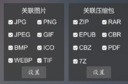
    This time the main update of the reader 1. Add a launcher Support double-clicking the file to open Under C:\Program Files (x86)\Steam\steamapps\common\ComicPictureShelf CPLauncher.exe is the launcher File associations can be set by setting the common settings 2. Reader top label

  4. Developer post

    Update

    1. Add prompt text to software button 2. UI modification of the bookshelf import prompt page 3. Adjust the position of the reader UI button 4. Reader bookmark rewriting 5. Some other minor modifications

  5. Developer post

    Update

    1. Add function, open folder support, by dragging the folder to the software to open the file under the folder 2. Modify the bug, open the file, multi-select the file, no response, modify 3. Modify the bug, the import fails when the file path is imported and then the hard disk is

  6. Developer post

    Add features-sort by author

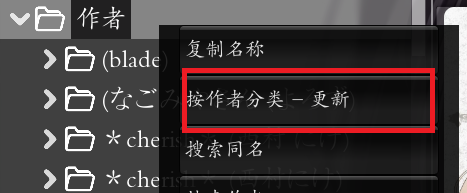
    Add-Sort pages by author Add a new page Sort by author At first this page is empty To right-click the author, select Sort by Author-Update The author name is extracted based on the file name, the folder and compressed file name will be extracted, and the image file name will not

  7. Developer post
  8. Developer post

    Update Record

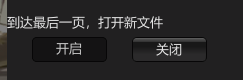
    January 30, 2021 1. The default browsing mode can be set in the settings 2. Add buttons to open the next file and the previous file January 28, 2021 1. Open directly when the folder only has pictures 2. Sorting error when importing pictures, modify 3 3. Add picture zoom rate adju

  9. Developer post

    Instructions

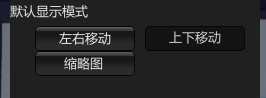
    1. Zoom picture While browsing pictures Press and hold the right button of the mouse while scrolling the wheel You can zoom the picture 2. Slide up and down mode to set the width of the picture Move the mouse to the bottom and there will be several buttons as shown below Adaptive

  10. Developer post

    No UI on opening the program, black screen

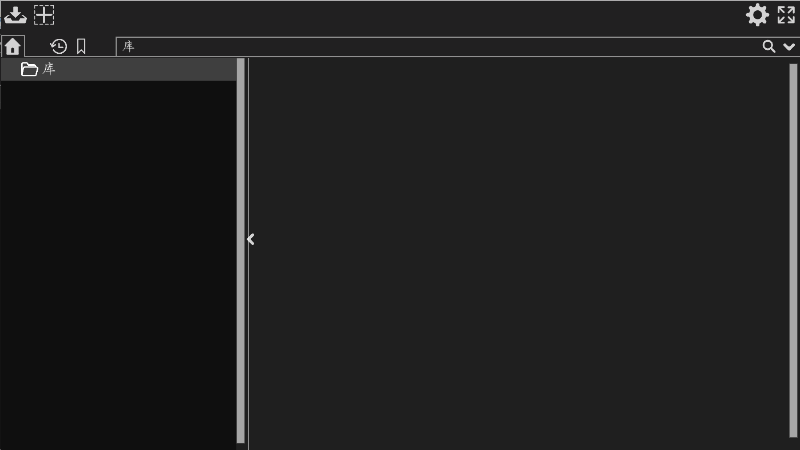
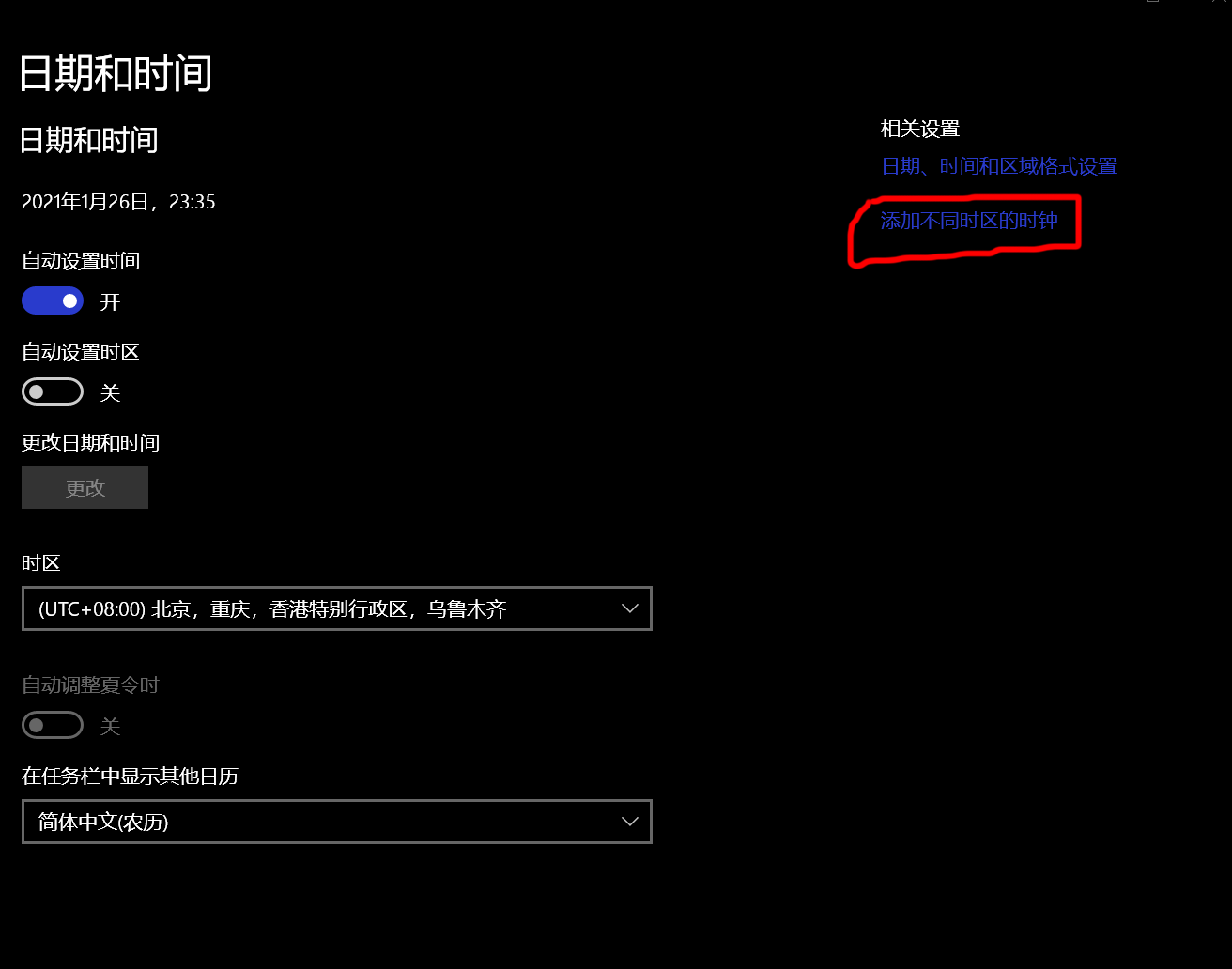
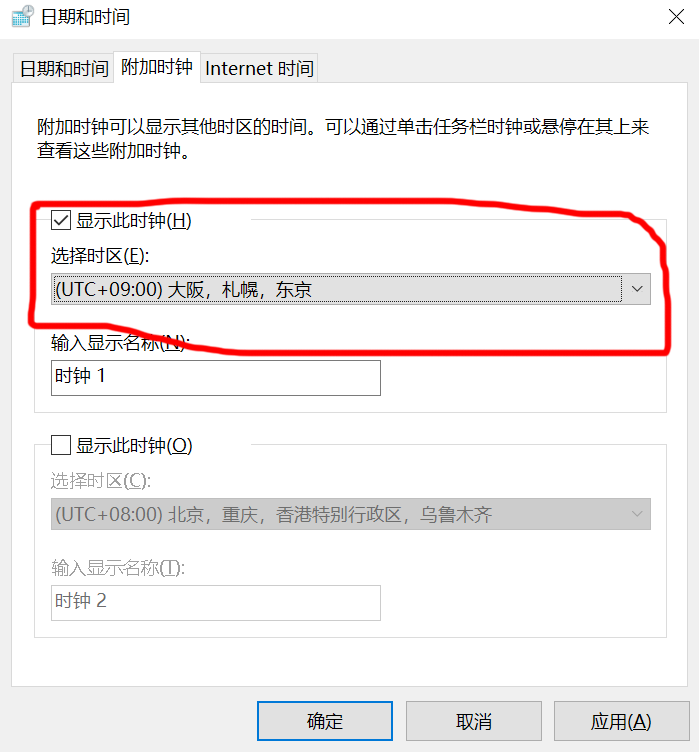
    No UI on opening the program, black screen This is a strange bug Normally it should be like this Current solution Open the settings and find the "Date and Time" tab Add clocks in different time zones The added time zone does not have to be the +9 Tokyo in the above picture If one

  11. Developer post