Hi! Marco here, one of the Dev of Banana for Scale. Sorry for the late update, I want to blame Vincenzo as usual (the Coder dev) for this but it's all COVID-19 fault if we are so late. But we are here and we got the update working so, let's check what's new! As you can see from t
Hi! Marco here, one of the Dev of Banana for Scale.
Sorry for the late update, I want to blame Vincenzo as usual (the Coder dev) for this but it's all COVID-19 fault if we are so late.
But we are here and we got the update working so, let's check what's new!
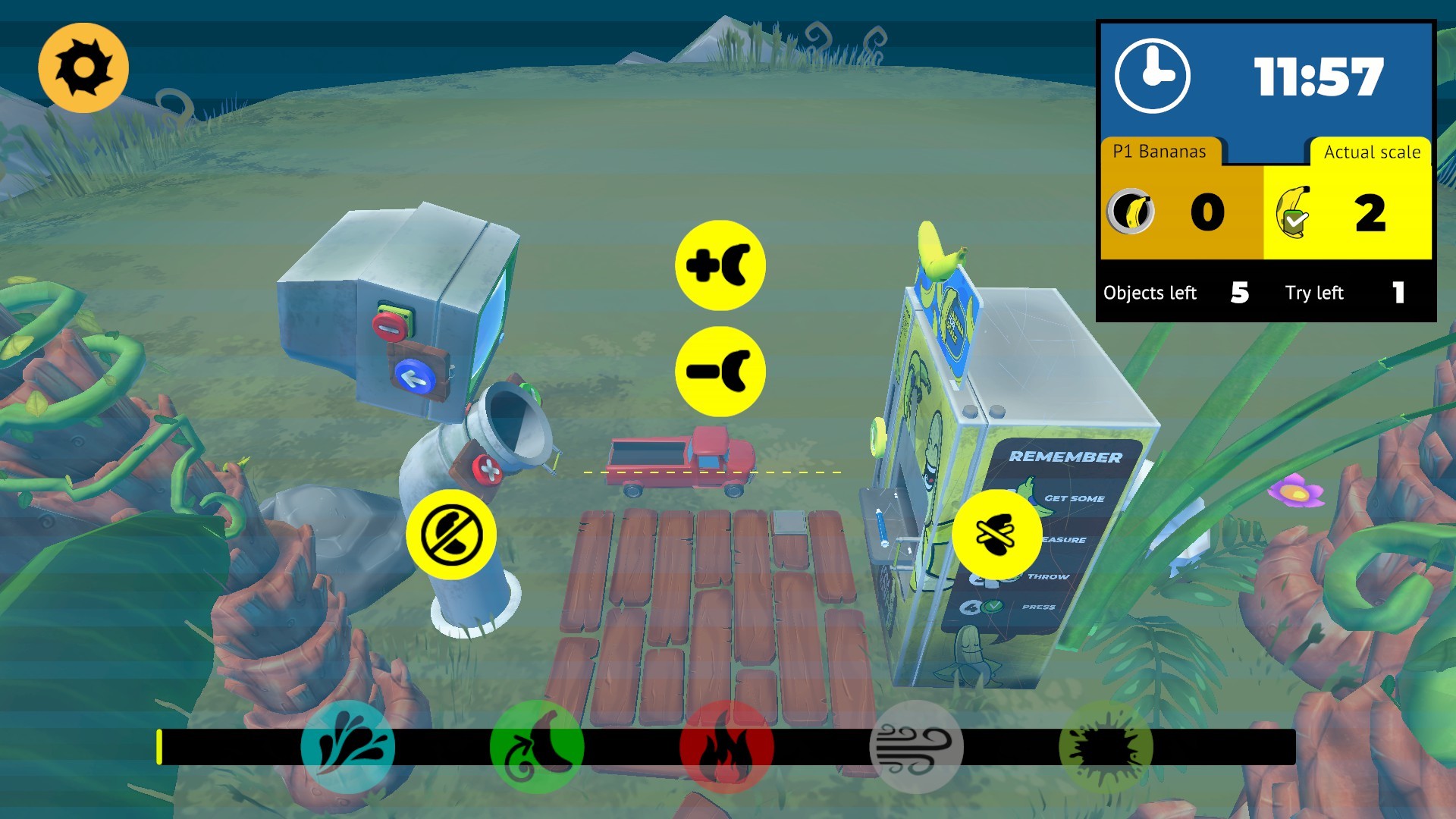
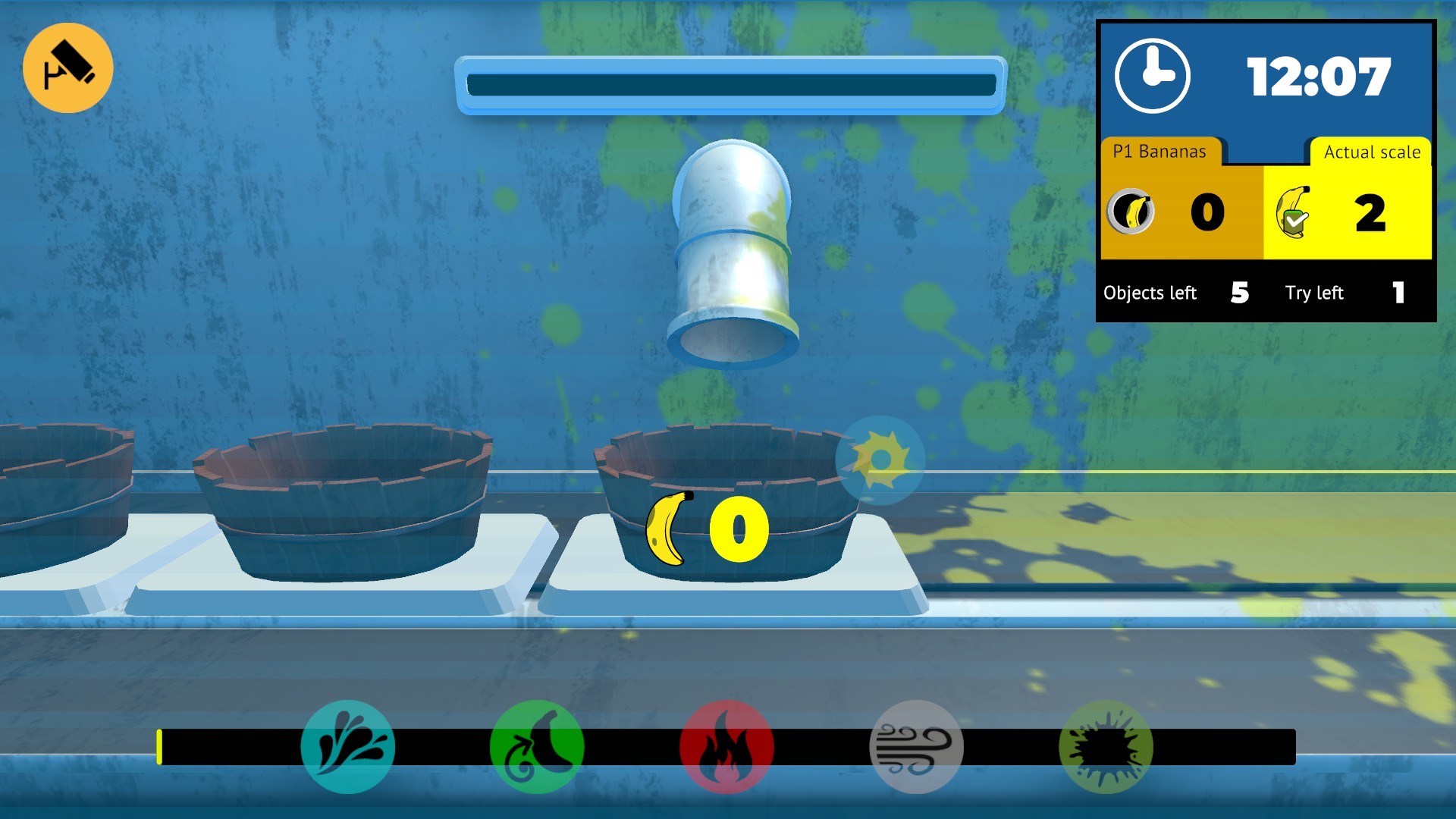
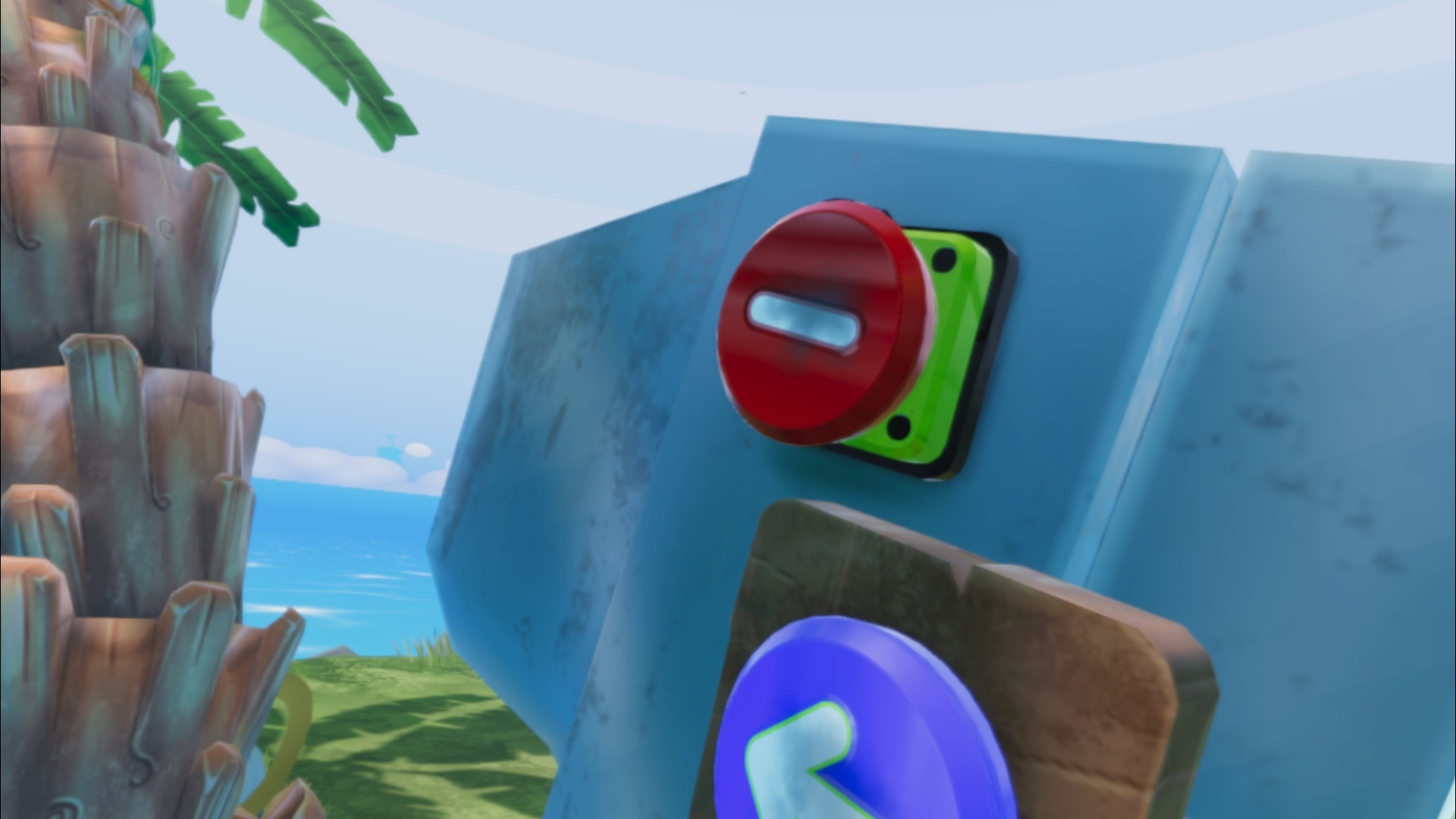
As you can see from the trailer the red button now no longer throws ot all the bananas, if you make a mistake you can correct the numbers more easily
And bananas will not reset to 0 if you make a wrong scale, they stay in the exact number so keep in mind this when you press the green button too fast!
We added a new mode, the Fixed Scale: all the object stay at a fixed dimension, so you can memorize the height of the objects and make a lot of points!
Random scale mode is now a separate mode, if you want more challenge, this is the mode for you.
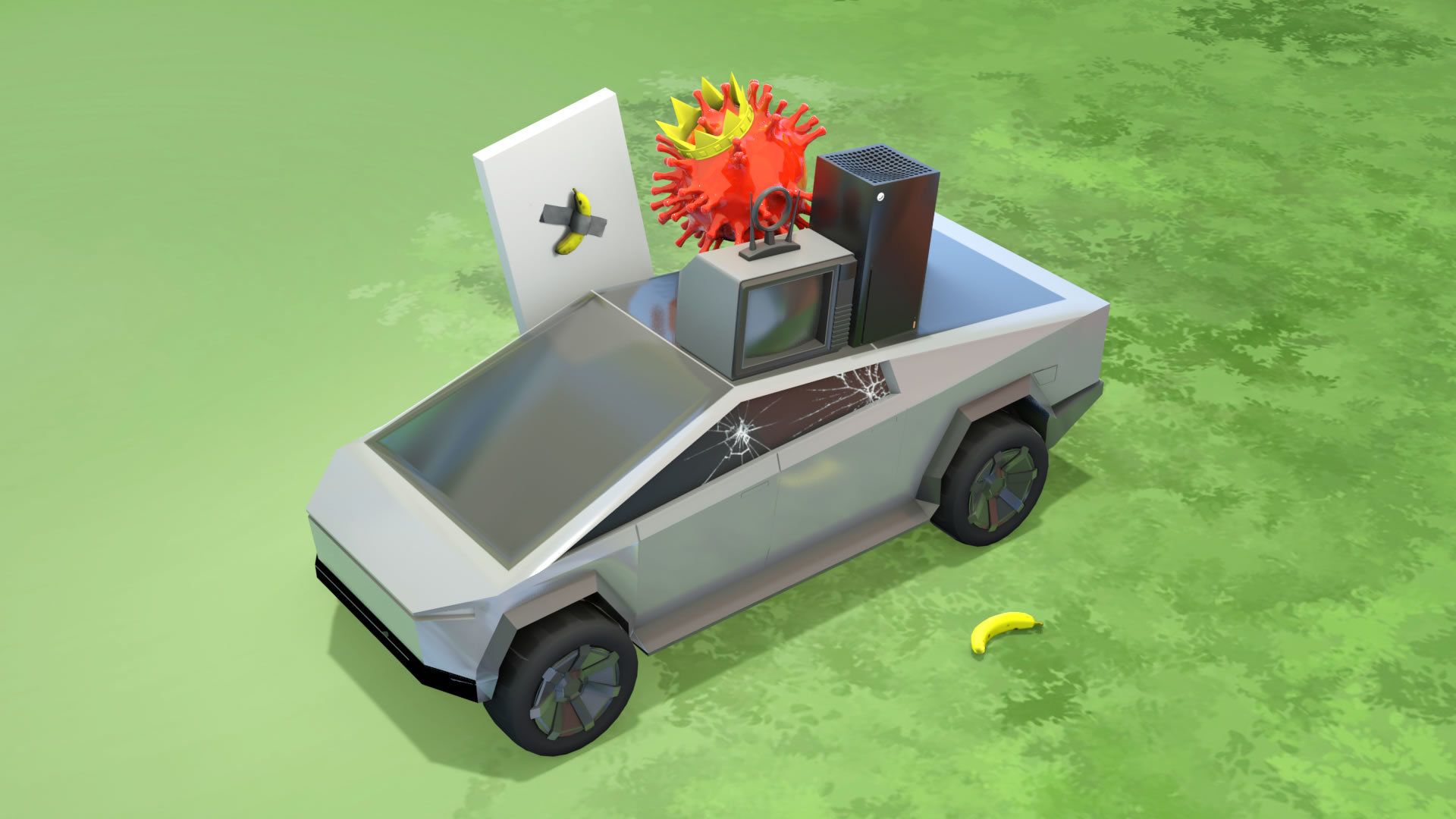
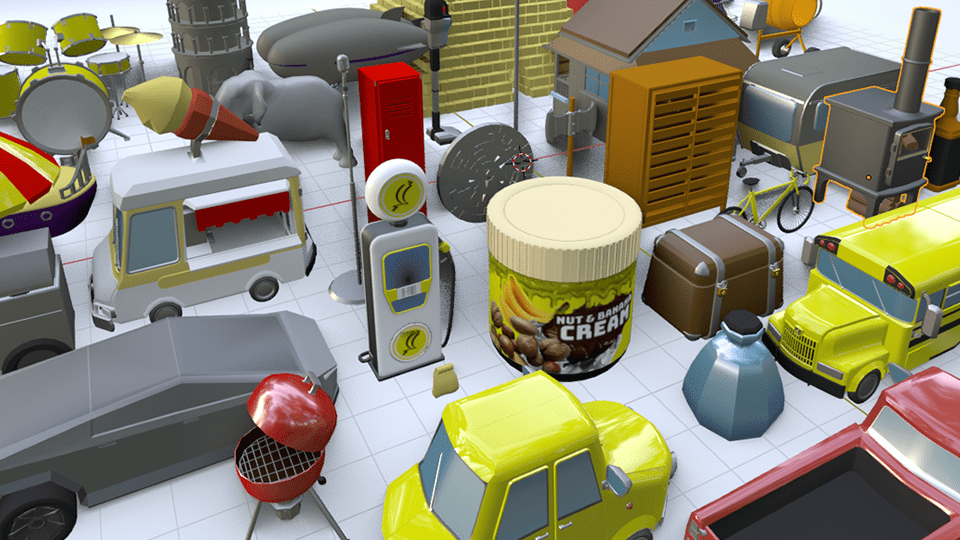
We added some lost Objects from our dev time, they are for testing for the future update so tell us if you like them!
Full list:
General Bugfix
Better performance overall
New User Interface
New mode added (Fixed Scale)
Game instruction at start
New leaderboard for the new mode
Changed red button based on community feedback (red button now throws just one Banana)
No more bananas reset if the player do a wrong scale
The yellow line now appear after the first mistake
You can disable the spectator mode completely with CTRL+ALT+H
Fixed some objects positions
Fixed ALL objects texture for the Marker
Thanks for your support and stay safe, until the next update!
Hi, Marco here, one of the devs of Banana For Scale. Today I want to clarify how the Multiplayer Mode works! If you have watched the back of the Environment of BFS maybe you spotted a Flying Pineapple: that's the External Camera ! So another player can watch your action on the sc
Hi, Marco here, one of the devs of Banana For Scale. Today I want to clarify how the Multiplayer Mode works!
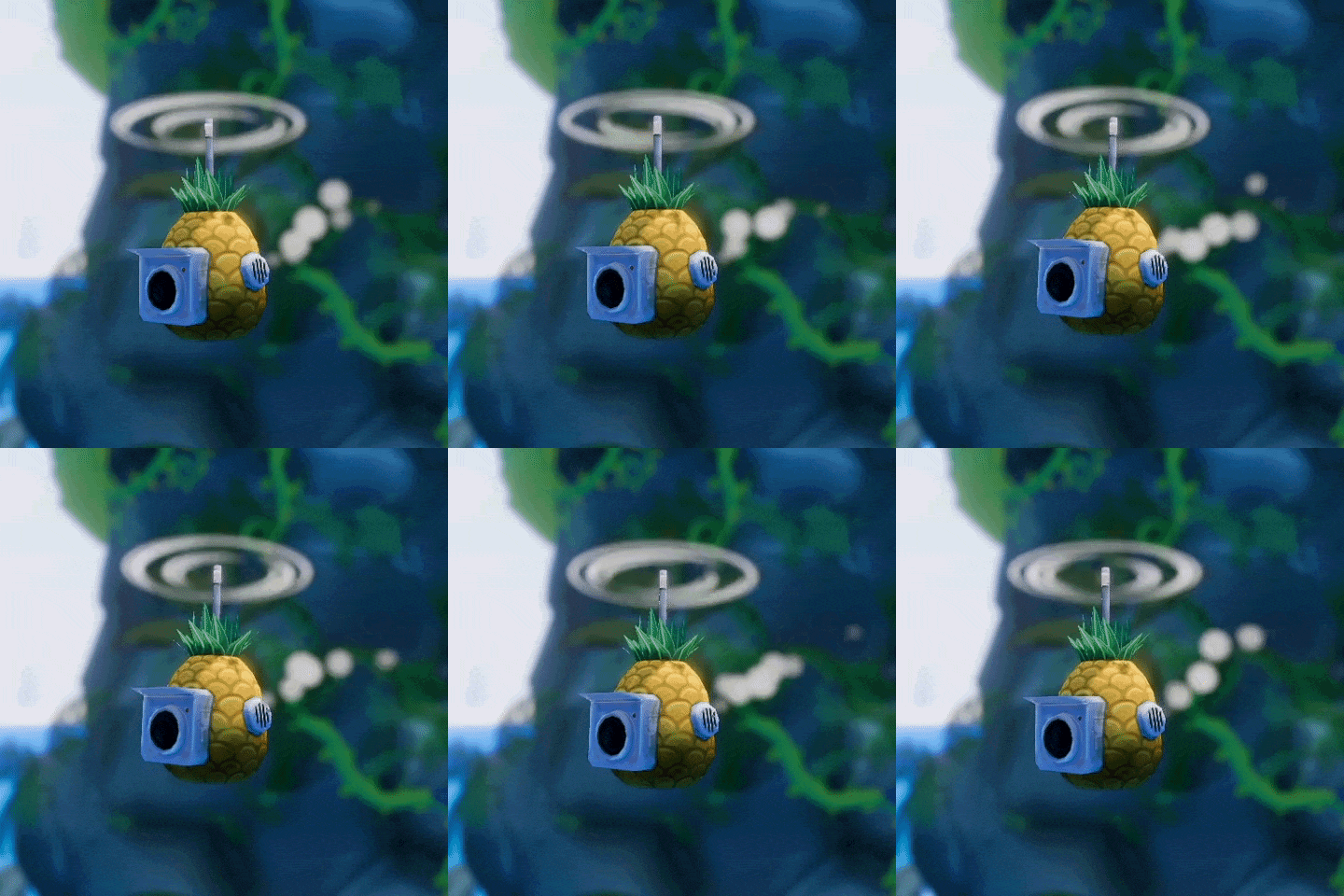
If you have watched the back of the Environment of BFS maybe you spotted a Flying Pineapple: that's the External Camera!
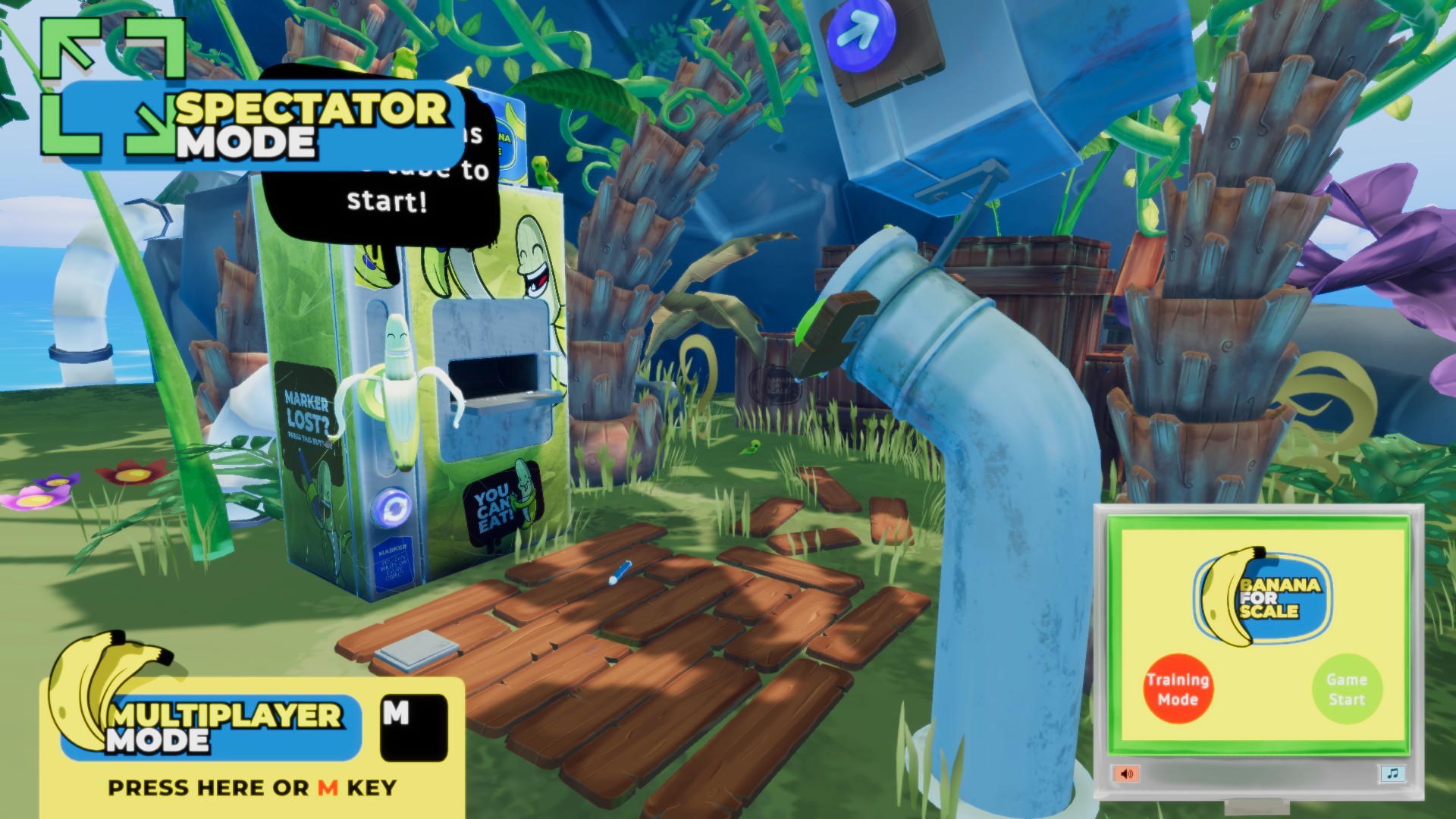
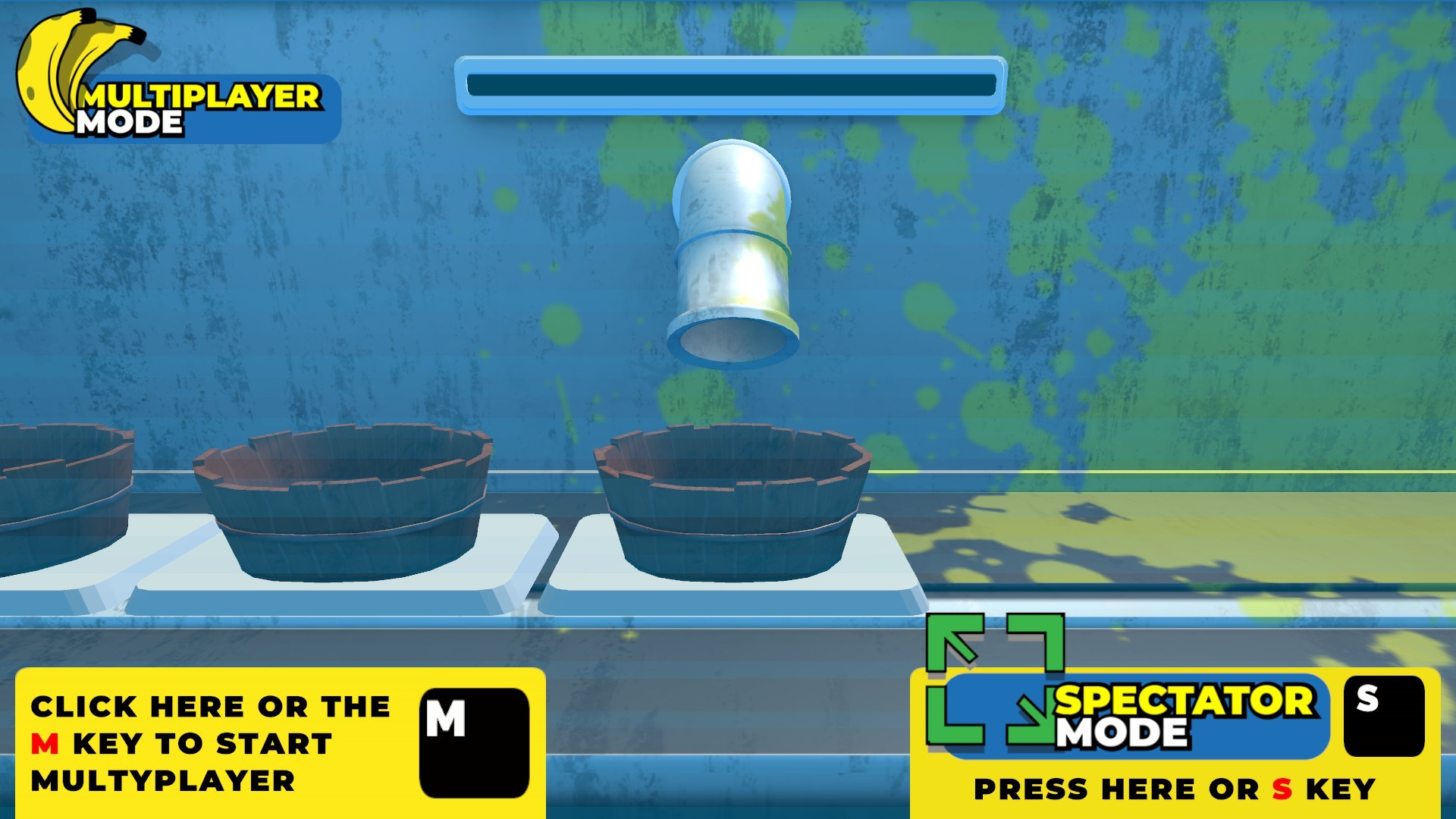
So another player can watch your action on the screen of the PC: this is the Spectator mode, where you can watch your friend stats, in the corner you can see the same screen that is positioned on the Tube in VR
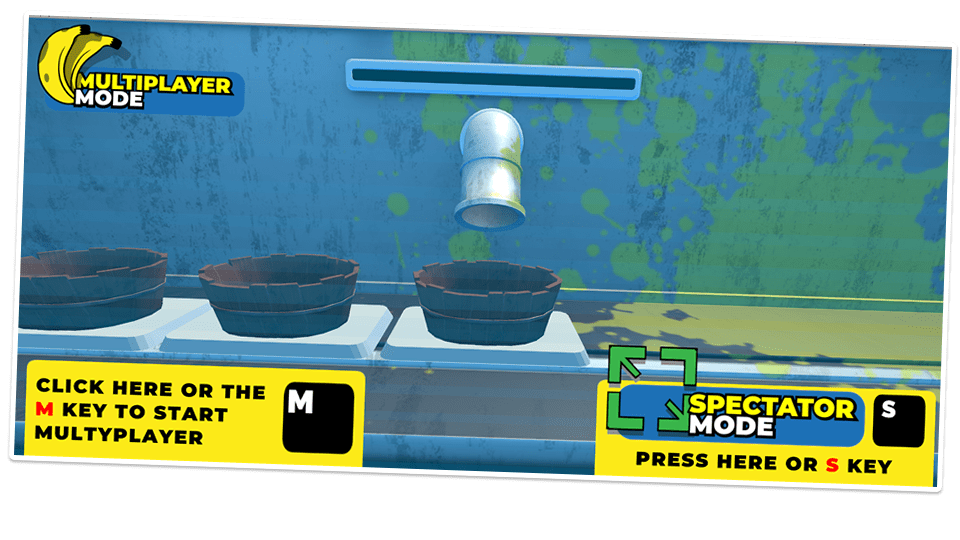
And then there is the Multiplayer mode. If you click with the left mouse button on the Icon or press the “M” button on the Keyboard you will change screen.
If you press “M” again or the Icon with the left mouse button you will start the Multiplayer mode!
Important: you will NOT stop the actual play session in VR until you choose the objects, so don’t worry about your friend!
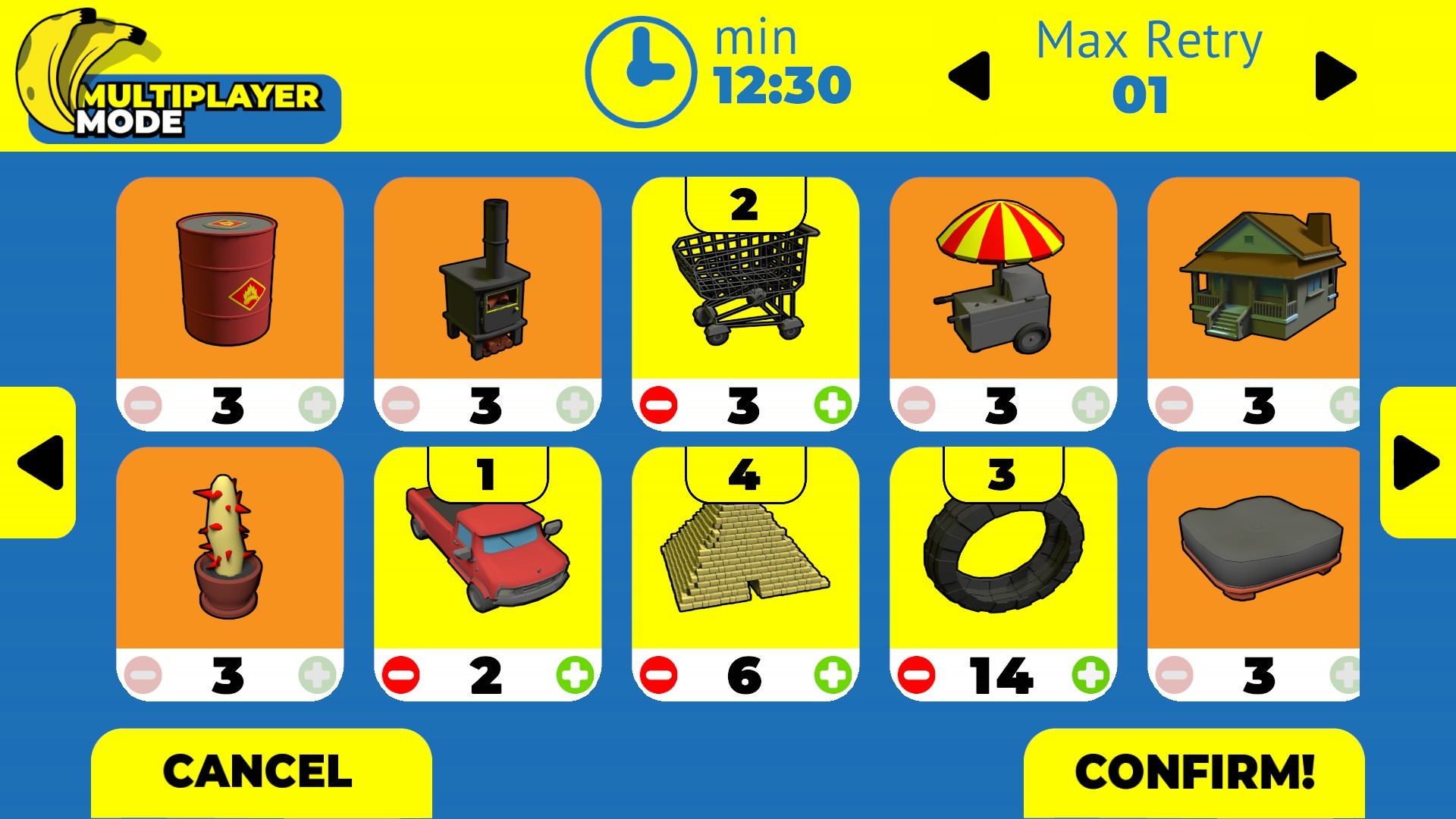
Now you can
choose as much as objects you want
The scale of the object, from 1 to 50 bananas
The Amount of max Retry that the VR player can do
Mind the Time amount, is based on the objects scale!
And then press on “confirm”
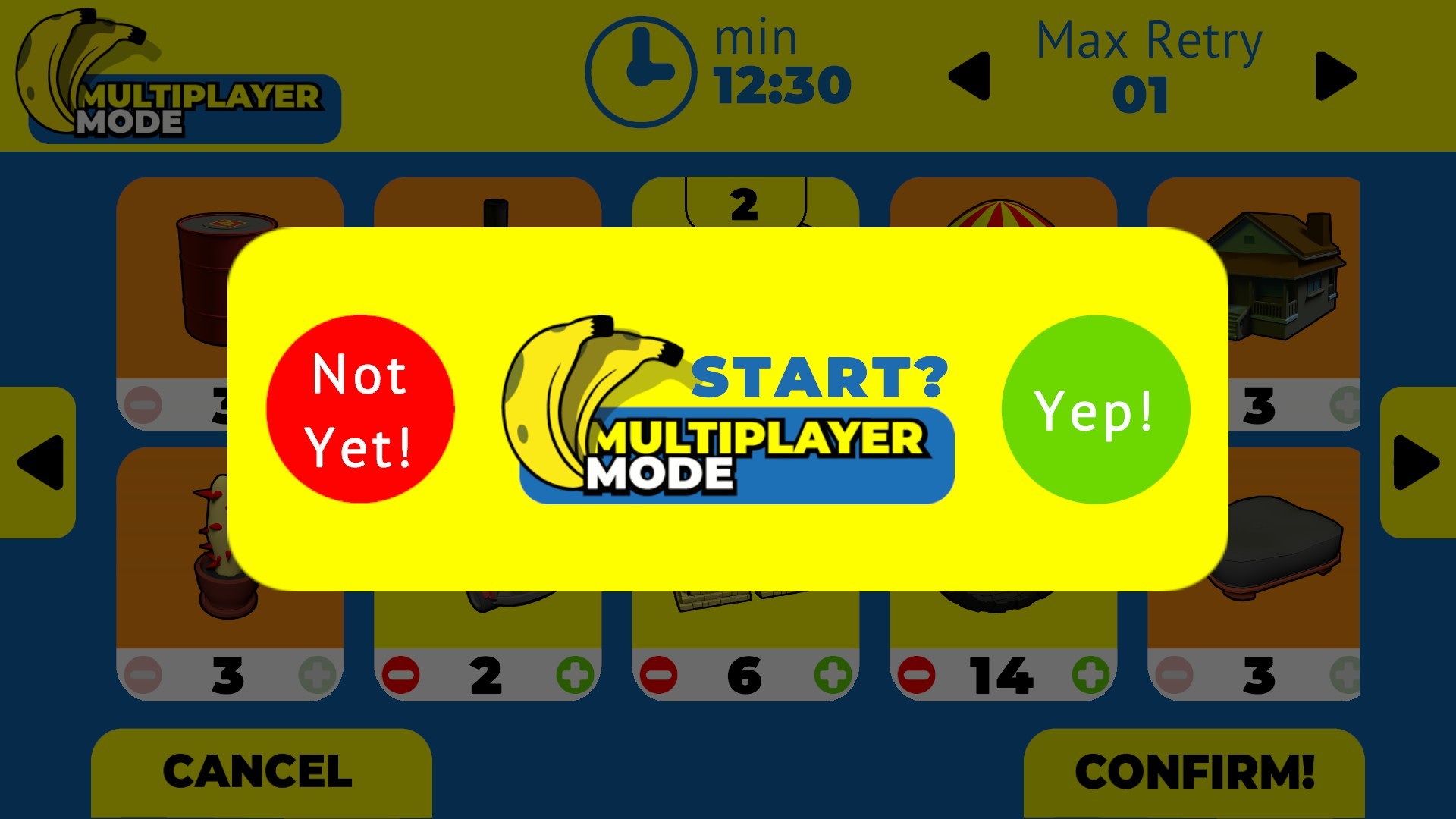
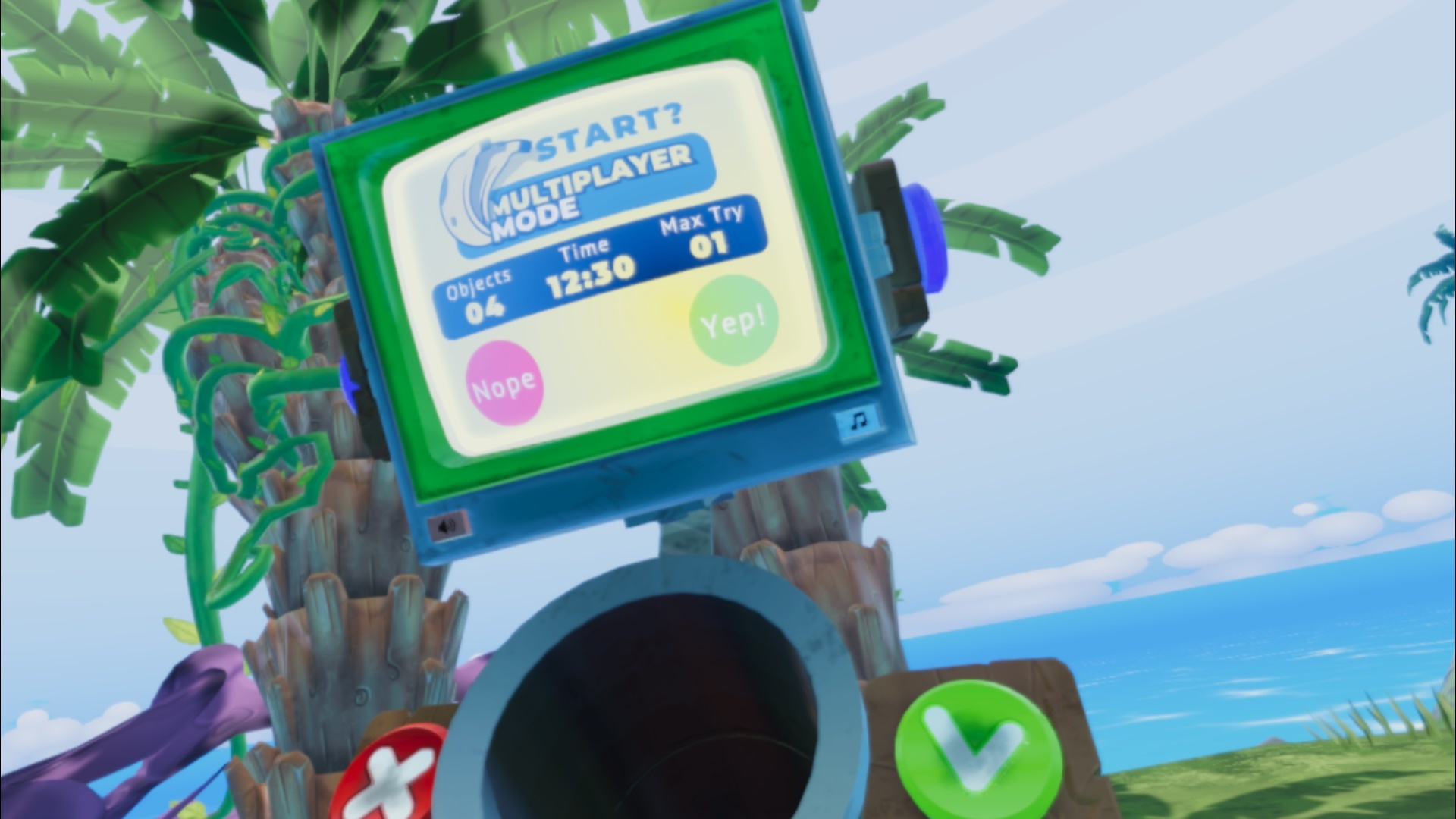
If you are ready press “yep” otherwise press “nope” if you change your mind. If you press “Yep” the session of the VR player will be stopped and the TV on the Tube will start Ringing.
On the Screen, the VR player will see some information on the upcoming Multiplayer Session, the amount of objects, the max time and retries
If he like the offer will press the Green Button and play against you, else, if he want to continue the previous session the VR player will press the Red Button and continue to play in single player mode or training mode.
The other side of the Tube
You have two options to make sure that the VR player loose against you:
You can watch directly in the camera and choose to use one of the Cool Down buttons (close the tube, close the dispenser, change the object scale on the fly)
or you can use the Banana Juice to deal more damage.
Every Banana that the Player in VR throws into the tube will be spawned in the PC player screen. Malus are random, so you have to choose how much Banana Juice you want to produce.
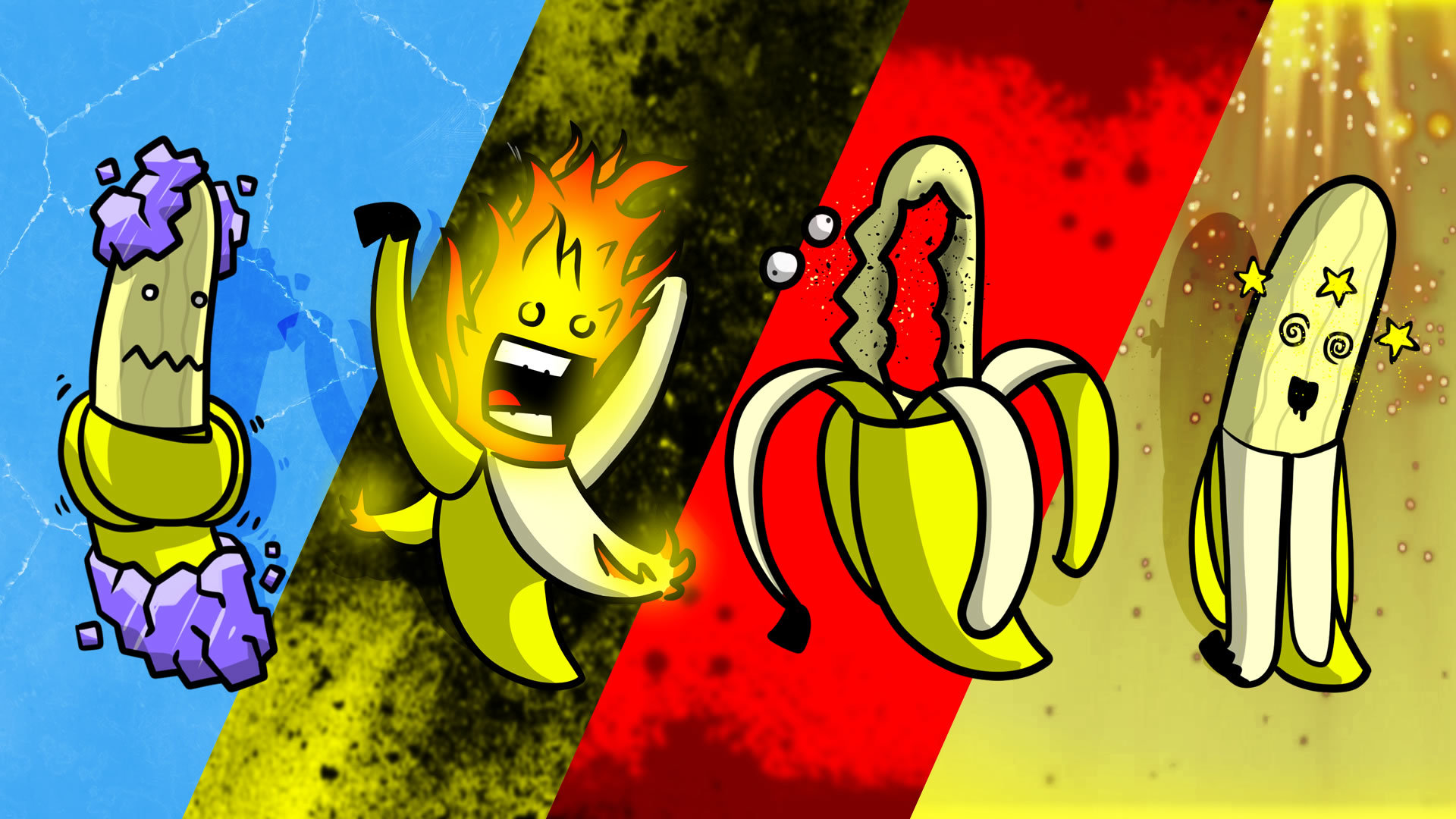
Every Malus have different effects:
A giant Barf, getting all dirty
Burn the bananas of the opponent
Throw back all the bananas from the tube
Wind will blow away all the bananas
Water will cancel every track of the marker on the objects
All bananas are cut in half
Choose wisely and alternate the External Camera and the Banana Juice to stop the VR Player!
VR Revengeance
If the VR player throws a special banana into the tube the PC will be affected, and the effects goes from drain all the juice to lose control of the actions!
Another thing that VR player can do is throw a banana to the external camera to block the PC player for some time!
If you want to stop the Multiplayer mode and return to the Begin of the game you can press the Reset Button on the upper side of the Monitor in VR. But don't Rage Quit please!
I hope this quick walkthrough will be helpful and make more clear how the multiplayer mode works. Give us your impressions so we can make this mode even more appealing.
The way of the Banana Hi, Marco here from the Banana for Scale Team, to tell you our story: In 2016, while I was giving a talk about Blender at the University of Salerno, I came up with the "banana game" as an example in which you have to measure objects with bananas. The idea ca
The way of the Banana
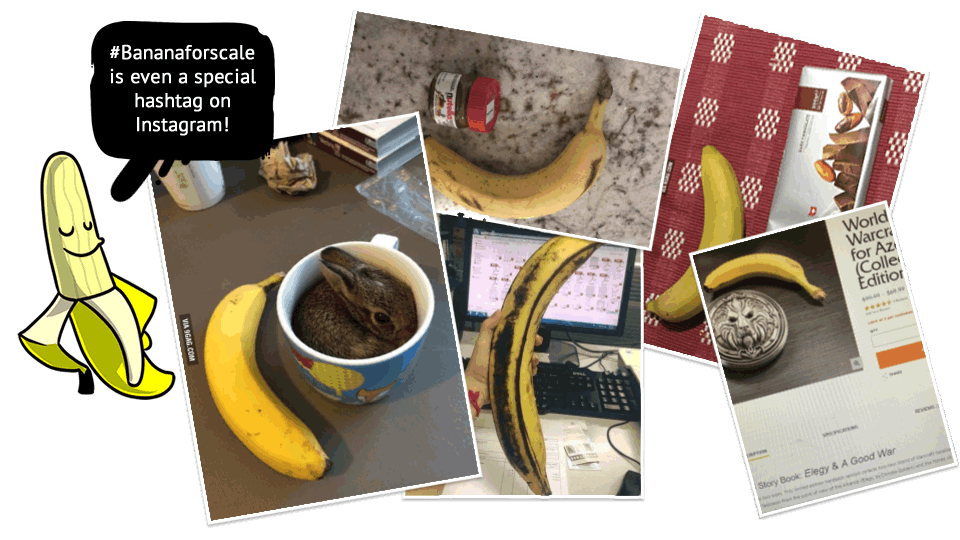
Hi, Marco here from the Banana for Scale Team, to tell you our story: In 2016, while I was giving a talk about Blender at the University of Salerno, I came up with the "banana game" as an example in which you have to measure objects with bananas. The idea came from the "banana for scale" meme on 9gag, a social network full of strange people and memes.
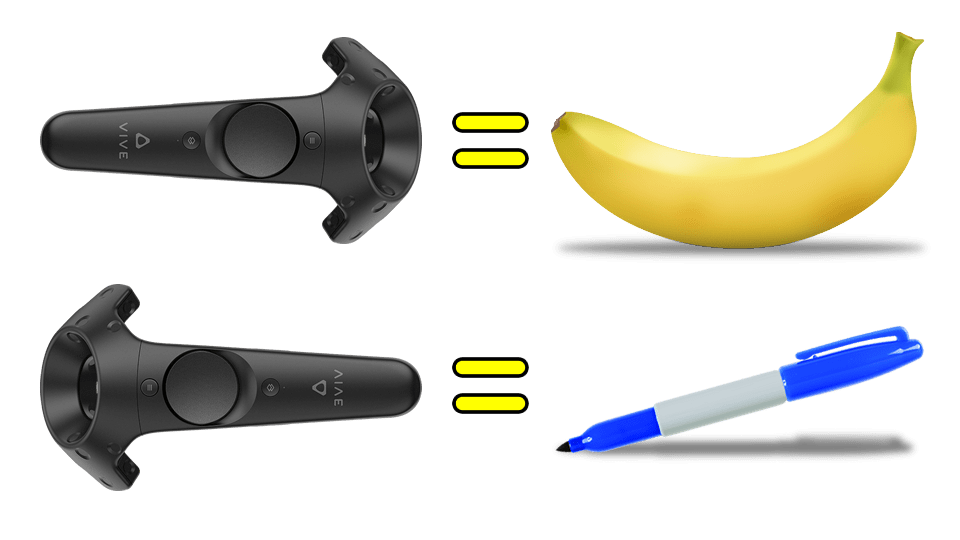
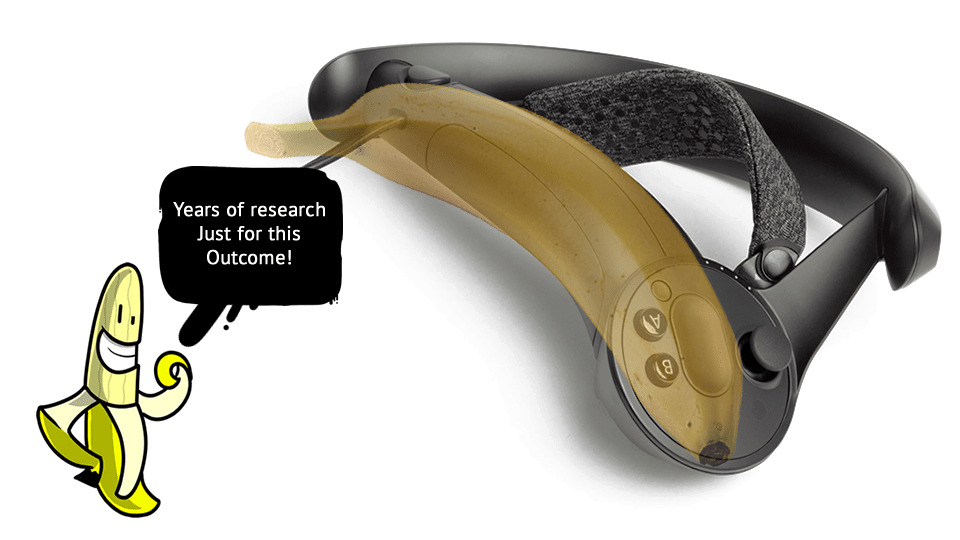
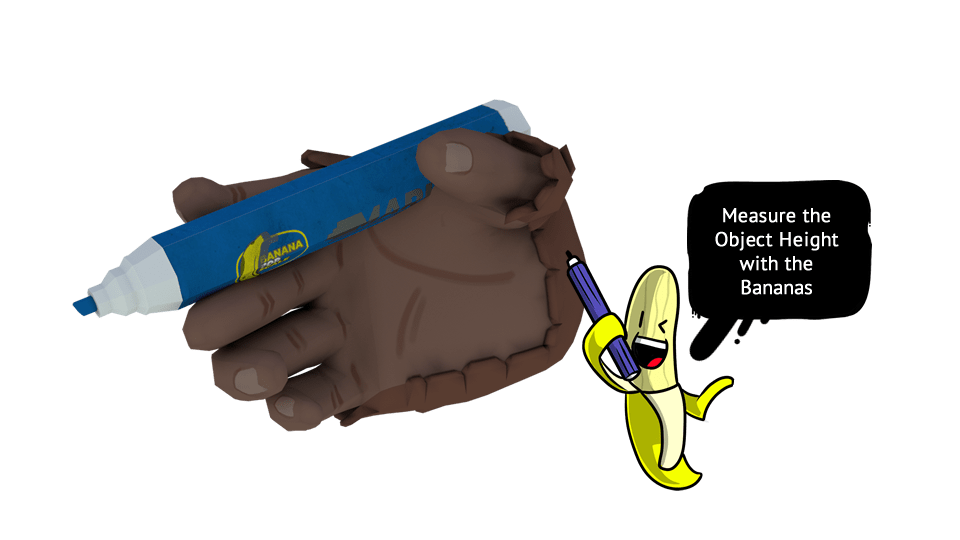
Having the Vive as a starting point, my idea was to transform the two controllers into a banana and a marker respectively. It was a Multiplayer only Game. The VR player should have guessed the height of the objects that the player sent to the PC via a 3D model gallery.
With the sharpie you had to write the size of the object in bananas on a virtual sheet placed behind the player
As much as a demo of this kind could really be developed in a few days, two unknown factors remained:
How the VR user would communicate the size of the object in banana terms; How to prevent the PC user from cheating by simply saying “it’s not true”, since real time handwriting recognition is not an easy thing to develop.
The game allows you to change the height of the in-game objects either through direct player input or randomly, so as not to have the same objects. This led to the creation of a standard banana size and a system that enlarges and shrinks meshes based on a containment system.
As soon as we received the Valve Index controllers - Knuckles controllers at the time - I realized that the handle of the controllers is frighteningly similar to a banana. But how to solve the game design problems of the original idea?
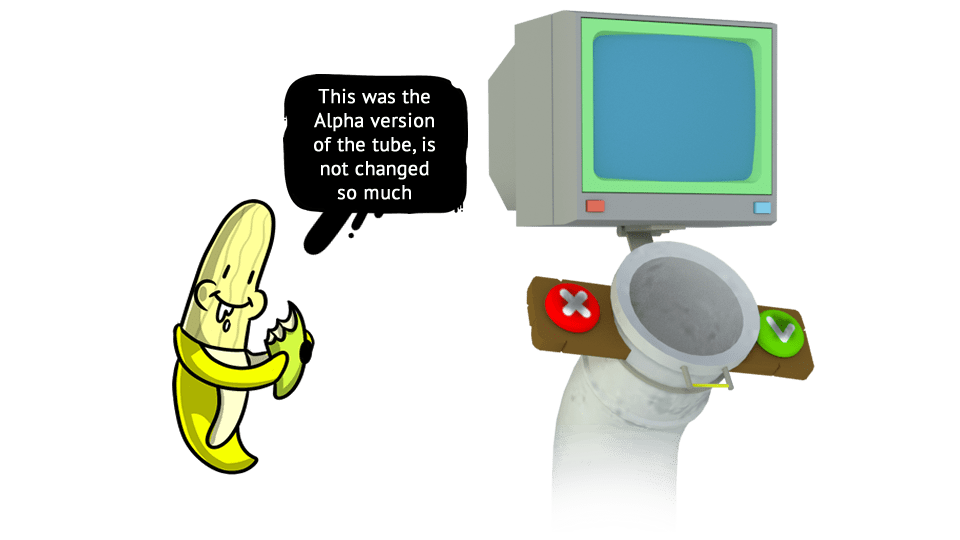
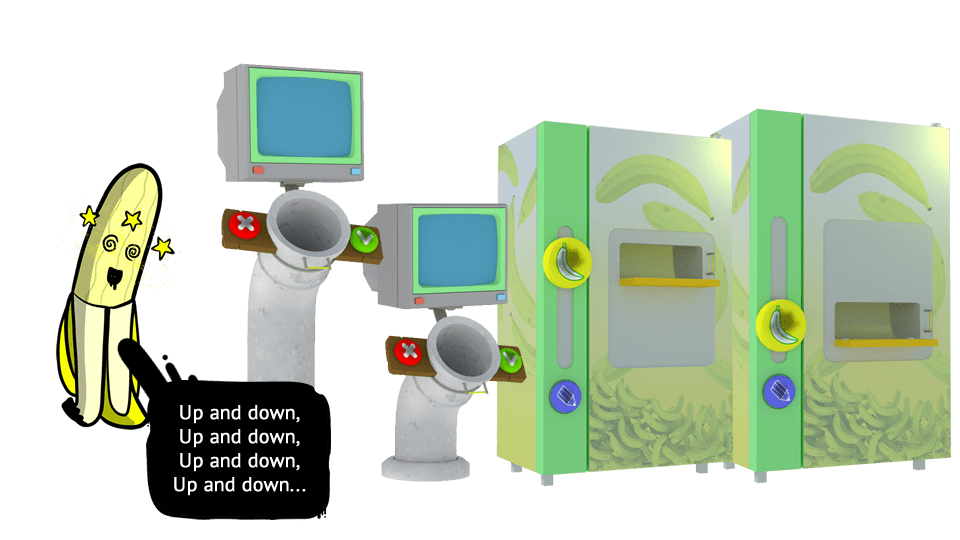
I do not remember exactly how the idea came but "the tube to throw bananas into" completely changed our perspective: a giant tube with 2 side buttons to be pressed with the palm of the hand.
the old CRT screen on it is absolutely random, we needed a place to insert an UI that looked consistent (and I love old CRT screens)
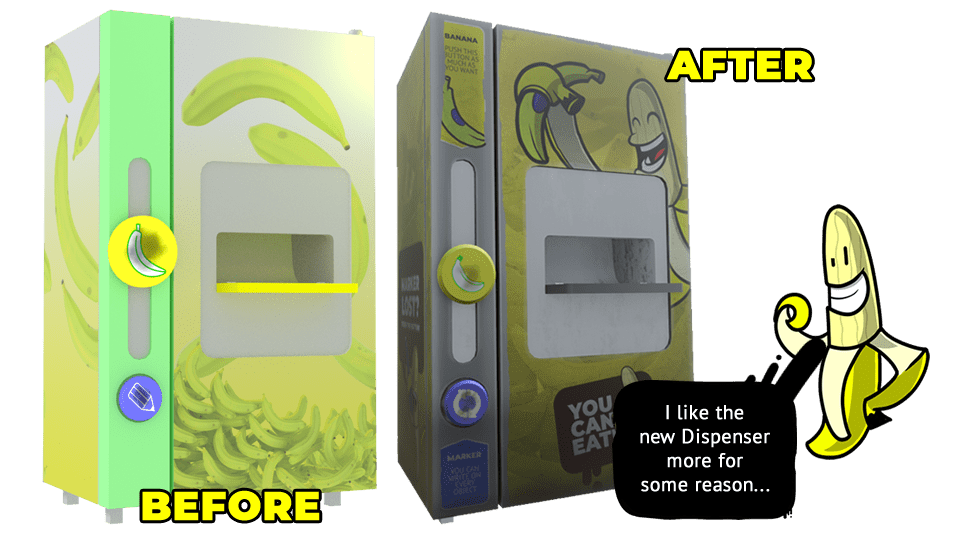
The Dispenser is part of the simplification process: initially there was a banana tree with a bunch of bananas and a pile of bananas where players could pick up a single banana. After developing the scene, we realized that the bunch of bananas was too high and the pile of bananas was too low
So we created the Dispenser, with the same buttons as the tube, for continuity of interaction.
The marker, as in the original idea, has remained: now the user can write on every surface, mark the height in bananas or simply scribble around!
One of the problems of virtual reality is the variable height of the users. Job Simulator used changing the world scale to help less tall users, our game world has very precise measurements based on an algorithm.
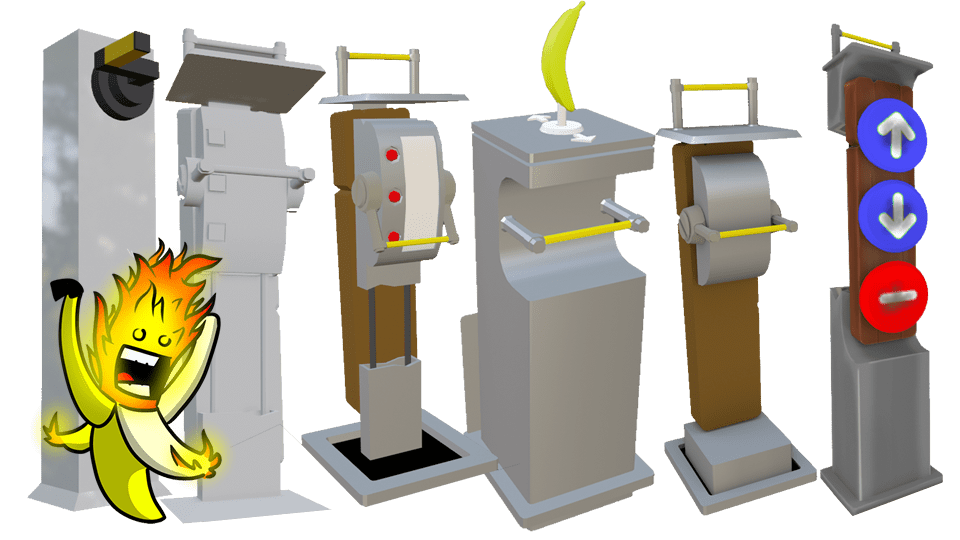
So we took inspiration from the VR demo of Star Wars Robot Repair where the workbench can be raised and lowered as desired, applying it to both the tube and the distributor.
And for larger and taller objects we made at least 20 different tests before arriving at RadioBanana which allows the player to lower and raise the object at will. Here you can see some of the various iterations
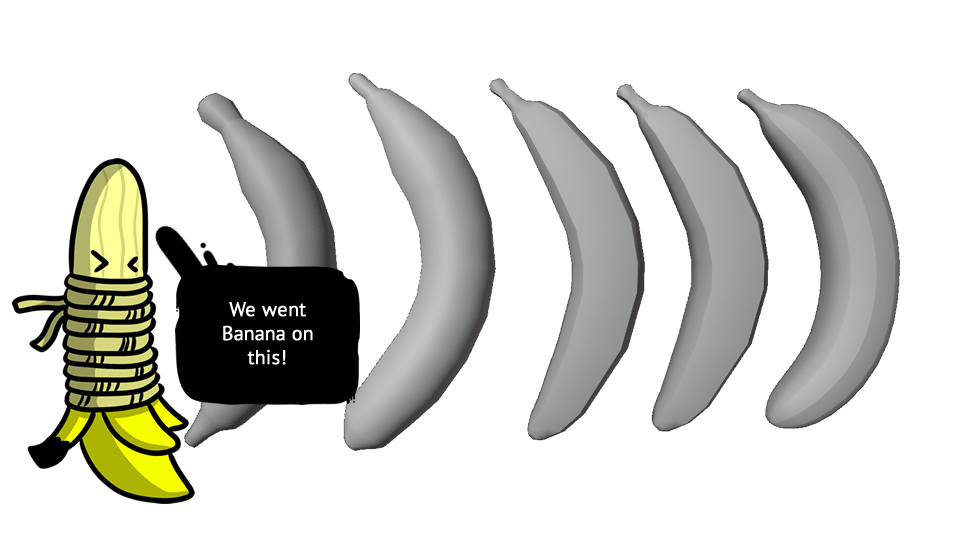
We redesigned the bananas a few times before we came up with a shape that we liked and that was quite "Bananish"
Another of the key points of the demo that we were going to create: we wanted it to be usable on all devices.
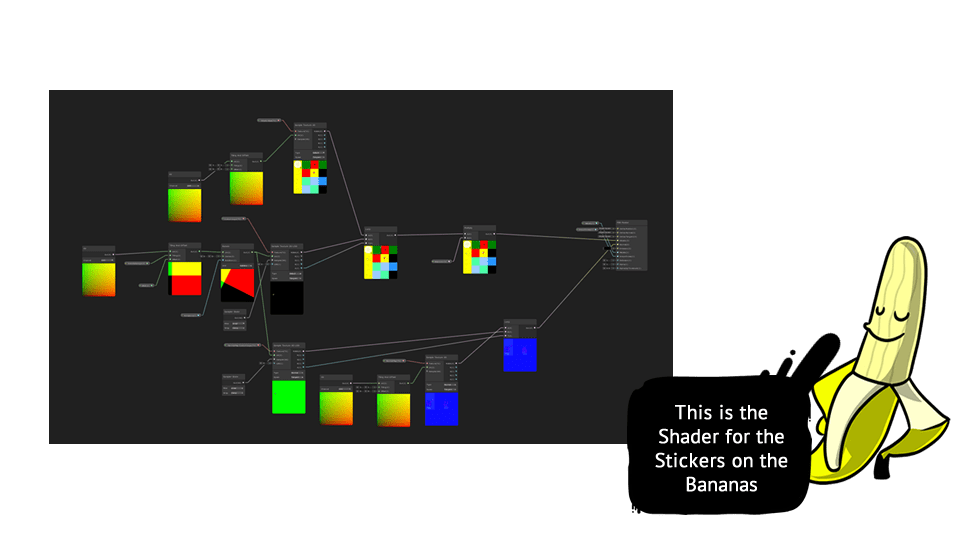
The development of the graphic part had already begun when Facebook released the Oculus Quest specifications, so we had to change direction. So we took a path that is called, in the case of Unity, Lightweight Render Pipeline (now Universal Render Pipeline) and Shader Graph. So we made a lot of custom Shaders in the game.
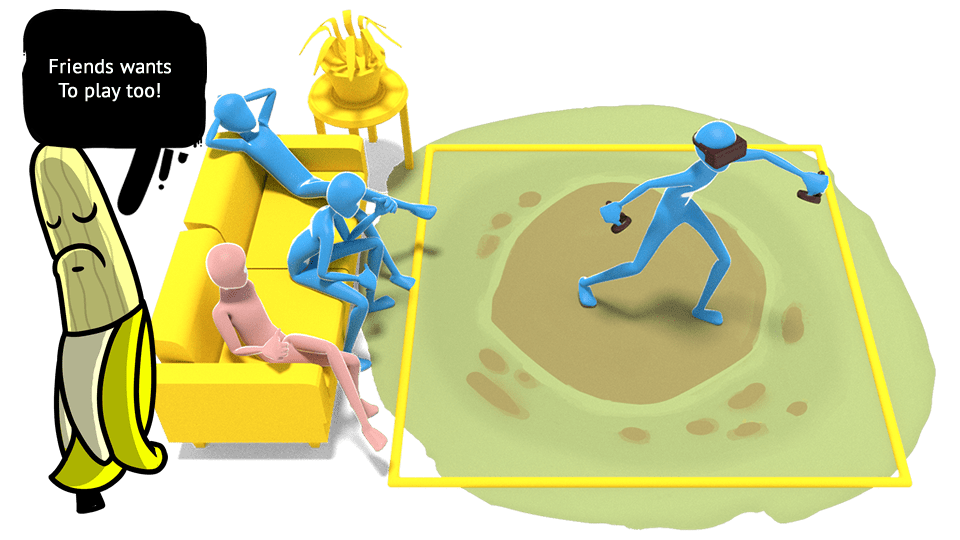
The Desktop version features VS mode which allows the viewer to rival the player in VR. We included this game mode because we realized several things:- People in groups always go to VR arcades - If you play at home it is usually to show VR to someone else, and stay there doing nothing - It's hard for anyone in a house to have two VR headsets to play with a friend!
So “the tube” allowed us to connect the two game environments, all the bananas that the VR player throws into the tube end up in the gaming environment of the PC player. The PC player therefore has the objective of choosing the objects to be measured, changing their height and collecting bananas and using banana juice to create maluses that prevent the VR player from continuing to measure, allowing time to run out.
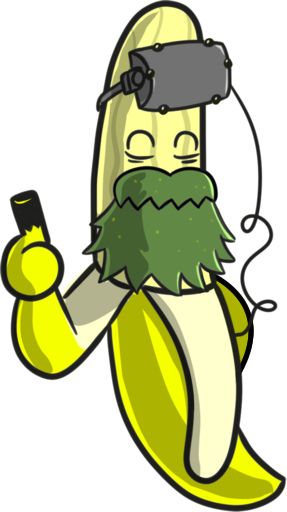
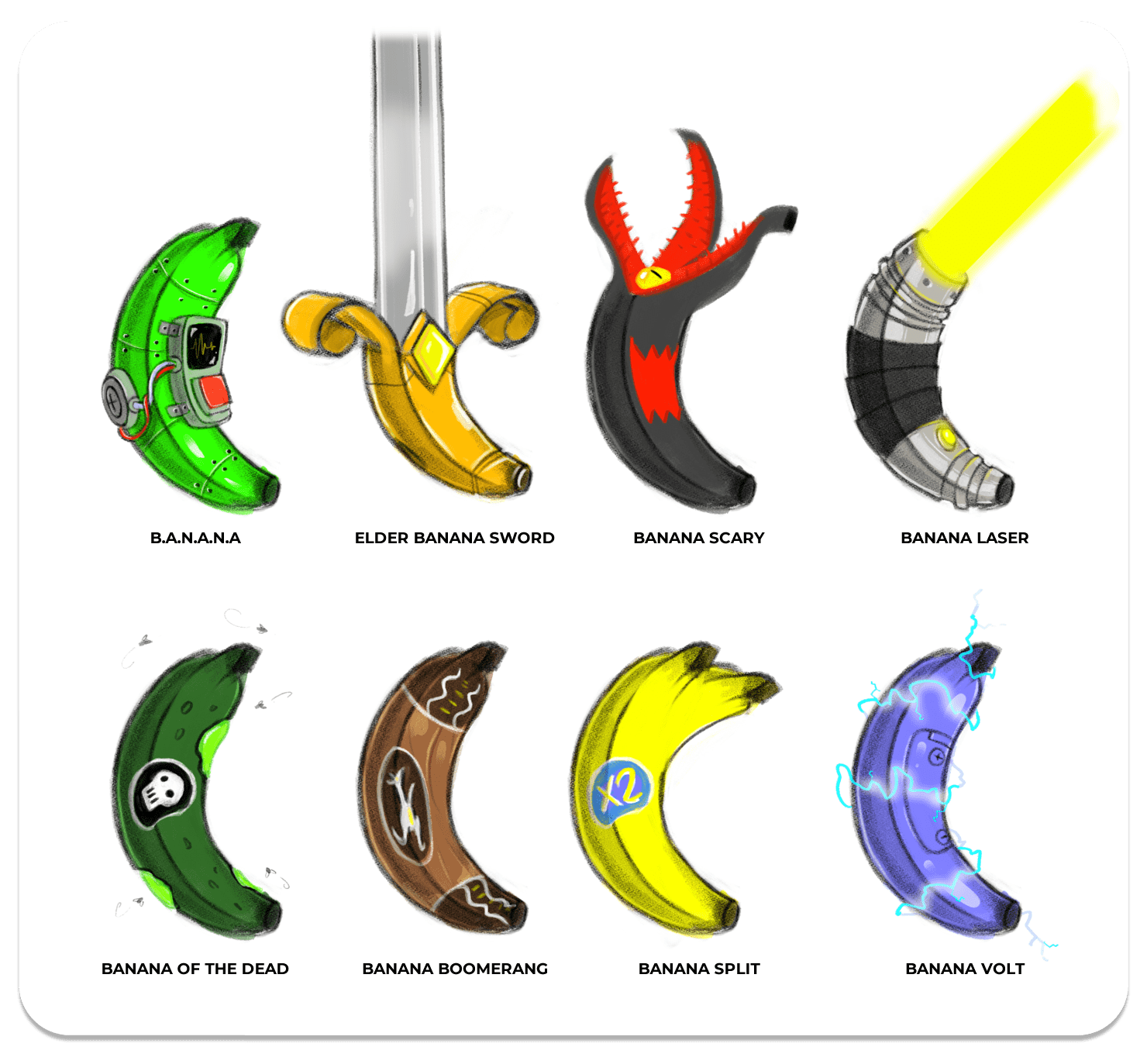
The Special Bananas were decided on social media: I asked my friends to suggest some ideas and, from the list of absurd things they came up with, we pulled out a series of special bananas to be included in the game! We are currently implementing 4 of them, but we will later update the game to include others as well.
Even the objects to be measured were decided on Social Media, our fans made a list of things and I chose the 100 fastest things for me to model. We are keeping the others for the additional upcoming update packs!
This was the trailer of the Alpha version of the Game, from last summer.