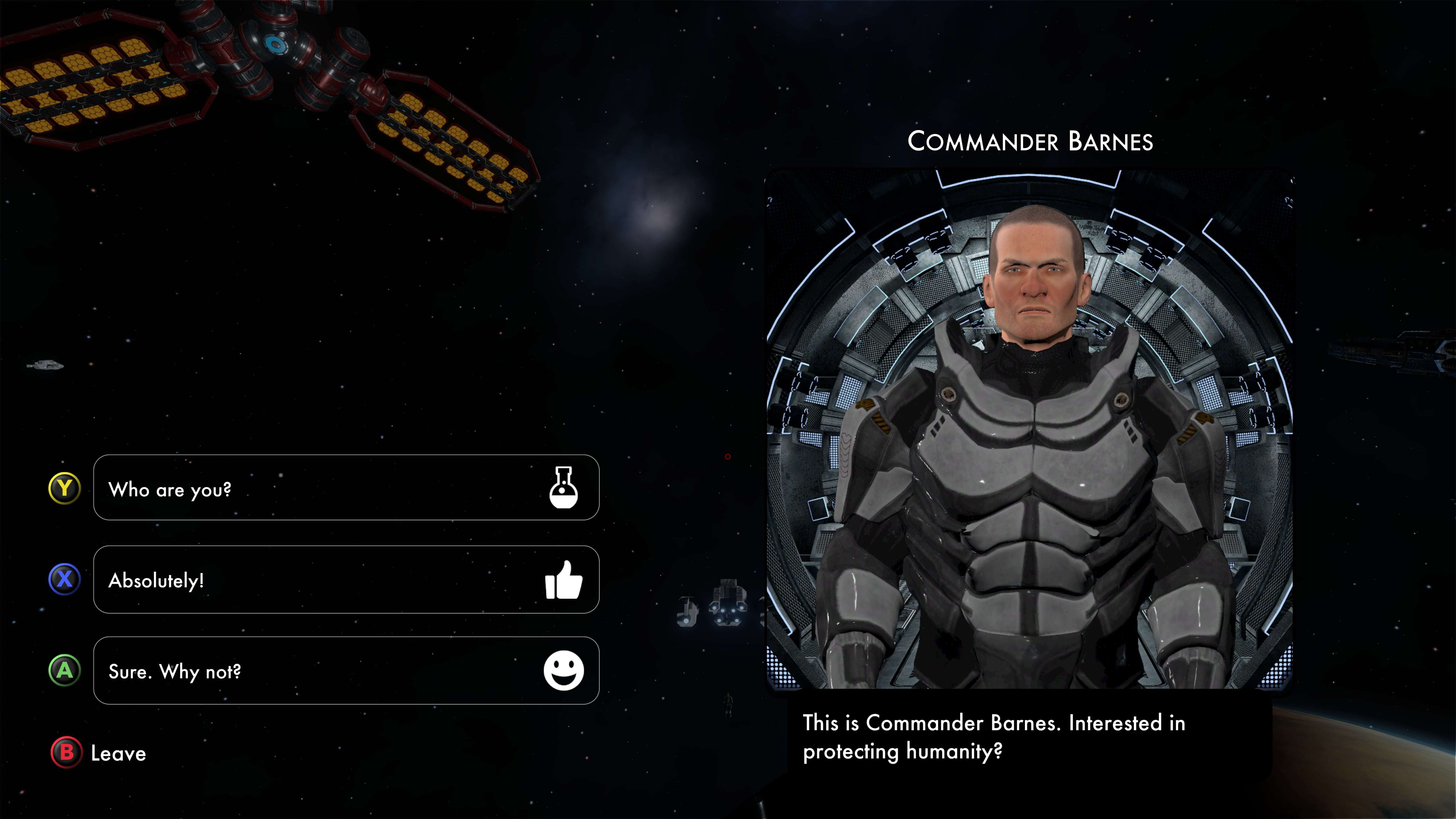
tl;dr; All of the native translations are now included in the main build - yay! I also fixed a nasty text-related bug.
The rest of this post is the tale of how that bug got fixed. If you are interested in the craziness that is solo indie game development, you might find this interesting, if not, well, that's cool. ;)
The first thing I noticed was the text would occasionally disappear - as in, just simply not appear. Hard to replicate, did show up in the logs occasionally. Eventually, I was able to isolate it down to a stack trace inside of TextMeshPro, a nice text package that's part of Unity for rendering text in the game.
BlazeSky supports nine different languages, which means that when a character is drawn on screen I use a series of fallback fonts. The default English font is Futura, but for non-English languages I fall back on Google's Noto font family. So, if the letter A is drawn on screen, that will be displayed in English, but a Korean character will be drawn in the Korean Noto font.
The bug appeared to be related to switching fonts. If you only played the game in English (as I, an English speaker do most of the time) you were pretty unlikely to see the bug. If you played the game in Chinese, you were very likely to see the bug.
The most frustrating part is that the bug was a) hard to replicate and b) nothing in the aforementioned stack trace implicated any of my code.
I wound up doing the usual dev stuff - searching Google, Stack Overflow, and the Unity forum. Eventually, I found a similar stack trace.
After some back and forth on the forum, it turned out that TextMeshPro was generating a local cache of the Noto fonts while running in the Unity Editor, which in turn was getting corrupted for (still unknown) reasons. The solution is to make sure that these caches get deleted before generating a build. No big deal, although it does add (another) item to the checklist of things to do before publishing a build. Unity is looking at adding a feature to automatically clear these caches from the build in the future, which will a) help avoid that bug from coming back and b) reduce the size of the build.
The thing that I marvel at is how complicated this all is - knowing both how Unicode and UTF-8 work for encoding data, using TextMeshPro with fallback fonts for display, how Unity does builds, how to interpret stack traces and log files, etc.
As a solo dev, there are certainly days when tackling all of this does get to be a bit... exhausting.
That said, I'm seeing reviews coming in, streamers are playing, and people are starting to ask questions about things in the community discussion.
Thanks for reading, and I hope you are enjoying the game. If you find these little bits of developer commentary interesting, let me know and I'll put up more. If there is interest, I may wind up recording a few YouTube videos explaining how the game is built.
Cheers,
-Will aka Double Robot