Update #10 - WMR support
Hi guys! WMR official support is here :). We know some of you has been waiting for it for a long time. You can now play the Space Battle VR with your Windows Mixed Reality headset. I would also like to remind you that we have special options in the game to deal with the sitting p
Hi guys!
WMR official support is here :). We know some of you has been waiting for it for a long time. You can now play the Space Battle VR with your Windows Mixed Reality headset.
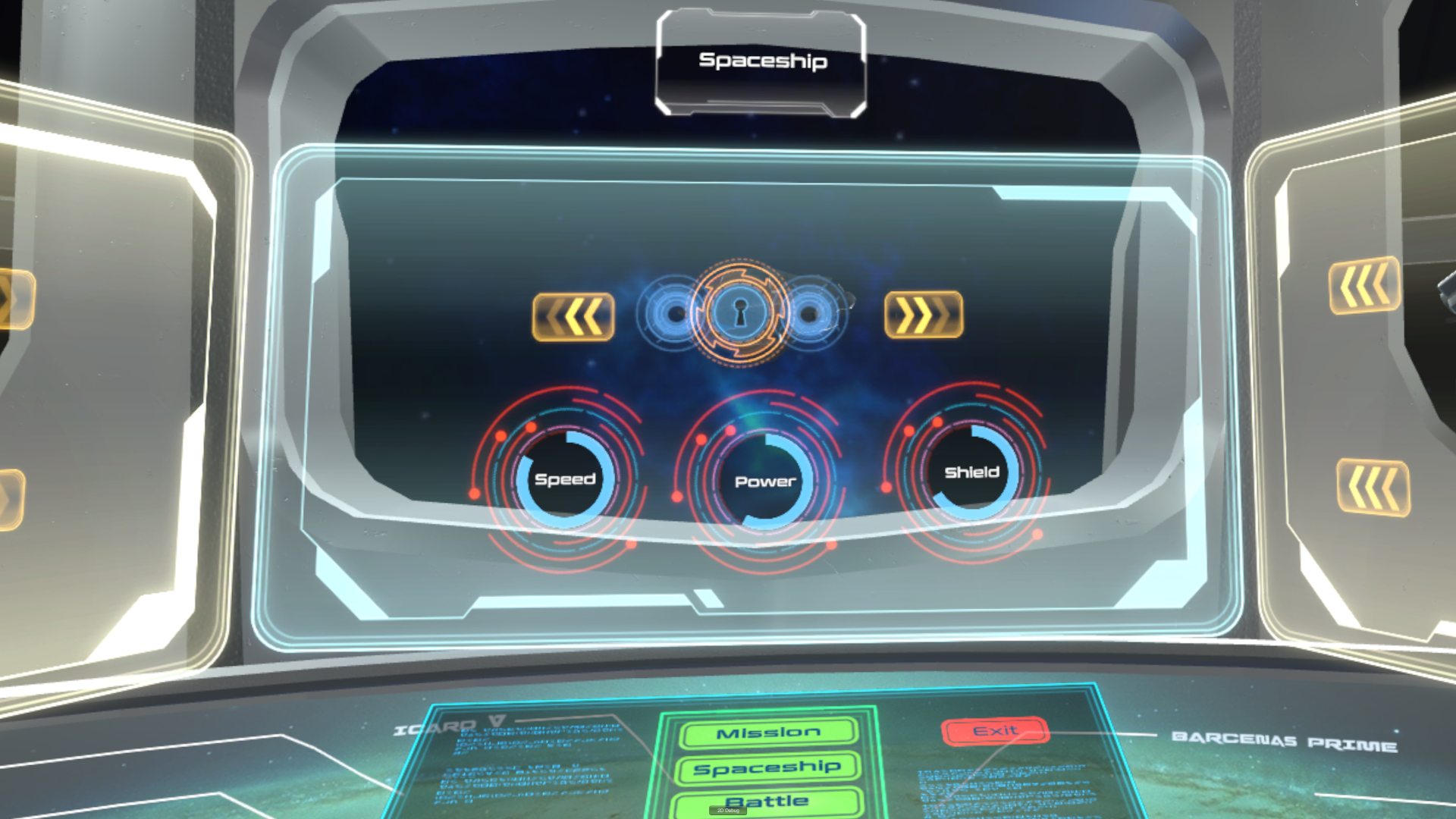
 I would also like to remind you that we have special options in the game to deal with the sitting position and the joystick position. So when you already tried restarting SteamVR, restarting your PC, installing new drivers, SteamVR updates, and you also put the SteamVR window on top, and you still don't feel like your position in game is accurate please try to calibrate it in the game in two steps:
1. Re-center the view with just one button - you can do it in the main menu or in the gameplay scene. Click the button on your right controller (it depends on the headset, it can be "x", "y", "a", or "menu button"). You will see a little popup window and there will be the re-center button.
2. If above is not enough you can manually change the sitting position and the joystick position in the same popup window. It looks like this:
I would also like to remind you that we have special options in the game to deal with the sitting position and the joystick position. So when you already tried restarting SteamVR, restarting your PC, installing new drivers, SteamVR updates, and you also put the SteamVR window on top, and you still don't feel like your position in game is accurate please try to calibrate it in the game in two steps:
1. Re-center the view with just one button - you can do it in the main menu or in the gameplay scene. Click the button on your right controller (it depends on the headset, it can be "x", "y", "a", or "menu button"). You will see a little popup window and there will be the re-center button.
2. If above is not enough you can manually change the sitting position and the joystick position in the same popup window. It looks like this:
 More info here: https://steamcommunity.com/games/982700/announcements/detail/1708454708459977492
Best wishes and happy playing!
More info here: https://steamcommunity.com/games/982700/announcements/detail/1708454708459977492
Best wishes and happy playing!
Original post
I would also like to remind you that we have special options in the game to deal with the sitting position and the joystick position. So when you already tried restarting SteamVR, restarting your PC, installing new drivers, SteamVR updates, and you also put the SteamVR window on top, and you still don't feel like your position in game is accurate please try to calibrate it in the game in two steps:
1. Re-center the view with just one button - you can do it in the main menu or in the gameplay scene. Click the button on your right controller (it depends on the headset, it can be "x", "y", "a", or "menu button"). You will see a little popup window and there will be the re-center button.
2. If above is not enough you can manually change the sitting position and the joystick position in the same popup window. It looks like this:
More info here: https://steamcommunity.com/games/982700/announcements/detail/1708454708459977492
Best wishes and happy playing! Hi guys,
Some time ago we started the Discord server for the Space Battle VR. It is a great place to discuss about the game, ask us about anything you want, and participate in contests/challenges we will prepare for you. So everyone is welcome, let's give it a try -
Hi guys,
Some time ago we started the Discord server for the Space Battle VR. It is a great place to discuss about the game, ask us about anything you want, and participate in contests/challenges we will prepare for you. So everyone is welcome, let's give it a try -