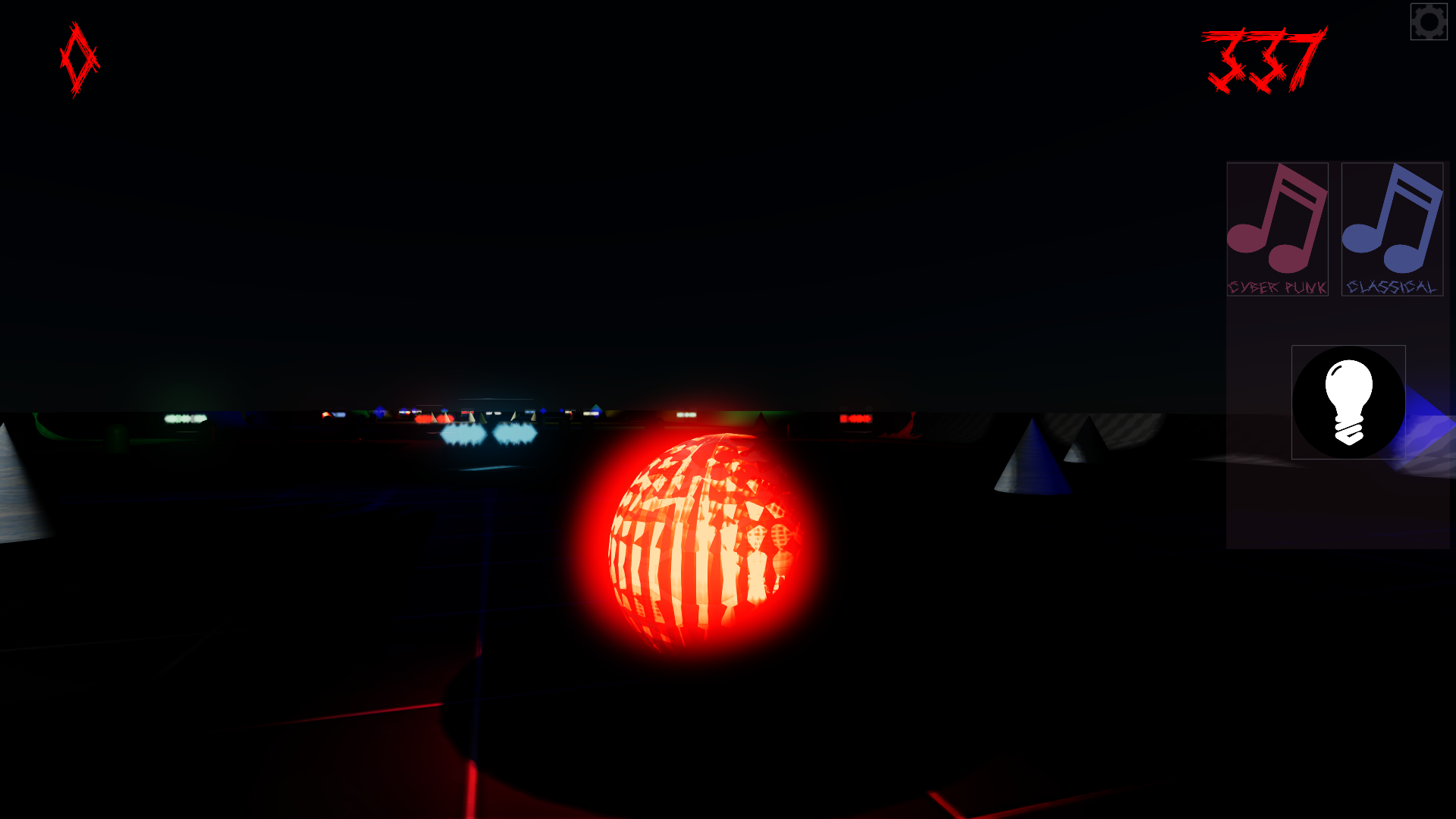
Let There Be Light!
The default lighting in Doom Roller has been increased. To increase it further click on the game's settings menu icon on the top right of the screen. Then click on the light bulb icon to increase the light further. Clicking on the light bulb icon a second time will set the lighti
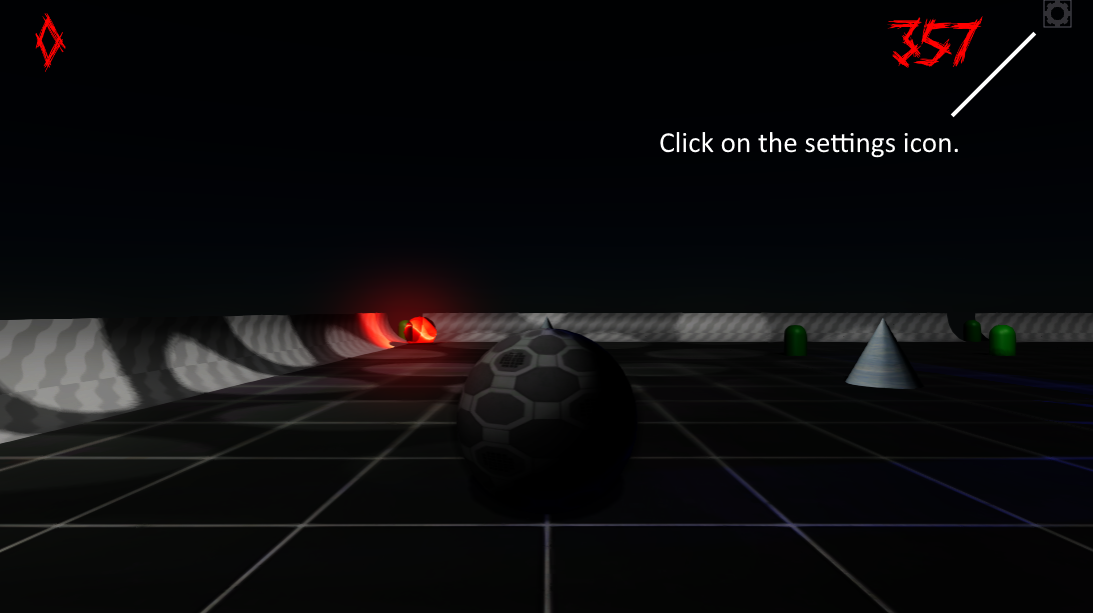
The default lighting in Doom Roller has been increased. To increase it further click on the game's settings menu icon on the top right of the screen.
 Then click on the light bulb icon to increase the light further. Clicking on the light bulb icon a second time will set the lighting back to levels when the game started.
Original post
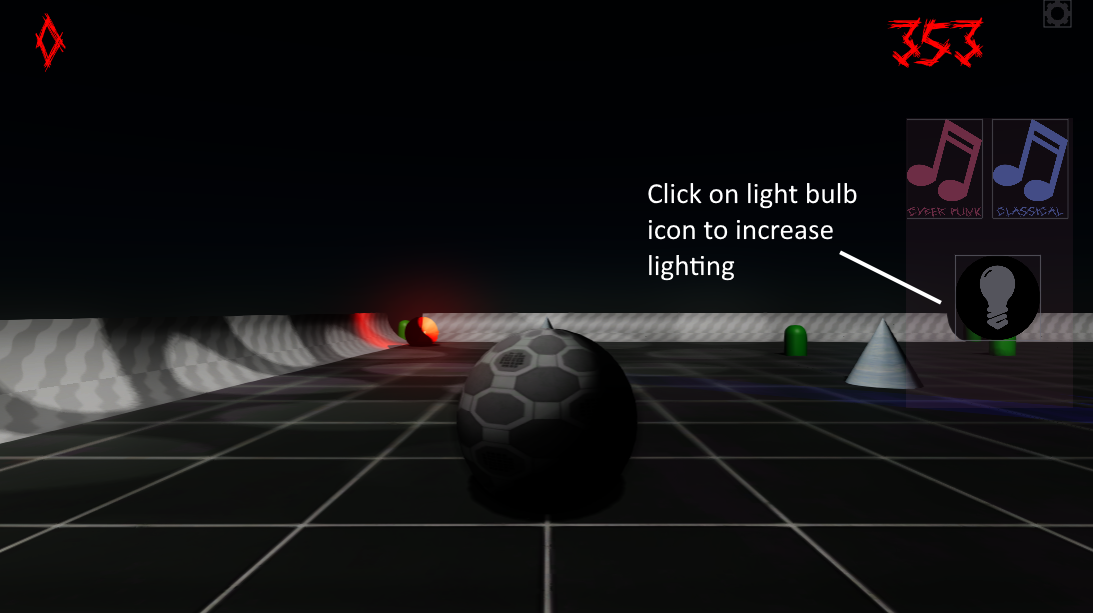
Then click on the light bulb icon to increase the light further. Clicking on the light bulb icon a second time will set the lighting back to levels when the game started.